The Alt-Tab Tax: Why You Are Losing Money
You are trading blind.
You think you aren’t. You think you are “mobile.” You think sitting in a cafe with a single 13-inch laptop makes you a digital nomad.
It doesn’t. It makes you slow.
Here is the scenario. You are in a trade. The chart is open. Suddenly, a notification hits your phone. Elon tweeted. Or the Discord group pinged a liquidation alert.
You Alt-Tab.
In the 400 milliseconds it takes your screen to switch from TradingView to Twitter, the candle wicked down. You missed the entry. Or worse, you missed the exit.
I call this the Alt-Tab Tax.
Every time you switch windows, you pay a tax. You pay it in focus. You pay it in time. And in crypto, where volatility is the only constant, you pay it in dollars.
If you are serious about making money, you need more pixels. But not just any pixels.
You need vertical pixels.

The Mathematics of Verticality
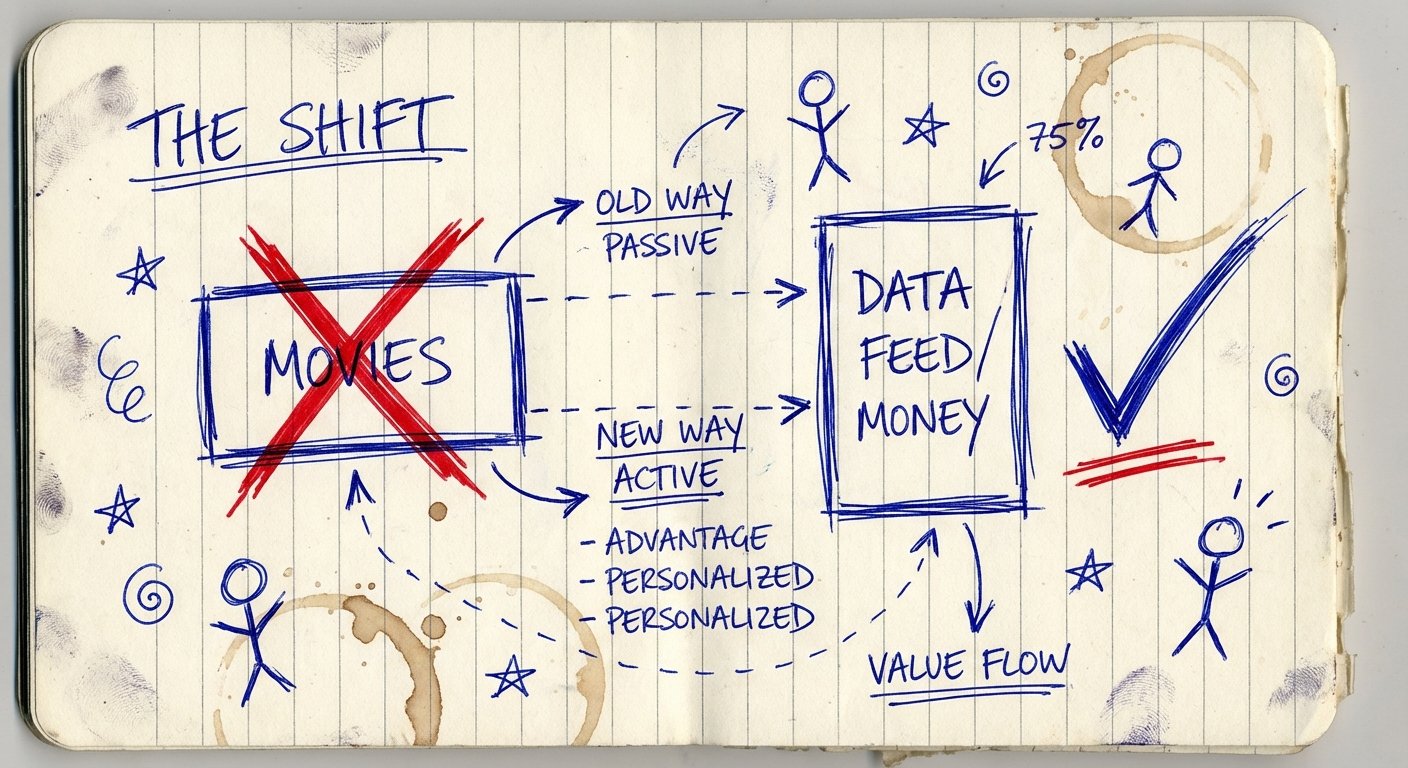
Most people buy monitors wrong. They buy wide screens. They want “immersion.”
You aren’t watching a movie. You are reading a feed.
Look at the data structures of crypto:
- Order Books: Vertical lists of numbers.
- Twitter/X Feeds: Vertical streams of text.
- Discord Channels: Vertical chat logs.
- Market Screeners: Vertical lists of tickers.
When you put a vertical list on a horizontal monitor, you are wasting 60% of the screen. You see five tweets. You scroll. You see five more. You scroll.
Scrolling is friction. Friction costs money.
If you rotate a portable monitor 90 degrees, you see 20 tweets at once. You see the entire depth of the order book without touching the mouse.
This is leverage.
Leverage isn’t just borrowing money. It’s getting more output for the same input. A vertical monitor gives you 3x the information density for the same amount of desk space.
The ROI Calculation
Let’s do the math. I like math. It doesn’t have feelings.
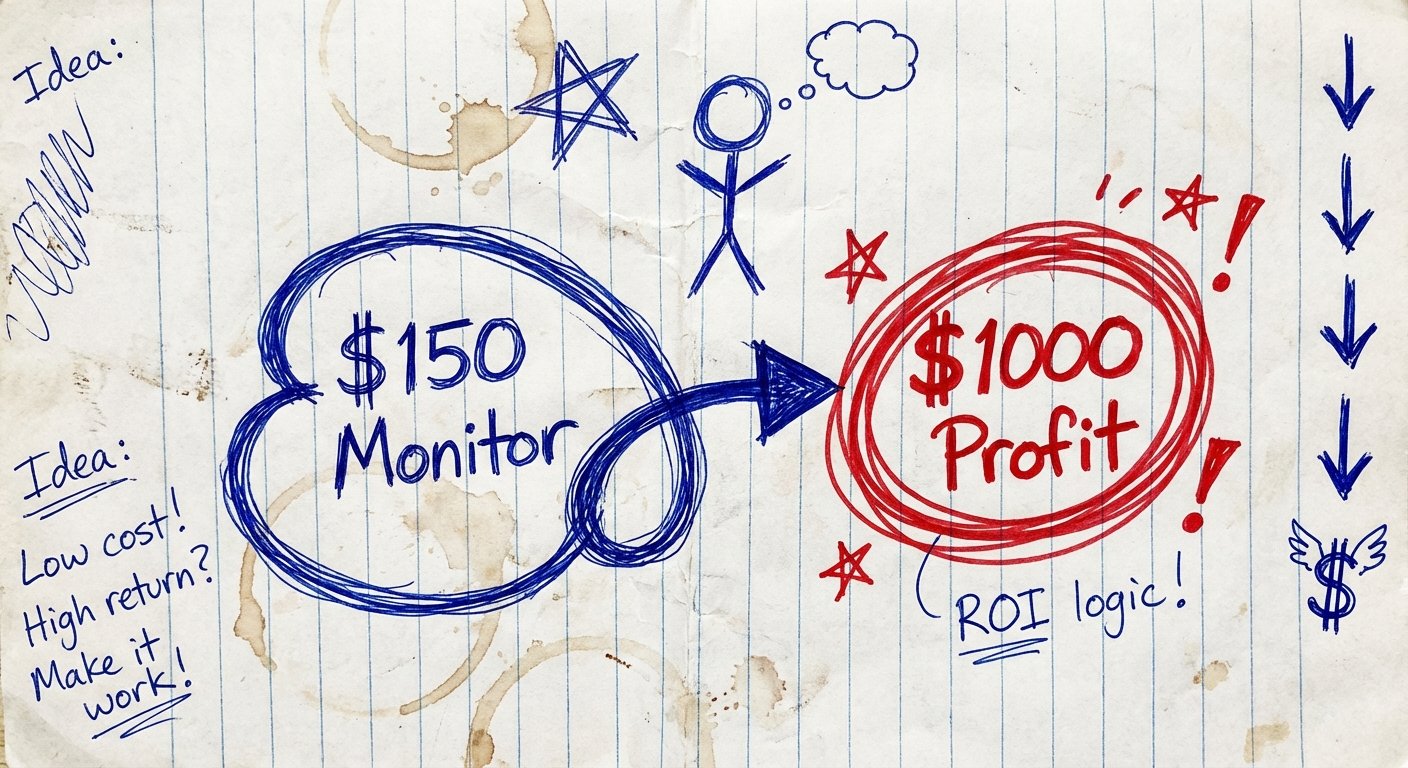
Let’s say a decent portable monitor costs you $150.
Let’s say your average trade size is $1,000.
If having a dedicated second screen for your order flow helps you catch one better entry per month, saving you 2% on slippage or timing, that is $20.
If it prevents one bad emotional trade because you saw the news instantly instead of guessing, that could save you $200.
Even conservatively, if this setup makes you an extra $50 a month in efficiency, the monitor pays for itself in 90 days. That is a 400% annual return on investment.
If I offered you an investment that paid 400% guaranteed, you would sell your car to buy it. So why are you debating buying a screen?
The only reason not to buy it is if you don’t plan on making money.
The Criteria: What to Buy (And What to Avoid)
Do not go to Best Buy and buy the first thing you see. Most portable monitors are trash. They are dim, flimsy, and require three different cables.
Here is the checklist for a high-performance setup:
- Brightness: Must be over 300 nits. If you trade outside or in bright offices, 250 nits is unusable. You can’t trade what you can’t see.
- Single Cable: USB-C Pass-through. One cable from laptop to monitor. No power bricks. We want speed, not cable management.
- Kickstand: It must support portrait mode (vertical) natively. If you have to prop it up with a book, you look like an amateur.
- Size: 15.6 to 16 inches. Anything smaller is a toy. Anything bigger doesn’t fit in your bag.
I have researched the current market. I looked at the specs. I looked at the prices. Here are the three monitors that actually pass the test.
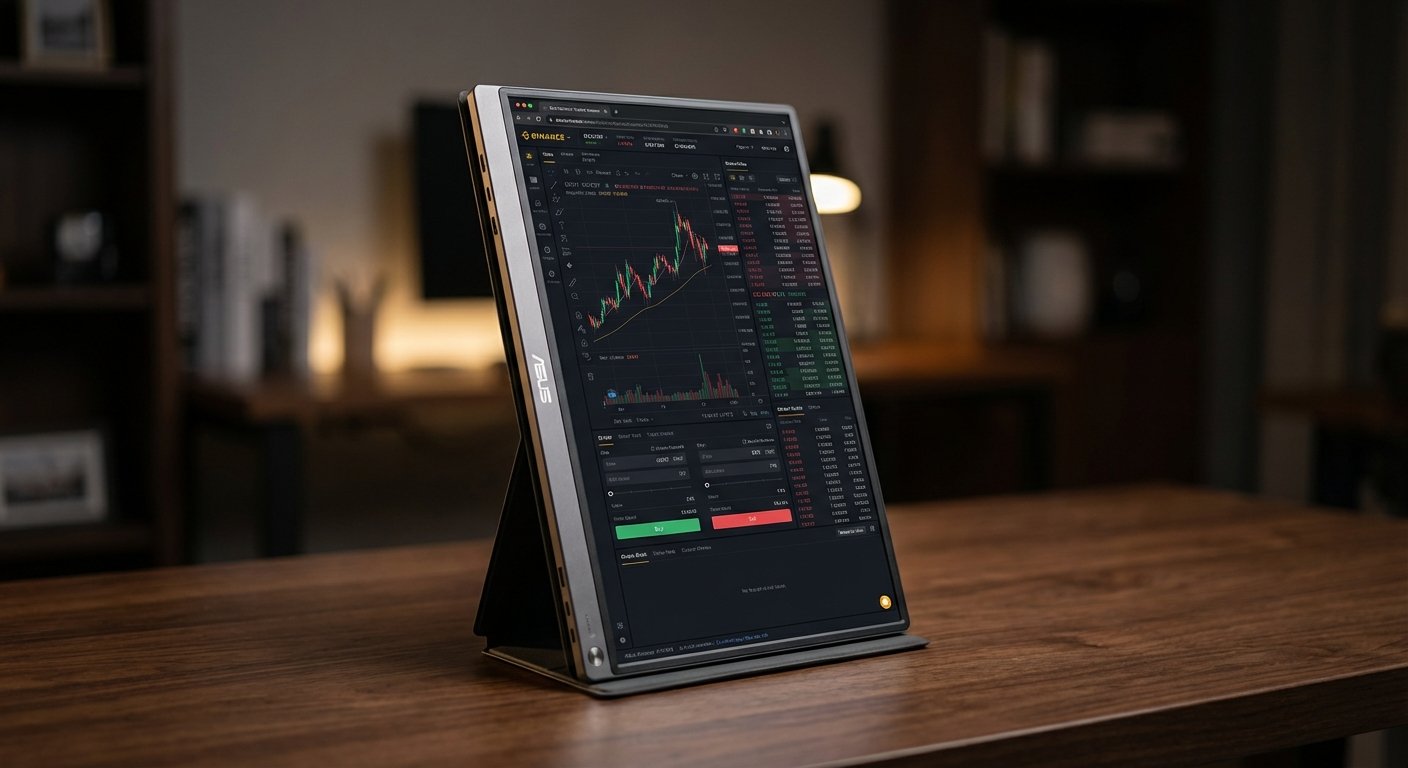
Option 1: The “Best Overall” – ASUS ZenScreen MB16QHG
ASUS dominates this space for a reason. They build workhorses. The MB16QHG is the current king of the hill for traders who want reliability.
It features a 16-inch WQXGA (2560 x 1600) panel. This is important. It gives you a 16:10 aspect ratio, which is slightly taller than standard widescreens. More vertical space = more data.
It also hits 120Hz refresh rate. Some people say you don’t need 120Hz for charts. They are wrong. When volatility hits and the order book is flashing, 60Hz looks like a blur. 120Hz looks like data.
The Win:
- The L-Shaped Kickstand: This is the killer feature. It folds out to support the monitor firmly in vertical mode without needing a separate case or stand. It is rock solid.
- 120Hz Refresh Rate: Smooth scrolling through Discord and order books.
- Resolution: 2560 x 1600 is crisp. Text is sharp. Less eye strain.
The Trade-off:
- Price: It is not cheap. You are paying for the brand and the build quality.
- Weight: It is built like a tank, so it is slightly heavier than the cheap plastic alternatives.
Current Price: $300 – $400 range.
Option 2: The “Budget King” – Arzopa Z1FC
Maybe you are just starting. Your bankroll is small. You need every dollar for margin.
I get it. You don’t need a Ferrari to drive to the grocery store. You just need wheels.
The Arzopa Z1FC is the Honda Civic of portable monitors. It is cheap. It works. It has high volume sales for a reason.
It gives you 144Hz refresh rate (insane for this price) and a standard 1080p resolution. It is extremely lightweight.
The Win:
- The Price: It is often on sale. The ROI is almost immediate because the entry cost is so low.
- Speed: 144Hz refresh rate makes it feel premium even if the build materials aren’t.
- Portability: Very thin. Slides into the laptop sleeve easily.
The Trade-off:
- The Stand: It relies on the magnetic cover to stand up. These are finicky. In vertical mode, they can slip. You might need to buy a cheap tablet stand ($10) to keep it stable in portrait mode.
- Brightness: It is decent, but not amazing. Don’t use it in direct sunlight.
Current Price: $100 – $140 range.
Option 3: The “Traveler’s Choice” – LG Gram +view
If you travel heavy, you get tired. If you get tired, you make mistakes.
The LG Gram series is obsessed with weight. The +view (16MR70) is designed specifically to match the LG Gram laptops, but it works with anything (MacBook, Dell, etc.).
It is a 16-inch screen with a 16:10 aspect ratio (2560×1600). It looks beautiful. It is incredibly light.
The Win:
- Weight: It weighs roughly 1.45 lbs. You won’t feel it in your backpack.
- Screen Real Estate: The 16:10 ratio is superior for productivity. You get more rows of data than a standard 16:9 monitor.
- Anti-Glare: Good matte coating. Reduces reflections from overhead lights in airports or cafes.
The Trade-off:
- Connectivity: It usually just has two USB-C ports. No HDMI. If you have an old laptop without USB-C video out, you can’t use this.
- Fragility: To make it light, they made it thin. Don’t sit on your backpack.
Current Price: $250 – $350 range.
How to Set It Up for Maximum Alpha
Buying the monitor is Step 1. Setting it up correctly is Step 2.
Do not mirror your display. That is useless. Extend the display.
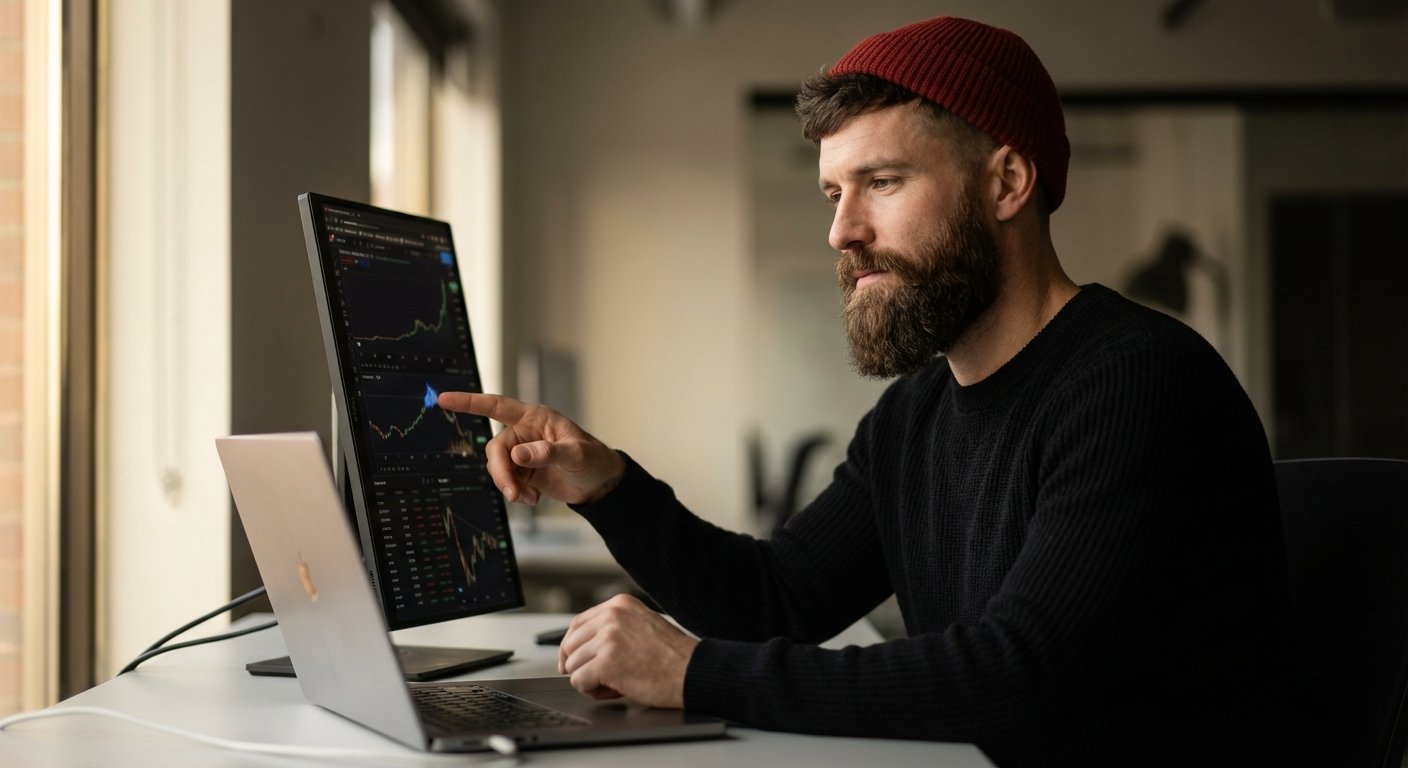
Here is the “Command Center” layout I recommend for a single vertical monitor setup:
- Main Laptop Screen (Horizontal): This is for execution.
- Chart (TradingView) taking up 70% of the screen.
- Exchange Interface (Binance/Bybit) taking up 30%.
- This screen does not change. This is where you pull the trigger.
- Vertical Monitor (Portrait Mode): This is for information flow.
- Top Third: Watchlist/Screener (CoinMarketCap or custom TradingView watchlist). See the whole market at a glance.
- Middle Third: Discord/Telegram Alpha groups. Never miss a call.
- Bottom Third: Twitter/X Feed (use TweetDeck/X Pro).
With this setup, your eyes do the work, not your hands. You don’t click. You don’t tab. You just scan.
Stop Being Cheap With Your Tools
I hear the objections.
“I’ll just use my iPad.”
Sidecar on Mac is okay. But it’s laggy. And if you are using your iPad as a monitor, you can’t use it as an iPad. It destroys the battery of both devices. It’s a hack, not a solution.
“I’ll wait until I make more money trading.”
This is backward logic. You don’t buy running shoes after you win the marathon. You buy them so you can run the marathon.
Trading is a business. Businesses have overhead.
A construction worker buys a good hammer. A surgeon buys a good scalpel. A crypto trader buys screen real estate.
The Conclusion
The market is a player-versus-player game. It is zero-sum.
On the other side of your trade is a guy with six monitors, a Bloomberg terminal, and an algorithm execution bot.
You are sitting there with a 13-inch laptop, switching tabs, trying to beat him.
You are going to lose.
Close the gap. Buy the vertical monitor. Get the information faster. Take the trade.
It costs less than one bad stop-loss.
Make the investment.