The Laptop Trap
You are losing money right now.
You are sitting in a coffee shop. Or a hotel room. Or your kitchen table.
You are staring at a 13-inch laptop screen. You think you are working. You aren’t.
You are toggling.
Alt-Tab. Alt-Tab. Alt-Tab.
Every time you switch windows, your brain resets. It takes 23 minutes to get back into a deep flow state after an interruption. But you interrupt yourself every 30 seconds to check a spreadsheet or an email.
This is “The Laptop Trap.”
You bought a laptop to be free. But the small screen acts like a straitjacket on your income.
The solution is simple: More pixels.
The question is: Do you need to spend $400 on a fancy brand-name screen? Or can you get the same ROI (Return on Investment) from a $70 slab of glass you found on Amazon?
Most people get this wrong. They buy trash and throw it away in a month. Or they overspend on specs they don’t need.
Here is the brutal truth about portable monitors. And the math behind why you need one yesterday.
The Math: Why One Screen is Costing You Thousands
Let’s look at the numbers.
I don’t care about “feeling productive.” I care about output.
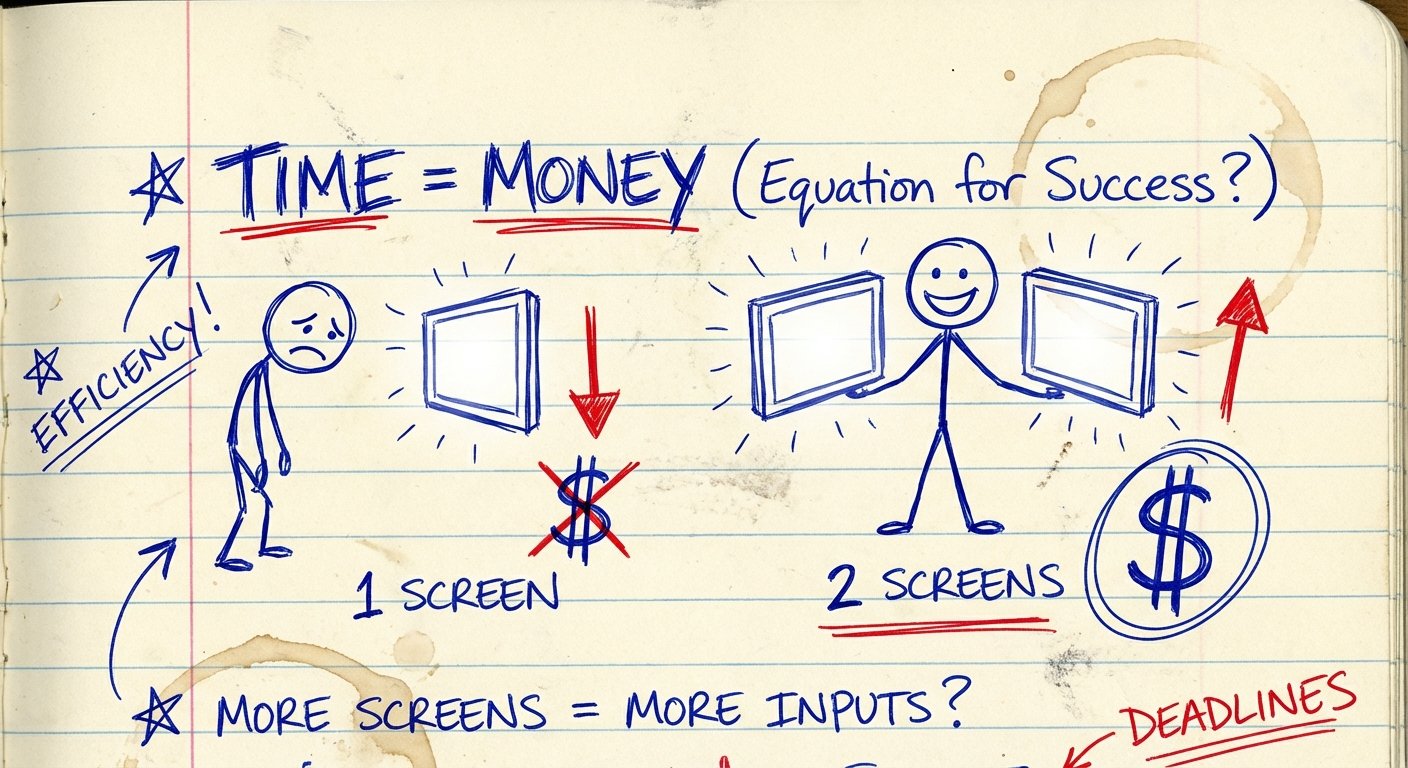
Research consistently shows that dual monitors increase productivity by 20% to 50%. Let’s be conservative. Let’s say it makes you 10% faster.
Do the math with me:
- You make $50 an hour.
- You work 2,000 hours a year.
- That is $100,000 a year.
If you are 10% faster, you save 200 hours a year.
200 hours x $50 = $10,000.
The Opportunity Cost:
Not buying a second screen costs you $10,000 a year in lost time.
A portable monitor costs between $70 and $200.
The ROI is infinite. It pays for itself in the first week. If you don’t buy one, you are effectively paying the universe a “stupidity tax” every single day you work on a single screen.
But this only works if the monitor actually works.
The $70 Gamble: What You Actually Get
You search Amazon for “Portable Monitor.” You see prices ranging from $60 to $600.
The $70 monitors are tempting. They promise 1080p. They promise “eye care.” They promise the world.
Are they lying?
Mostly, yes.
Here is what happens when you buy the absolute cheapest option:
- The Brightness Lie: They claim 300 nits. They deliver 180 nits. If you work near a window, the screen looks black. You can’t see your code. You can’t see your copy. You squint. You get a headache. You stop working.
- The Color Washout: Cheap screens use TN panels or low-grade IPS. Black looks like grey. Red looks like orange. If you do any design work, you cannot use a $70 monitor. You will ruin your client’s deliverables.
- The Build Quality: It feels like a McDonald’s toy. The plastic creaks. The ports are loose. You plug in the USB-C cable three times, and on the fourth time, the port snaps off inside the chassis. Game over.
However.
If you only need to display a Slack channel, a stock ticker, or a reference PDF—and you work in a dark room—a $70 monitor works.
It is a digital clipboard. Nothing more.

The “Sweet Spot” Requirements
I don’t like overspending. I like value.
To get a tool that is an asset rather than a liability, you need to hit specific specs. Ignore the marketing fluff on the box. Look for these four things:
1. Connection: Single Cable USB-C
If the monitor requires a separate power cable and an HDMI cable, do not buy it. It creates friction. Friction kills habits.
You want “Pass-through Charging.” This means:
Wall Charger -> Monitor -> Laptop.
One cable goes into your laptop. That’s it.
2. Brightness: 300 Nits Minimum
Nits measure brightness.
200 nits = Unusable in daylight.
300 nits = Standard office use.
500 nits = Outdoor capable.
Do not go below 300 if you value your eyes.
3. Resolution: 1080p is Enough
Salespeople will try to sell you 4K on a 15-inch screen. Don’t do it.
On a screen that small, your eyes cannot tell the difference between 1080p and 4K unless you press your nose against the glass. 4K drains your laptop battery twice as fast. It costs twice as much.
Stick to 1920×1080 (FHD).
4. Size: 15.6 Inch vs 14 Inch
Match your laptop size. If you have a 13-inch MacBook Air, get a 14-inch monitor. If you have a 16-inch Pro, get the 15.6 or 16-inch. Carrying two different-sized slabs is annoying to pack.
Top Recommendations (From Cheap to Pro)
I have filtered through the junk. Based on current specs, pricing, and reliability, here are the only three monitors you should consider.
Prices are estimates and change daily.
1. The Budget King: ARZOPA S1 Table (15.6″)
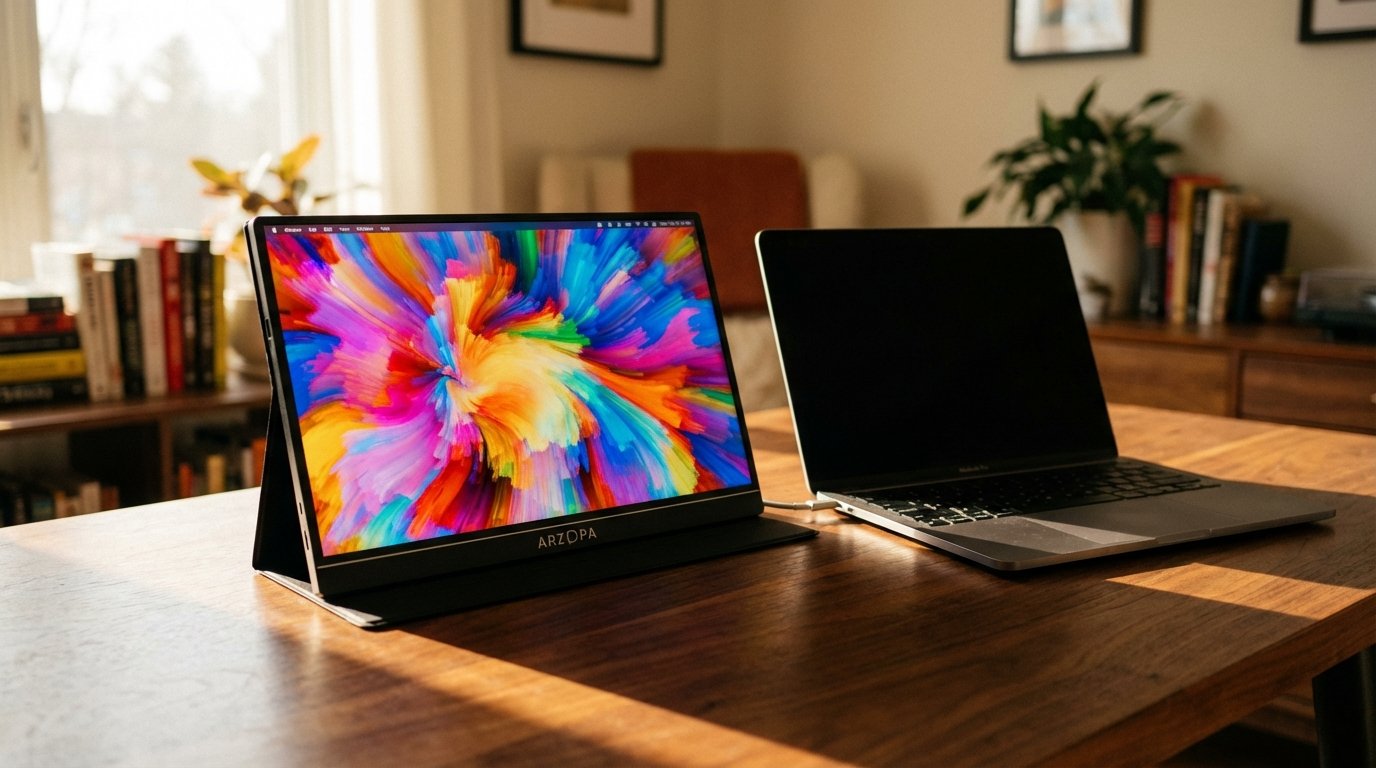
This is the one everyone buys. It is the Honda Civic of portable monitors. It isn’t sexy, but it starts every time.
Price Range: $80 – $110
The Win: It is incredibly light (1.7 lbs). The stand is built into the cover (smart design). It uses a standard IPS panel that is surprisingly sharp for text.
The Trade-off: The colors are average. Do not color grade video on this. The speakers sound like a tin can—but you shouldn’t be using monitor speakers anyway.
2. The Value Beast: KYY K3-3 Portable Monitor
If every dollar counts, this is usually the price floor before quality falls off a cliff.
Price Range: $70 – $90
The Win: It comes with all the cables and a cover case included. It has decent brightness for indoor work. It is “good enough” for spreadsheets, coding, and reading.
The Trade-off: It feels plasticky. The bezel is a bit thick. The cover stand can be finicky and collapse if you type too hard on the table.
3. The Professional Choice: ASUS ZenScreen MB16ACE
If you are presenting to clients, don’t pull out a $70 plastic screen. It looks cheap. The ASUS looks like you mean business.
Price Range: $160 – $200
The Win: Build quality. It is sleek, metal, and thin. It has a hybrid signal solution that works with almost any USB port. It lasts longer than the budget brands.
The Trade-off: You are paying a “Brand Tax.” It is twice the price of the Arzopa for maybe 20% better performance. But the reliability is higher.
How to Actually Use It (Workflow Optimization)
Buying the gear doesn’t fix the problem. The strategy fixes the problem.
Most people plug it in and drag random windows over. That is wrong.
You need a system.
The “Input / Reference” Split
Your brain works best when it separates Creation from Consumption.
- Main Screen (Laptop): This is for Input. Writing code. Writing copy. Editing video. This is where the work happens.
- Portable Screen: This is for Reference. Research papers. Slack instructions. The email you are replying to.
Why this works: You never have to minimize your work to check a fact. You glance right, get the info, glance center, and keep working.
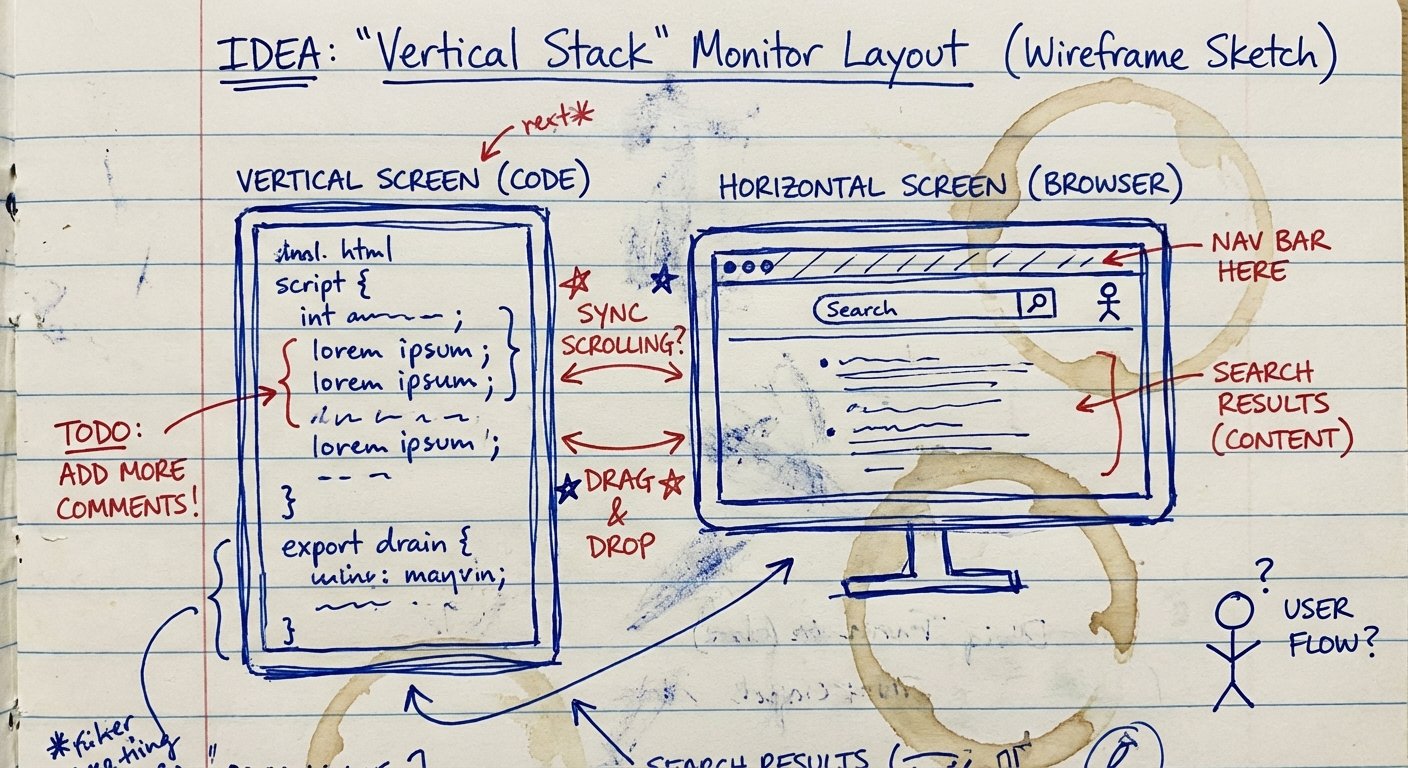
The “Vertical Stack”
If you are a coder or a writer, turn the monitor vertical (Portrait Mode).
Most code and text is vertical. Wasted white space on the sides is useless. By turning the monitor 90 degrees, you can see 60 lines of code instead of 30.
You just doubled your visual context. You just debugged the code twice as fast.
Durability: The Hidden Cost
Here is where the cheap monitors will bite you.
They are fragile. LCD screens are essentially layers of glass and liquid crystal sandwich. They do not like to be bent.
If you throw a $70 monitor into a backpack without a rigid case, the pressure from your books or laptop charger will crack the screen.
I have seen this happen a dozen times.
The Rule: If you buy a budget monitor, you must buy a rigid laptop sleeve. Do not trust the magnetic “smart cover” included in the box. It will slip. The screen will scratch.
If you break a $100 monitor twice a year, you should have just bought the $200 ASUS.
The Verdict: Is $70 Enough?
Can you use a $70 monitor? Yes.
Should you?
If you are broke: Yes. Buy the KYY or Arzopa. It will leverage your time and help you make more money. Treat it like a fragile egg. It will serve you well.
If you are making over $100k/year: No. Buy a mid-range monitor ($200+) or an OLED version ($300+). The brightness, clarity, and build quality reduce eye strain. Your eyes are your money makers. Protect them.
The bottom line is this: The only wrong choice is having one screen.
Stop toggling. Stop losing focus. Stop leaving money on the table.
Get the gear. Do the work.

Ready to upgrade?
Budget Pick: Check Arzopa Price on Amazon
Pro Pick: Check ASUS Price on Amazon