The Math of Gravity: Why Your “Smart Cover” Is Costing You Thousands
You spend $2,000 on a laptop.
You spend $1,000 on a tablet.
Then you prop it up with a $30 piece of folded cardboard and magnets.
This is stupid.
I see it every day. People in coffee shops. People in co-working spaces. They are hunched over like shrimp. They are staring down at a screen that is wobbling every time they type. They are one accidental elbow bump away from a shattered screen and a ruined hard drive.
They think they are saving money by not buying a proper stand. They aren’t.
They are losing money. Fast.
If you rely on a “folio case” or a cheap plastic wedge to hold up your workstation, you are hurting your neck and risking your gear. Today, we fix that.

The ROI of Not Looking Like a Shrimp
Let’s look at the numbers.
If you work on a computer, your output is limited by two things:
- Your brain’s processing speed.
- Your body’s ability to sit in a chair without pain.
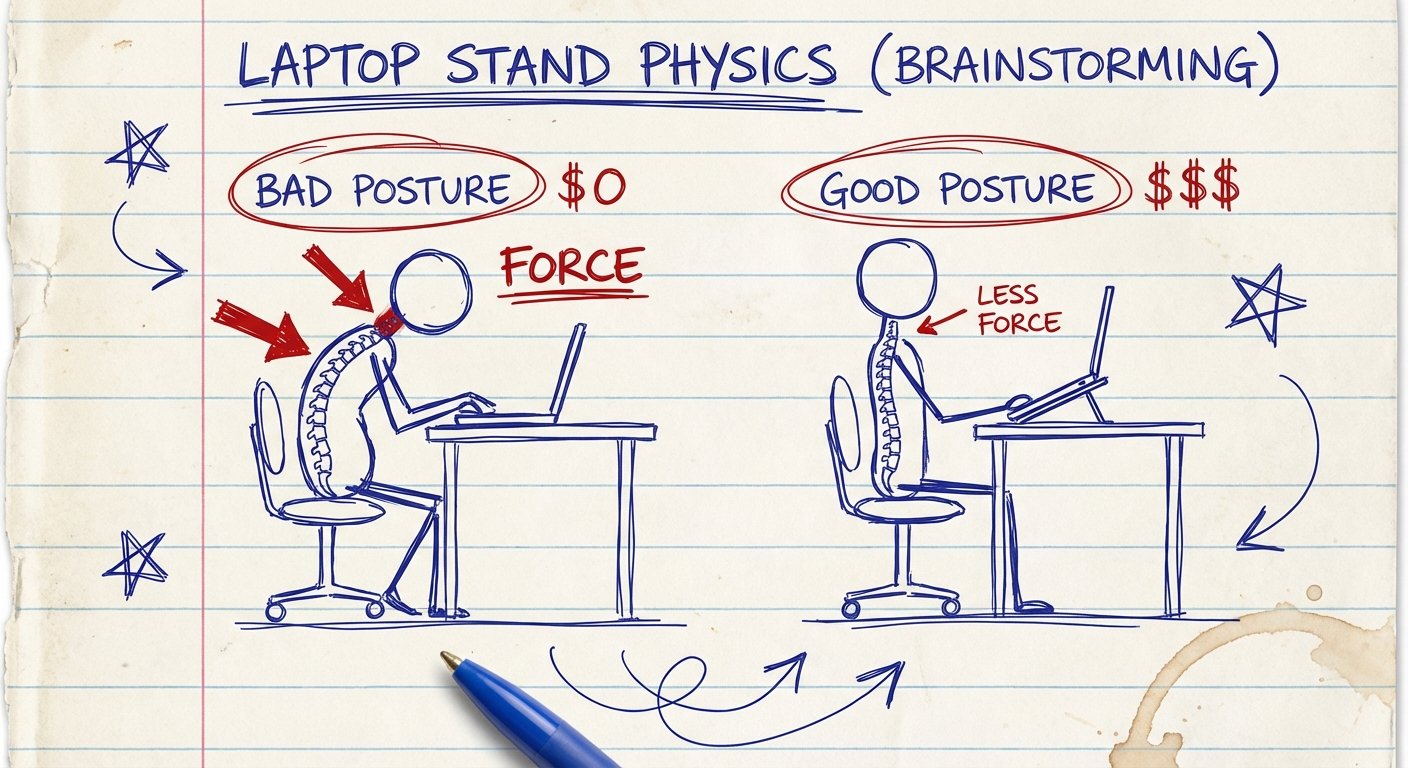
Most people ignore the second one. They think neck pain is just “part of the job.” It isn’t. It is a friction cost.
When your neck is bent at a 45-degree angle looking down at a laptop, your head exerts about 60 pounds of force on your spine. That is like carrying an 8-year-old child around your neck while you try to write code or close deals.
The Math:
Let’s say pain reduces your focus by 10%. Just 10%.
If you make $100 an hour, you are losing $10 every hour you work in bad posture. Over a 40-hour week, you lost $400. Over a year, you burned $20,000.
A high-quality portable stand costs between $50 and $100. The return on investment (ROI) on that purchase is higher than any stock you will ever buy.
Stop being cheap with the tools that make you money.
Why “Smart Covers” Are Garbage
The standard “tri-fold” covers sold by Apple and others are fine for reading a recipe in the kitchen. They are garbage for work.
Here is why:
1. Zero Elevation. They tilt the screen, but they don’t lift it. You are still looking down. Your neck is still compressed.
2. The “Tap Wobble.” Every time you touch the screen, the device bounces. Your eyes have to constantly refocus. This causes micro-fatigue. It drains your battery (your brain’s battery, not the device’s).
3. The Catastrophe Factor. These covers rely on weak magnets or friction. If you bump the table, the structure collapses. The device falls face down.
You need a stand that is mechanical. Rigid. Something that locks into place.
The Criteria: What Actually Works
I have tested dozens of these. Most ended up in the trash. I look for three things.
- The Z-Height: It must lift the bottom of the screen at least 6 inches off the desk. If it doesn’t do that, it’s useless.
- The Base Weight: It needs a heavy base or wide feet. Center of gravity matters.
- The Collapse: It needs to fit in a backpack. If it’s too big, you won’t take it with you.
Here are the only portable stands worth buying right now.
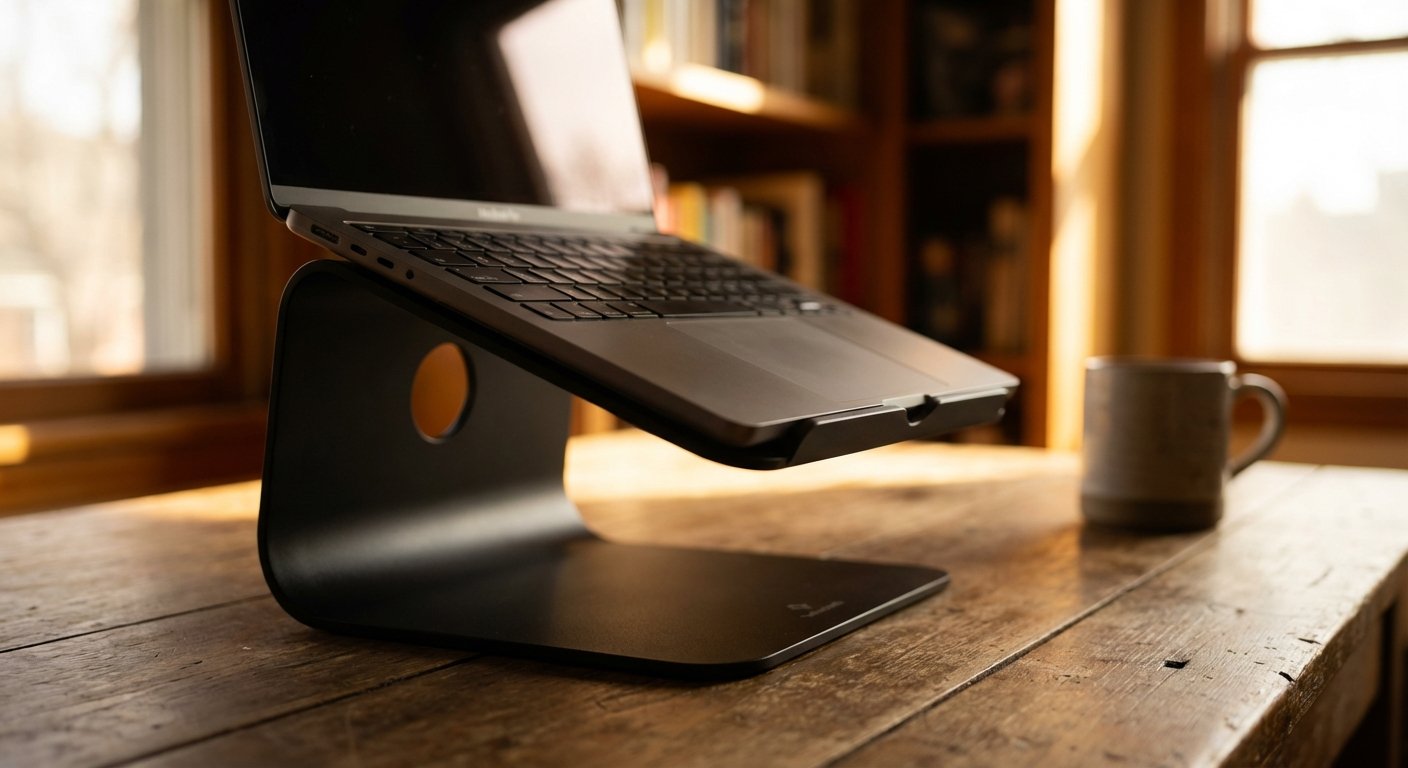
1. The Twelve South Curve Flex
This is for the person who cares about aesthetics but doesn’t want to sacrifice physics. Most metal stands don’t fold. This one does.
It looks like a piece of modern art, but it holds a MacBook Pro like a vice.
The Win:
It is fully adjustable. You can change the height and the angle independently. It comes with a neoprene travel sleeve. The hinges are incredibly stiff (in a good way). You set it, and it stays.
The Trade-off:
It is not the lightest option. It’s solid metal. It weighs nearly 2 pounds. If you are an “ounce counter” for your backpack, this might feel heavy.
Estimated Price: $75 – $80
2. The Roost V3 Laptop Stand
This is the OG. The legend. If you are a digital nomad, you know this stand. It is the lightest, highest-lifting stand on the market.
It uses a toggle mechanism to expand and collapse. It looks like an alien skeleton. It works perfectly.
The Win:
Weight. It weighs almost nothing (about 6 ounces). Yet, it lifts your laptop higher than any other stand on this list. It brings the screen to actual eye level for a 6-foot tall man. It basically eliminates neck pain.
The Trade-off:
It feels cheap. It costs nearly $90, and it is made of plastic. People hate paying $90 for plastic. But you aren’t paying for the material; you are paying for the engineering. Also, you need an external keyboard and mouse. You cannot type on the laptop when it is on a Roost. It will wobble.
Estimated Price: $85 – $90
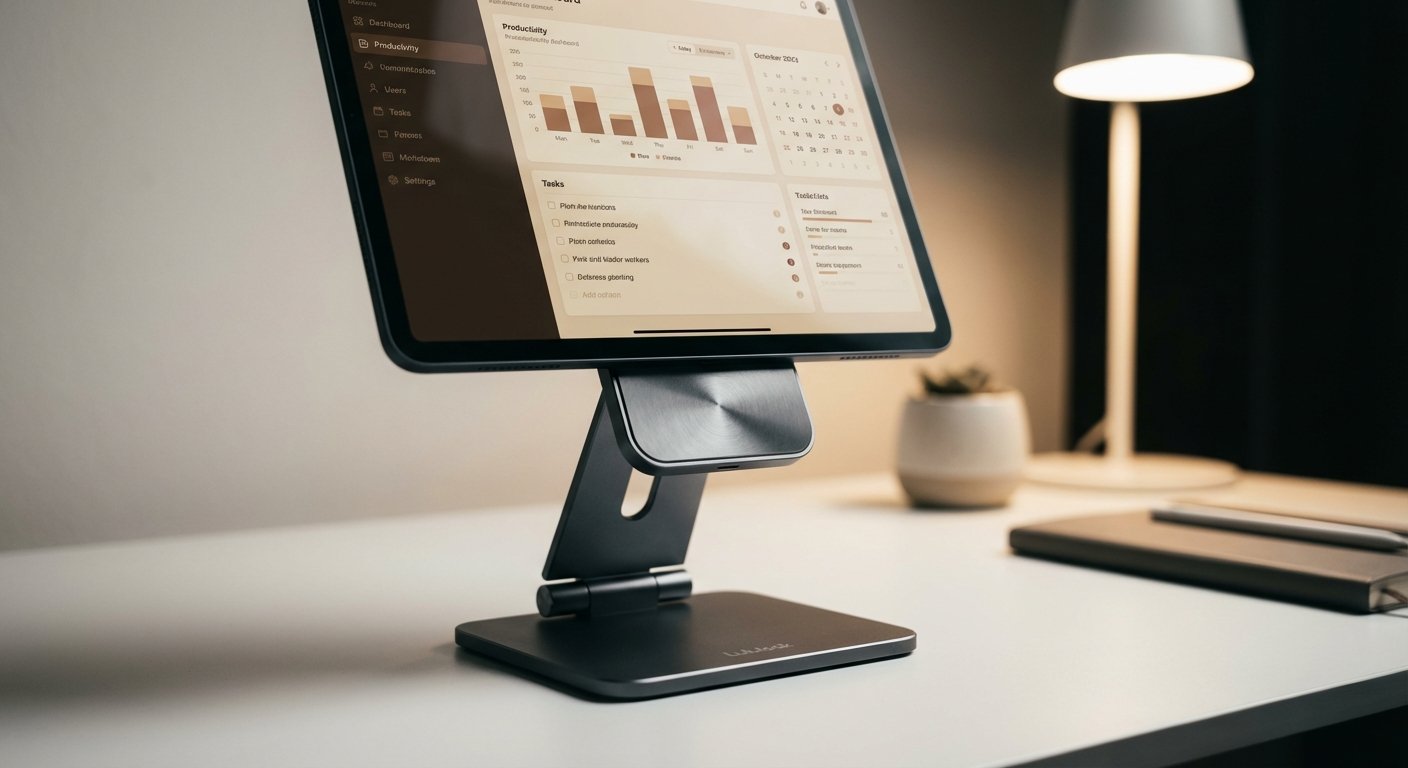
3. Lululook Magnetic Floating Stand (For iPad Users)
If you use an iPad Pro or Air as your main machine, stop using the folio. Get this.
It uses strong magnets to grab the back of the iPad. It floats the device in the air. It allows you to rotate the screen from landscape to portrait in one second.
The Win:
It turns your iPad into a mini iMac. The hinge allows for infinite viewing angles. The magnets are terrifyingly strong—the iPad will not fall off. It looks cleaner than any clamp-style stand.
The Trade-off:
It is heavy. It creates a very stable base, but adding this to your bag doubles the weight of the iPad. Also, it is model-specific. If you buy a new iPad size next year, you have to buy a new stand.
Estimated Price: $80 – $110
4. The Moft Z 5-in-1 Sit-Stand Desk
This is a weird one. But it works.
It folds down flat. Like, magazine flat. But when you unfold it, it uses origami structures to create a Z-shape. It is strong enough to hold a laptop, and high enough to use as a temporary standing desk.
The Win:
Invisibility. You can slide this into a laptop sleeve along with the laptop. It takes up zero extra room. It also allows for standing mode, which is great if you are stuck at a low coffee shop table and need to stretch your legs.
The Trade-off:
Stability is “okay,” not great. Because it is made of PU leather and fiberglass, it has a bit of flex. It isn’t as rigid as the metal stands. It also covers the bottom vents of some laptops, so if your machine runs hot, this might choke it.
Estimated Price: $60 – $70
5. UGREEN X-Kit Hub Stand
Apple removed all your ports. Now you have to carry a stand AND a dongle hub. That is two things to lose.
UGREEN combined them. This is an aluminum folding stand that has a USB-C hub built into the leg. HDMI, USB-A, SD card readers. It’s all there.
The Win:
Efficiency. You plug one cable into your laptop, and you get ergonomics plus connectivity. It reduces the clutter in your bag.
The Trade-off:
Single point of failure. If the hub breaks, you have an expensive stand. If the stand hinge breaks, you have a bulky hub. Also, because it draws power from the laptop, it drains your battery slightly faster than a “dumb” stand.
Estimated Price: $70 – $90
The “Buy Nice or Buy Twice” Rule
You can go on Amazon right now and find a knockoff aluminum stand for $15.
Don’t do it.
I have seen the hinges on those $15 stands fail after one month. The tension screws strip. The rubber pads fall off, scratching your $2,000 laptop. The geometry is often slightly off, so the stand wobbles on a flat table.
If you buy the $15 stand, it breaks. Then you buy the $80 stand. Total cost: $95 plus the frustration.
Just buy the $80 stand first.
Final Thoughts
Your workspace dictates your headspace.
If your setup is flimsy, your focus will be flimsy. If you are constantly adjusting a slipping screen, you are breaking your flow state. Flow state is where the money is made.
Get the gear off the table. Get it to eye level. Protect your neck. Protect your asset.
Pick one of the stands above. Order it. Don’t overthink it.
Then get back to work.