The Problem: You Are Carrying Bricks
Open your backpack. Look inside.
If you are like 99% of people, you are carrying garbage.
You have a giant white brick for your MacBook. You have a smaller block for your iPad. You have a tiny cube for your iPhone. And if you run a dual-screen setup with a portable monitor, you probably have another power cable for that.
You are carrying two pounds of plastic and copper just to turn your screens on.
This is stupid.
It creates friction. You sit down at a coffee shop. You have to find two outlets. You have to untangle three wires. You look like an amateur.
Amateurs waste time setting up. Pros sit down and work.
Every minute you spend untangling wires is a minute you aren’t making money. Every ounce of weight you carry drains your energy. Energy is your inventory. Stop wasting it.
There is a better way. It is called the One Charger Rule.

The Solution: 65W GaN Technology
Old chargers use silicon. Silicon is cheap. But silicon is inefficient. It gets hot. Because it gets hot, the components have to be spread out. That makes the charger big.
New chargers use GaN. Gallium Nitride.
I don’t care if you know the chemistry. Here is what matters:
GaN conducts electricity faster. It stays cooler. Because it stays cooler, engineers can shove the components closer together.
Result: You get 3x the power in a box that is 50% smaller.
But you don’t just buy any GaN charger. You need a specific number. You need 65 Watts.
The Math of the 65W Sweet Spot
Why 65W?
It is simple math. To run a high-performance mobile setup, you need to power two things simultaneously:
- Your Laptop: Usually requires 45W to maintain battery while working.
- Your Portable Monitor: Usually requires 5W to 15W depending on brightness.
- Your Phone: Needs 18W to fast charge.
If you buy a 30W charger, you fail. It will charge your phone, but your laptop will die.
If you buy a 100W charger, you are spending extra money and carrying extra weight for power you don’t need (unless you are video editing on a beast machine).
65W is the ROI sweet spot. It splits the power intelligently.
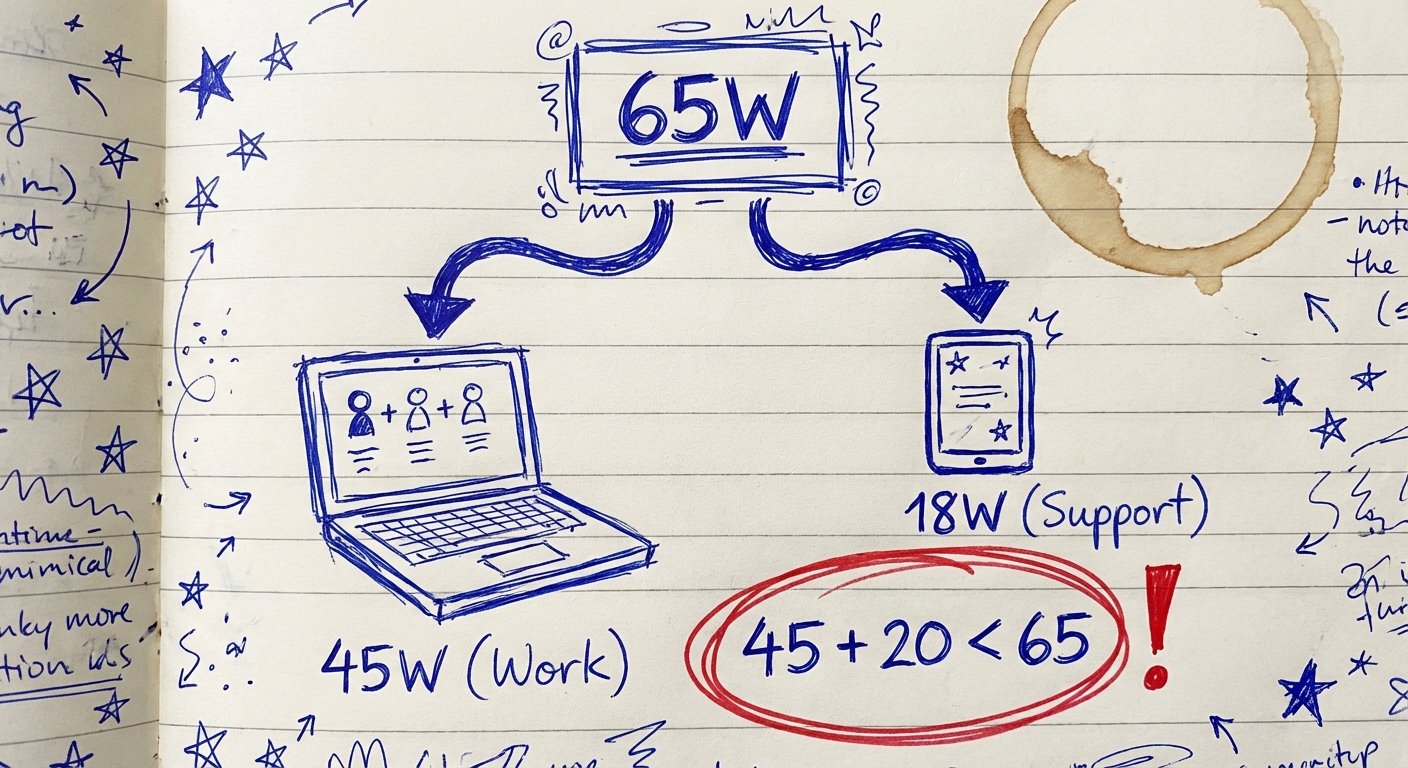
When you plug in just your laptop, it gets the full 65W. It charges fast.
When you plug in your laptop AND your portable screen, the chip inside the charger does the math. It sends 45W to the laptop (enough to run it) and 18W to the second port (enough to run the screen or charge your phone).
One outlet. One brick. Full dual-screen setup.
The Criteria: Do Not Buy Junk
Most chargers on Amazon are trash. They overheat. They whine. They break in a month.
I have tested them all so you don’t have to. I look for three things:
1. Port Density: It must have at least 2 USB-C ports and 1 USB-A port. If it only has one port, it is useless for a dual setup.
2. Power Distribution: It must support “PD” (Power Delivery) protocols. It needs to know how to split the 65W into 45W + 20W automatically.
3. Folding Prongs: If the metal prongs don’t fold in, they will scratch your laptop in your bag. This is non-negotiable.
Here are the only three you should consider buying.
Recommendation 1: The Gold Standard
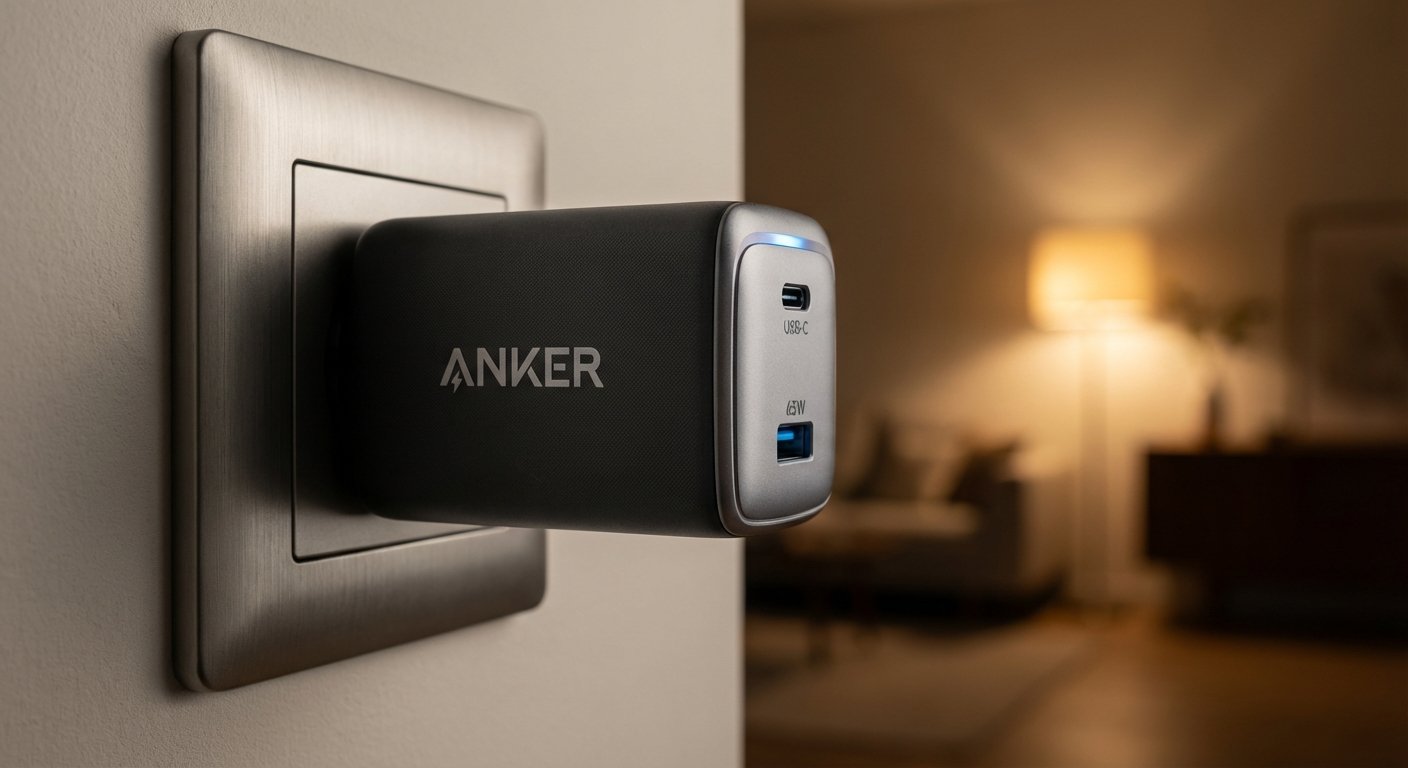
Anker 735 Charger (GaNPrime 65W)
Anker is the big dog. They invented this category for consumers. The 735 is their flagship.
It uses their “GaNPrime” architecture. It detects temperature 3 million times a day to prevent overheating. It is smaller than a deck of cards.
Specs:
- Ports: 2x USB-C, 1x USB-A
- Weight: 4.6 oz
- Size: roughly 1.5 x 1.1 x 2.6 inches
The Win: Reliability. This thing is a tank. The “PowerIQ 4.0” technology is real. It dynamically shifts power between ports instantly. If your phone is at 80%, it lowers the power there and sends more to your laptop. That saves you time.
The Trade-off: It is dense. It is heavy for its size. Because it is long and narrow, if you plug it into a loose wall outlet, it might droop or fall out. It also costs a premium compared to generic brands.
Price: $40 – $60
Recommendation 2: The Travel Specialist
Baseus Blade or Flat 65W Series
Sometimes you don’t have space for a cube. Sometimes the outlet is behind a couch or a desk. A cube charger won’t fit.
Baseus makes a “Flat” version of the 65W charger. It hugs the wall.
Specs:
- Ports: 1x USB-C, 1x USB-A (on the Ultra Slim model) or Dual C on Pro versions.
- Thickness: 0.7 inches
The Win: The form factor. It fits where others fail. If you travel a lot and use airport lounges where the outlets are shoved under chairs, this is the one you want.
The Trade-off: Baseus is not Anker. The build quality is decent, but not perfect. The biggest annoyance with Baseus chargers is the “handshake reset.” When you plug in a second device, the charger cuts power to the first device for 2 seconds to recalculate the load, then turns it back on. It’s annoying if your monitor flickers off for a second.
Price: $30 – $50
Recommendation 3: The Value Play
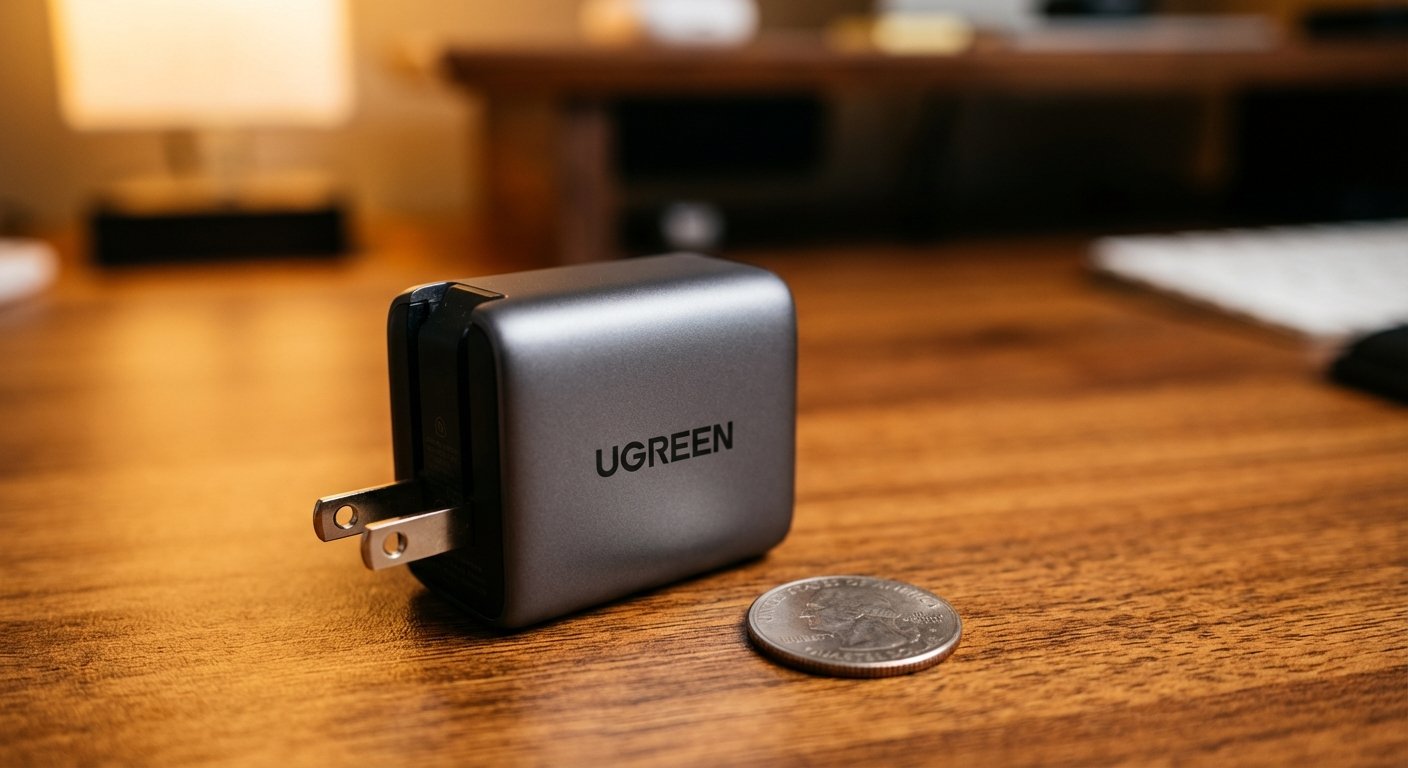
UGREEN Nexode 65W
UGREEN is the main competitor to Anker. They offer 95% of the performance for 80% of the price.
The Nexode looks professional. It has a gunmetal grey finish. It doesn’t look like a toy.
Specs:
- Ports: 2x USB-C, 1x USB-A
- Tech: GaN X chip
The Win: The thermal management is surprisingly good. It barely gets warm even when pushing a MacBook Pro. It is often cheaper than the Anker 735.
The Trade-off: The USB-A port is weak. On some models, the USB-A port only outputs low amperage if both USB-C ports are in use. Don’t expect to fast charge an older phone on the A-port while running your dual setup.
Price: $30 – $45
The Setup: How to Execute
Buying the brick is only half the battle. You need the veins to carry the blood.
Do not use the white cable that came with your phone. It is slow. It cannot handle 65W. If you use a cheap cable, the charger will throttle down to protect itself. You lose all the benefits.
The Cable Rule: You need a USB-C to USB-C cable rated for 100W with “E-Marker” chips.
The E-Marker chip tells the charger: “I can handle the power. Send it all.”
The Connection Flow
Here is exactly how you set it up for maximum ROI:
- Wall: Plug in the 65W GaN Charger.
- Port 1 (Top USB-C): Run a 100W cable to your Laptop. This gets the priority power (45W).
- Port 2 (Middle USB-C): Run a cable to your Portable Monitor or Phone. This gets the secondary power (18W-20W).
If you have a modern portable monitor, you can actually be even more efficient.
The Pass-Through Method:
Plug the charger into the Monitor. Then plug the Monitor into the Laptop.
The power goes Wall -> Monitor -> Laptop. The data (video) goes Laptop -> Monitor.
One cable to the laptop. That is clean. That is efficient.

Stop Overcomplicating It
People spend hours researching $2,000 laptops and then ruin the experience with a $10 gas station charger.
The math is clear.
A 65W GaN charger costs about $45.
It saves you roughly 1 pound of weight in your bag.
It saves you 3 minutes of setup time every day. That is 15 hours a year.
If your time is worth $50 an hour, this charger pays for itself in three weeks just in time saved. If you value the reduced back pain and mental clarity of a clean desk, it pays for itself on day one.
Throw away the bricks. Buy one good plug. Get back to work.