The Cost of “Freedom” is exactly 65 Watts
Most people romanticize working off-grid. They picture a van by a lake. A coffee cup steaming in the morning air. Total silence.
They forget one thing.
They still have a job.
If you are a high-performer, you don’t just “check emails.” You build. You code. You edit. You manage teams.
That requires power. Real power.
If your laptop dies at 2:00 PM, you aren’t a digital nomad. You are unemployed.
I see people buy cheap $150 power banks. They think they saved money. Then they lose a $5,000 client because they couldn’t jump on a Zoom call.
That is bad math.
Today, I am going to show you the specific gear you need to run a dual-screen setup for 8 solid hours. No anxiety. No rationing battery. Just work.
The Math of Off-Grid Productivity
Stop guessing. Calculate your burn rate.
You need to know exactly how much energy you consume per hour. If you get this wrong, you run out of juice.
Here is the breakdown for a standard high-performance setup:
- MacBook Pro (M1/M2/M3 Max): Under heavy load, this pulls 40 to 60 watts. Let’s call it 50W average.
- Portable USB-C Monitor: This pulls 10 to 15 watts.
- Phone Charging: 5 watts.
- Starlink (Optional but common): 50 to 75 watts.
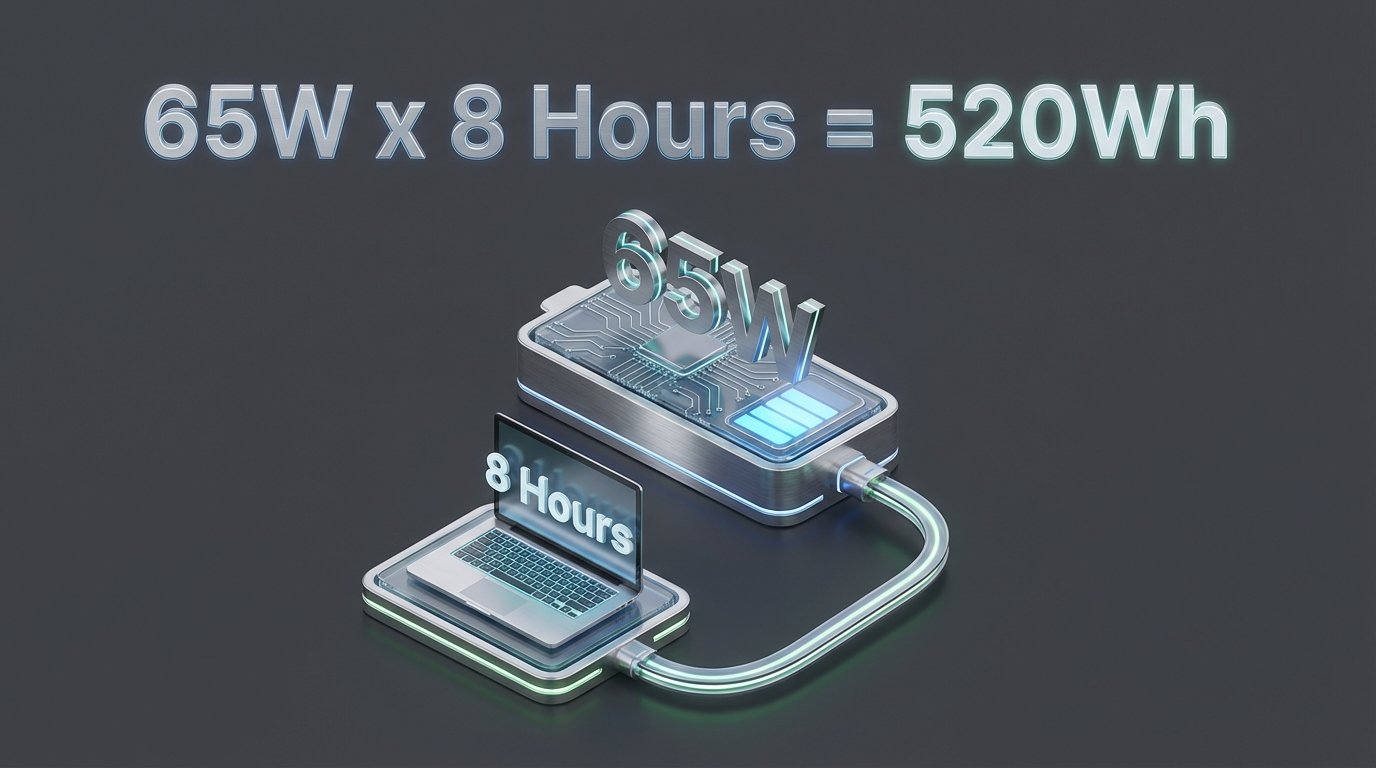
If you are just running the laptop and the second screen, your burn rate is roughly 65 watts per hour.
The 8-Hour Equation
You want to work a full day. 8 hours.
65 Watts x 8 Hours = 520 Watt-Hours (Wh).
You might look at a 500Wh battery and think, “Perfect. I’ll buy that.”
Wrong.
You are forgetting the “Inverter Tax.”
When you convert DC power (battery) to AC power (wall outlet), you lose energy. Most power stations are only 85% efficient. Plus, you never want to drain a lithium battery to 0%.
So, you need a buffer. A 20% buffer.
To get 520Wh of usable energy, you need a station with at least 700Wh capacity. If you use Starlink, you need 1200Wh+.
Do not buy the minimum. Buy the margin. Margin creates peace of mind.
The Criteria: What Actually Matters
There are a thousand options on Amazon. 99% of them are trash.
I look for three things:
- LiFePO4 Chemistry (LFP): Old batteries used Lithium-Ion. They die after 500 cycles. LFP batteries last 3,000+ cycles. That is 10 years of daily use. Do not buy anything else.
- Charge Speed: How fast can it go from 0% to 100%? If you pop into a coffee shop, you need to refill fast.
- Continuous Wattage: Can it handle a coffee maker too? (Because let’s be real, you need coffee).
Here are the top contenders that pass the test.
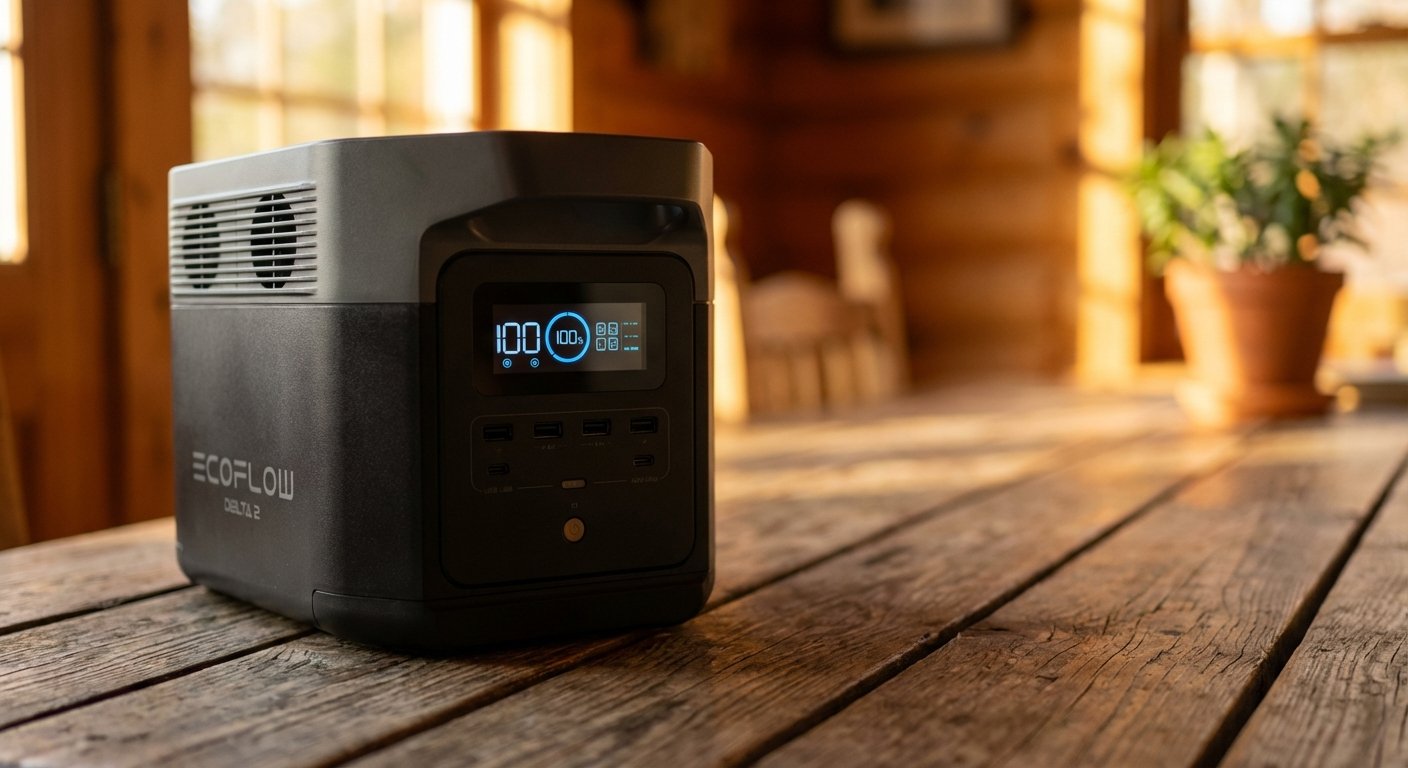
1. The Speed King: EcoFlow DELTA 2
Best For: The worker who moves fast and forgets to charge things.
The EcoFlow DELTA 2 is the gold standard for a reason. It hits the sweet spot of size and power.
The Specs:
- Capacity: 1024Wh (Runs your dual-screen setup for 12+ hours).
- Output: 1800W (Runs a blender, hair dryer, or power drill).
- Chemistry: LiFePO4 (LFP).
- Price: $600 – $800.
Why I Like It:
The charging speed is insane. It uses “X-Stream” tech. You can plug it into a wall outlet and go from 0% to 80% in 50 minutes.
Imagine you forgot to charge it. You wake up. You plug it in while you shower and pack the car. By the time you leave, you have enough power for the whole day.
It also has a great app. You can see exactly how many hours you have left based on your current usage. It kills the anxiety.
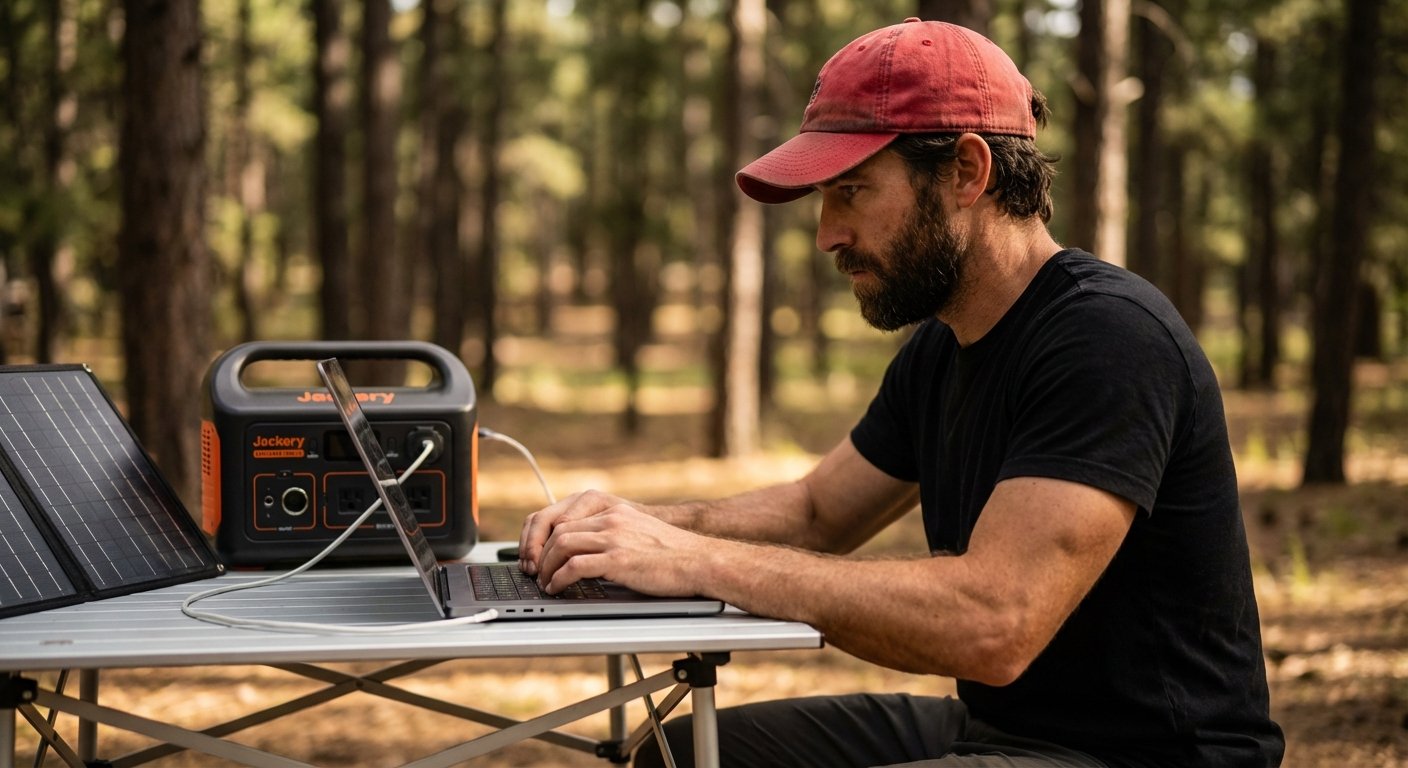
2. The Rugged Classic: Jackery Explorer 1000 v2
Best For: People who are hard on their gear.
Jackery used to lag behind on battery tech. Not anymore. The new “v2” models use LFP batteries. They fixed their biggest weakness.
The Specs:
- Capacity: 1070Wh.
- Output: 1500W.
- Chemistry: LiFePO4 (LFP).
- Price: $700 – $900.
Why I Like It:
Simplicity. The interface is dumb-proof. You press a button, it works. The handle is built into the frame. It folds down flat so you can stack stuff on top of it in your trunk.
The older Jackerys were plastic toys. This one feels like a tool. It charges fast (1 hour to full), and it is incredibly quiet. If you are recording video or on a call, the fan noise won’t ruin your audio.
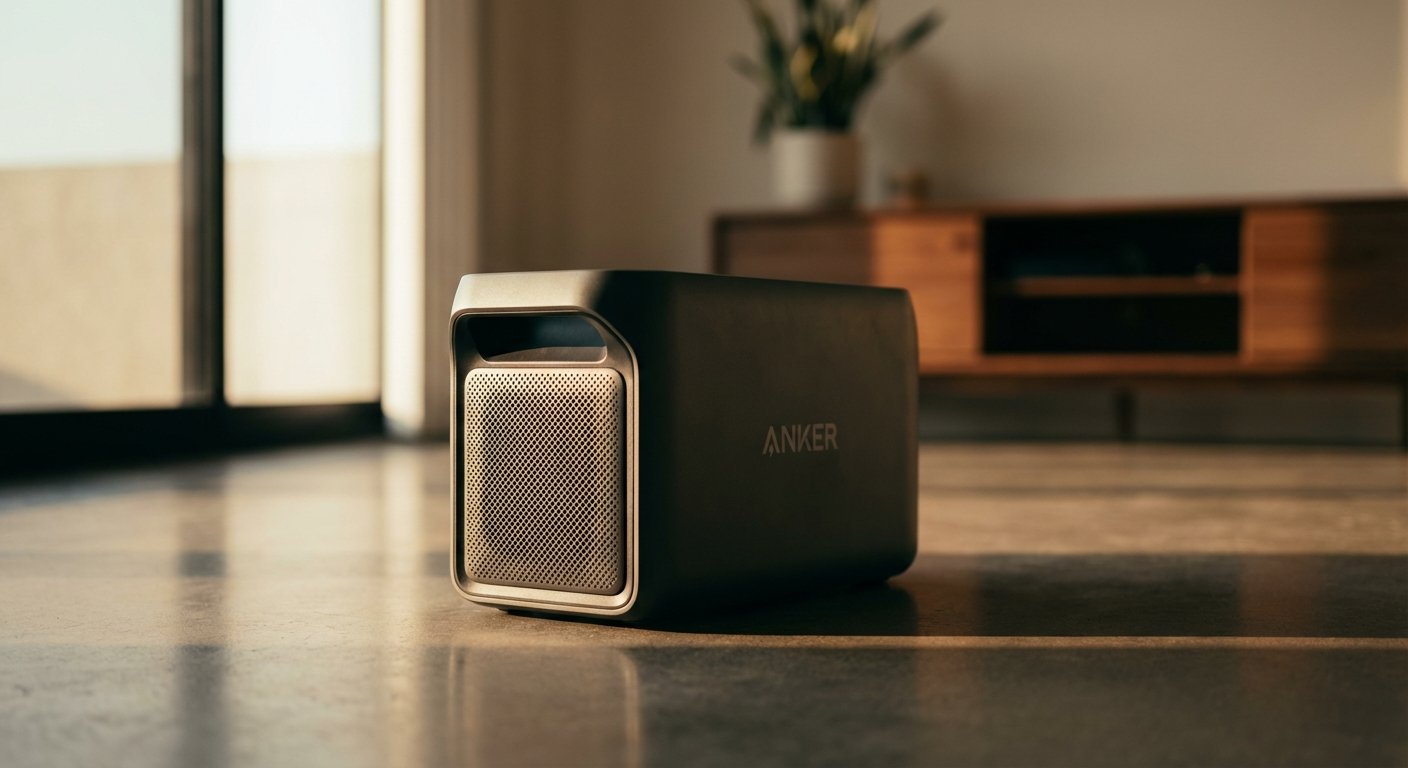
3. The Long-Term Play: Anker Solix C1000
Best For: Efficiency nerds and longevity.
Anker entered the market and immediately attacked the big guys. The C1000 is denser. It is smaller than the Delta 2 but holds more power.
The Specs:
- Capacity: 1056Wh.
- Output: 1800W (Surge 2400W).
- Chemistry: LiFePO4 (LFP).
- Price: $600 – $650.
Why I Like It:
The form factor. It doesn’t have awkward handles sticking out. It is a brick. It fits easily under a desk or in a footwell.
Anker claims a 10-year lifespan. They use an unibody drop-proof design. They also added a feature where you can plug in an expansion battery without any cables—it just stacks on top. It scales with your business.
If you start editing 4K video and your power needs double, you don’t sell the unit. You just buy the add-on.
4. The Budget Powerhouse: Bluetti AC180
Best For: Getting the most watts per dollar.
Bluetti fights on price and features. The AC180 is a beast for the money.
The Specs:
- Capacity: 1152Wh (Largest in this class).
- Output: 1800W.
- Chemistry: LiFePO4 (LFP).
- Price: $550 – $700.
Why I Like It:
It has a “Power Lifting” mode. It can handle resistive loads (like a heater or a kettle) up to 2700W. Most batteries just shut off if you overload them. This one lowers the voltage to keep the device running.
If you are camping in cold weather and need to run a small space heater while you work, this is the one.
Real World Logistics: Solar is a Lie (Sort of)
You buy the battery. Now you want “infinite” power. You look at solar panels.
Here is the truth.
A “100W” solar panel does not generate 100 watts. That is the lab rating. In the real world, with clouds, angles, and heat, you get 60 to 70 watts.
If you burn 65 watts working, and your solar panel brings in 60 watts, you are breaking even. You are not charging.
If you want to charge while you work, you need double the input.
The Rule of 3:1.
You want 3 times the solar capacity of your consumption. If you use 65W, get 200W of solar panels.
- Morning sun is weak.
- Evening sun is weak.
- Clouds happen.
With 200W of panels, you might pull 140W at peak. That covers your laptop (65W) and puts 75W back into the battery.
That is how you stay off-grid indefinitely.

How to Squeeze 2 Extra Hours of Work
You don’t always need a bigger battery. Sometimes you just need to stop wasting power.
I see guys running their screen brightness at 100% while sitting in the shade. That is burning watts for no reason.
1. DC to DC Charging.
This is the biggest hack.
Most people plug their Apple charger (AC) into the power station (AC outlet). The power station converts Battery DC -> AC Outlet -> Apple Brick AC -> Laptop DC.
That double conversion wastes 20% of your power.
The fix: Buy a high-wattage USB-C to USB-C cable. Plug it directly into the USB-C port of the power station. You skip the inverter. You gain 20% more battery life instantly.
2. The Brightness Trap.
Lower your monitor brightness to 60%. It looks fine. It saves 10 watts per hour. Over 8 hours, that is 80Wh. That is enough for a full phone charge and a drone flight.
3. Background Vampires.
Chrome tabs. Dropbox syncing. Adobe Creative Cloud checking for updates.
Kill them. Use “Low Power Mode” on your Mac. It throttles the CPU for background tasks but keeps the active window fast. You won’t notice the difference, but your battery will.
The Verdict: Which One Should You Buy?
Don’t overthink it. Analysis paralysis costs you money.
If you want the fastest charging and best app: Get the EcoFlow DELTA 2.
If you want simple, rugged, and stackable: Get the Jackery Explorer 1000 v2.
If you want the smallest footprint and long life: Get the Anker Solix C1000.
The cost of these units is roughly $700. If your hourly rate is $100, this pays for itself in one day of work that you otherwise would have missed.
The ROI is infinite if it prevents you from looking unprofessional.
Get the gear. Do the work. Stay free.