The “Good Enough” Trap
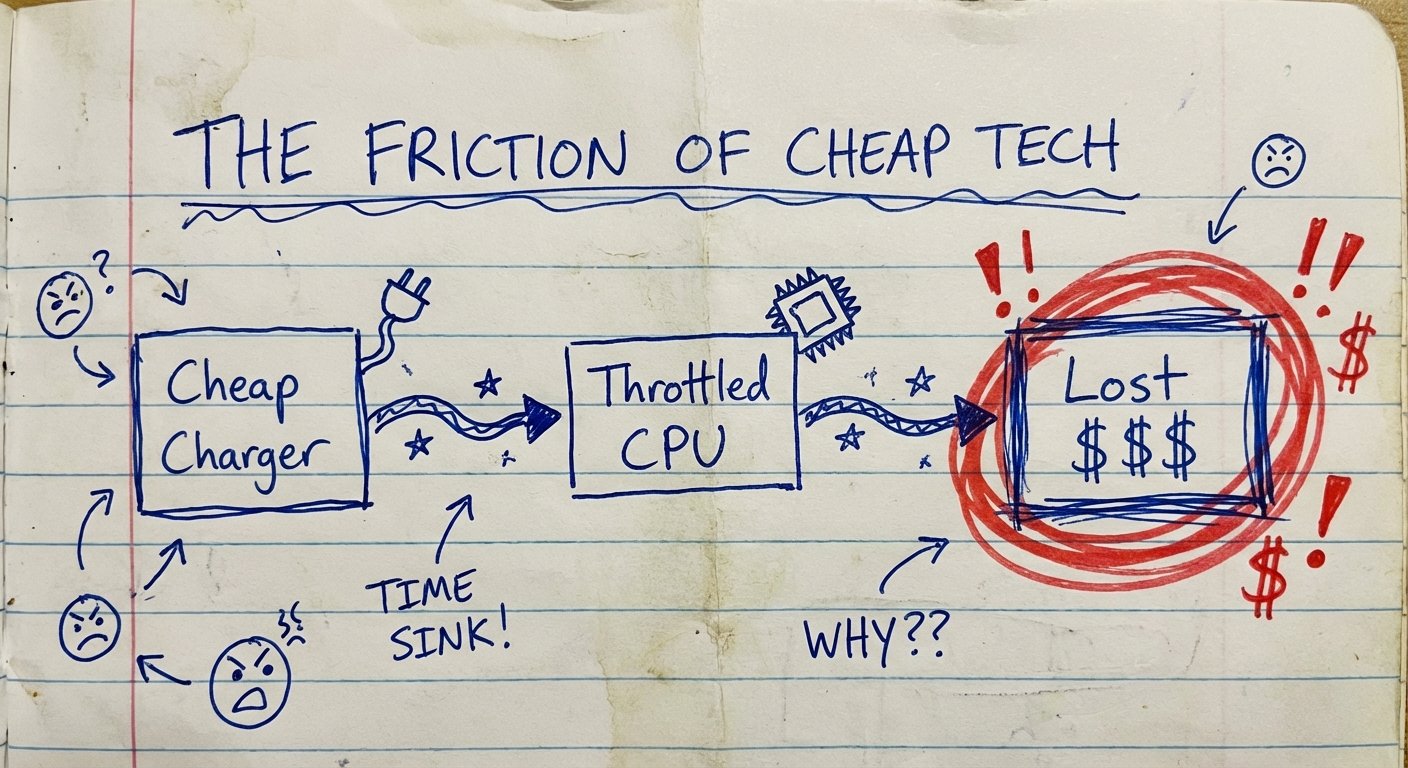
You buy a $3,000 MacBook Pro. You buy a $1,200 iPhone. Then you plug them into a $20 charger you found in a drawer.
This is stupid.
You are choking your workflow to save money on a plastic brick. It makes zero sense.
Most people use the 65W charger that came with their laptop three years ago. They think, “It charges. It works.”
But in business, “working” isn’t the metric. Speed is the metric.
If you are a high-performer, you have multiple devices. You have a laptop. You have a phone. Maybe a tablet. Maybe earbuds.
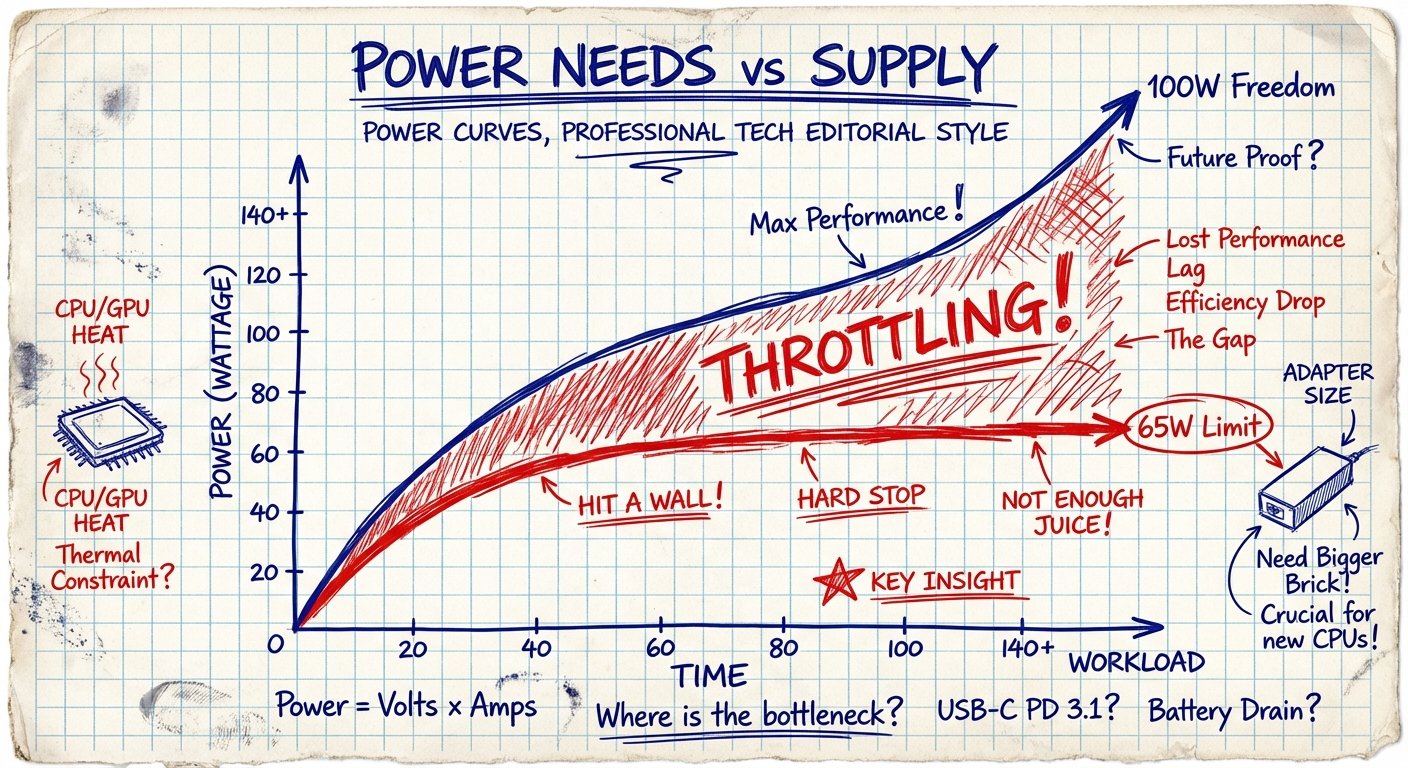
When you plug two things into a 65W charger, the math breaks. The power splits. Your laptop drops to 45W. Your phone gets 20W.
Suddenly, your laptop drains battery while you are rendering video. Your workflow throttles. You lose momentum.
I don’t deal with friction. Friction costs money.
The solution is the 100W Rule. It is the minimum viable threshold for a serious workspace.
The Math: Why 65W Is Poverty Thinking
Let’s look at the numbers. Facts don’t care about your feelings.
A standard 13-inch or 14-inch laptop usually asks for 60W to 70W of power to charge at maximum speed while under load.
If you use a 65W charger, you are at 100% capacity just for that one device.
There is no headroom.
Now, add a phone. You want to fast-charge your iPhone 15 Pro? That takes 20W-27W.
The 65W Scenario:
- Total Capacity: 65W
- Laptop Needs: 65W
- Phone Needs: 20W
- Deficit: -20W
The charger has to make a choice. It cuts power to the laptop. Your laptop screen dims. The processor throttles down to save energy. The battery percentage stops going up and starts hovering.
You are literally slowing down your brain (the computer) because you didn’t buy enough juice.
The 100W Scenario:
- Total Capacity: 100W
- Laptop Needs: 65W
- Phone Needs: 27W
- Remaining Overhead: 8W
Both devices charge at maximum speed. Zero throttling. Zero waiting.
This is called ROI (Return on Investment). You spend an extra $40 once. You save 15 minutes of “low battery anxiety” every single day.
Over a year, that is 90 hours of saved mental energy. Is your time worth $0.50 an hour? If yes, keep the cheap charger. If no, upgrade.
The Hardware: What to Actually Buy
I don’t care about brand loyalty. I care about specs and durability. I want things that I can throw in a bag, drop on the floor, and they still work.
There are only a few players in this space that I trust with expensive electronics.
We are looking for GaN (Gallium Nitride) technology. Old chargers used silicon. They were big, hot, and heavy. GaN is small, cool, and dense.
Here are the two options that pass the test.
Option 1: The Heavy Hitter (Anker Prime)
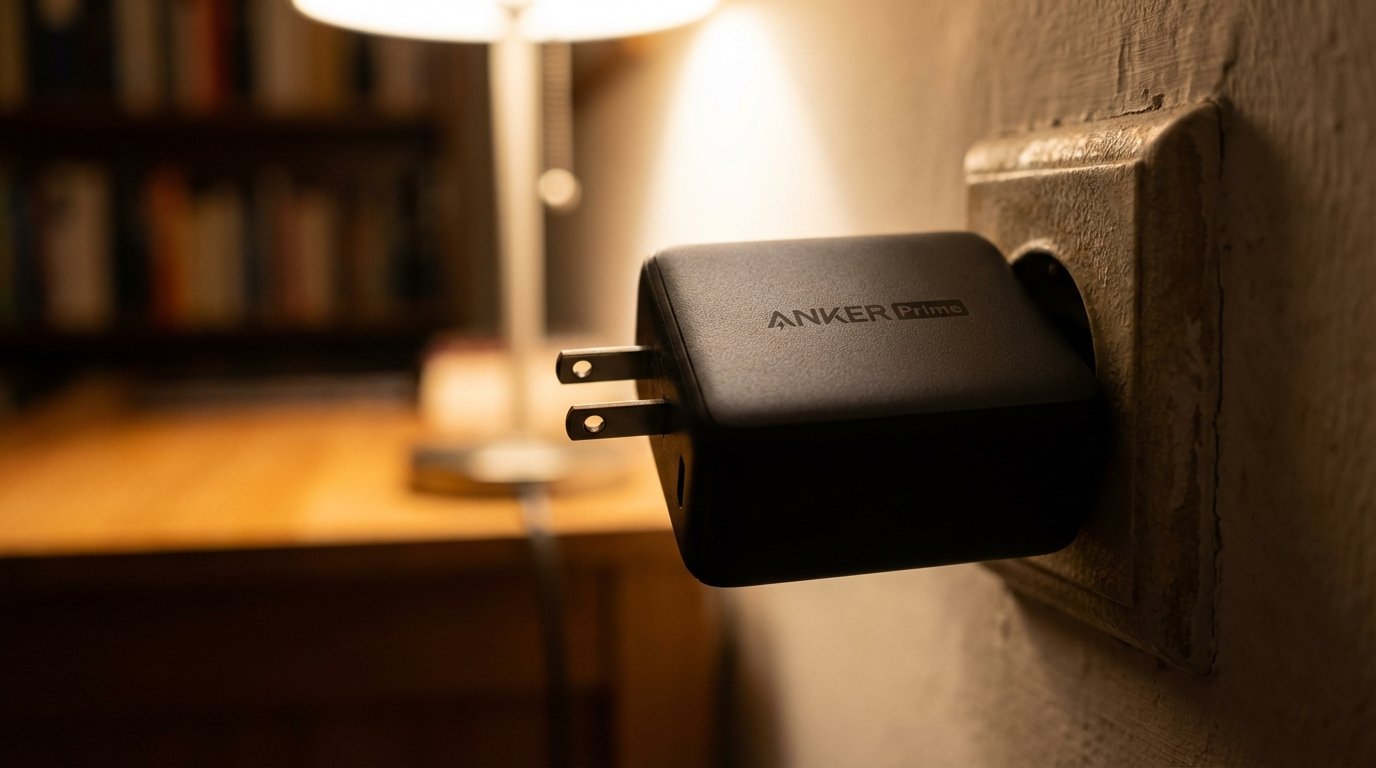
Anker is the big dog for a reason. Their new “Prime” series is dense. It feels like a solid block of metal. It’s small enough to fit in your palm but puts out 100W.
The Specs:
- Output: 100W Max
- Ports: 2x USB-C, 1x USB-A
- Power Distribution: Intelligent splitting (allocates power where needed)
This is for the guy who travels. The plug folds. It fits in tight spaces like airplane outlets. It balances the load perfectly.
It usually costs between $80 – $90. Sometimes you catch a deal.
Option 2: The Value Play (UGREEN Nexode)
If you don’t care about having the absolute smallest footprint, UGREEN gives you the same power for less money. It’s slightly larger, but it runs cool.
I have these plugged in behind desks. They don’t move. They just pump power.
The Specs:
- Output: 100W Max
- Ports: 3x USB-C, 1x USB-A (usually 4 ports total)
- Value: High
This usually trades around $50 – $75. For the price of a few coffees, you solve your power problem forever.
The Invisible Bottleneck: Your Cable
You bought the 100W charger. You plugged it in. You are still charging slowly.
Why?
Because you are using a trash cable.
This is where 90% of people fail. They use the thin white cable that came with a pair of headphones five years ago. They assume “USB-C fits, so it works.”
Wrong.
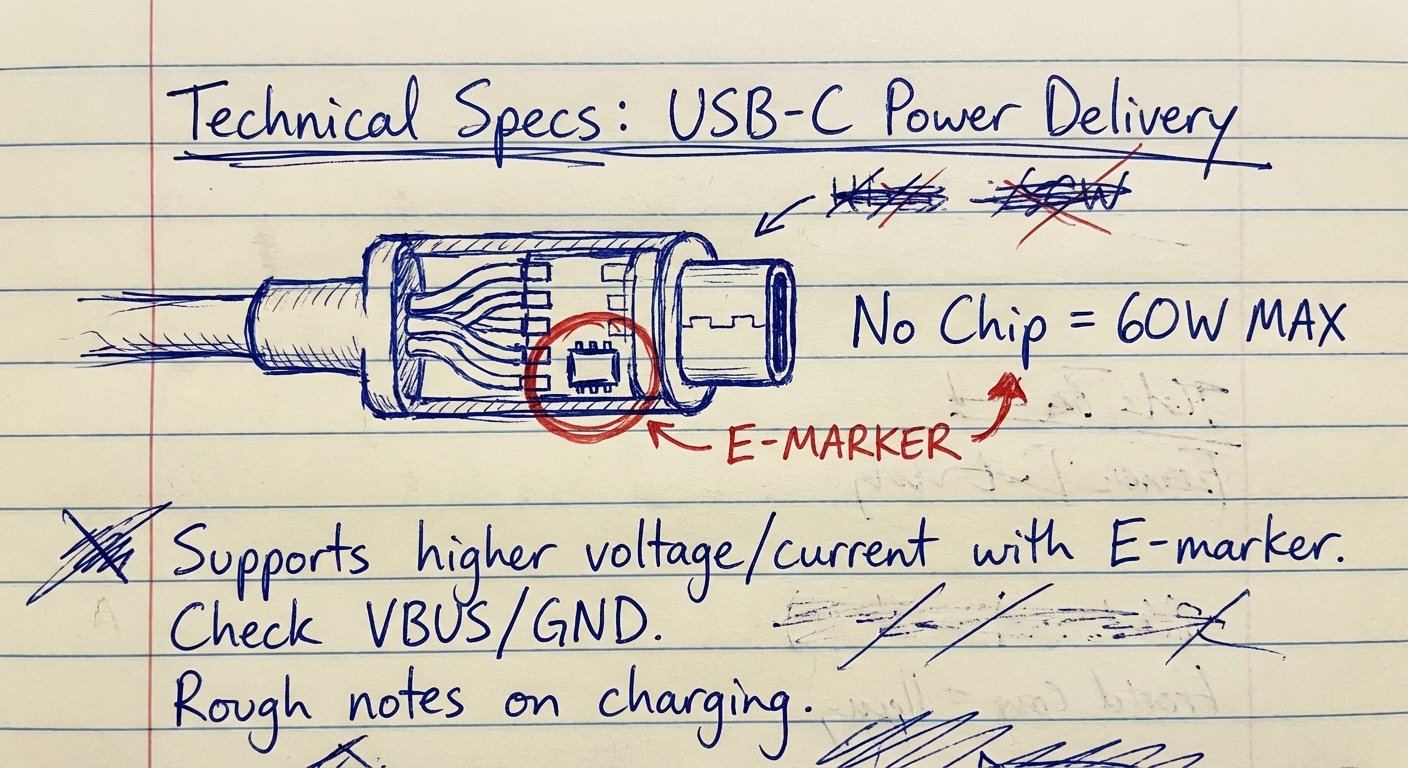
Cables have ratings. Most standard USB-C cables are rated for 3 Amps. At 20 Volts, that means a maximum of 60 Watts.
It acts like a governor on a Ferrari. Your engine (the charger) can do 100mph. The tires (the cable) blow out at 60mph. So the system limits you to 60mph to prevent a fire.
You need a cable with an E-Marker Chip. This chip tells the charger, “I can handle 5 Amps.”
5 Amps x 20 Volts = 100 Watts.
If the cable description does not say “100W” or “5A,” it is garbage. Throw it away.
The “Desk Setup” ROI
Let’s zoom out. Why do we care about this?
It’s about Frictionless Output.
When I sit down to work, I don’t want to think about battery percentages. I don’t want to hunt for a second outlet because my laptop charger is too weak to handle my phone too.
I want to plug in ONE brick. I want ONE cable going to my laptop. I want everything to stay at 100%.
A 100W charger allows you to use a USB-C Hub. You can run HDMI, hard drives, and ethernet through your laptop, and the charger still has enough power to keep the battery full.
A 65W charger collapses under that load. Your battery drains while it is plugged in.
That is unacceptable.
Get a Satechi 100W charger if you want it to look pretty on your desk. They use space gray aluminum. It matches the MacBook aesthetic. It costs more, usually $70 – $90, but it looks professional.
Conclusion: Buy Nice or Buy Twice
The market is flooded with cheap electronics. You can find a “100W” charger on a random site for $20. It will overheat. It might melt. It will probably break in three months.
That is a bad trade.
You buy the $80 charger once. It lasts you 3 to 5 years. That is roughly $20 a year. Less than $2 a month.
For $2 a month, you guarantee that your $3,000 laptop performs at peak capacity.
Don’t step over dollars to pick up pennies.
Get the 100W brick. Get the 5A cable. Get back to work.