You spent $1,500 on a laptop. You spent $500 on a 4K monitor. Then you bought a $9 adapter.
Now your mouse lags. The cursor feels like it’s moving through mud. You get headaches after two hours.
You didn’t buy a broken monitor. You bought a bottleneck.
Most USB-C to HDMI adapters are trash. They are e-waste sold in shiny packaging. They claim “4K Support” in big bold letters. But in the fine print, they hide the truth: 30Hz.
30Hz is fine for watching movies. It is useless for work. It destroys productivity. It kills your ROI.
I value my time. I assume you value yours. If your equipment fights you, you lose money.
I went through the specs. I tested the claims. I threw away the garbage.
Here are the best USB-C to HDMI adapters that actually support 4K at 60Hz. No fluff. No lag. Just results.
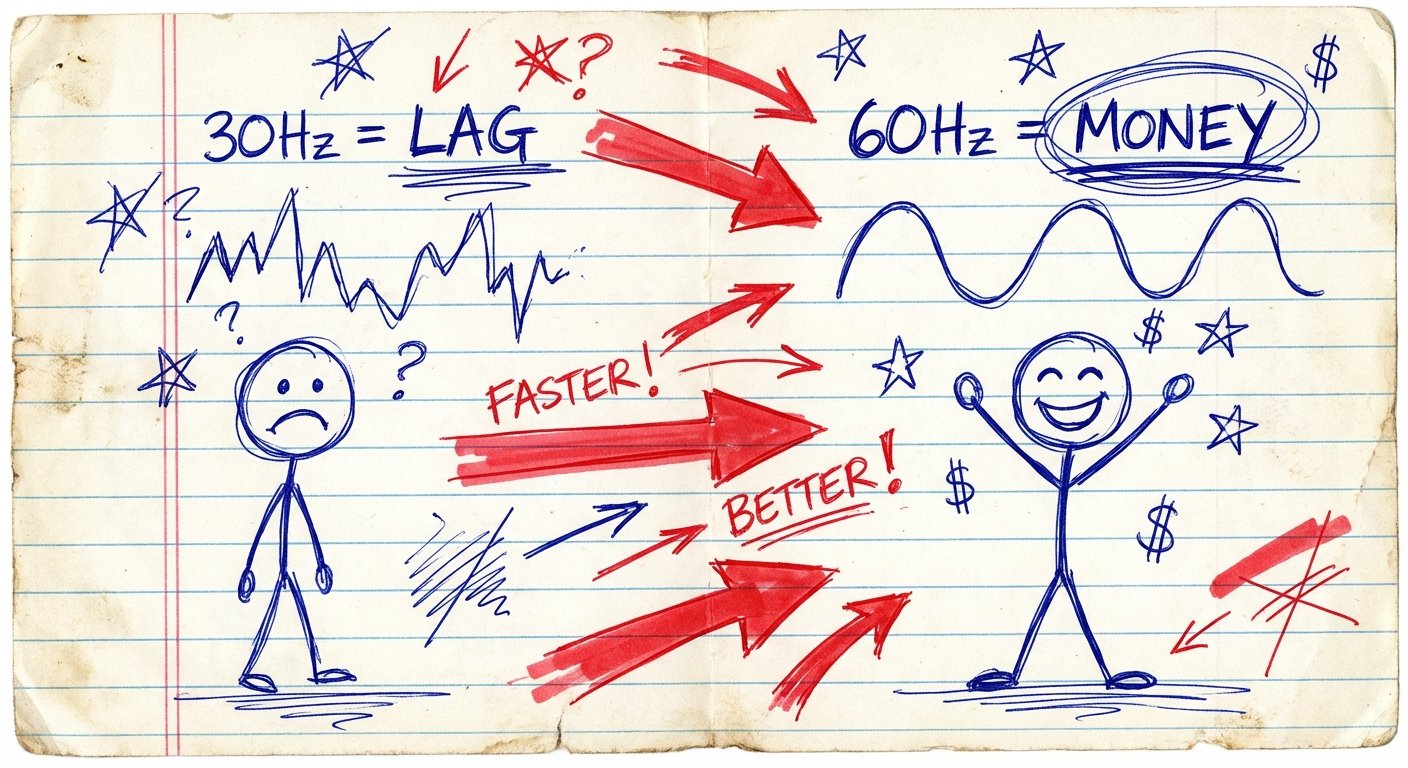
The Math of 30Hz vs. 60Hz (Why You Are Losing)
People think resolution is the only metric. They are wrong.
Resolution is how sharp the picture is. Refresh rate (Hz) is how current the picture is.
30Hz means the screen updates 30 times a second.
60Hz means the screen updates 60 times a second.
When you use a 30Hz adapter, you are literally seeing half the information. Your brain notices the gap. It perceives it as lag. This micro-stutter forces your eyes to constantly refocus.
This creates eye strain. Eye strain lowers focus. Lower focus lowers output.
The price difference between a garbage 30Hz adapter and a proper 60Hz adapter is about $10.
If you value your time at more than $1 an hour, the ROI on the 60Hz adapter is immediate.
The Criteria for Winning
We are not looking for “pretty” cables. We are looking for bandwidth.
To get 4K at 60Hz, you need an adapter that supports:
- HDMI 2.0 or higher. HDMI 1.4 caps out at 4K 30Hz.
- 18Gbps Bandwidth. This is the pipe size required for the data.
- DP Alt Mode 1.4. Your laptop must be able to send the signal (more on this later).
If a product listing does not explicitly say “60Hz,” assume it is 30Hz. Manufacturers love to omit this detail.
Here are the ones that pass the test.
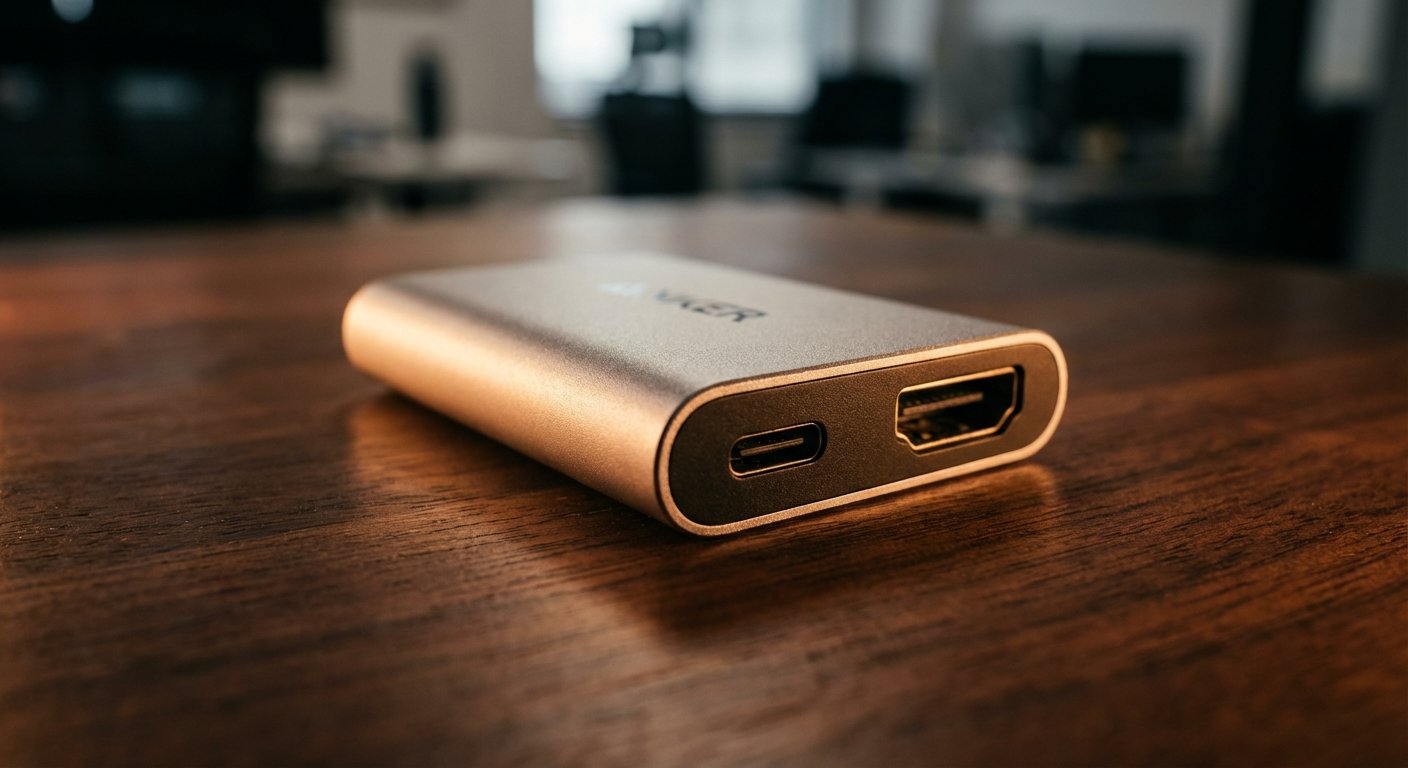
1. The Reliable Standard: Anker USB-C to HDMI Adapter (310)
Anker is the safe bet. They don’t usually lie about specs.
The Anker 310 is a simple aluminum dongle. It converts USB-C to HDMI. That is all it does.
The Specs:
- Resolution: 4K
- Refresh Rate: 60Hz
- Build: Aluminum
- HDCP 2.2 Compatible (You need this for Netflix/Streaming)
The Logic:
It’s plug and play. The aluminum shell dissipates heat better than plastic. This matters. Adapters get hot. Heat causes throttling. Throttling causes flickering.
If you just need to connect one screen and get back to work, buy this. It works.
Price: ~$18 – $22
2. The Future-Proof Choice: Cable Matters USB-C to HDMI 2.1 Adapter
Maybe you have a high-end monitor. Maybe you are editing video. Maybe you want 120Hz for gaming.
Standard adapters hit a wall at 60Hz. This adapter breaks that wall.
This utilizes HDMI 2.1 standards. It supports 8K at 60Hz or 4K at 120Hz.
The Specs:
- Resolution: Up to 8K
- Refresh Rate: 120Hz at 4K (Requires DSC 1.2 support on host)
- Bandwidth: 48Gbps
- HDR Support: Yes
The Logic:
Why buy a pipe that fits your water usage today, when you can buy a pipe that fits your usage for the next five years?
If you own an OLED TV or a high-refresh gaming monitor, the Anker 310 won’t cut it. You need the extra bandwidth. This costs about $15 more than the basic options. The upside is massive.
Price: ~$30 – $35
3. The Durable Beater: uni USB-C to HDMI Cable (Nylon Braided)
Plastic cables break. They fray at the stress points.
I travel. I throw gear in bags. I don’t treat my cables nicely. I expect them to work anyway.
The uni adapter is actually a full cable, not just a dongle. It eliminates the need for a separate HDMI cord. Fewer points of failure.
The Specs:
- Length: 3ft, 6ft, 10ft options
- Resolution: 4K 60Hz
- Material: Braided Nylon
The Logic:
Dongles are annoying. You lose them. You need a separate HDMI cable.
This is a direct line from laptop to monitor. Less clutter. The braided nylon prevents kinking. If you are setting up a permanent desk or a travel kit, a dedicated cable is often cleaner than an adapter.
Price: ~$16 – $20

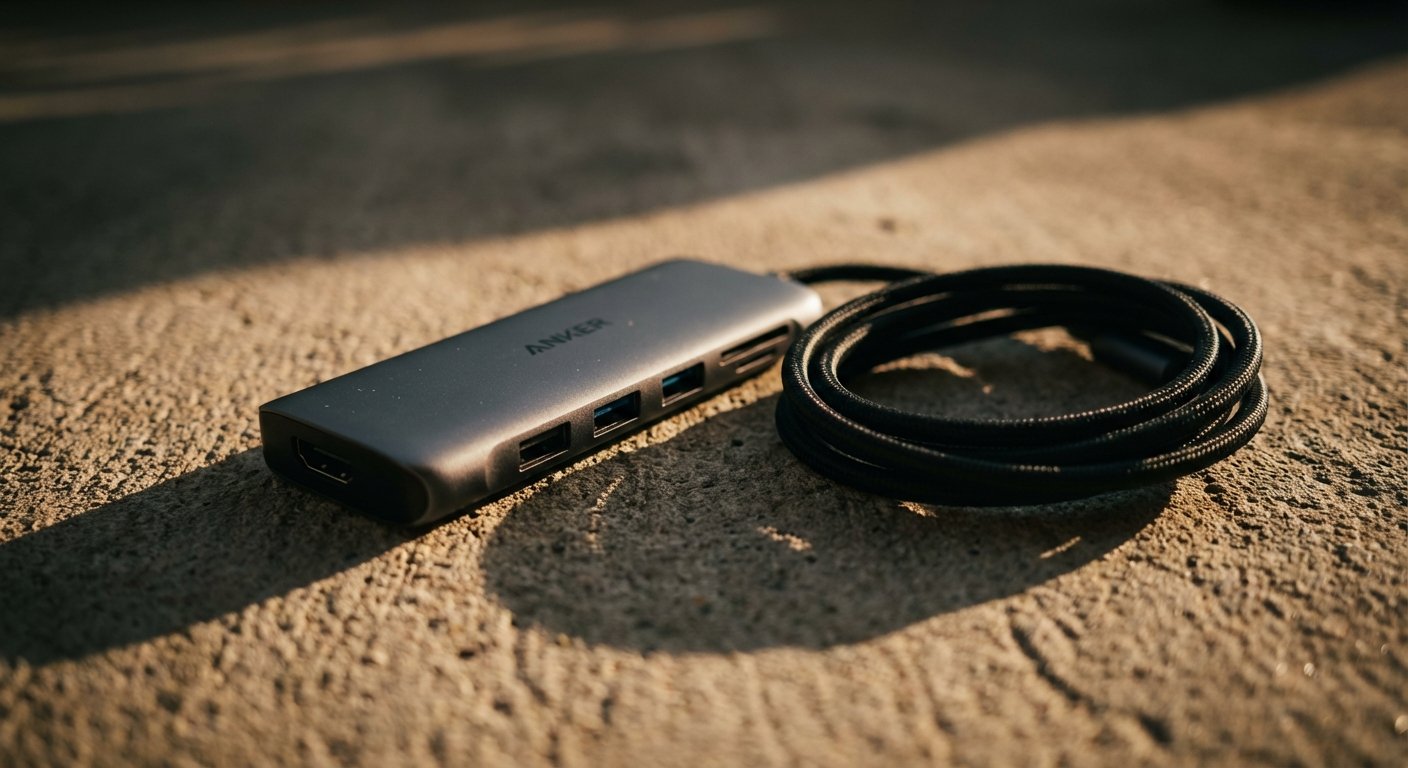
4. The Power User Hub: Anker 555 USB-C Hub (8-in-1)
Sometimes you only have two ports on your laptop. You need HDMI, but you also need power delivery (charging), SD cards, and USB-A for legacy drives.
Warning: 90% of USB-C hubs fail the 60Hz test. They prioritize USB data speeds and kill the video bandwidth, dropping you down to 30Hz.
The Anker 555 is one of the few under $100 that preserves 4K 60Hz while offering other ports.
The Specs:
- HDMI Port: 4K 60Hz
- Pass-through Charging: 100W PD
- Data: 10Gbps USB-C and USB-A
- Ethernet: Yes
The Logic:
This is an efficiency play. One plug handles your power, your internet, your data, and your monitor.
It costs more. But it replaces three dongles. If you bill $100+ an hour, the time saved not fumbling with three different adapters pays for this hub in week one.
Price: ~$70 – $80
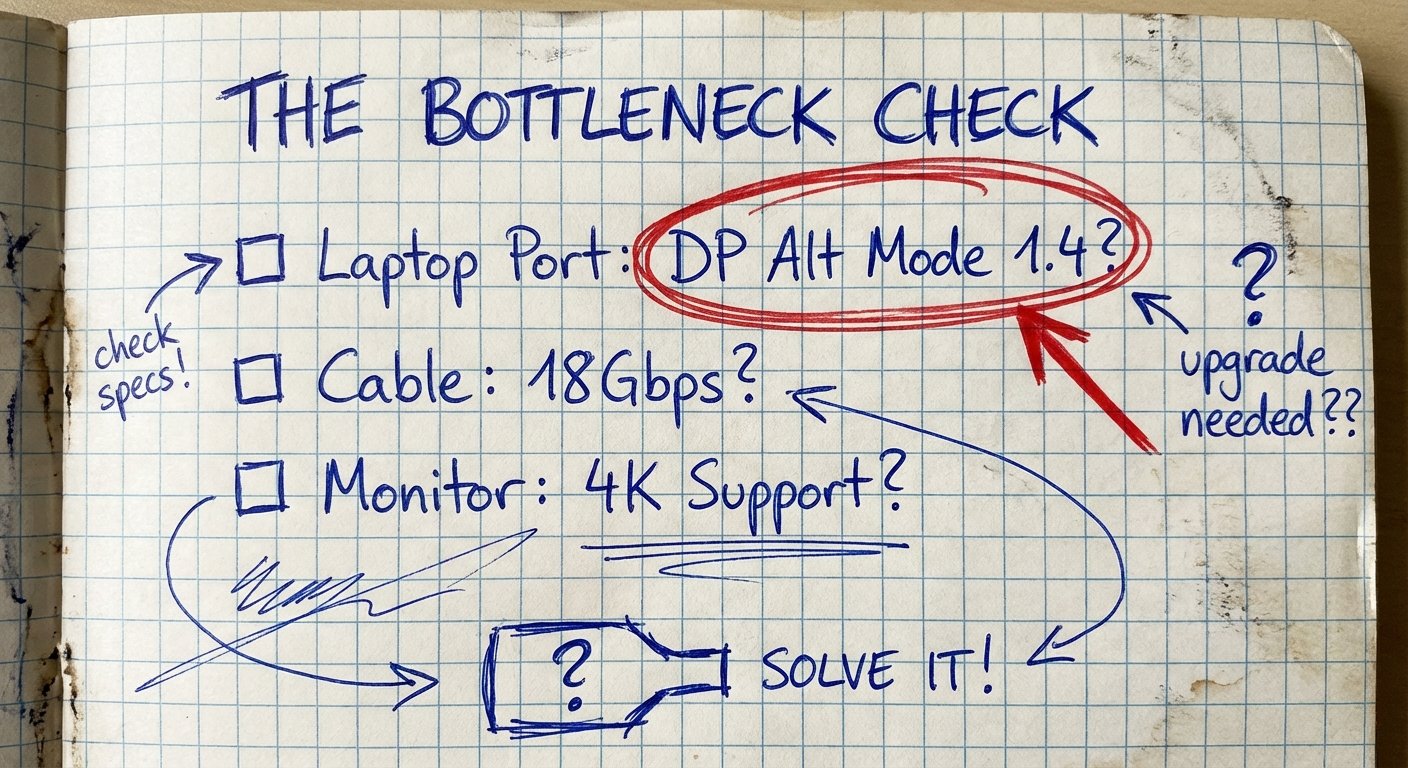
The Hidden Trap: Your Laptop’s Specs
You can buy the best adapter on earth. If your laptop is old, it won’t work.
The adapter is a bridge. It cannot create data that your computer cannot send.
To get 4K 60Hz, your laptop’s USB-C port must support DP Alt Mode 1.4.
The Cheat Sheet:
- Apple M1/M2/M3 Macs: You are good. They support it natively.
- iPad Pro (USB-C models): Good to go.
- Windows Laptops (2019 and newer): Usually good. Check if it has “Thunderbolt 3” or “Thunderbolt 4.” If yes, you win.
- Cheap Windows Laptops: Risk zone. Check the manufacturer page. If it says “USB-C Data Only,” you cannot output video at all.
If your laptop only supports DP 1.2, you are stuck at 4K 30Hz. No adapter can fix that. You need a new laptop.
Common Questions (Objections)
“Can I just use a cheap generic hub?”
You can. And you will get 30Hz. You will get mouse lag. You will hate it. It is a false economy. You save $20 to ruin your user experience.
“Does the HDMI cable matter?”
Yes. You cannot use an HDMI cable from 2012. You need an HDMI cable rated for “High Speed” or “Ultra High Speed” (18Gbps+). Most 4K 60Hz adapters need a decent cable to complete the chain.
“Why not use DisplayPort?”
If your monitor has DisplayPort, use it. USB-C to DisplayPort is natively easier for computers to handle. But most TVs and generic monitors rely on HDMI. This article is about HDMI.
Conclusion
Stop tolerating lag. Stop tolerating blurry motion.
The market is flooded with bad products because people don’t read specs. They buy on price. They get what they pay for.
The Summary:
- Best Value: Anker 310 Adapter
- Best High-End: Cable Matters 8K Adapter
- Best Cable: Uni Nylon Braided
- Best Hub: Anker 555 Hub
Fix your setup. Get to work.