You are losing money.
Every time you sit down at a cafe to work, you are paying rent. You pay with the price of your coffee. You pay with the time it took to drive there. But mostly, you pay with your attention.
You bought a portable monitor to double your screen real estate. To work faster.
But you bought the cheap one. The $90 special from a random brand you cannot pronounce.
Now you are sitting near a window. The sun comes out. And suddenly, your second screen is useless.
It is a mirror. You can see your own frustrated face. You cannot see your code, your spreadsheet, or your sales script.
You squint. You hunch over. Your posture ruins your back. Your speed drops by 50%.
You saved $100 on the hardware. You lost $1,000 in productivity.
This is stupid.
Today I am going to explain the only metric that matters for portable monitors: Nits.
What is a Nit? (The Simple Version)
Engineers will give you a boring definition involving candelas per square meter. Ignore them.
Here is what you need to know:
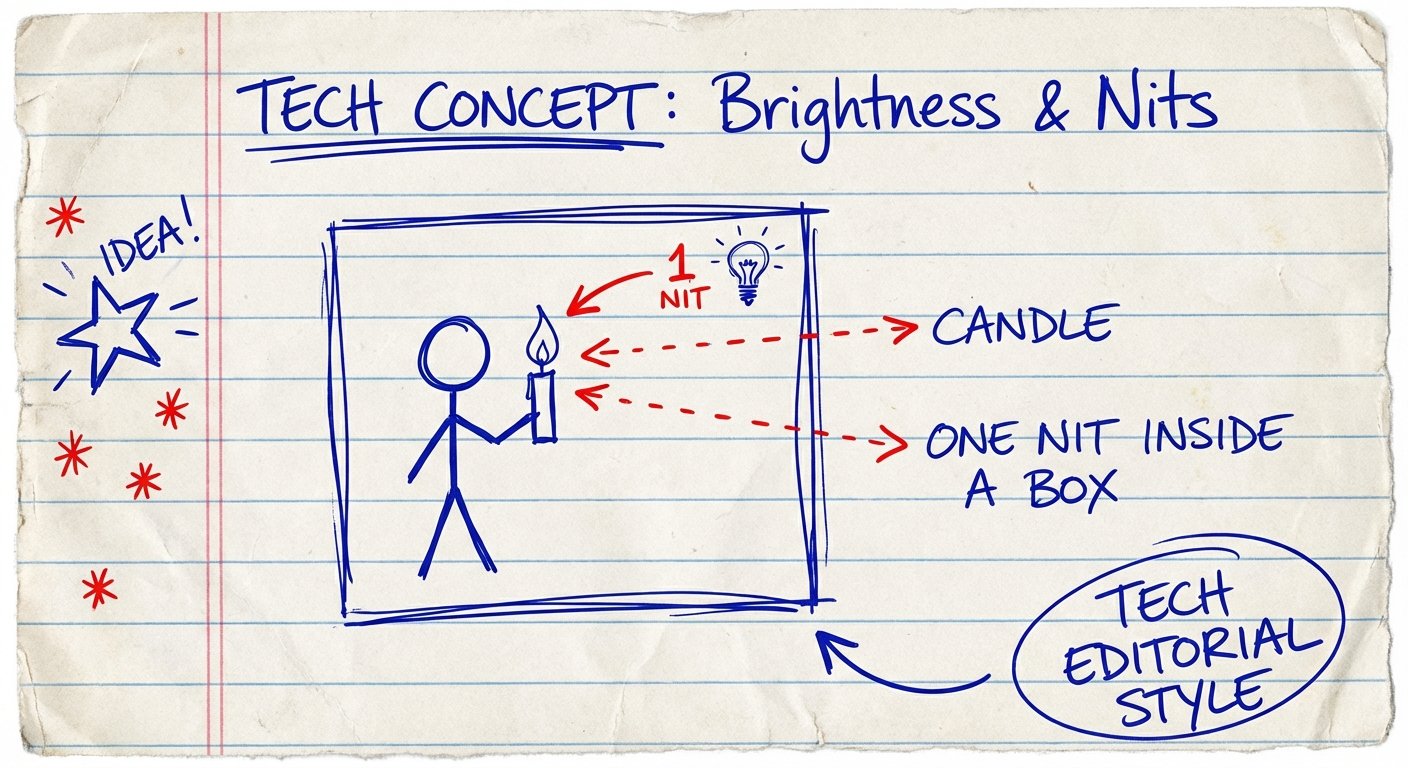
One Nit = One Candle.
Imagine a square box, one meter by one meter. Put a single candle inside it. The light coming out of that box is 1 Nit.
If you cram 250 candles into that box, it is 250 Nits.
If you cram 500 candles in, it is twice as bright.
Your eyes do not care about “specs.” They care about contrast. They care about fighting the ambient light around you.
The sun is roughly 1.6 billion Nits. The ambient light in a well-lit cafe is about 400 to 1,000 Nits.
If your screen is putting out 200 Nits, and the room is putting out 1,000 Nits, you lose. The light bounces off the glass before your screen’s light can get to your retina.
That is why your screen looks washed out. You brought a knife to a gunfight.

The Nit Hierarchy: Stop Buying Trash
Manufacturers lie. Or rather, they hide the truth. They put “1080p” and “HDR” in big bold letters. They hide the brightness rating in the fine print.
Here is the tier list. Memorize this.
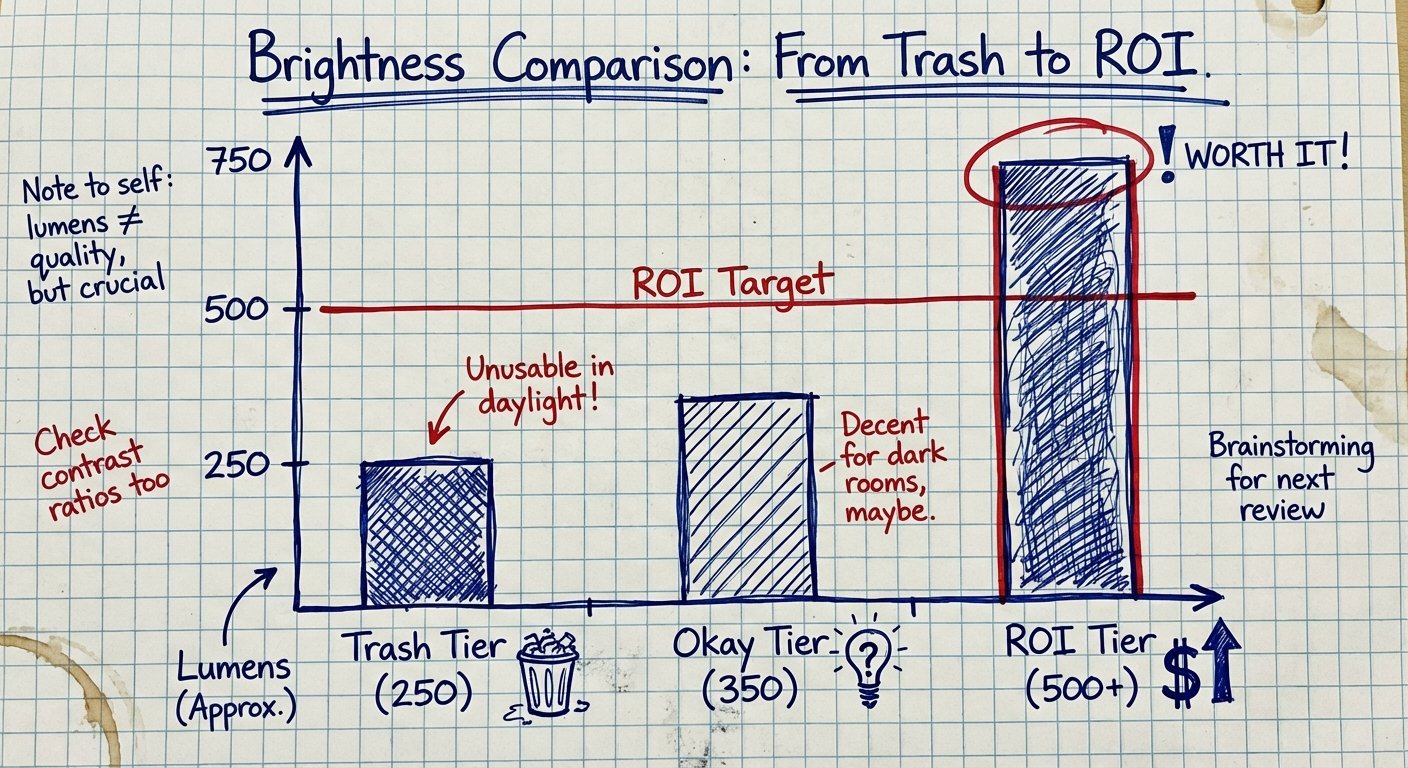
Tier 1: The Garbage Bin (200 – 250 Nits)
This is 90% of portable monitors on Amazon under $150. They are fine for a dark basement. They are useless in a Starbucks.
If you value your time at more than $10 an hour, do not buy these. They create friction. Friction kills output.
Tier 2: The “Just Okay” (300 – 400 Nits)
This is the standard laptop screen brightness. It is passable. If you sit in the back of the cafe, away from the window, you will be fine.
But you are limited. You cannot work outside. You cannot handle direct overhead lighting.
Tier 3: The Money Maker (500+ Nits)
This is where you want to be. 500 Nits is the threshold for “daylight readable.”
With 500 Nits, you can sit by the window. You get the Vitamin D. You get the view. And you can still read your text clearly.
MacBook Pros usually sit around 500 to 1,000 Nits (for SDR/HDR content). If your main laptop is bright, and your second screen is dim, your brain has to adjust every time you switch screens. That micro-adjustment causes fatigue. Fatigue kills focus.
The Glossy vs. Matte Debate
Brightness is offense. Surface coating is defense.
Glossy screens look pretty in the dark. Colors pop. But in a cafe, a glossy screen is a mirror. It reflects everything behind you.
Matte screens diffuse reflections. They scatter the light hitting the screen so it doesn’t bounce straight back into your eye.
For mobile work, you want Matte.
If you must have Glossy (for color accuracy or OLED), you need even more Nits to overpower the reflection. If you go Matte, you can get away with slightly less brightness, but 500 is still the target.
The ROI Calculation
Let’s do the math. I love math.
Scenario A: You buy the $120 monitor. It has 220 Nits.
- You go to a cafe. It’s bright.
- You spend 5 minutes finding a dark corner.
- You squint at the screen. Your reading speed drops 10%.
- You get a headache after 2 hours and quit early.
- Result: Lower output. Less money.
Scenario B: You buy the $350 monitor. It has 500 Nits.
- You sit anywhere.
- Your workflow is seamless between your laptop and the monitor.
- You work for 4 hours with zero eye strain.
- Result: You get more done. The monitor pays for itself in a week.
Do not step over dollars to pick up pennies.
The Top Portable Monitors (That Actually Work)
I looked at the specs. I filtered out the junk. Here are the ones that actually hit the brightness numbers you need.
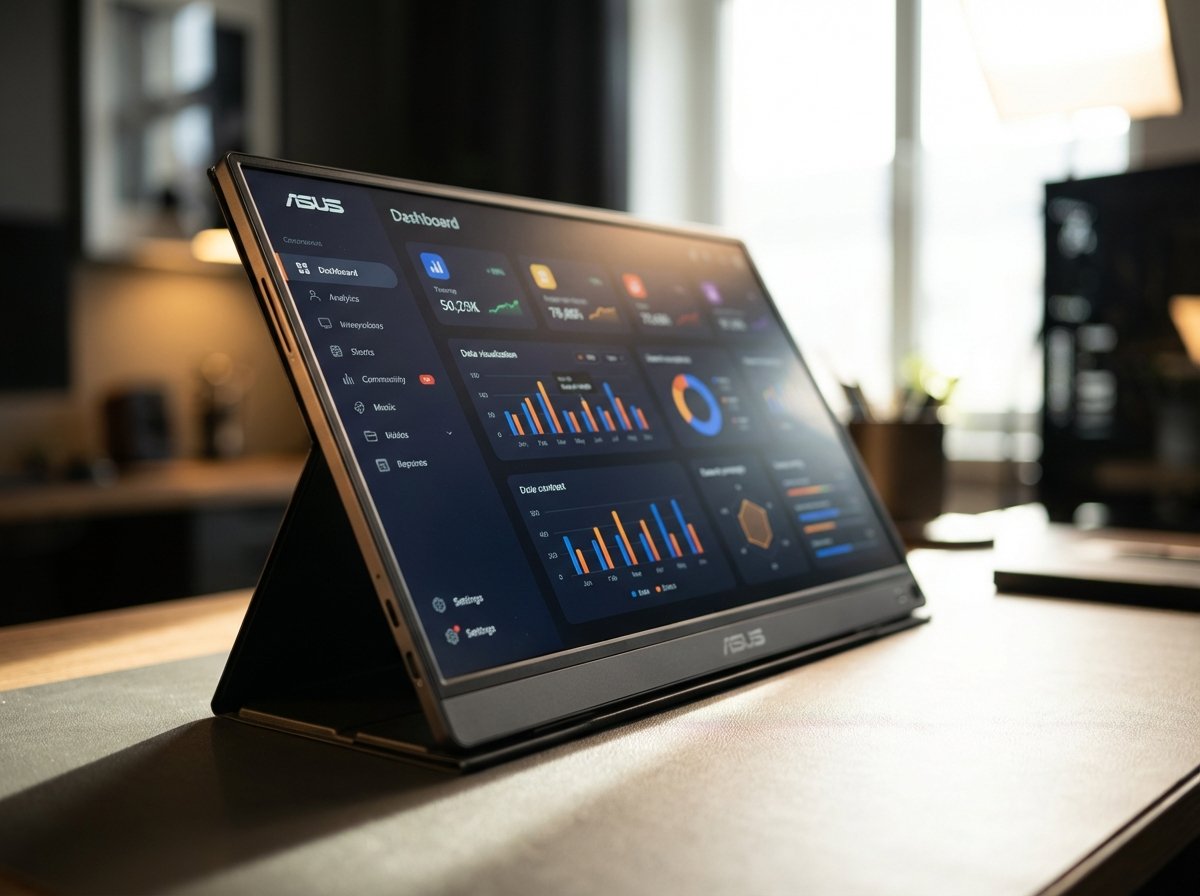
1. The Premium Pick: ASUS ZenScreen MB16QHG
This is for the pros. It hits 500 Nits. It has a 120Hz refresh rate (makes everything feel smoother). It is a 16-inch panel with a resolution of 2560 x 1600.
This is not a toy. It matches the aspect ratio of modern MacBooks. It has a kickstand built in so you don’t need a flimsy case.
Estimated Price: $350 – $400
2. The Runner Up: UPERFECT 2K 120Hz (16 or 18 inch)
UPERFECT is a brand that actually pushes brightness. Many of their “Game” models hit 500 Nits.
You have to be careful with this brand—they have 50 different models. Look specifically for the 2K 120Hz or 144Hz models. They almost always use better panels than the 60Hz versions.
They are cheaper than ASUS. The build quality is slightly lower (more plastic), but the screen panel itself is top tier.
Estimated Price: $180 – $250
3. The OLED Wildcard: ASUS ZenScreen OLED MQ13AH
OLED is beautiful. The blacks are perfect. The contrast is infinite.
This model hits roughly 360-400 Nits, but because the contrast is so high, it looks brighter than it is. However, it is usually glossy.
Buy this if you do color grading or creative work. If you just do spreadsheets, stick to the high-nit IPS panels above.
Estimated Price: $300 – $350
How to Verify Brightness Before You Buy
You are on Amazon. You see a monitor for $99. It looks great.
How do you know if it is trash?
- CTRL+F “Nits” or “cd/m²”. If they don’t list it, it is 220. Guaranteed. If it was high, they would brag about it.
- Look for “HDR 400”. This is a certification. It means the monitor must hit 400 nits to get the badge. It is a safety net.
- Check the refresh rate. High refresh rate panels (120Hz, 144Hz) are usually newer technology. Newer tech is usually brighter. A 60Hz panel is often old stock from 2018.
Summary: Buy Once, Cry Once
Here is the reality.
You can buy a cheap monitor, realize you can’t see it, return it, and waste 3 hours of your life.
Or you can spend the extra $150 now and get a tool that works.
If you make $50,000 a year, your time is worth about $25 an hour. If a bad monitor slows you down by 10% over a year, that is $5,000 in lost potential.
A $400 monitor is cheap insurance against mediocrity.
Get the nits. Get the work done. Go home.