Most People Buy Trash and Expect Gold Results
You have a MacBook. You have an iPad. Apple gave you a feature called “Sidecar” for free.
This feature is essentially free leverage. It turns a piece of glass you use for Netflix into a secondary productivity monitor. It increases your screen real estate. It increases your throughput.
Data shows that dual monitors can increase productivity by 42%. If you make $100 an hour, and you work 2,000 hours a year, that 42% is worth $84,000. Even if it’s only 10% more efficient, that’s $20,000 a year.
But here is what most of you do.
You take this $1,000 iPad and you prop it up on a $12 piece of plastic you bought from a random vendor. It wobbles. It slides. The viewing angle is wrong.
So you stop using it. You lose the leverage. You lose the $20,000.
Stop buying cheap gear for expensive work.

Today I am going to break down the only iPad stands that actually work for Sidecar. I don’t care about “aesthetic” unless it serves function. I care about Stability, Portability, and ROI.
If it wobbles, it’s out. If it breaks, it’s out.
The Physics of “The Wobble”
Why does stability matter? It isn’t about the safety of the device.
It is about Micro-Distractions.
When you are in deep work—what I call the “flow state”—your brain is processing information at maximum capacity. Every time you touch your iPad to scroll or tap a window, and the stand shakes, your brain registers a physical threat. It’s a tiny interruption.
If your stand wobbles every time you type near it, your eyes have to refocus. This causes fatigue.
- Fatigue leads to breaks.
- Breaks lead to scrolling social media.
- Scrolling leads to zero output.
We want a stand that acts like a rock. When you tap it, it shouldn’t move. When you type on your main keyboard, the iPad shouldn’t vibrate.
Here is the list of stands that solve this problem.
1. The Twelve South HoverBar Duo (2nd Gen)
Category: The Desktop Tank
Price Range: $70 – $80
This is the piece of gear I see on the desks of people who actually ship products.
The HoverBar Duo is an articulating arm. It holds the iPad in the air. Why does this matter for Sidecar?
Because your MacBook screen is elevated. If your iPad is sitting on the table surface, your neck is constantly moving up and down. That is bad mechanics. You want your eyes to scan horizontally across the horizon line.
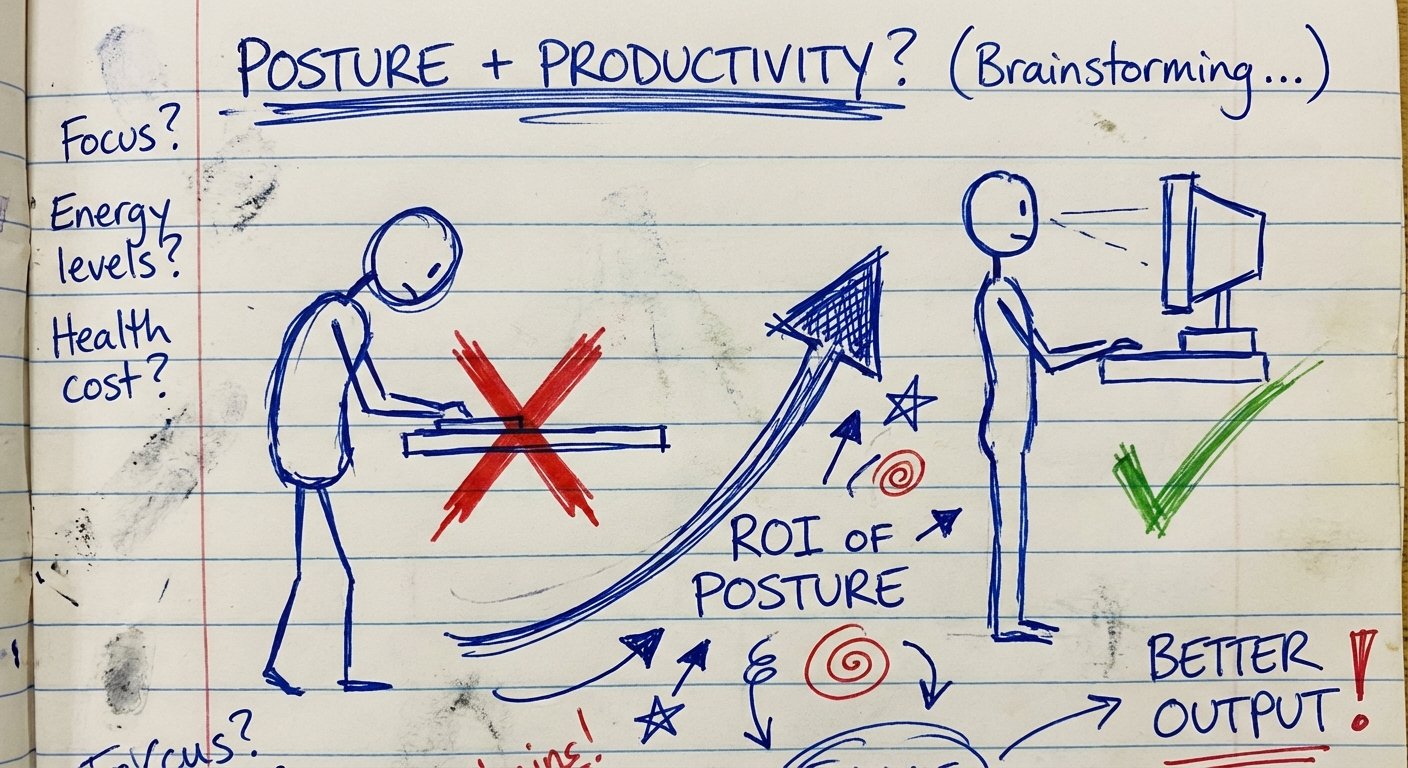
The HoverBar allows you to position the iPad flush with your MacBook screen. Same height. Same angle.
The Good
- Dual Base: It comes with a heavy weighted base (for the desk) and a clamp (for a shelf or cabinet).
- Height: It gets the iPad off the desk. This saves neck pain.
- Rigidity: The hinges are tight. You have to use muscle to move them. This means when you tap the screen, it doesn’t bounce.
The Bad
- Portability: It is heavy. You are not throwing this in your backpack for a coffee shop session. This stays at the office.
If you work from home 90% of the time, this is the only answer. The ROI on your neck health alone is worth the $80.
2. The Twelve South Compass Pro
Category: The Nomad’s Tool
Price Range: $55 – $65
Sometimes you have to leave the cave. You have to travel. You have to close deals in person.
You cannot bring a 5lb weighted base with you. You need something that fits in the pocket of your jeans but holds 100x its weight.
Enter the Compass Pro.
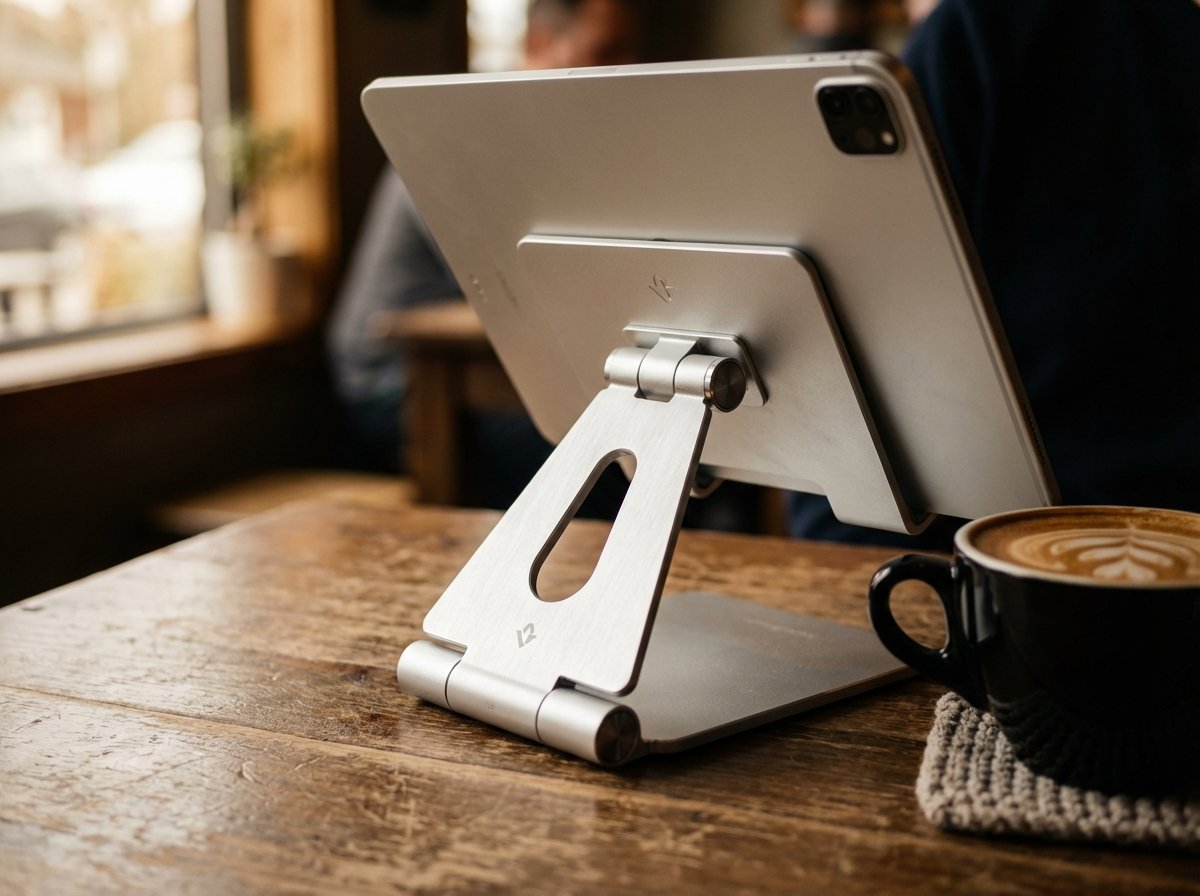
It is a metal tripod. It looks like an architectural tool. It folds down to the size of a candy bar. It unfolds into a heavy-duty easel.
Why it beats the competition
Most portable stands are plastic. They flex. The Compass Pro is steel and silicone. It is rigid.
For Sidecar users, it offers two angles:
- Display Mode: Upright. Perfect for a second monitor.
- Active Mode: Low angle. Perfect for using the Apple Pencil if you need to sign docs or sketch.
It has virtually zero footprint in your bag. The opportunity cost of carrying it is zero.
3. CharJenPro MagFlott
Category: The Frictionless Setup
Price Range: $110 – $140
I talk a lot about friction. Friction is the gap between “thinking about work” and “doing work.”
Clamp-based stands have high friction. You have to pry the clamp open. You have to wrestle the iPad in. If you get a phone call and need to walk away with your iPad, you have to wrestle it out.
The MagFlott uses magnets. It works specifically with the iPad Pro and Air models that have magnets built into the back.
The Logic
You snap it on. You pull it off. That’s it.

It looks exactly like the stand on the Apple Pro Display XDR. It matches the aluminum finish of your MacBook. It rotates 360 degrees effortlessly.
Is it expensive? Yes. It costs over $100 for a piece of metal. But if you take your iPad off the stand 5 times a day, and this saves you 10 seconds of frustration each time, that adds up. It keeps you in the zone.
Warning: Check your specific iPad model. This relies on internal magnet arrays. If you have a base model iPad (non-Air, non-Pro), this will not work.
4. KABCON Tablet Stand
Category: The Value Play
Price Range: $25 – $35
Maybe you are just starting out. You don’t have $100 to spend on a stand because you haven’t sold anything yet. I respect that. Keep your burn rate low.
But do not buy the $10 plastic stand. Buy the KABCON.
This is an ugly, heavy slab of aluminum. It isn’t pretty. It doesn’t look like it was designed in California. It looks like it was designed to hold up a brick wall.
Why I include this
It has stiffness. The hinges are incredibly tight. It supports the larger 12.9-inch iPad Pro without tipping over. Most cheap stands tip over when you put the big iPad on them.
If you need stability on a budget, and you don’t care about looking cool, this is the highest ROI purchase on the list.
The “Lined Paper” Test
Before you buy, ask yourself one question.
Does this purchase buy me time, or cost me time?
A stand that falls over costs you time. A stand that you have to fiddle with for 5 minutes costs you time. A stand that hurts your neck costs you *future* time in physical therapy.

Sidecar requires alignment. The cursor needs to move from your MacBook to your iPad seamlessly. If the iPad is too low, the cursor jumps. Your brain lags. You lose the flow.
The Verdict
Here is the decision matrix. Use this to buy right now and get back to work.
- If you have a permanent desk: Buy the HoverBar Duo. It offers the best ergonomics.
- If you are digital nomad: Buy the Compass Pro. It is indestructible and portable.
- If you value speed/aesthetics: Buy the MagFlott. It is the premium option.
Don’t overthink it. The decision you make on a stand matters less than the work you do on the screens. Pick one. Buy it. Get to work.
PS: If you buy the cheap plastic one after reading this, you deserve the wobble.