You are losing money right now.
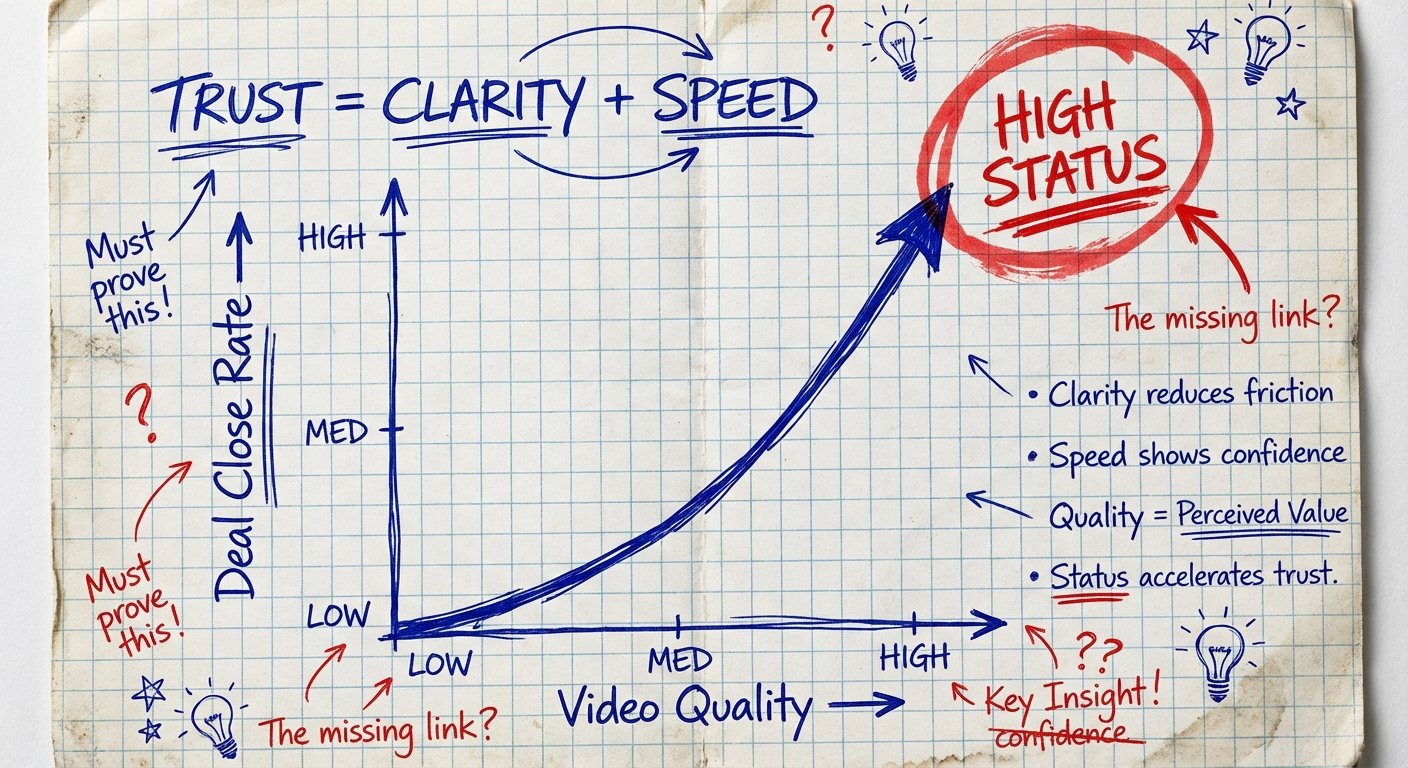
Every time you hop on a sales call, a client meeting, or a podcast interview with your grainy, washed-out laptop camera, you signal low status. You signal that you don’t care about details. You signal that you are “cheap.”
And people do not buy high-ticket items from cheap people.
The biggest companies in the world—Apple, Dell, Lenovo—they scammed you. They sold you a $2,000 machine with a $2 camera sensor. They prioritized the bezel size over your face. They prioritized thinness over your revenue.
As a nomad, you don’t have the luxury of a dedicated studio. You don’t have a permanent setup. But you cannot afford to look like an amateur. The ROI (Return on Investment) on a crisp video feed is infinite because the trust gap closes faster. When they see you clearly, they trust you faster. When they trust you faster, they pay you faster.
You don’t need a $3,000 Sony mirrorless camera setup. That’s ego. That’s friction. You need a tool that fits in your bag, costs less than a nice dinner, and makes you look like a professional who commands high rates.
Here is the truth about budget webcams for nomads.

The Criteria: Don’t Be a Spec Sheet Sucker
Most people buy cameras based on numbers they don’t understand. They see “4K” and they swipe their credit card. This is stupid.
Zoom, Google Meet, and Teams compress your video feed. Even if you upload 4K, the person on the other end sees 1080p—or worse, 720p—compressed to hell. You are paying for pixels nobody sees.
Here is what actually matters for a nomad:
- Light Sensitivity (ISO): You will be in dark Airbnbs and dimly lit cafes. You need a sensor that doesn’t turn into a grain-fest when the sun goes down.
- Auto-Focus Speed: If you move your hands to explain a concept, does the camera blur your face? If yes, it’s trash.
- Field of View (FOV): Laptop cameras are too wide. They show your messy bed in the background. You want a tight 65-78 degree FOV. Focus on you, not the room.
- Size and Durability: If it requires a separate carrying case, you won’t bring it. It needs to be tossed in a backpack and survive.
Forget the microphone quality. If you are using a webcam mic, you have already failed. Buy a cheap lapel mic or a USB mic. We are looking at video strictly.
1. The Value King: Anker PowerConf C200
Stop buying Logitech just because your dad uses it. Anker came into the market and disrupted the pricing model. They realized that legacy webcam makers were lazy.
The PowerConf C200 is the highest ROI webcam on the market right now. Period.
It shoots in 2K. While I said 4K is a waste, 2K is the sweet spot. It allows you to crop in slightly without losing 1080p clarity. If you need to reframe your shot digitally because your hotel room is messy, you can.
The Specs that Matter:
- Resolution: 2K (1440p)
- Field of View: Adjustable (65, 78, 95 degrees). Set it to 65. Look authoritative.
- Size: Tiny. Cube shape. Fits in a pocket.
- Privacy Cover: Built-in. Don’t let the FBI watch you sleep.
The Real World Logic:
Most webcams try to expose the whole room. The C200 prioritizes your face. The software is actually usable. It’s plug-and-play. For the price, it beats cameras that cost twice as much.
Price Range: $55 – $70
2. The Reliable Veteran: Logitech C920s Pro
Sometimes you don’t want the new disruptor. You want the thing that has worked for ten years. You want the Toyota Camry of webcams.
The C920 series is the most popular external webcam in history for a reason. It is indestructible. It works on every operating system without drivers. You plug it in, it works. You make money.
The “s” version comes with a privacy shutter. Essential for nomads staying in shared spaces.
The Specs that Matter:
- Resolution: 1080p at 30fps. Standard.
- Focus: Solid autofocus. Doesn’t hunt too much.
- Mount: The clip is universally good. Fits thick monitors and thin laptop screens.
The Real World Logic:
The image quality is “good enough.” It isn’t cinematic. It isn’t mind-blowing. But it is consistent. If you are a nomad who changes locations every week, consistency is worth money. You know exactly what you are going to look like every time you open your laptop.
Price Range: $60 – $80
3. The “Bad Lighting” Solution: Razer Kiyo
Lighting is 80% of video quality. A $5,000 camera looks like trash in the dark. A $50 camera looks like Hollywood with good light.
But you are a nomad. You don’t want to carry a ring light. You don’t want to carry stands. You have limited luggage space.
Razer solved this years ago. The Kiyo has a ring light built into the chassis of the camera. Is it the best light in the world? No. Is it better than your laptop screen casting a blue zombie glow on your face? Yes.
The Specs that Matter:
- Resolution: 1080p at 30fps or 720p at 60fps. Stick to 1080p.
- Lighting: Adjustable ring light surrounding the lens.
- Design: It folds up into a compact puck. Very travel-friendly.
The Real World Logic:
This is for the nomad who works late. If your clients are in a different time zone and you are taking calls at 10 PM in a dark Airbnb, this camera saves you. It illuminates your face evenly. It removes the shadows under your eyes. It makes you look awake.
Price Range: $40 – $60 (Often on sale)
4. The Modern Upgrade: Logitech Brio 500
Logitech realized Anker was eating their lunch, so they released the Brio 500. This is the C920 for the modern era.
It has “RightLight 4” technology. That’s marketing fluff for “it fixes the exposure when you sit in front of a bright window.”
Backlighting is the enemy of the nomad. You want to sit with the view behind you, but then you become a silhouette. The Brio 500 fights this aggressively. It brightens your face digitally so you can show off the beach view without looking like a shadow figure.
The Specs that Matter:
- Resolution: 1080p at 30fps.
- Field of View: 90 degrees (wide) but can crop to 65.
- Feature: Auto-framing. If you pace around or shift in your seat, the camera follows you.
The Real World Logic:
It costs a little more. Is it worth it? Only if you have bad lighting habits. If you constantly sit with a window behind you, buy this. It pays for itself by saving you the time of rearranging furniture in your hotel room.
Price Range: $90 – $110
5. The Ultra-Budget Scrapper: NexiGo N930AF
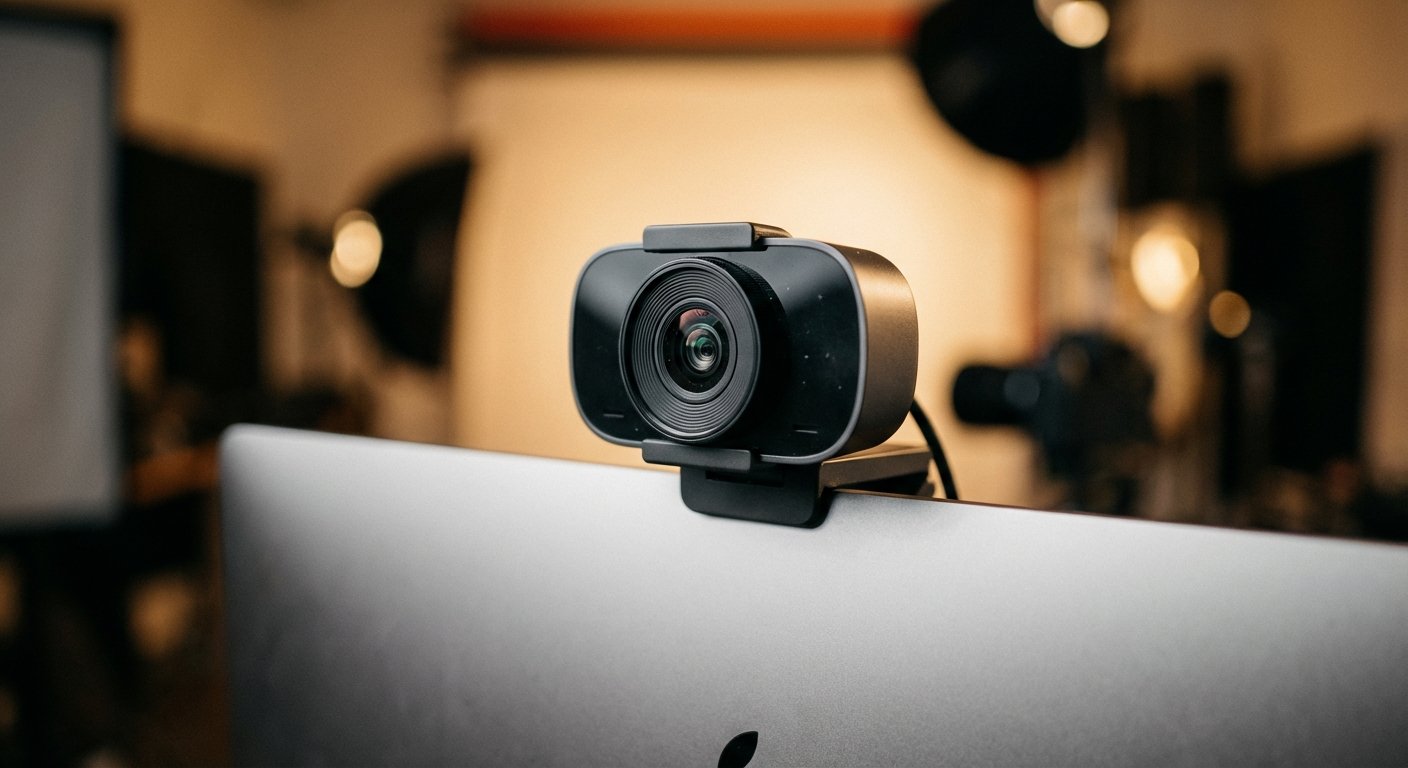
Maybe you are just starting. You have $40 to your name for gear. You need to look pro, but you can’t spend $100.
Get the NexiGo. It is a generic brand that uses a decent Sony sensor. It feels cheap. The plastic is light. But the image quality punches way above its weight class.
The Specs that Matter:
- Resolution: 1080p.
- Focus: Autofocus included (rare at this price point).
- Privacy: Includes a cover.
The Real World Logic:
It is 3x better than your MacBook Air camera. It is 10x better than your old Dell webcam. It gets the job done. It allows you to enter the game. Once you close your first $5k deal, throw this in the trash and buy the Anker. Until then, use this to print money.
Price Range: $35 – $50
The Zero-Cost Option: Your Smartphone
You have a $1,000 camera in your pocket. The iPhone (or high-end Android) camera destroys every webcam on this list. It destroys $300 webcams.
Why didn’t I list this first? Friction.
To use your phone, you need:
- A mount (to clip it to your laptop).
- Software (Camo or EpocCam).
- To drain your phone battery.
- To disable notifications so your mom doesn’t interrupt your sales pitch.
However, if you are disciplined, this is the best image quality you can get for $0 (assuming you already own the phone). Apple’s “Continuity Camera” feature makes this easier now on Macs. If you are on Windows, download Camo.
The image is sharp. The depth of field is natural. The color science is superior. But it takes 2 minutes to set up. A USB webcam takes 2 seconds. Know yourself. If you are lazy, buy the USB cam. If you are disciplined, use the phone.

The “Secret” Multiplier: Lighting > Camera
I see nomads buy a $300 webcam and sit in a cave. They look like garbage.
I see nomads use a $40 webcam and sit facing a window. They look like news anchors.
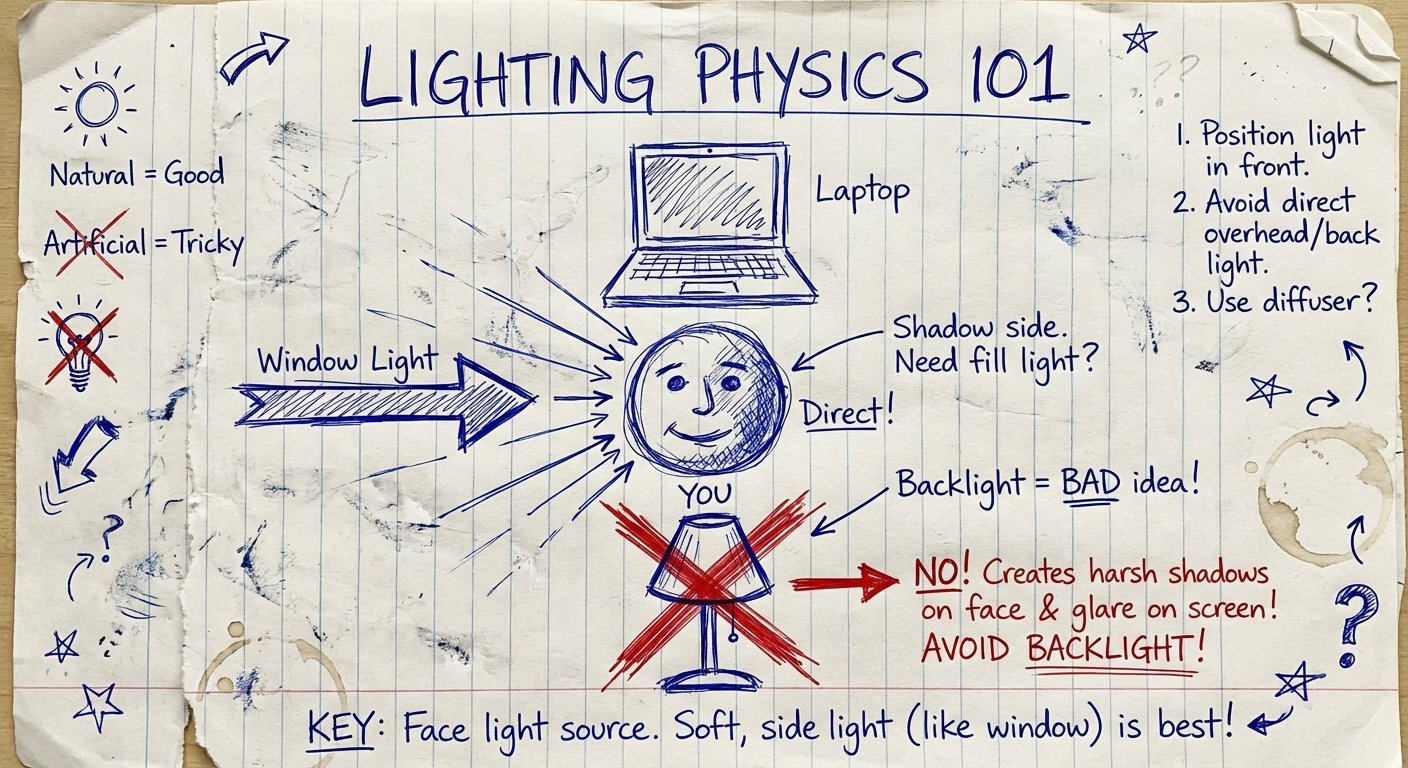
You cannot buy your way out of bad physics. Cameras need light. Sensors capture photons. No photons, no image.
The Nomad Lighting Protocol:
- Face the Window: The sun is the best light source. It is free. Put your laptop between you and the window.
- The “Lamp Bounce”: If it’s night, don’t point a desk lamp at your face. You will look sweaty and harsh. Point the lamp at the white wall behind your laptop. The light bounces off the wall and hits you softly. It creates a “soft box” effect for $0.
- Check Your Background: Don’t have a bathroom door open behind you. Don’t have a bright light source behind your head.
Mastering light yields a higher ROI than upgrading your camera.
Conclusion: The Math of Looking Good
Let’s run the numbers.
Option A: You stick with your laptop camera. You look low-status. Your close rate on sales calls is 20%.
Option B: You spend $60 on an Anker C200. You look crisp. You look like a pro who has their life together. Your subconscious authority increases. Your close rate goes to 22%.
If you sell a $2,000 service, that 2% increase is worth thousands of dollars a year. The webcam cost you $60. The return is 100x.
There is no excuse. The barrier to entry is gone. The technology is cheap. The size is small.
Pick one. Buy it. Plug it in. Look the part. Close the deal.
Don’t overthink it. Execution is the only thing that matters.