Your Background is Costing You Money
You book an Airbnb. It looked great in the photos. “Modern studio,” they said.
You arrive. It’s a dungeon. There is neon art on the wall. The bed is three feet behind the desk. The lighting is yellow and dim.
You have a sales call in twenty minutes. You are pitching a $10,000 deal. You turn on your camera. You look like an amateur living in a basement.
The client sees the unmade bed. They see the weird art. Subconsciously, they price anchor you to zero.
You lose the deal.
That is the reality for digital nomads. If you travel, you cannot control your environment. But you must control your perception.
Perception is reality. If you look expensive, you can charge expensive prices. If you look cheap, you get negotiated down.
Most people try to fix this with software. They use the “Blur” feature on Zoom. Or they use a virtual background without a green screen.
It looks terrible. Your hands disappear. You have a weird halo around your head. You look like a glitch. Glitches do not command authority.
You need a physical green screen. It is the only way to get a clean key. It allows you to replace the messy Airbnb with a professional office, a solid color, or a branded backdrop.
The problem? Most green screens are massive. You cannot put a 10-foot studio stand in your carry-on.
I have tested the portable options. Most are trash. They wrinkle. They fall over. They are flimsy.
But a few actually work. They yield positive ROI immediately.
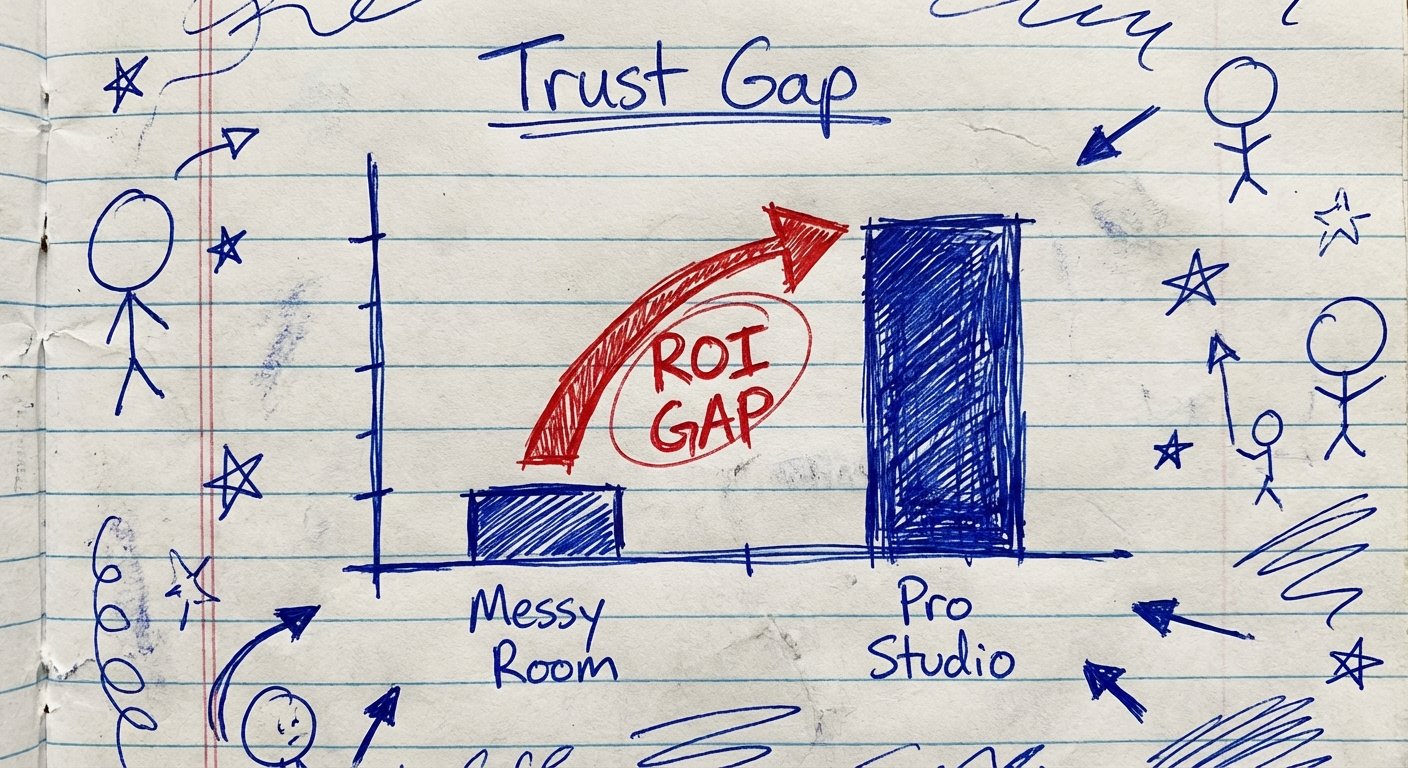
The ROI of Looking Professional
Let’s do the math. I like math. It removes emotion.
Let’s say a proper portable green screen setup costs you $200. Let’s say you also buy a decent light for $100. Total investment: $300.
If you sell a service for $2,000.
And if looking professional increases your closing rate by just 1%.
You only need to take 15 calls to make your money back. Everything after that is profit.
If you are closing high-ticket deals, the ROI is infinite. One deal pays for the gear ten times over.
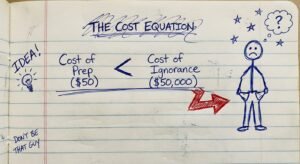
Stop stepping over dollars to pick up pennies. Buy the gear.
The Gold Standard: Elgato Green Screen
If you have space in a checked bag, or if you travel by car, this is the one you buy.
Elgato dominates this space for a reason. They don’t make cheap junk. They make gear for streamers who stream 8 hours a day.
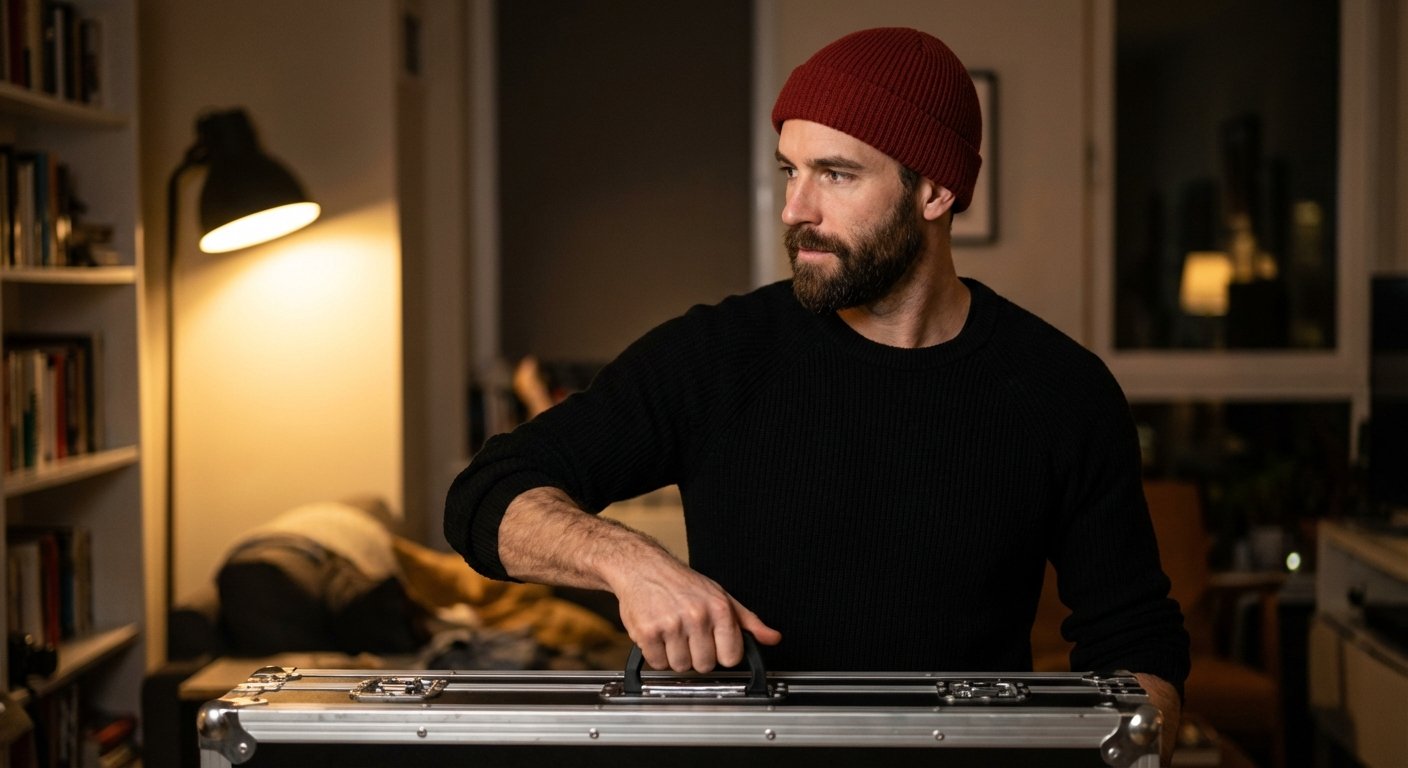
The build quality is industrial. It comes in a metal case. You put it on the floor. You pull the handle up. It locks in place automatically using a pneumatic X-frame.
The Specs:
- Dimensions (Extended): 58.27 x 70.87 inches
- Dimensions (Collapsed): 64.76 x 4.13 x 4.53 inches
- Weight: 20.5 lbs (9.3 kg)
- Material: Wrinkle-resistant 100% Polyester (Dacron by DuPont)
Why it wins:
It is wrinkle-free. Wrinkles create shadows. Shadows ruin the chroma key effect. With cheap cloth screens, you spend 20 minutes steaming them. With Elgato, you pull it up, and it is flat.
It sets up in 3 seconds. Literally. You open the case, pull up. Done.
The Downside:
It is long. 64 inches collapsed. You cannot put this in a carry-on. You need to check it as oversized luggage or ship it. If you are a true “one bag” traveler, this is too big. But if you stay in places for months at a time, ship it there.
Price Range: $140 – $170
The Carry-On Winner: Valera Creator 95
You need something that fits in a standard suitcase? This is the pivot.
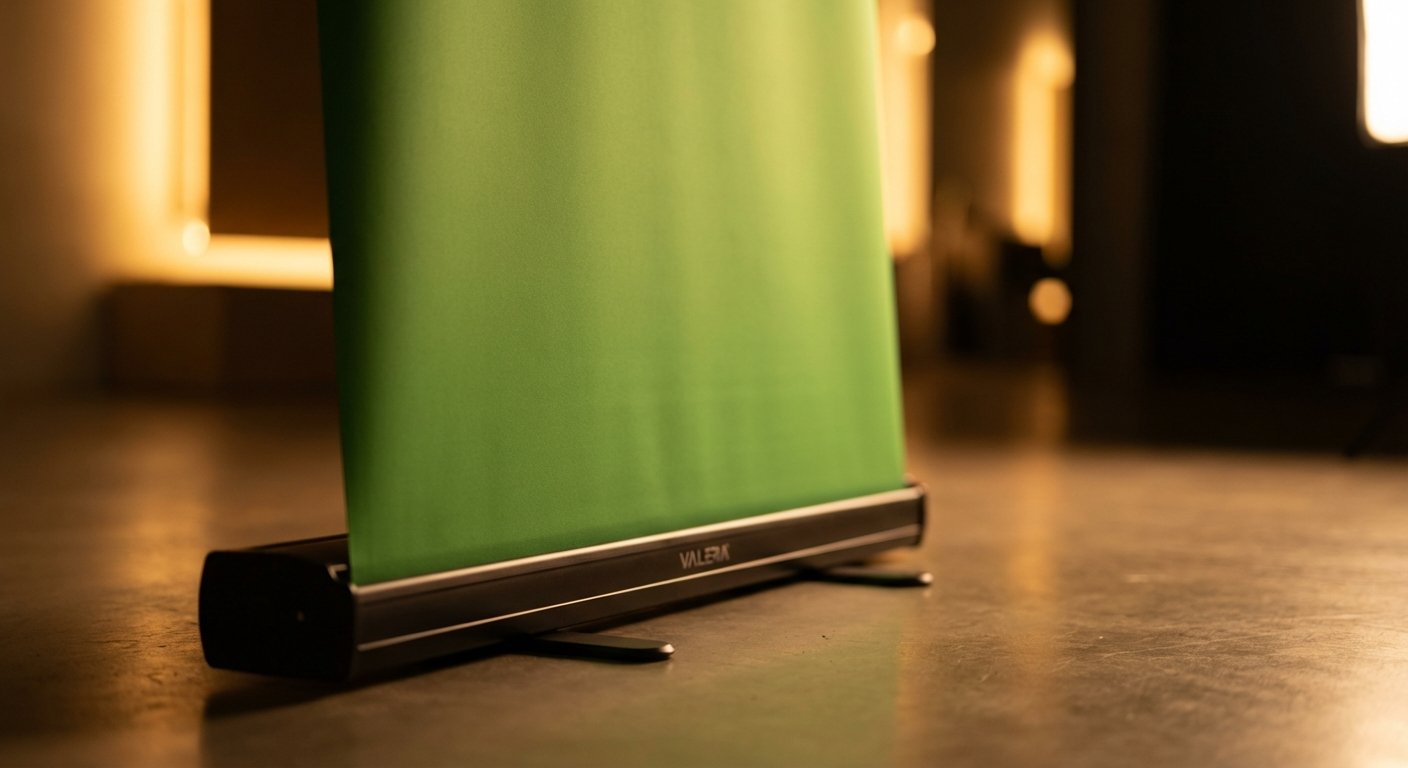
Valera makes a screen that collapses differently. It doesn’t roll up into a long metal tube. It folds.
The screen material is proprietary. They call it “ChromaBoost.” It is designed to be brighter and easier to key out in low light. This matters in Airbnbs where the lighting usually sucks.
The Specs:
- Dimensions (Open): 58 x 75 inches (Vertical orientation)
- Collapsed Length: Roughly 40 inches (more manageable than Elgato)
- Weight: ~11 lbs
The Logic:
It is lighter than the Elgato. It is cheaper. The vertical orientation is great if you are doing TikToks or Reels from the road, but it is wide enough for a standard Zoom webcam crop.
It takes about 10 seconds to set up. Not as fast as Elgato, but fast enough.
Price Range: $130 – $150
The “Closet Office” Solution: The Webaround
Sometimes the Airbnb is tiny. There is no floor space for a stand. You are sitting in a chair squeezed between a dresser and the bed.
This is where the Webaround wins.
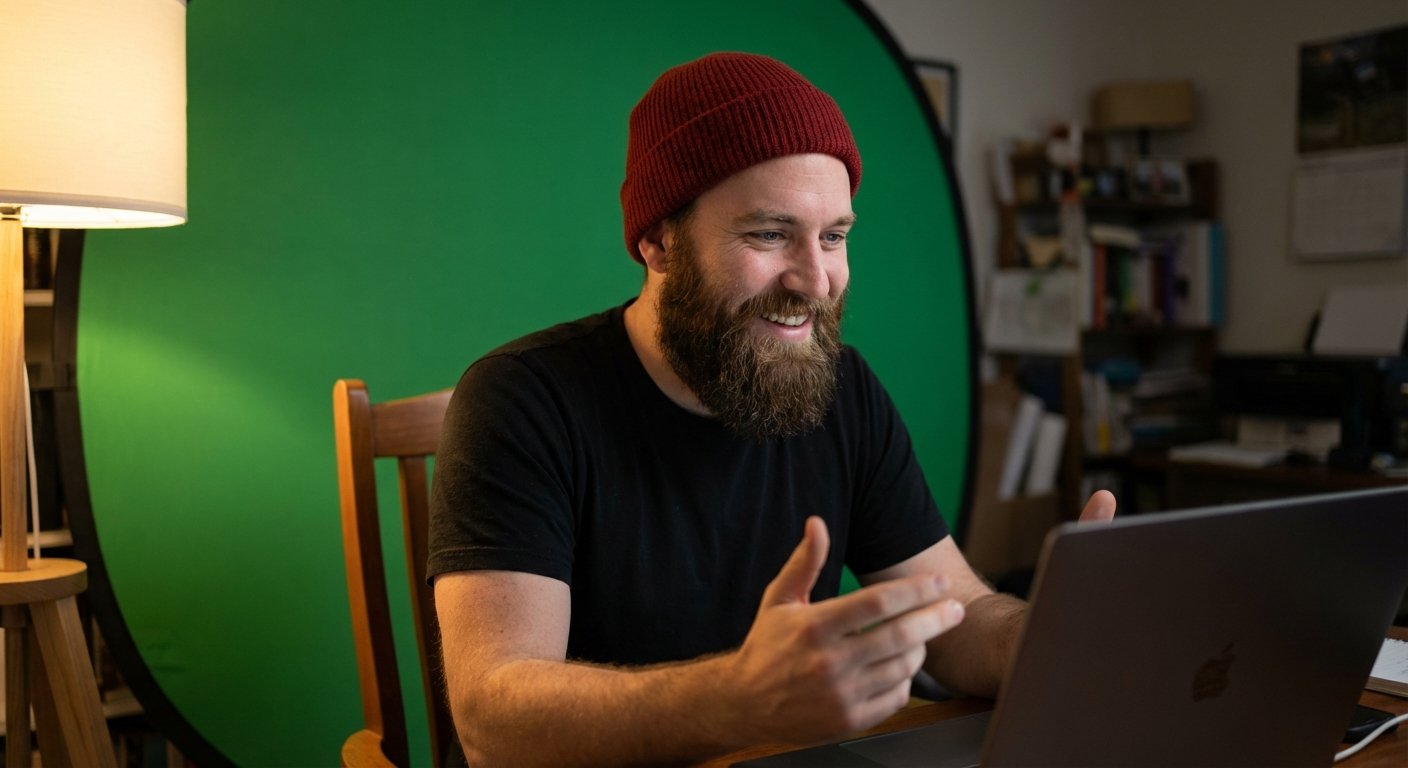
It attaches to the back of your chair. It pops out like those sunshades for car windshields. It creates a circular green background directly behind you.
The Specs:
- Diameter: 56 inches (The “Big Shot” model)
- Weight: Negligible. A few pounds.
- Portability: Folds into a 21-inch tote bag. Fits in a carry-on easily.
The Trade-off:
It is not perfect. If you move your hands too far to the side, they disappear because they go off the screen. You have to stay centered.
Also, it looks ridiculous in person. You look like a peacock. But the client on Zoom doesn’t see that. They just see a clean background.
This is the cheapest viable option. Do not buy the $15 knockoffs. The metal springs snap and the fabric is too thin (transparent). Get the branded one.
Price Range: $60 – $75
Green Screens Are Useless Without Light
Here is where most people fail. They buy the screen. They set it up. It looks grainy and fizzy.
They blame the screen.
It is not the screen. It is the light.
A camera sensor needs light to separate you from the background. If the green screen is in shadow, the software cannot distinguish between “dark green” and “black t-shirt.”
You do not need a cinematic Hollywood setup. You need flat, bright light.
The Portable Solution: Lume Cube Edge or Elgato Key Light Air.
If you are truly mobile, get a rechargeable panel light. But if you can plug in, get a desk-clamp light.
Blast the light at your face. Keep the green screen evenly lit. That is the secret. Even lighting creates a solid color code for the computer to delete.
Price Range (Lights): $70 – $130
Software: Don’t Use Zoom Native
Zoom’s built-in green screen feature is okay. It’s a B-.
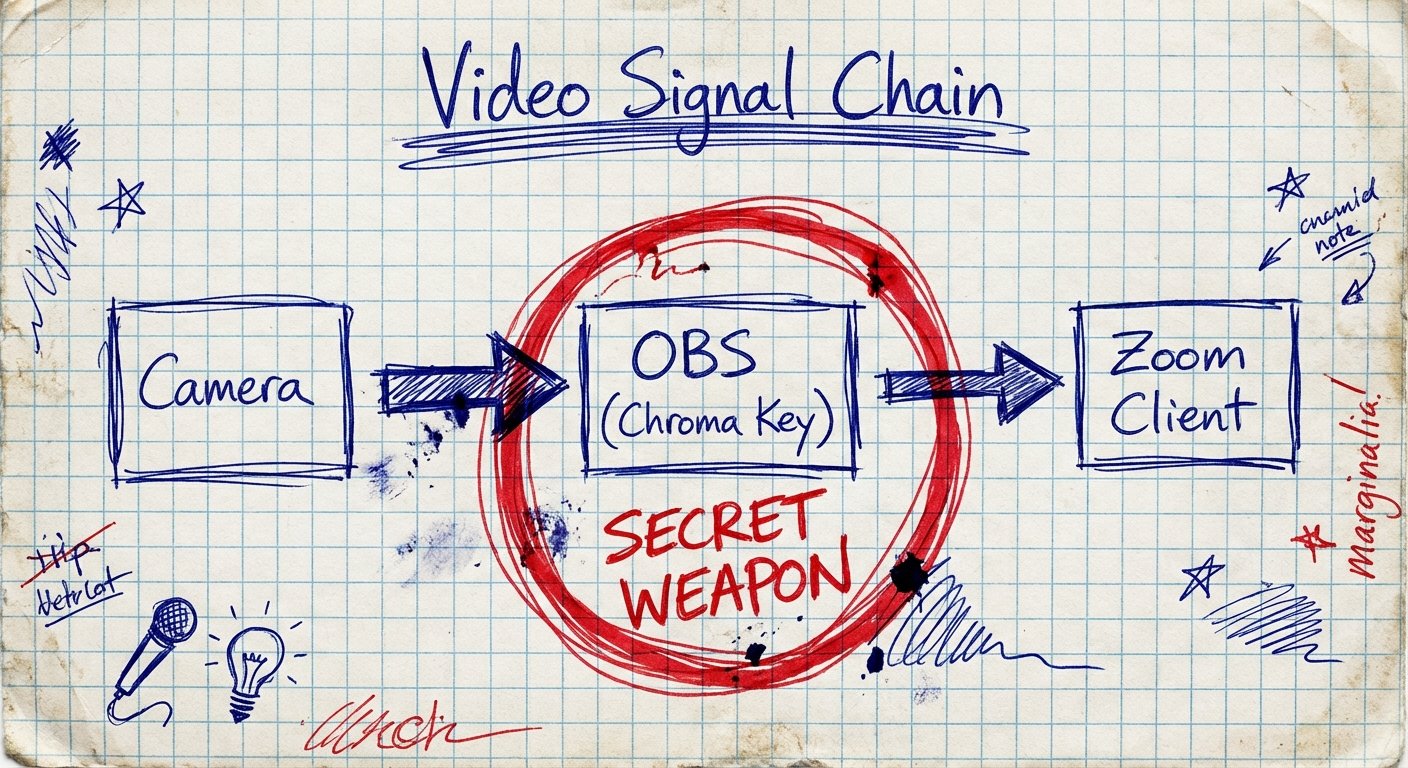
If you want an A+, you use OBS (Open Broadcaster Software) or NVIDIA Broadcast.
NVIDIA Broadcast: If you have an NVIDIA graphics card, this is free. It uses AI to read the green screen. It is flawless. It handles hair strands perfectly. It removes the green spill on your shoulders.
OBS: Free. Open source. You add a “Chroma Key” filter. You can tweak the similarity and smoothness sliders. This lets you dial it in for the specific lighting of your Airbnb.
You set up the scene in OBS, then output it as a “Virtual Camera.” Select “OBS Virtual Camera” inside Zoom.
Now you look crisp. 4K quality. No halos.
The Verdict
You have three choices.
Option 1: Do nothing. Keep showing clients your messy room. Keep losing trust. Keep losing deals.
Option 2: Use the blur filter. Look like a ghost. Look like everyone else who doesn’t try hard enough.
Option 3: Spend the $250. Get the Elgato or the Webaround. Get a light. Dial it in.
The market rewards competence. A clean video feed signals competence.
It is a small hinge that swings a big door.
Stop making excuses. Fix your background.