The Virtual Event Gold Rush Is Not Over
Most people think the virtual event ship sailed in 2021.
They are wrong.
They are also broke.
The “Zoom Boom” didn’t die. It matured. The amateurs left the building. The low-effort webinar hosts went back to their day jobs. What’s left is a vacuum.
A massive gap in the market for professionals who understand one thing: Arbitrage.
Physical events are expensive. You pay for the venue. You pay for the chicken dinner nobody eats. You pay for flights. Your margins get eaten alive by logistics.
Virtual events represent pure leverage. You build the infrastructure once. You sell the ticket a thousand times. The marginal cost of the 1,001st attendee is zero.
But there is a problem. Most virtual events suck.
They lag. The audio is garbage. The lighting looks like a hostage video. The content is boring.
This is where you come in.
The market doesn’t need more “Zoom hosts.” It needs Virtual Event Architects. Remote Organizers who treat a webinar like a live TV broadcast.
If you can solve the technical problem, you can charge premium prices. In this article, I’m going to show you exactly how to do it. No fluff. Just the math and the tools.
The Economics of Attention
Let’s look at the math.
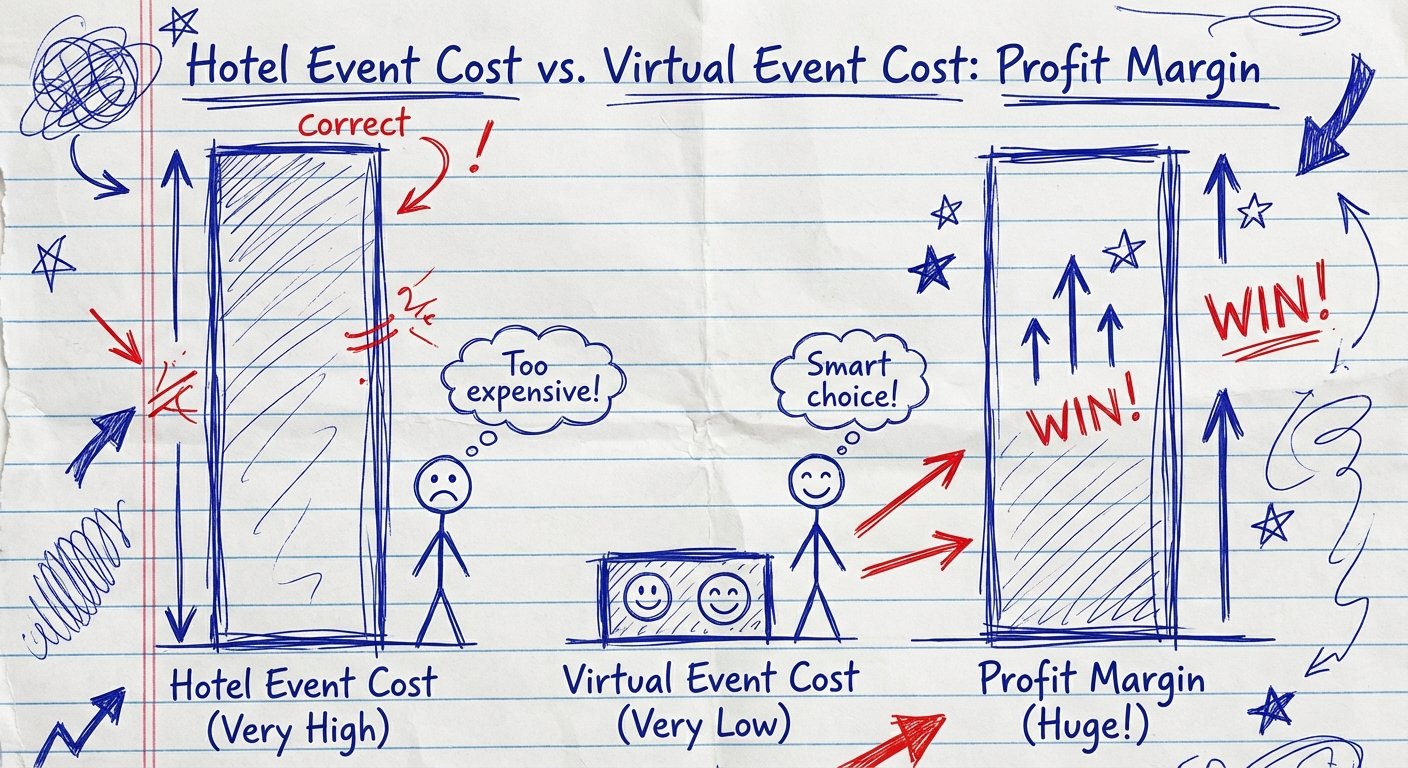
I ran physical workshops for years. They are heavy. If I want to put 500 people in a room, I need a hotel ballroom. That’s $20,000 upfront. I need A/V staff. That’s $10,000. I need insurance. I need food.
My break-even point is high. I have to charge $1,000 a ticket just to not lose money.
Now look at virtual.
I want to put 5,000 people in a digital room. The platform cost is maybe $500 a month. The hardware cost is a one-time investment of $5,000. My break-even is practically zero.
This is why companies are desperate for Remote Organizers.
They know the ROI is there. They just don’t know how to execute. They are terrified of the tech failing. They are terrified of looking stupid in front of their customers.
They will pay you to remove that fear.
You aren’t selling “party planning.” You are selling risk mitigation and conversion.
The Remote Organizer Skill Stack
You cannot be a generalist.
Generalists get paid $20 an hour. Specialists get paid a percentage of revenue.
To dominate this niche, you need three specific skills:
- Technical Redundancy: You need to know what happens when the internet cuts out. You need backups for your backups.
- Audience Retention: You need to know how to keep people watching. If they click away, they don’t buy.
- Production Value: You need to make it look expensive. Perceived value equals price elasticity.
If your event looks like a cheap FaceTime call, people will value the information at $0.
If your event looks like a Netflix special, people will pay thousands.
The difference is hardware.
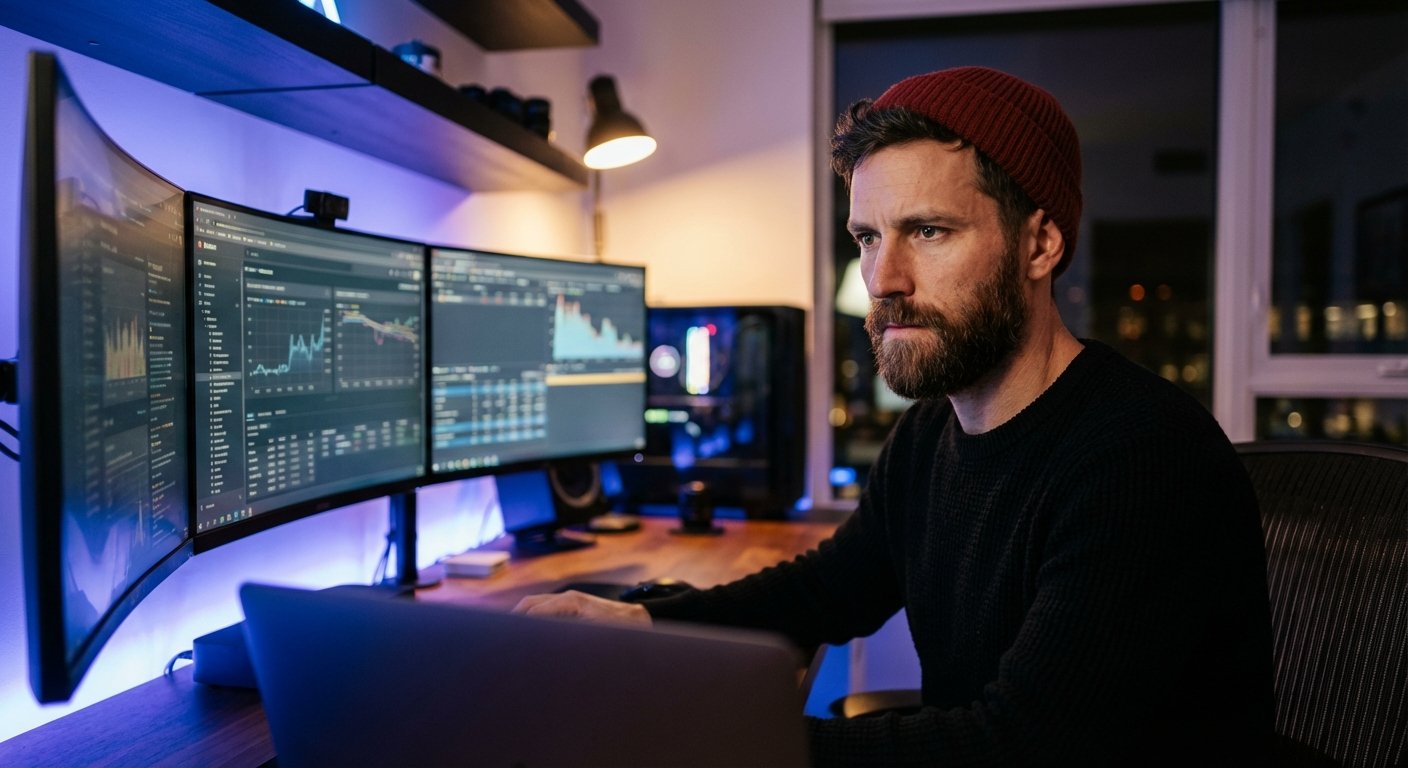
The Hardware: Stop Using Webcams
I see so many “organizers” trying to run a six-figure event from a MacBook Air webcam. It is disrespectful to your audience. It is disrespectful to your bank account.
You need to build a Command Center. Or, you need to ship a “studio in a box” to the CEO you are producing for.
Here is the exact stack. Do not deviate. These are the industry standards for a reason.
1. The Audio (Input)
Audio is more important than video. If the video freezes, people keep listening. If the audio crackles, they leave immediately.
There is only one microphone you should be looking at. The Shure SM7B. It is the gold standard for broadcasting. It has built-in pop filtering and electromagnetic shielding. It makes you sound rich.
It requires power. You cannot plug this into a laptop. You need an interface. But first, get the mic.
Amazon Price Range: $350 – $400
2. The Audio (Interface)
The SM7B is gain-hungry. It is quiet. If you plug it into a cheap interface, you get hiss. Hiss destroys credibility.
You need the RodeCaster Pro II. This isn’t just an interface; it’s a fully integrated audio production studio. It has the pre-amps to drive the Shure SM7B without extra noise. It has programmable pads for sound effects. It processes your voice in real-time to give you that “radio DJ” deep voice.
This allows you to manage multiple audio sources if you have remote guests. It is non-negotiable for high-end production.
Amazon Price Range: $600 – $700
3. The Visuals (Camera)
Stop using Logitech. Stop using webcams.
You need a mirrorless camera with a fast lens. You need depth of field (that blurry background). This signals “professional production.”
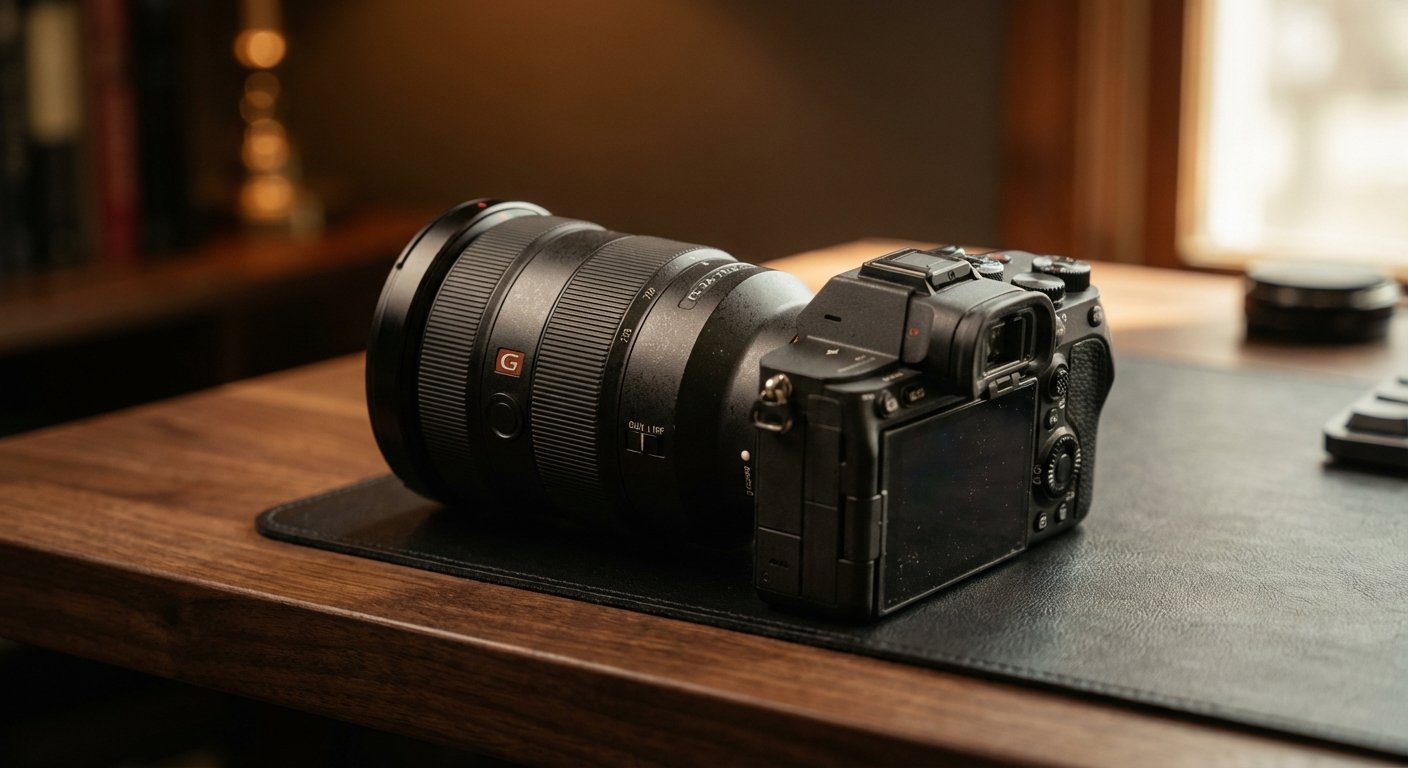
The Sony Alpha 7 IV is the workhorse here. It has incredible autofocus. It doesn’t overheat during long streams (a major issue with cheaper cameras). It outputs clean 4K HDMI. When a client sees you on this camera, they assume you are competent.
Pair it with a decent lens, and you win.
Amazon Price Range: $2,400 – $2,600
4. The Video Switcher
You have your camera. You have your slide deck. You have a second angle of the product demo.
How do you switch between them smoothly? You don’t use a mouse. You use hardware.
The Blackmagic Design ATEM Mini Pro ISO. This little box lets you plug in 4 HDMI sources and switch between them like a TV station. The “ISO” version records all inputs separately. This is huge for post-production. You can edit the event later and fix mistakes.
This is how you charge double. You aren’t just streaming; you are creating assets.
Amazon Price Range: $400 – $500
5. The Lighting
A $3,000 camera looks like trash in bad light.
You need soft, diffused light. You need control over the temperature and brightness from your computer. You don’t want to stand up and turn knobs in the middle of a pitch.
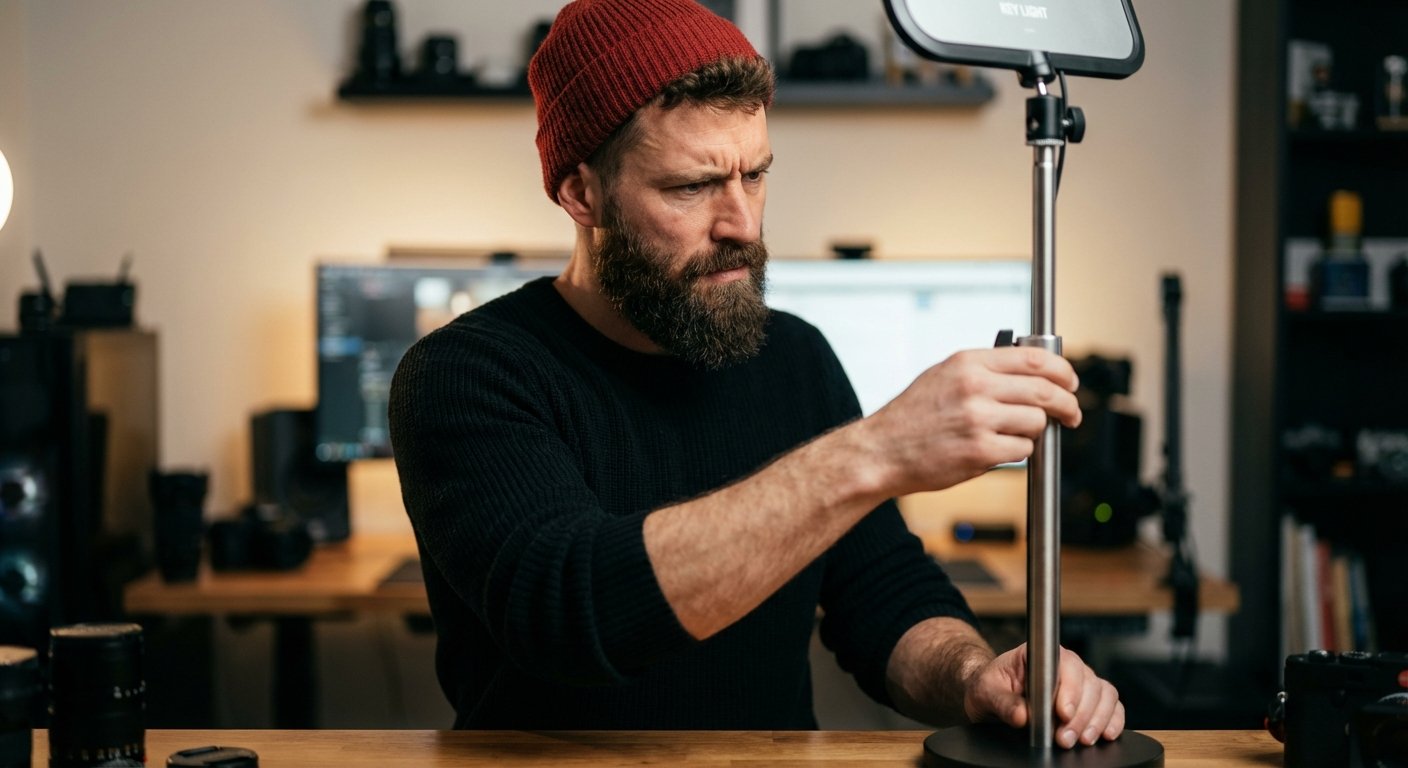
The Elgato Key Light Air is the solution. It connects to WiFi. You control it from your stream deck. It takes up zero desk space. It is designed specifically for this use case.
Amazon Price Range: $120 – $150 (per light)
The Workflow: How to actually run the event
Owning the gear doesn’t make you money. Using the gear to prevent failure makes you money.
Here is the workflow of a high-paid Remote Organizer.
The Pre-Game (2 Weeks Out)
You do tech checks. You do not trust the speaker when they say “My internet is good.”
You make them run a speed test. If they are on WiFi, you force them to buy an ethernet cable. If they refuse, you fire the client. I am serious.
WiFi is variable. Variable is bad. Ethernet is stable. Stable is money.
You send them a “Tech Box” if they are a VIP. You ship them the mic and the light. You get on a call and show them where to put it.
The Run of Show
You create a minute-by-minute script. Not of what they say, but of what happens on screen.
- 00:00 – 05:00: Hype reel (Pre-recorded video). Audio from system.
- 05:00 – 15:00: Host Intro. Camera 1.
- 15:00 – 25:00: Guest Speaker. Split screen.
You never wing it. Winging it is for amateurs.
Monetization: How to Get Paid
There are two ways to price this service. One is okay. One makes you rich.
Model 1: The Flat Fee (The Trap)
You charge $5,000 to manage the event.
This is fine when you are starting. It covers your time. It covers your gear depreciation. But it caps your upside. If the event generates $1,000,000 in sales, you still only made $5,000.
That is bad math.
Model 2: The Performance Split (The Wealth Builder)
You charge a smaller base fee to cover costs. Maybe $2,500.
But you negotiate 10% of the gross revenue generated from the event.
Now, you are aligned. You care about the tech working because if the tech fails, the sales fail, and you don’t get paid. The client loves this. It reduces their upfront risk.
If you run a webinar that sells a $2,000 course to 100 people, that is $200,000 revenue. Your cut is $20,000. Plus your base.
You made $22,500 for 4 hours of work.
That is $5,625 per hour.
That is how you win.
The “No-Show” Rate Killer
The biggest enemy of virtual events is the “No-Show.”
People register. They get busy. They forget. If only 20% of registrants show up, your math breaks.
A Remote Organizer solves this with automation. You don’t just send a calendar invite.
You set up SMS reminders. You set up email sequences. You create “pre-work” or “hype documents” that they receive immediately after registering.
You get them invested.
The more sunk cost (time or mental energy) they have before the event starts, the higher the probability they show up. You are engineering compliance.
Why You Need Control
The Elgato Stream Deck XL is the final piece of the puzzle. It’s a macro pad.
You program every button. One button mutes everyone. One button plays the intro music. One button switches the camera scene.
You cannot fumble for a mouse cursor when 500 people are watching. You need tactile buttons. You need to be a pilot.
This device allows one person to do the work of a three-person production team. That is margin expansion.
Amazon Price Range: $200 – $250
The Post-Event Arbitrage
The event ends. The audience leaves. Most organizers think the job is done.
They are leaving money on the table.
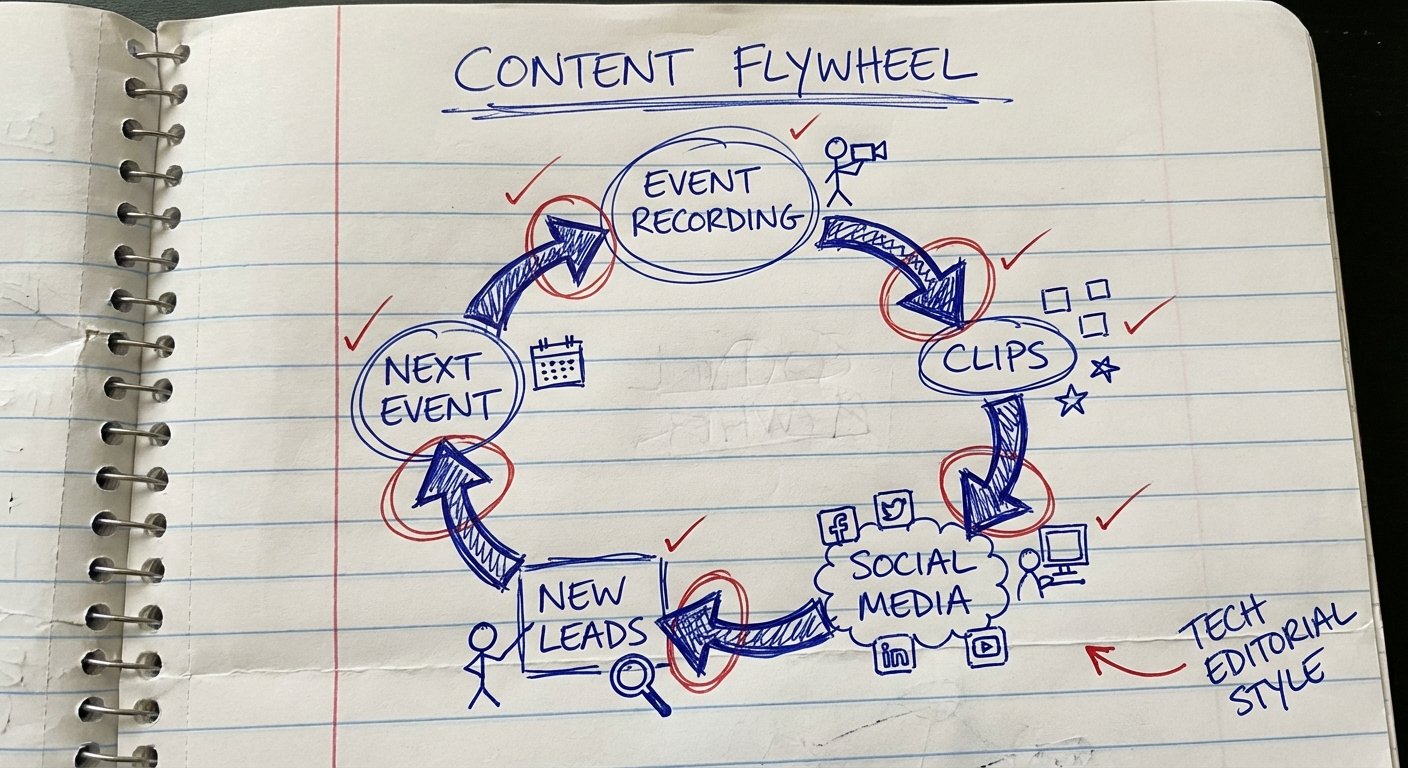
Because you used the ATEM Mini Pro ISO, you have a high-quality recording. You don’t just send out a “replay link.”
You chop it up.
You take the best 30-second clips. You turn them into TikToks, Reels, and YouTube Shorts for the client. You sell this as an upsell package.
“I will run your event for $5,000. For an extra $2,000, I will give you 20 pieces of social media content derived from the event within 48 hours.”
The client will say yes. They need content. You have the footage. It costs you an hour of editing time. You just increased your ticket size by 40% with zero extra customer acquisition cost.
Conclusion
The market is shifting.
Companies are realizing that flying 100 people to Las Vegas costs $200,000 and kills productivity for a week.
Running a high-end virtual event costs $20,000 and takes three hours.
The gap between a Zoom call and a TV broadcast is where the money is. If you can bridge that gap, you will never lack for work.
Buy the gear. Learn the flow. Charge for the outcome.
Start today.