Stop Teaching English for $12 an Hour
Most people look at online tutoring and see a side hustle. I see a broken business model.
You go on a platform. You sign up to teach English. You compete with 2 million other people who are willing to do it for $5 an hour. That is a race to the bottom. You cannot win a race to the bottom. Even if you win, you lose. You are tired and broke.
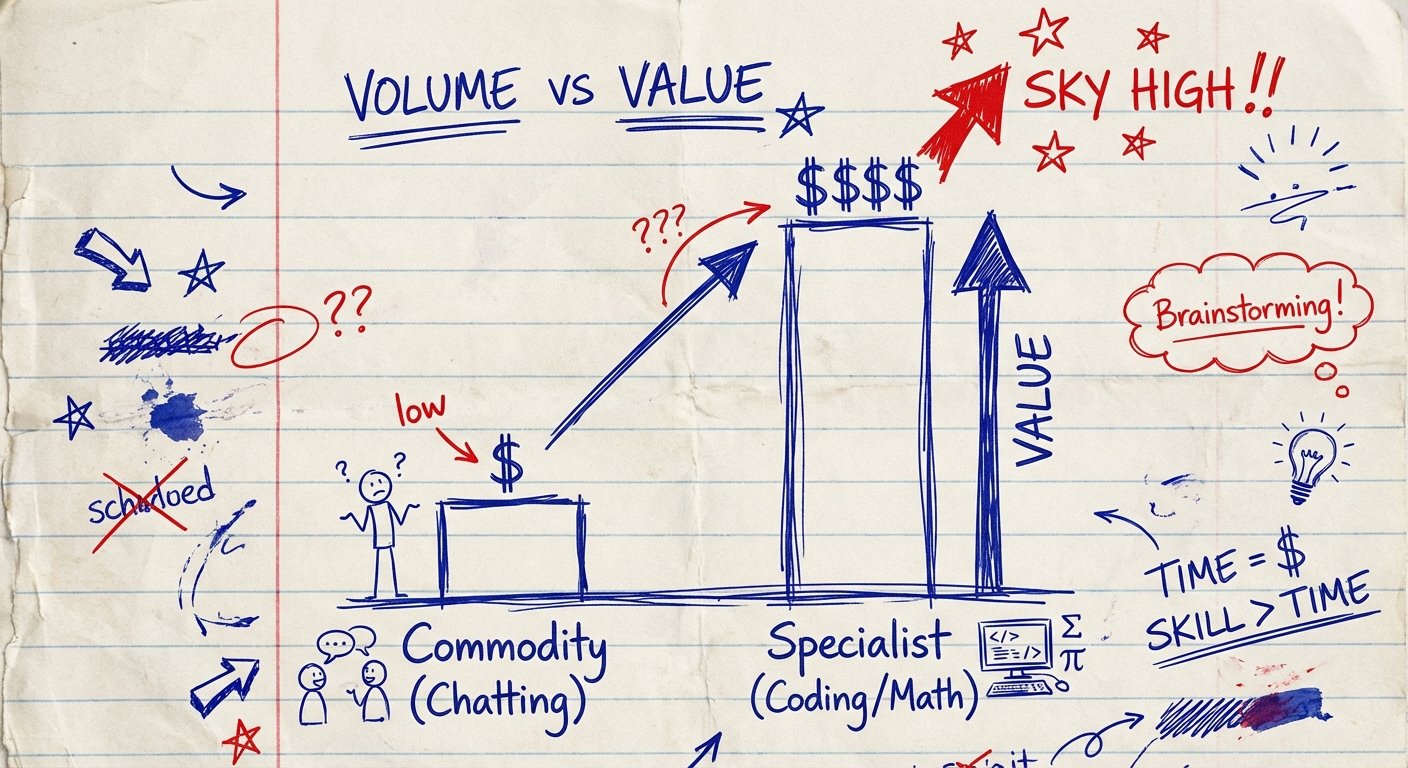
Real money isn’t in “chatting.” Real money is in specialized skills. Hard skills. The stuff that hurts people’s brains.
I’m talking about Coding. Math. Music.
If you can teach Python, Calculus, or Jazz Piano, you are not a commodity. You are a solution to a painful problem. Parents will pay $20 to have someone chat with their kid in Spanish. They will pay $100 an hour to make sure their kid passes AP Calculus or learns to code an app.
But here is the catch.
You cannot teach these subjects with a fuzzy webcam and a laptop microphone. You need the right setup. If you look cheap, you get paid cheap.
This article is about the hardware you need to charge premium prices. It is about ROI. You spend money once. You get paid more forever.

The Economics of Specialized Tutoring
Let’s look at the math. Because the math never lies.
If you teach conversational English, your ceiling is low. Maybe $25 an hour if you are lucky. You trade time for money. You have no leverage.
Now look at coding.
A junior developer makes $80,000 a year. A bootcamp costs $15,000. If you can tutor a student to pass that interview, you are worth a fortune to them. You are selling a career, not a hobby.
The same applies to music. A parent isn’t paying for piano lessons. They are paying for status. They are paying for their kid to be the smartest one in the room.
When you solve a bigger problem, the price becomes irrelevant. But your delivery must be flawless. If your audio cuts out while explaining a sorting algorithm, you look like an amateur. Amateurs do not charge $100 an hour.
Coding: Screen Real Estate is King
Teaching code is visual. You are looking at lines of text. Your student is looking at lines of text.
Most tutors try to do this on a 13-inch laptop screen. They squint. They scroll back and forth. It is painful to watch.
You need screen real estate. You need to see the student’s code, your code, the documentation, and the video call—all at once.
If you are constantly switching tabs, you are wasting time. Wasted time lowers the perceived value of the lesson.
The Workflow Weapon: Logitech MX Master 3S
You might think a mouse is boring. You are wrong. In coding, speed is authority.
If you are fumbling with a trackpad, you look slow. The Logitech MX Master 3S is the standard. It has a horizontal scroll wheel. When you are looking at long lines of code, horizontal scrolling is mandatory.
It is programmable. You map your shortcuts. You move through the IDE (Integrated Development Environment) like a wizard. Your student sees speed. They trust you more.
- Precision: 8000 DPI sensor (works on glass).
- Scroll Speed: MagSpeed wheel scrolls 1,000 lines per second.
- Battery: Lasts 70 days on a charge.
Estimated Price: $90 – $100
This $100 investment saves you seconds every minute. Over a year, that is hours of your life. Buy it.
Math: Stop Typing, Start Writing
I see tutors trying to type math equations in a chat box. It is embarrassing. It looks like this: “x^2 + 2x / 5 = sqrt(y).”
Nobody understands that. The student gets confused. You spend ten minutes explaining the syntax instead of the calculus.
Math is visual. Physics is visual. You need to draw. You need to write. You need to annotate.
You need a digital tablet. Not an iPad (though that works). You need a dedicated input device for your computer.
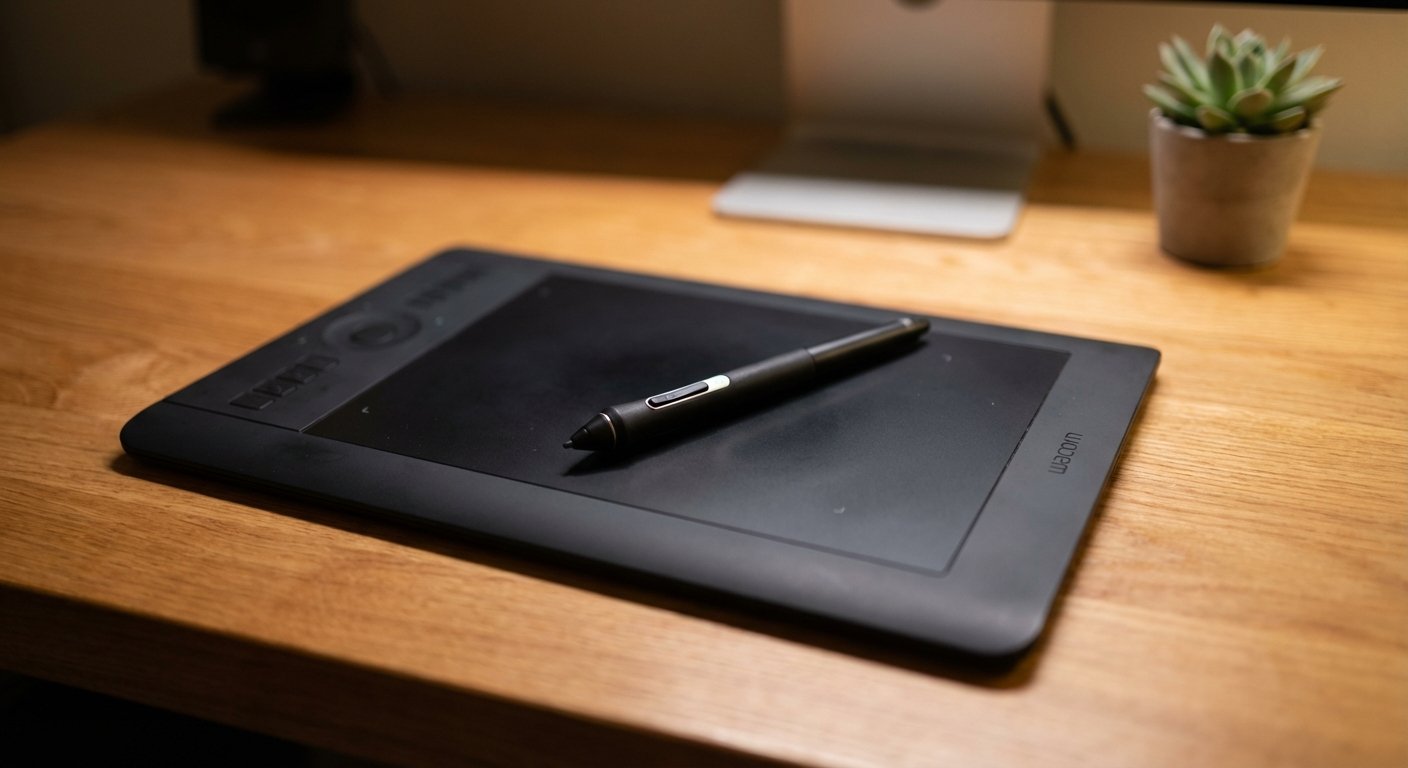
The Standard: Wacom Intuos (Small or Medium)
Wacom owns this market for a reason. It is durable. It has no lag. It just works.
You plug it in via USB or Bluetooth. You open a whiteboard app (like Miro or OneNote). You write by hand. The student sees it instantly.
This allows you to:
- Circle mistakes in their homework.
- Draw graphs and vectors perfectly.
- Write out long proofs without formatting headaches.
When you use a Wacom, the technology disappears. It feels like you are sitting next to them with a piece of paper. That connection is what retains clients.
Estimated Price: $40 – $80
Do not buy the expensive “Pro” version with the screen unless you are a digital artist. You just need the black slate. It has 4096 levels of pressure sensitivity. That is plenty.
Music: The Audio Latency Killer
Teaching music online is the hardest technical challenge. Why? Latency and Compression.
Zoom and Skype are designed for speech. They aggressively compress audio to save bandwidth. They treat a guitar chord like background noise and try to cancel it out.
If you play a C-Major chord and your student hears a garbled mess underwater, you are fired. You cannot teach tone if the tone isn’t there.
You cannot use your laptop microphone. It is garbage. You need an Audio Interface.
The Solution: Focusrite Scarlett 2i2 (4th Gen)
This little red box converts your analog instruments (guitar, XLR microphone, keyboard) into digital signals your computer understands—without the lag.
It allows you to use “High Fidelity Music Mode” in Zoom with crystal clear quality. You can plug your microphone into input 1 and your instrument into input 2.
- Pre-amps: Clean, low noise. You sound professional.
- Air Mode: Adds high-end detail to vocals.
- Direct Monitor: You hear yourself with zero delay.
Estimated Price: $170 – $200
If you are a music tutor, this is not optional. This is the cost of entry. Without it, you are stealing your student’s money because they aren’t hearing the music.

Universal Gear: Authority Through AV
It doesn’t matter if you teach Physics, Java, or Violin. You are a talking head on a screen. That is your storefront.
If your storefront is dark, grainy, and echoes, people assume your product is bad. It’s subconscious human psychology.
Clean audio + Bright video = Trust.
Trust allows you to raise prices.
The Voice of God: Blue Yeti X
If you aren’t doing music (where you need the Scarlett interface above), you need a USB microphone that plugs and plays. The Blue Yeti X is the heavy hitter here.
Do not buy the “Snowball.” It looks like a toy. The Yeti X looks like a piece of studio gear. It has a four-capsule condenser array. It makes your voice sound deep, rich, and authoritative.
It has a smart knob on the front to adjust your gain (volume) instantly. If you are too quiet, you turn it up. If you are shouting, the LEDs turn red to warn you.
Estimated Price: $130 – $170
The Trust Builder: Elgato Key Light Air
Lighting is more important than your camera. A $2,000 camera looks like trash in the dark. A $50 webcam looks amazing with good light.
Stop using a desk lamp. It creates harsh shadows. It hurts your eyes. You look tired.
The Elgato Key Light Air connects to your Wi-Fi. You control the brightness and temperature from your computer. You want 5600K (Daylight) brightness. It diffuses the light so you look awake, healthy, and sharp.
It clamps to your desk. It takes up zero space.
Estimated Price: $130 – $150
When you turn this light on, you signal to your brain: “Work mode is on.”
Conclusion: The ROI Mentality
Let’s add up the cost.
Tablet, Microphone, Light, Mouse. You are looking at roughly $500 to $600.
That sounds like a lot of money to broke people. Rich people know it’s cheap.
If that gear allows you to charge $60/hour instead of $30/hour, how long does it take to pay off? Roughly 20 hours of tutoring. After that, it is pure profit.
The market is flooded with low-effort tutors. They have bad mics. They type slowly. They can’t draw a diagram. They are competing on price.
Do not compete on price. Compete on value. Get the gear. Learn the hard skills. Charge what you are worth.
Start today.