The Anchor of the Digital Age
You have a problem. You want freedom. You want to travel. You want to run your business from anywhere. But you have a physical tether holding you back.
That tether is paper.
It’s the IRS notice. The new bank card. The vehicle registration. The jury duty summons.
Most people handle this emotionally. They ask their mom to collect their mail. They ask a neighbor. They hope nothing bad happens.
Hope is not a strategy. Hope is how you get a $5,000 tax lien because you missed a letter three months ago.
If you are serious about ROI—on your time and your money—you need a system. You need to digitize the physical world so it moves at the speed of the internet.
This is not about “checking mail.” This is about removing a bottleneck from your life.

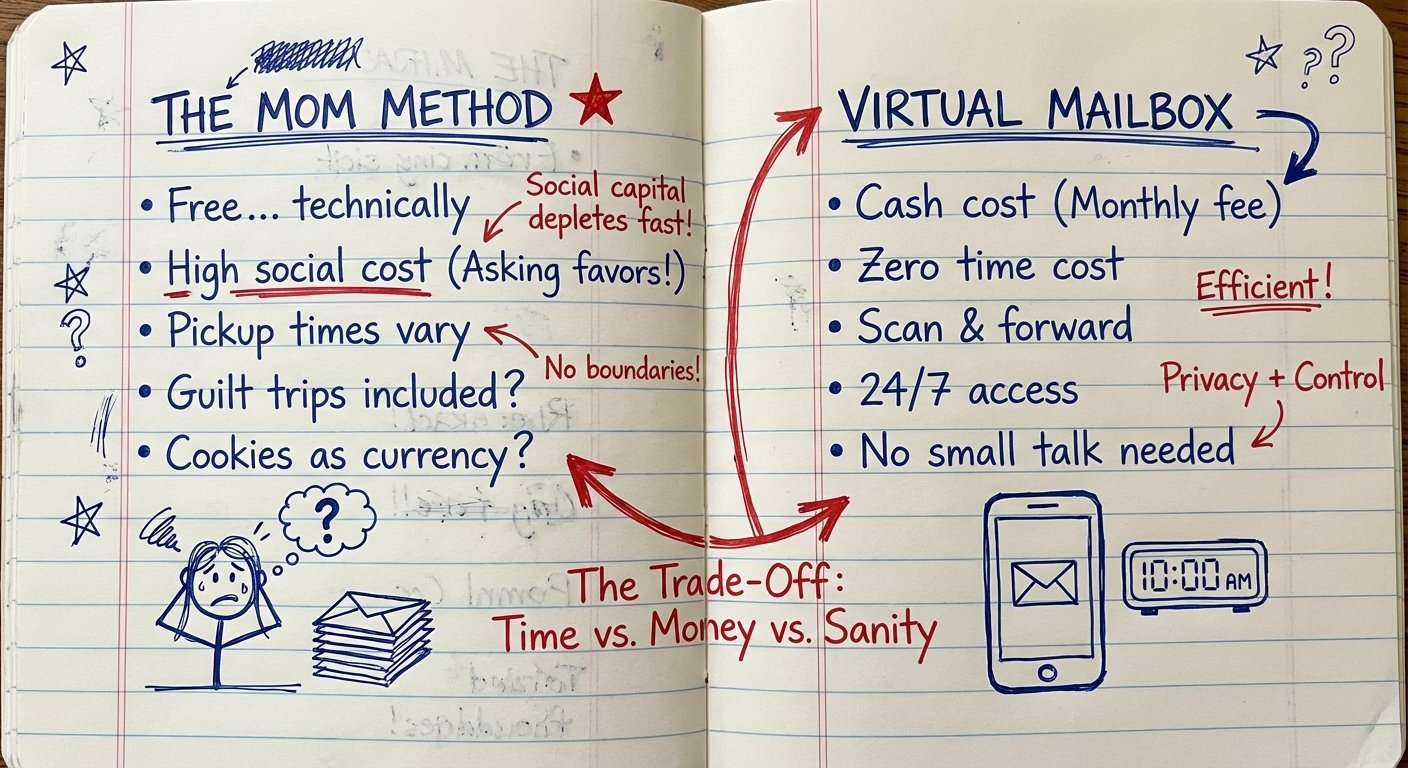
The “Mom Method” vs. The Professional Method
When you start traveling, your first instinct is to use a free solution. You change your address to your parents’ house.
This looks free. It is not free.
Here is the cost breakdown:
- Social Capital: You are now the child who needs errands run. You are asking for favors. This depletes your negotiating power for things that actually matter.
- Latency: Your mom checks the mail once a week. She forgets to tell you for three days. You get the info 10 days late. In business, speed is money. You just lost money.
- Filtering: She doesn’t know what is junk and what is a legal threat. She opens everything. Or she opens nothing. Both are risks.
Stop being cheap. Pay a professional to do a professional job. The ROI on a $15/month service that prevents a single $200 late fee is infinite.
What is a Virtual Mailbox?
It is a physical address (not a P.O. Box) staffed by humans.
1. They receive your mail.
2. They scan the outside of the envelope.
3. You get an alert on your phone.
4. You click “Scan,” “Shred,” or “Forward.”
If you click scan, they open it, scan the PDF, and upload it. You read it. You are done.
It turns paper into data. Data is manageable. Paper is a liability.
The Top Services (The Software Layer)
I don’t care about “friendly customer service.” I care about execution. Does the mail get scanned? Is it secure? Is the interface fast?
Here are the only three worth looking at.
1. Traveling Mailbox
This is the reliable workhorse. They have been around a long time. They own many of their facilities, which means fewer third parties touching your mail. Their interface looks like it is from 2015, but it works. They integrate with Evernote and Google Drive.
2. Anytime Mailbox
This is a marketplace. They don’t own the locations. They partner with local print shops and business centers. This gives you way more locations (thousands). If you need an address in a specific random city for SEO purposes, use this. The downside: Quality varies by location because different humans are doing the scanning.
3. Earth Class Mail
This is for people who like burning money to feel important. It’s the “enterprise” solution. It integrates with Xero and QuickBooks. It creates checks for you. It is expensive. Unless you are processing hundreds of checks a month, you do not need this. Stay lean.
The Hardware Stack: Managing What You Keep
Sometimes, you cannot digitize everything remotely. Sometimes, you are on the ground. You have a visa document. You have a contract that requires a wet signature. You need to turn physical paper into digital files immediately, or secure the data you have.
Do not rely on your phone camera. It looks amateur. The lighting is bad. The edges are curved.
If you run a remote business, you need a mobile command center. Here is the gear that gives you the highest ROI.
1. The Portable Scanner
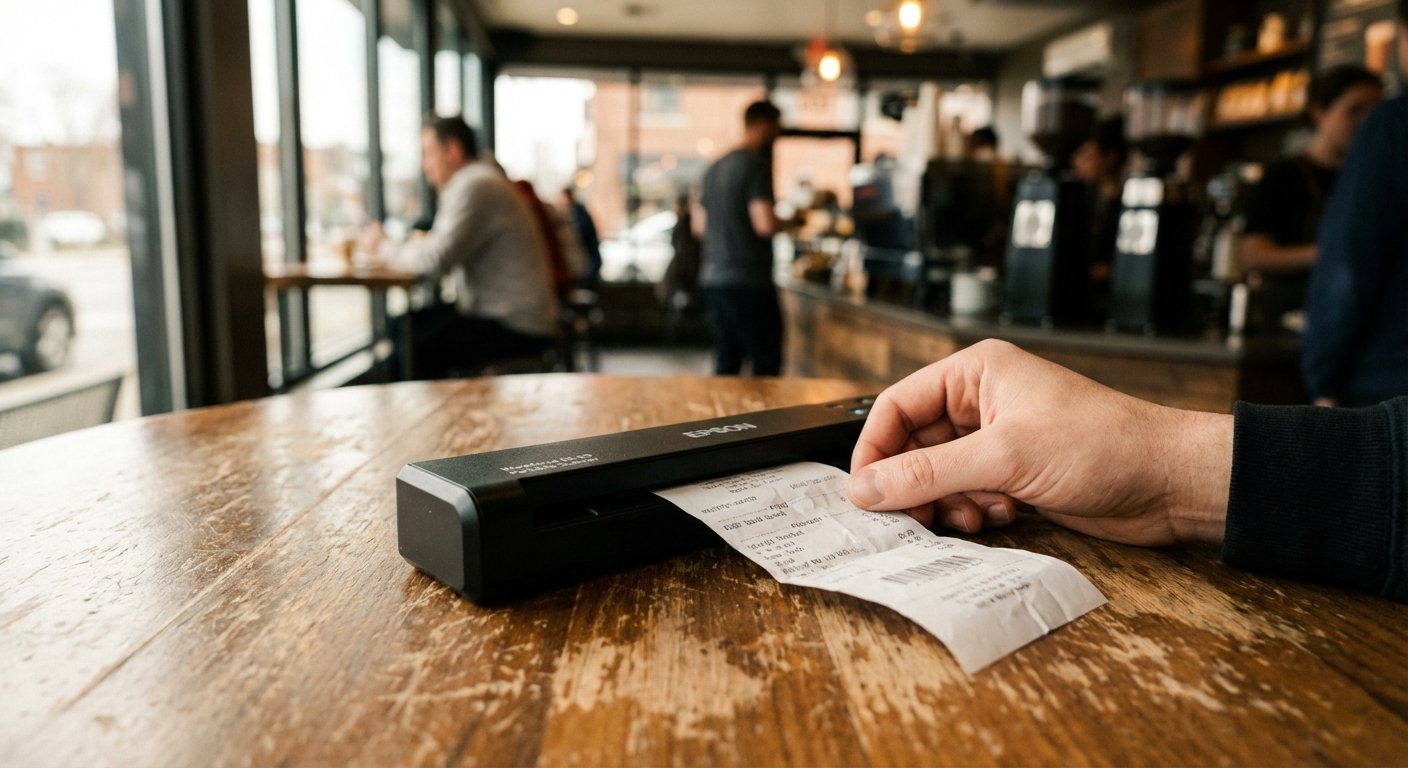
You need to digitize receipts and documents instantly. If it isn’t digital, it doesn’t exist. The Epson Workforce ES-50 is the lightest in class. It feeds through USB. No batteries to charge. It is fast.
Specs:
- Weight: 0.6 lb
- Speed: 5.5 seconds per page
- Power: USB-powered (No wall plug needed)
It costs about $110 – $130. It saves you hours of cropping iPhone photos.
2. The Security Key
Your mailbox service holds your identity. Your bank holds your money. If your email is hacked, you lose everything. Passwords are weak. SMS 2-factor authentication can be SIM-swapped.
You need a hardware key. The YubiKey 5C NFC fits in your USB-C port or taps on your phone. It makes it physically impossible for a hacker to log in unless they steal the actual key from your pocket.
Specs:
- Connection: USB-C and NFC
- Durability: Crush resistant, water resistant
- Protocols: FIDO2, U2F
Price range: $50 – $60. This is the cheapest insurance policy you will ever buy.
3. The Rugged Backup
Cloud storage is great. Until you have no WiFi. Or until your account gets locked. You need a local backup of your scanned life. The Samsung T7 Shield is the standard. It is rubberized. It is fast. It is encrypted.
Specs:
- Speed: 1050 MB/s
- Durability: IP65 Water/Dust Resistant
- Capacity: 1TB – 2TB
Price range: $100 – $160. Keep your scanned documents here. Encrypt the drive.
4. Identity Protection Roller
When you *do* receive mail physically, you have to destroy it. You can’t carry a shredder in your backpack. That’s stupid.
Use a Guard Your ID Advanced Roller. It prints a scramble pattern over your address and account numbers. You roll it once, then throw the paper in the trash. It’s faster than shredding. It weighs nothing.
Price range: $15 – $20.
How to Choose the Right Address
Not all addresses are equal. This is where people get burned.

CMRA vs. Residential
Most virtual mailboxes are Commercial Mail Receiving Agencies (CMRA). The USPS knows this. Banks know this.
The problem: Some banks (Chase, Capital One) do not like CMRA addresses for the “Physical Address” on your account. They may flag your account or deny a credit card application.
The solution:
- Truest Residential: Use a family member’s house ONLY for the bank’s “Physical Address” field. Use the Virtual Mailbox for the “Mailing Address.”
- The Truest Virtual: Some services offer addresses that are coded as commercial offices, not mail centers. These work 90% of the time. You have to test them.
State Income Tax
Do not pick a California address if you are trying to leave California tax residency. That is a rookie mistake. Pick a mailbox in a state with no income tax (Florida, Texas, Nevada, Wyoming) *if* you are actually establishing domicile there.
If you are just traveling, pick the state where you still have a driver’s license. Keep your story consistent.
The ROI Calculation
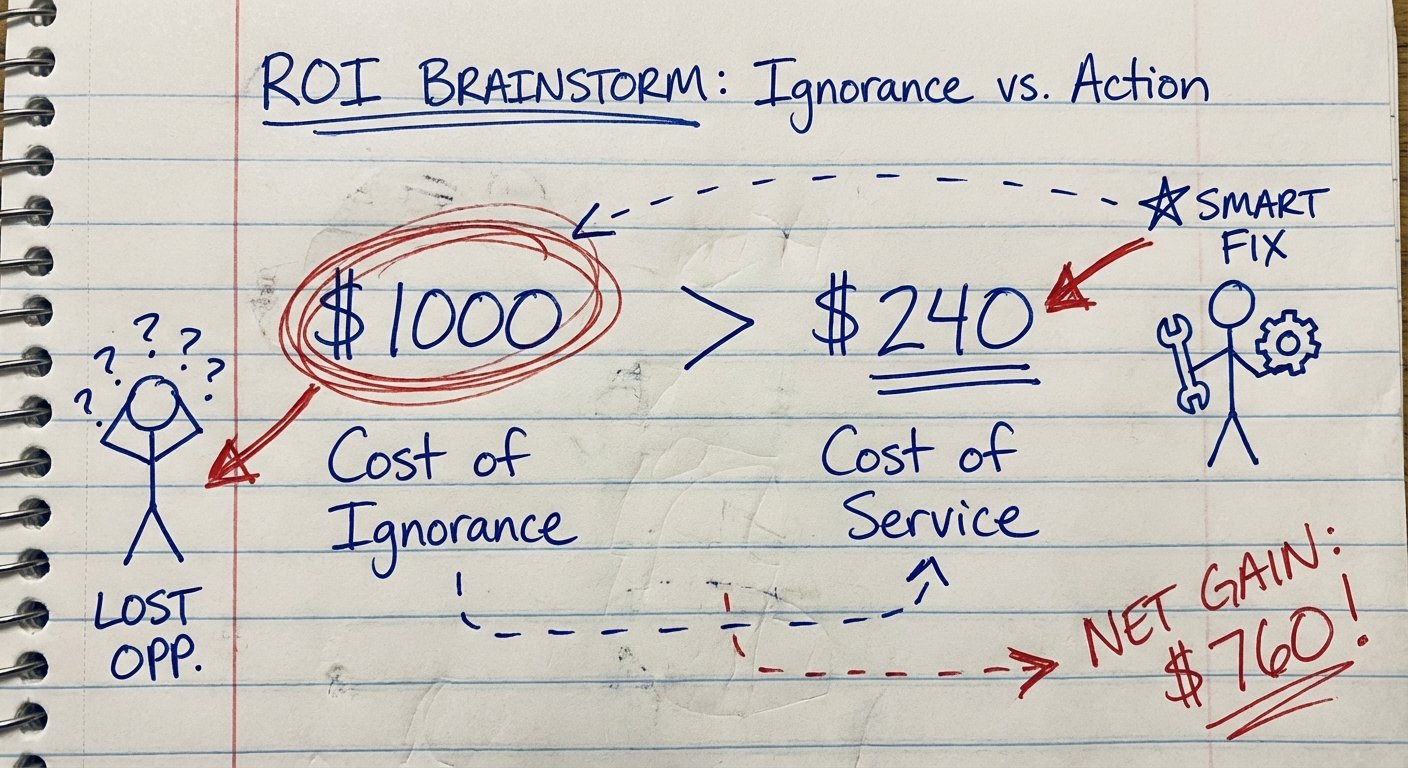
Let’s do the math. Why pay $20/month?
Scenario A (No Mailbox):
You miss a vehicle registration renewal notice. You get pulled over three months later.
Ticket: $200.
Impound risk: High.
Time wasted dealing with DMV: 8 hours.
Value of your time: Let’s say $100/hour (if it’s less, work harder).
Total Cost: $1,000.
Scenario B (Virtual Mailbox):
Cost: $240/year.
You get the scan. You renew online in 5 minutes.
Total Cost: $240 + 5 minutes.
You just made $760 in profit by buying the service. That is a 300% return on investment.
Conclusion
Physical mail is an artifact of the past. But the law lives in the past. Banks live in the past.
You cannot ignore the past. You must manage it.
Do not use your mom. Do not hope for the best.
Get a Traveling Mailbox or Anytime Mailbox for the service layer. Get an Epson ES-50 and a YubiKey for your hardware layer. Set it up once. Auto-pay the bill. Never think about it again.
Buy your freedom back. It’s cheap.