Most people think working from a cruise ship is the dream.
They imagine sipping a mojito on a balcony while sending a few emails. Then the money rolls in.
Here is the reality.
You get on the boat. You open your laptop. The page loads. It keeps loading. Five minutes later, it times out.
You just lost a client. You just missed a deadline. And you paid $5,000 for the privilege of being stressed out in the middle of the ocean.
I have done this. I have lost money doing this. And I have figured out how to fix it.
Working from a ship is not a vacation. It is remote work on hard mode. The infrastructure is usually garbage. The costs are hidden. The stakes are high.
If you treat this like a casual trip, you will fail. If you treat it like a deployment, you will win.
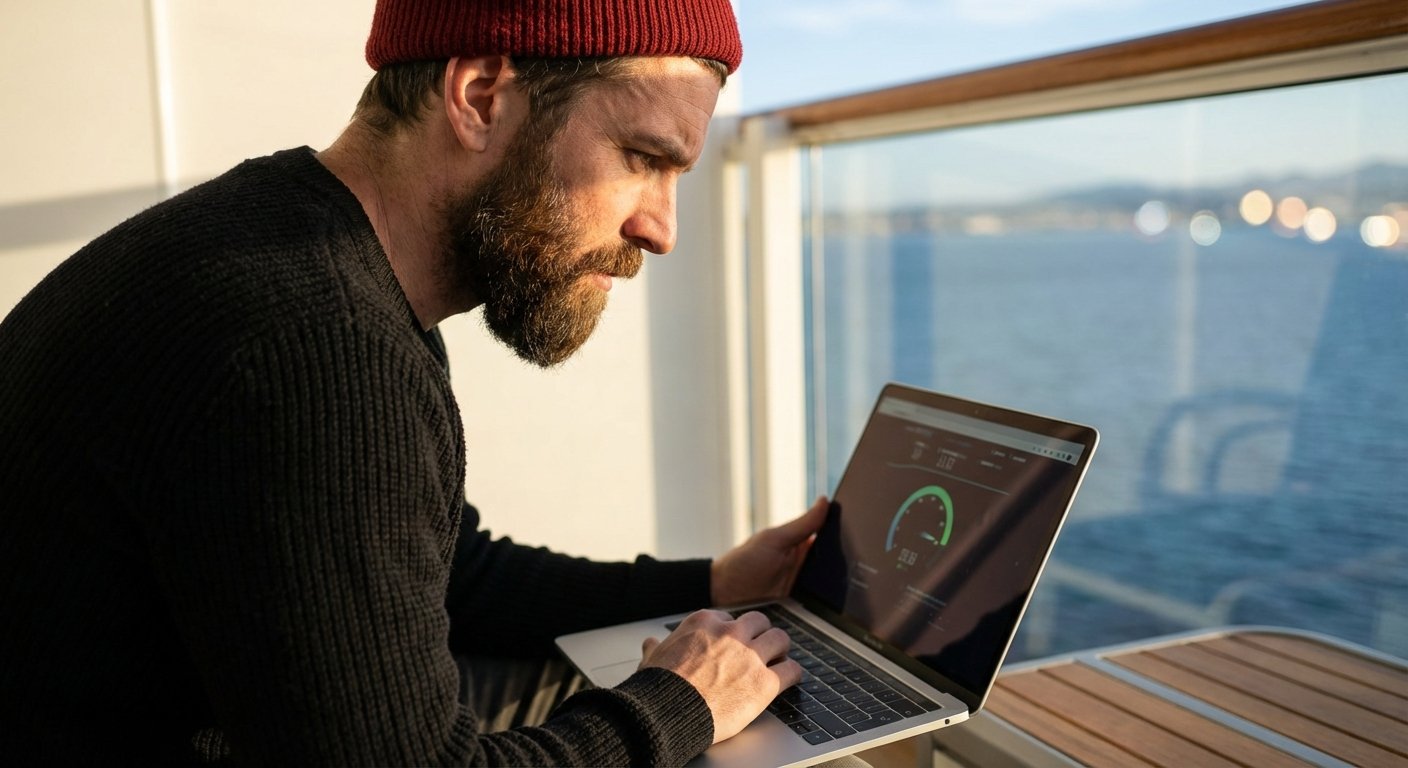
This is the breakdown of the internet speeds, the real costs, and the hardware you need to actually get work done.
The Technology: Why Most Ships Fail
To understand why ship internet sucks, you need to understand physics.
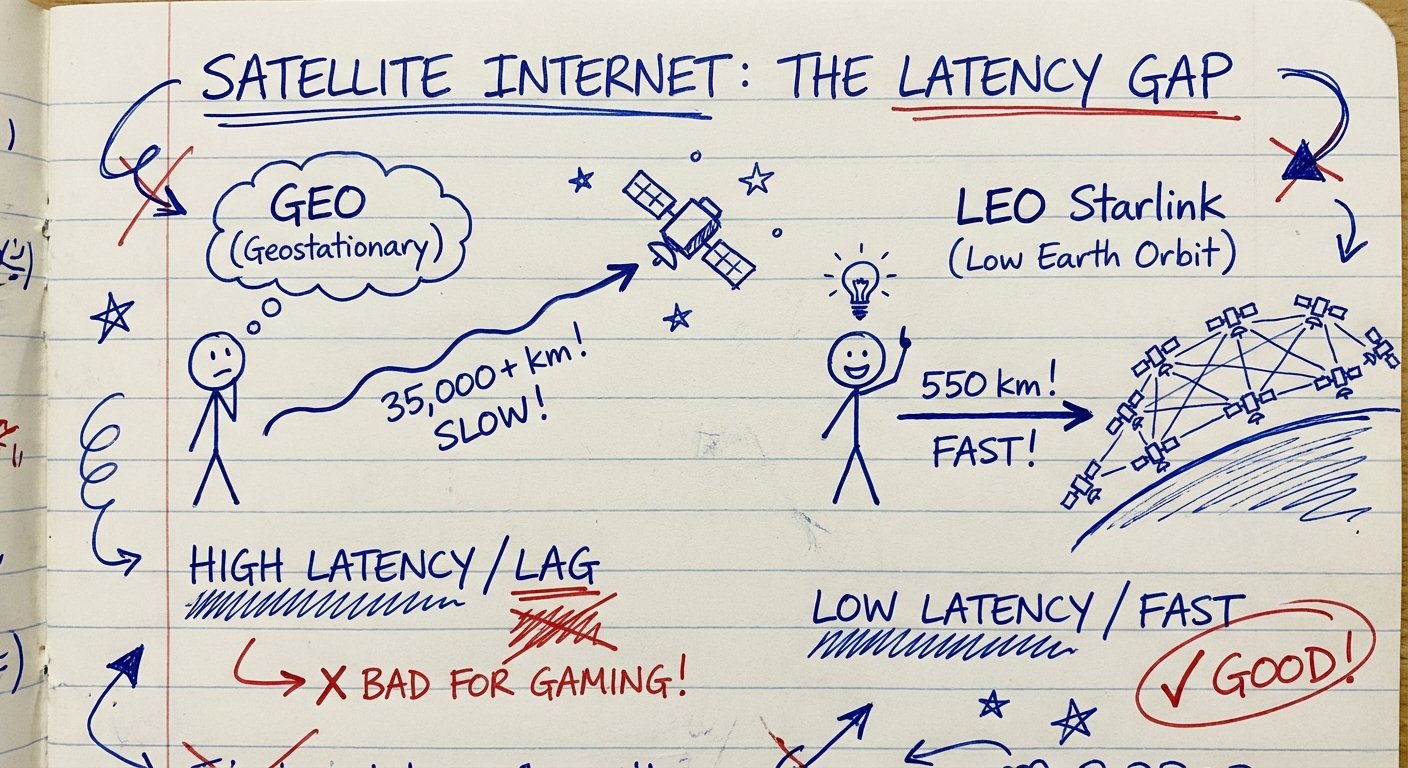
For decades, cruise lines used Geostationary (GEO) satellites. These satellites sit 22,000 miles away from Earth.
The signal goes up. It hits the satellite. It comes down. It hits the server. It goes back up. It comes back down to your boat.
That takes time. In networking, we call this latency.
Old school satellite internet has a latency of 600ms to 800ms. That sounds fast. It isn’t.
Here is what 600ms feels like:
- You click a link. Nothing happens for a second.
- You say “Hello” on a Zoom call. The other person talks over you three seconds later.
- You try to trade stocks. The price changes before your order executes.
You cannot work like this.
The Solution: LEO (Starlink)
Low Earth Orbit (LEO) satellites changed the game. SpaceX launched Starlink. These satellites sit about 340 miles up.
The signal distance is shorter. The physics are better.
Latency drops from 600ms to 50ms.
This is the difference between unusable garbage and a standard home connection. If a ship does not have Starlink, do not book it. Period.
If you book a ship with old satellite technology, you are deciding to be unemployed for a week.
Real World Speed Tests: The Numbers
I don’t care about what the brochure says. “Fastest Internet at Sea” is marketing fluff. I care about speed tests.
Here is the current data based on fleet-wide rollouts as of late 2023 and 2024.
1. Royal Caribbean (The Gold Standard)
Royal Caribbean went all-in on Starlink early. They call it “VOOM Surf + Stream.”
- Download: 20 Mbps – 100 Mbps (depends on ship congestion)
- Upload: 5 Mbps – 20 Mbps
- Latency: 40ms – 80ms
You can take video calls. You can stream 4K. It works.
2. Carnival Cruise Line
Carnival is rolling out Starlink, but it is not on every ship yet. They have a tiered system. You want the “Premium” plan.
- Download: 10 Mbps – 50 Mbps (on Starlink ships)
- Upload: 2 Mbps – 10 Mbps
- Latency: Variable.
If the ship has not been upgraded, you are back to the dark ages. Check the specific ship before you pay.
3. MSC and Norwegian
They are catching up. But they are inconsistent. Some ships fly. Others crawl. It is a gamble.
I don’t like gambling with my ability to generate revenue. I stick to Royal Caribbean or verified Starlink ships on Celebrity/Virgin.
The Cost Breakdown: The ROI Calculation
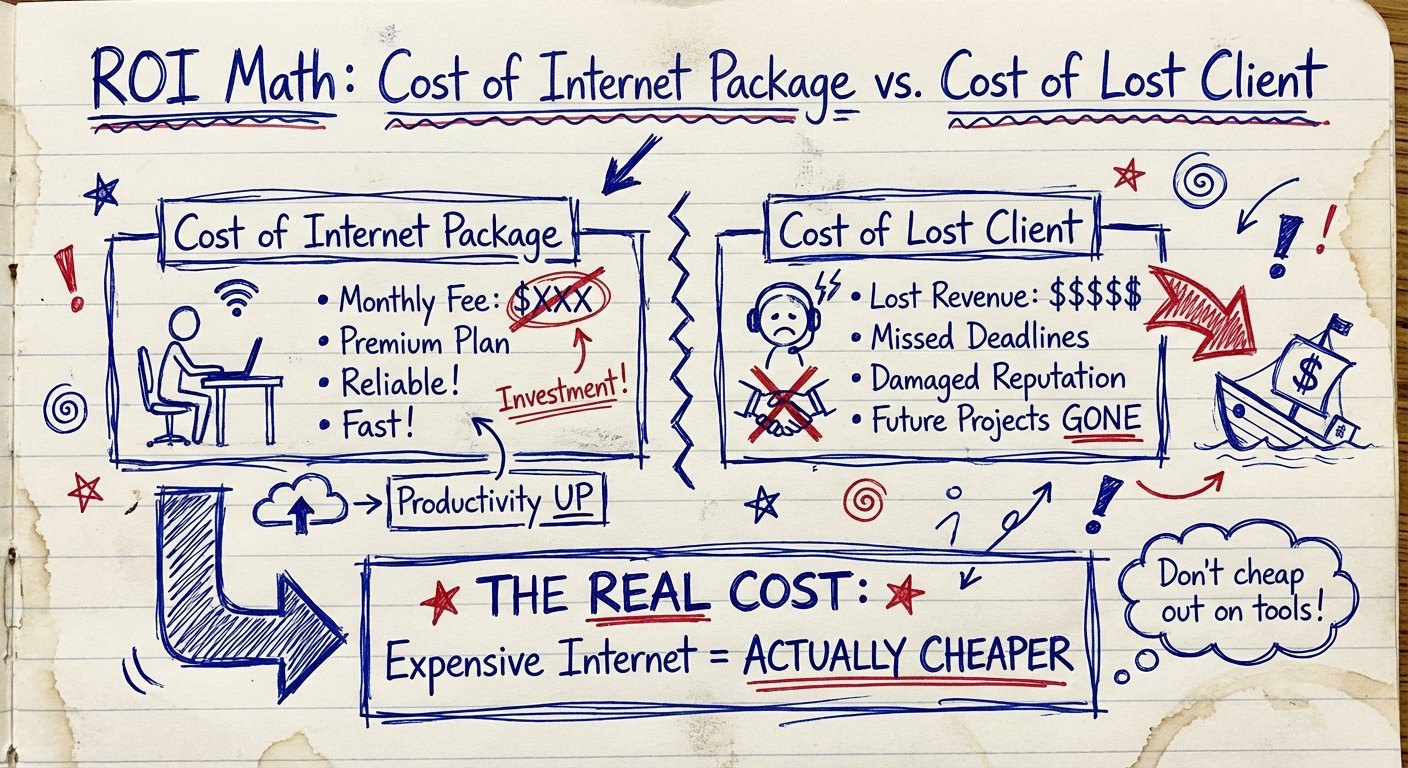
Internet on a ship is expensive. Getting fired because you don’t have internet is more expensive.
Cruise lines charge you per device. This is where they get you.
The Math
The “Cheap” Package: ~$15 – $20 per day.
Usually blocks streaming sites. Blocks VPNs. Good for WhatsApp. Useless for work.
The “Premium” Package: ~$25 – $30 per day.
Allows streaming. Higher priority bandwidth. This is the only option.
Don’t Buy On Board
If you wait until you are on the ship to buy internet, you are paying a “stupid tax.”
Most lines offer a 20% to 30% discount if you book the package beforehand. On a 7-day cruise, that saves you $50. That $50 buys you a better steak dinner.
The Multi-Device Trap
They will try to sell you a “1 Device” plan. You have a phone and a laptop. Maybe a tablet.
To switch devices, you have to log out on one and log in on the other. It is a friction point. It wastes time.
The solution? Buy the multi-device package? No.
That costs double. There is a smarter way. You use hardware to cheat the system.
The Hardware Stack: Don’t Leave Home Without This
You are entering a hostile network environment. The ship’s router is trying to block you. The firewall is aggressive. The connection is shared with 4,000 other people watching Netflix.
You need your own infrastructure.
1. The Travel Router (The Secret Weapon)
This is the single highest ROI purchase for a digital nomad. Do not skip this.
You buy a travel router. You connect the router to the ship’s Wi-Fi. You log in via the router’s captive portal interface.
Now, the router broadcasts its own private Wi-Fi network inside your cabin.
The Benefit:
1. You pay for ONE device (the router).
2. You connect 10 devices (phone, laptop, watch, spouse’s phone) to your router.
3. The ship thinks it is only one connection.
4. You have a hardware firewall between you and the public ship network.
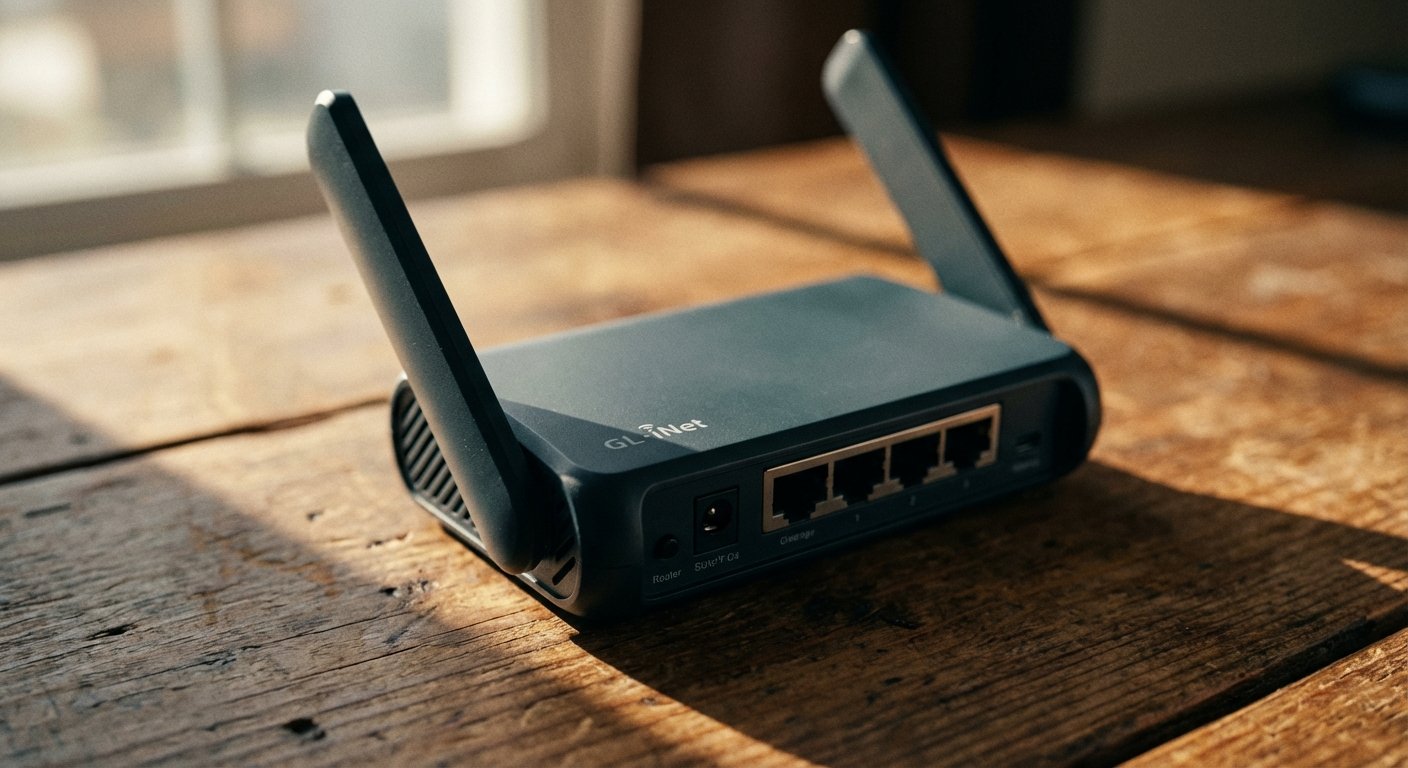
The best option on the market right now is the GL.iNet GL-AXT1800 (Slate AX).
Why this one? It has Wi-Fi 6. It handles gigabit speeds (future-proofing). It runs on OpenWrt, so you can run a VPN directly on the router level.
Est. Price: $110 – $140
2. The Power Plant
Outlets in cruise cabins are scarce. They are usually in weird spots. They are never where the desk is.
Sometimes the power on the ship flickers. If your router reboots, you lose 5 minutes reconnecting. 5 minutes is a long time during a negotiation.
You need a pass-through power bank. This acts like a UPS (Uninterruptible Power Supply) for your laptop and router.
The Anker 737 Power Bank (PowerCore 24K) is the beast you want. It pumps out 140W. It charges your MacBook Pro at full speed. It keeps your router alive if the ship switches generators.
Est. Price: $100 – $150
Strategy: How to actually work
Buying the gear is the easy part. Using it requires discipline.
Find the “Dead Zones”
Wi-Fi signals struggle to penetrate steel. Ships are made of steel. Your cabin is a steel box.
If you are in an interior room, your signal will bounce. It might be weak.
Pro Tip: Keep your cabin door propped open slightly if the signal is weak. Or, better yet, book a balcony room. The glass door lets the signal in from the corridor or the external repeaters.
Work During “Port Days”
This is counter-intuitive.
Most people work during “Sea Days” and play during “Port Days.” That is what the tourists do. The network is congested on Sea Days because everyone is on Instagram.
On Port Days, the ship is empty. The bandwidth is wide open. You get blazing speeds.
Work while everyone else is buying overpriced diamonds in Nassau. Go enjoy the empty pool when they get back.

The Verdict: Is it Worth It?
Can you work from a cruise ship?
Yes. But only if you control the variables.
If you rely on luck, you will fail. If you rely on the cruise line’s default setup, you will be frustrated.
Here is the checklist:
- Ship: Must have Starlink. Verify before booking.
- Plan: Buy the Premium “Surf + Stream” package. Pre-book it.
- Hardware: Bring a GL.iNet router. Clone the connection.
- Power: Bring your own battery backup.
The total cost for the hardware is roughly $250. The internet package is $200.
$450 to ensure your business keeps running while you travel the world.
If your business isn’t worth a $450 investment, you don’t have a business. You have a hobby.
Get the gear. Book the trip. Get to work.