The ROI of Paranoia: Why You Will Lose Your Money
You work hard. You grind. You endure 14-hour flights and terrible Airbnb mattresses to build a business that runs remotely.
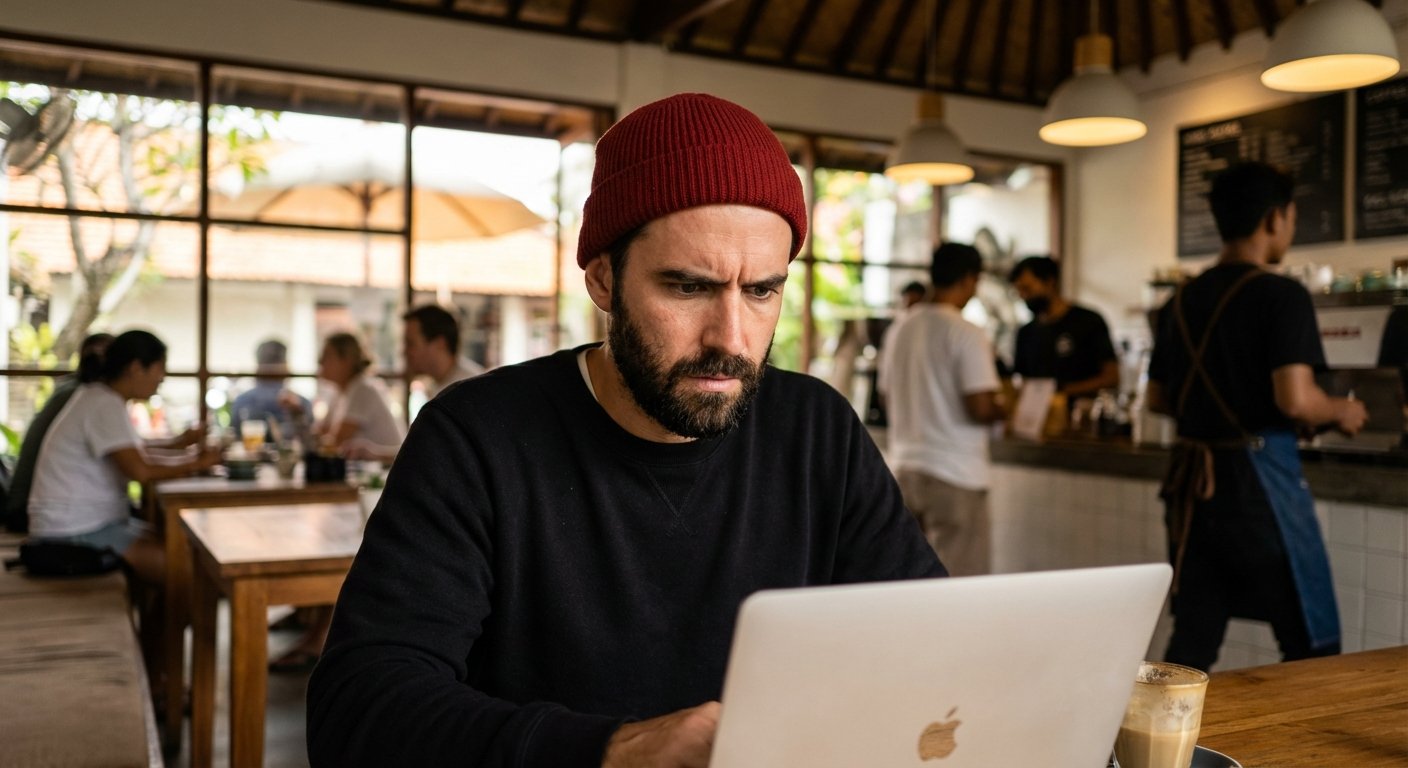
Then you walk into a coffee shop in Medellin or Bali.
You order a $4 latte.
You open your laptop.
You log into your business banking portal to pay a contractor.
And just like that, you handed the keys to your kingdom to a 19-year-old kid sitting three tables away running a packet sniffer.
Most digital nomads operate with a scarcity mindset regarding security. They think spending $150 on hardware is “expensive.”
Here is the math.
Scenario A: You spend $0 on security. You save $150 initially. You get hacked. You lose $45,000 in operating capital. You spend 30 days fighting the bank to get it back. You can’t pay ads. Your leads dry up. You lose two months of revenue. Total cost: $100,000+.
Scenario B: You spend $150 on hardware. You take 10 minutes to set it up. You don’t get hacked.
The ROI on Scenario B is infinite.
If you cannot see that, stop reading. I can’t help you. You are bad at business.
If you understand that security is an investment, not an expense, keep reading. This is how you lock down your cash flow while moving across borders.
The “Free Wi-Fi” Trap is a Lie
Nothing is free. If the Wi-Fi is free, you are the product.
Or worse, you are the victim.
Public Wi-Fi networks are inherently insecure. WPA2 encryption on a shared network means everyone with the password can potentially see traffic on that network. It’s a party line.
There are two main ways you lose money here.
1. Man-in-the-Middle (MitM) Attacks
This is where an attacker positions themselves between your laptop and the router. You think you are talking to Chase Bank. You are actually talking to the attacker’s laptop, which is relaying the message to Chase Bank.
They capture everything in transit. Session tokens. Cookies. Passwords.
2. The “Evil Twin”
You see a network called “Starbucks_Wi-Fi.” You connect. It works.
But it wasn’t Starbucks. It was a Pineapple router in someone’s backpack broadcasting a signal with the same name. You connected to them. They own your data now.
You need to stop trusting networks you don’t own. Period.
Hardware Solution 1: The Portable Fortress (Travel Router)
Stop connecting your laptop directly to public networks.
You need a buffer. You need a firewall that you control physically.
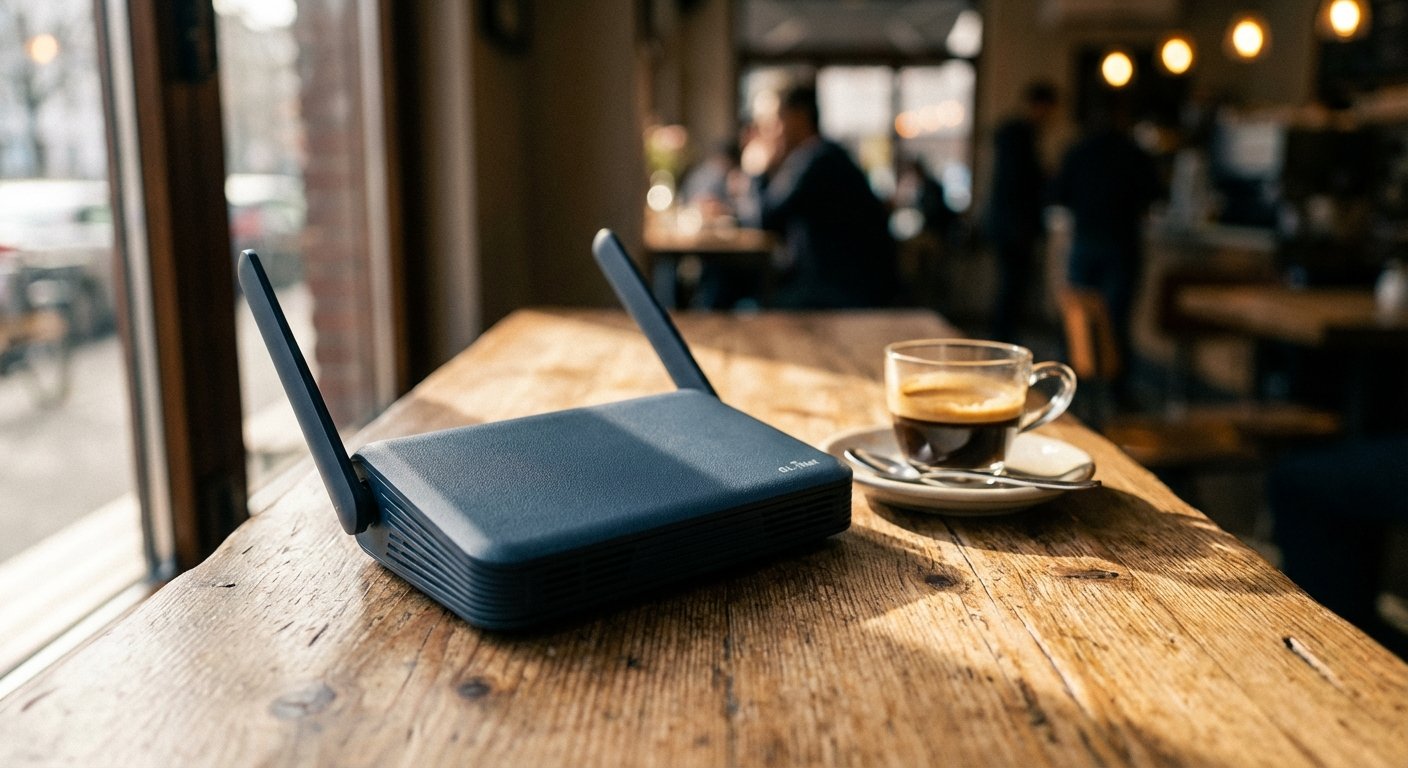
Enter the GL.iNet GL-AXT1800 (Slate AX).
This is not a toy. This is a gigabit Wi-Fi 6 router that fits in your pocket. It runs on OpenWrt (an open-source operating system), which means it’s customizable and powerful.
How it works:
- You go to the cafe.
- You turn on your Slate AX router.
- The router connects to the cafe Wi-Fi.
- Your laptop and phone connect to the router.
Why does this matter? Because the Slate AX has a built-in VPN client (WireGuard and OpenVPN). It encrypts the traffic before it hits the cafe network.
Even if the cafe network is compromised, all the hacker sees is a stream of garbled, encrypted gibberish.
The Specs that Matter:
- WireGuard Speed: 550 Mbps. This is blazing fast. Most travel routers choke at 100 Mbps on VPN. This one doesn’t. You can edit 4K video over this connection.
- Wi-Fi 6: It handles multiple devices without lag.
- Repeater Mode: It boosts weak signals from hotels.
The Cost:
It costs between $110 and $130. That is less than one nice dinner. Buy it.
Hardware Solution 2: Visual Hacking Protection
Sophisticated hacking is rare. Looking over your shoulder is common.
It is called “Visual Hacking.”
You are in a co-working space. You type your password. The guy behind you is “drinking coffee.” Actually, he is recording your keyboard with his iPhone 14 Pro in 4K resolution.
He plays it back in slow motion. He has your password.
You need a privacy screen. It limits the viewing angle of your monitor to 30 degrees. Unless you are sitting directly in front of the screen, it looks black.
Kensington makes the industry standard here. Don’t buy the $10 knockoffs that blur your text and give you headaches. Get the magnetic ones that snap on and off.
The Logic:
If you are working on sensitive financial documents or client data in public, this is mandatory. It signals to people around you: “I am a professional. Back off.”
Estimated Price: $40 – $60.

Hardware Solution 3: Kill the Password (YubiKey)
Passwords are dead.
If your security relies on a string of characters, you are already breached. Databases get leaked every day. If you reuse passwords, you are done.
Even Two-Factor Authentication (2FA) via SMS is trash. It is vulnerable to “SIM Swapping.” A hacker calls your phone carrier, pretends to be you, ports your number to their SIM card, and intercepts your bank codes. It takes 5 minutes.
You need Hardware 2FA.
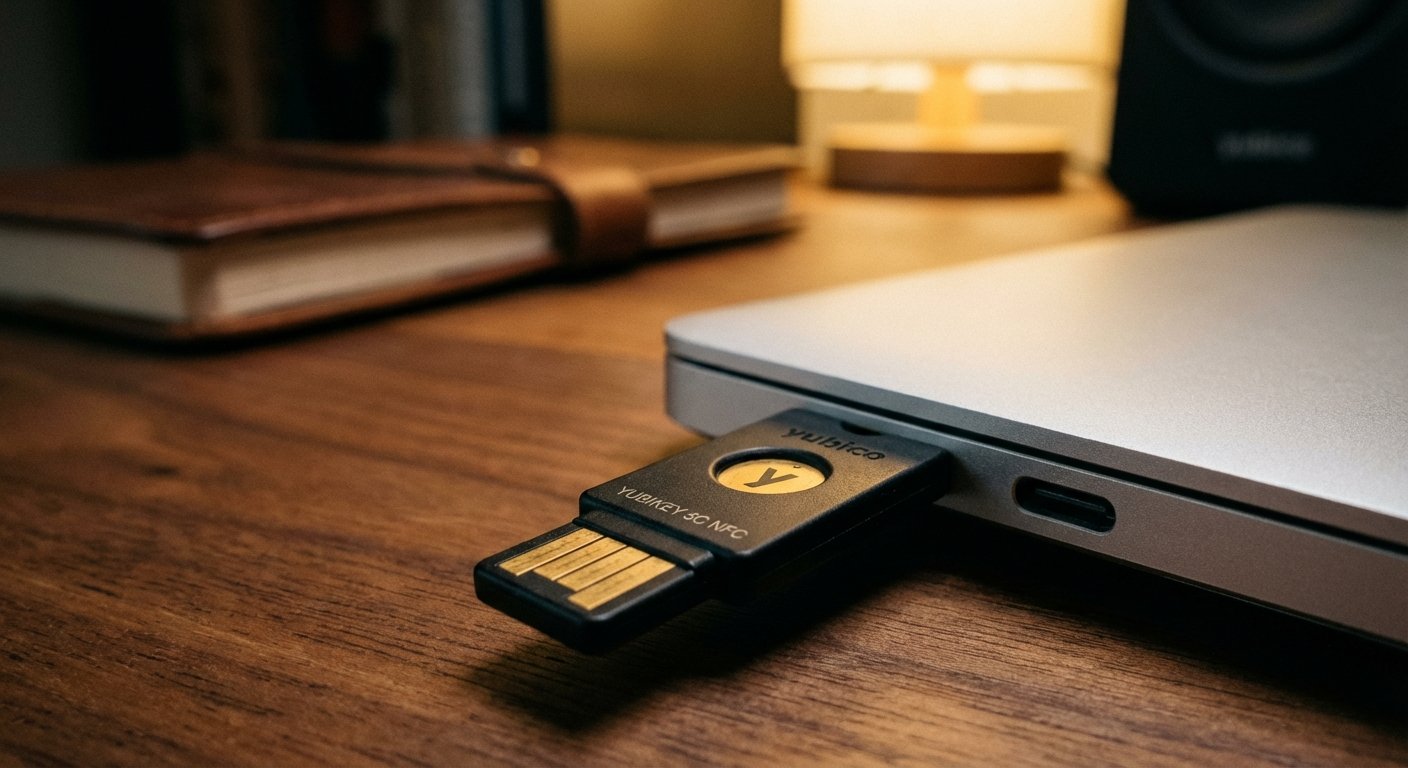
This is a physical key. You plug it into your USB-C port or tap it via NFC against your phone. To log in, you must physically touch the key.
The Product: Yubico YubiKey 5C NFC.
Why it works:
A hacker in Russia can steal your password. They can spoof your SIM card. They cannot steal the physical key sitting on your keychain in Mexico City.
Without the key, the account does not open. End of story.
You should set this up for:
- Google/Gmail (Master access to your life)
- LastPass/1Password (Where your other keys live)
- Binance/Coinbase (Crypto is irreversible)
- Bank accounts (if they support FIDO2)
Buy two. Keep one on your keychain. Keep the backup in a safe or with a trusted business partner. If you lose the only key, you lock yourself out.
Estimated Price: $50 – $55.
The “Clean Machine” Protocol
Hardware helps. But hardware cannot fix stupid behavior.
You need a protocol. A set of rules you never break. Like gravity.
Here is the protocol for high-net-worth nomads:
1. Segmentation
Do not browse Reddit and watch weird videos on the same machine you use to wire $50,000.
If you are serious, carry a secondary device. An iPad or a cheap Chromebook. Use that for consumption. Use your main MacBook Pro only for work and banking. If one gets infected, your money is safe.
2. The 5G Rule
If you are doing banking, turn off the Wi-Fi.
Tether to your phone’s cellular data (5G/LTE). Cellular networks are significantly harder to intercept than Wi-Fi networks. It costs you a few megabytes of data. That costs pennies. Getting drained costs thousands.
3. Use Virtual Cards
Never pay for hotels, flights, or dodgy website subscriptions with your main debit card.
If that number gets skimmed, your main checking account is vulnerable. Your rent payment bounces. Your life stops.
Use services like Revolut, Wise, or Privacy.com to generate Virtual Single-Use Cards or merchant-locked cards.
- Booking a hotel in a sketchy area? Create a virtual card. Set the limit to the exact cost of the room. Pay.
- If the hotel clerk steals the number later? Decline. Insufficient funds. You win.
The Cost of Ignorance
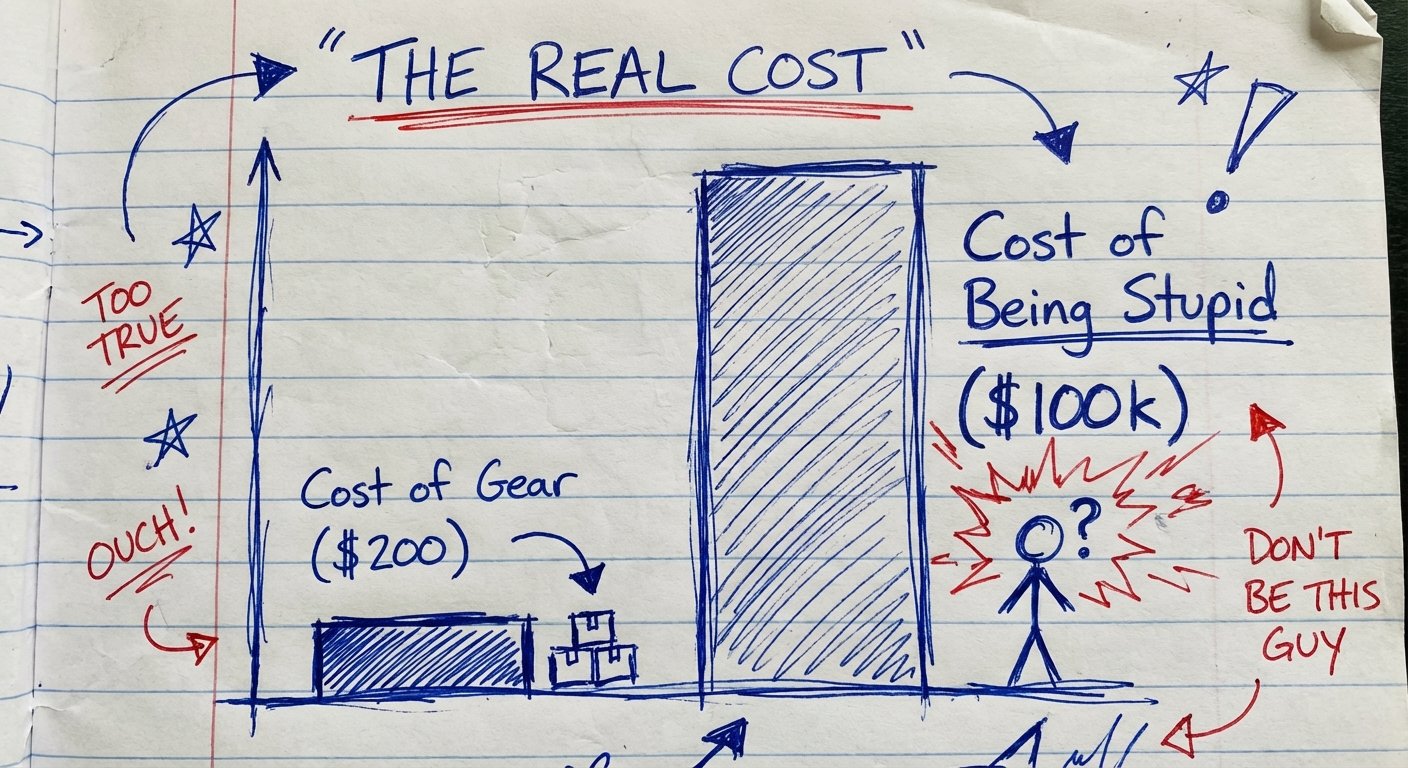
Let’s look at the “Pain Chart.”
Humans are wired to avoid immediate pain. Spending $200 on a router and a YubiKey feels like immediate pain. It’s annoying. It requires setup.
But the pain of a breach is “delayed pain.” It feels abstract. Until it happens.
When it happens, the pain is 1000x greater.
The Math of Prevention vs. Recovery:
- Prevention Time: 2 hours (Ordering gear + Setup).
- Prevention Cost: $200.
- Recovery Time: 100+ hours (Calls to banks, police reports, changing 500 passwords, reissuing cards, updating billing for all software).
- Recovery Cost: Unlimited upside (Could be $5k, could be $500k).
Smart people pay the $200. Idiots gamble with their livelihood.
Conclusion: Do The Work
This is not complicated. It is just inconvenient. Success is usually found in doing the inconvenient things that others ignore.
You have two choices today.
Choice 1: Close this tab. Go back to the coffee shop. Connect to “Free_Guest_WiFi”. Log into your bank. Hope for the best. Keep your fingers crossed that the guy in the hoodie isn’t hungry today.
Choice 2: Buy the gear. Secure your connection. Own your data. Sleep at night knowing that your money is exactly where you left it.
Be the person who secures the bag, not the one who fumbles it.
Here is your shopping list. No excuses.
- The Router: GL.iNet GL-AXT1800
- The Key: YubiKey 5C NFC
- The Screen: Kensington Privacy Filter
Get it done.