The Weight of Inefficiency
Most people pack like amateurs.
They bring “just in case” gear. They carry five pounds of cables they haven’t used since 2018. They check bags because they don’t know how to optimize.
This costs you money.
Every minute you stand at a baggage claim is a minute you aren’t producing. Every ounce of unnecessary weight drains your energy. Lower energy means lower output. Lower output means lower revenue.
I don’t care about “minimalism” as an aesthetic. I care about it as a business strategy.
The goal is simple: Maximum output capability with minimum physical drag.
You need a setup that fits in one bag, fits under the seat in front of you, and allows you to run a million-dollar company from a coffee shop in Tokyo or a terminal in DFW.
This is the “One Bag” electronics setup. It is expensive. It is dense. But the ROI is infinite because it buys back your time.

The Philosophy: Power Density
Stop buying electronics based on price. Buy them based on Power Density.
Power Density is the amount of utility a device provides divided by its weight and volume.
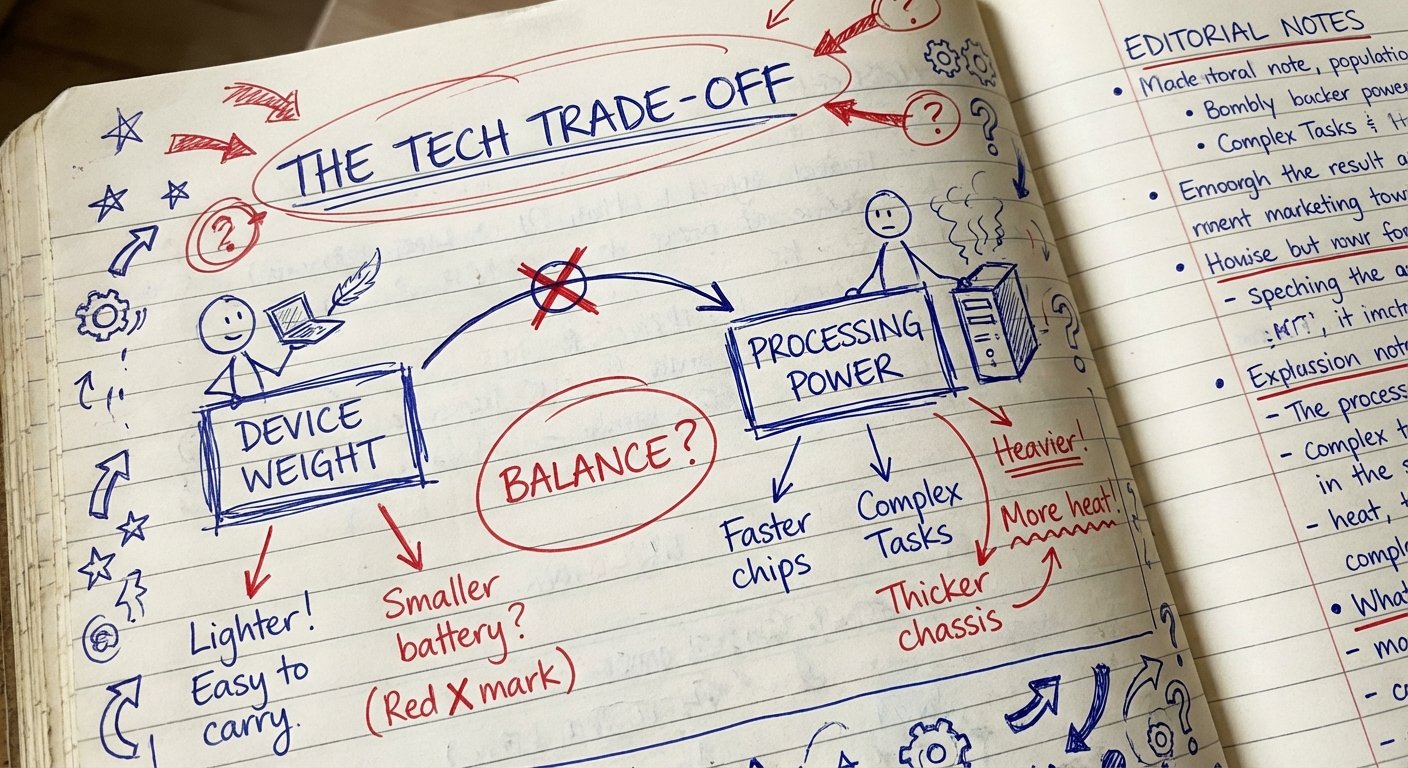
A $500 laptop that weighs 5 pounds and takes 10 minutes to render a video has low power density. It is heavy and slow. It is a liability.
A $3,000 laptop that weighs 3 pounds and renders that same video in 30 seconds has high power density. It is light and fast. It is an asset.
When you travel, weight is the enemy. Volume is the enemy.
Here is the rule: If an item does not directly contribute to making money or keeping you alive, it does not go in the bag.
The Core: MacBook Pro 14″ (M3 Max)
Do not buy a desktop computer. You cannot put a desktop in a backpack.
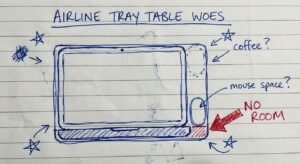
Do not buy a 16-inch laptop. It is too heavy. It does not fit on economy tray tables. It changes your center of gravity.
You need the 14-inch MacBook Pro with the M3 Max chip.
This machine is a freak of nature. It outperforms desktop towers from two years ago. It handles 8K video editing, heavy compiling, and massive spreadsheets without the fans even spinning up.
The Specs You Need:
- Chip: M3 Max (14-core CPU, 30-core GPU minimum)
- RAM: 36GB (Minimum). 96GB if you do 3D work.
- Storage: 2TB. Cloud storage is great until you don’t have WiFi.
This laptop weighs 3.5 pounds. It is the highest performance-per-pound computer on earth right now.
Is it expensive? Yes. It costs between $3,200 and $4,000 depending on your RAM.
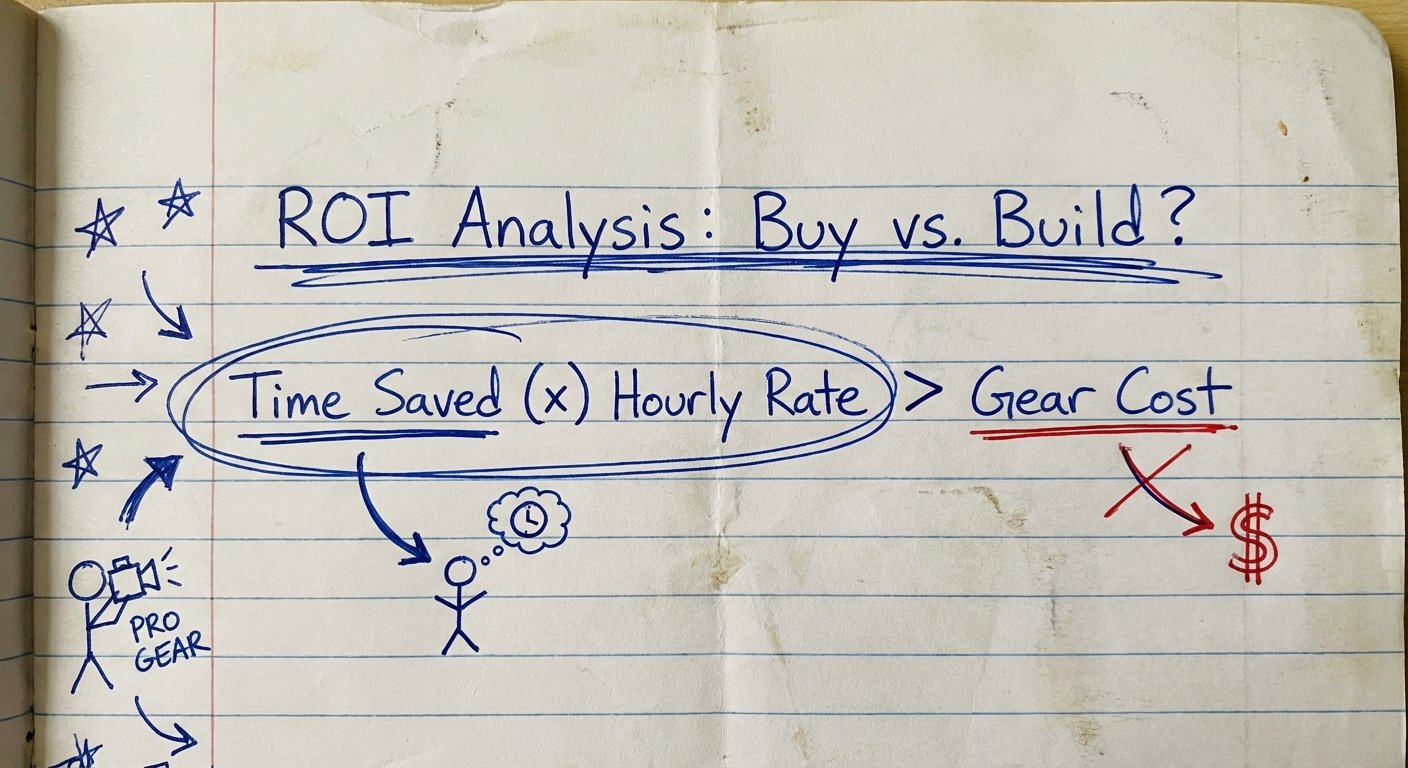
But if this laptop saves you 10 minutes a day compared to a cheaper one, that is 60 hours a year. If your time is worth $100 an hour, the laptop pays for itself in six months. If your time is worth $1,000 an hour, it pays for itself in a week.
Stop doing math on the sticker price. Do math on the time saved.
Estimated Price: $3,199 – $3,999
The Charger: Anker Prime 100W GaN
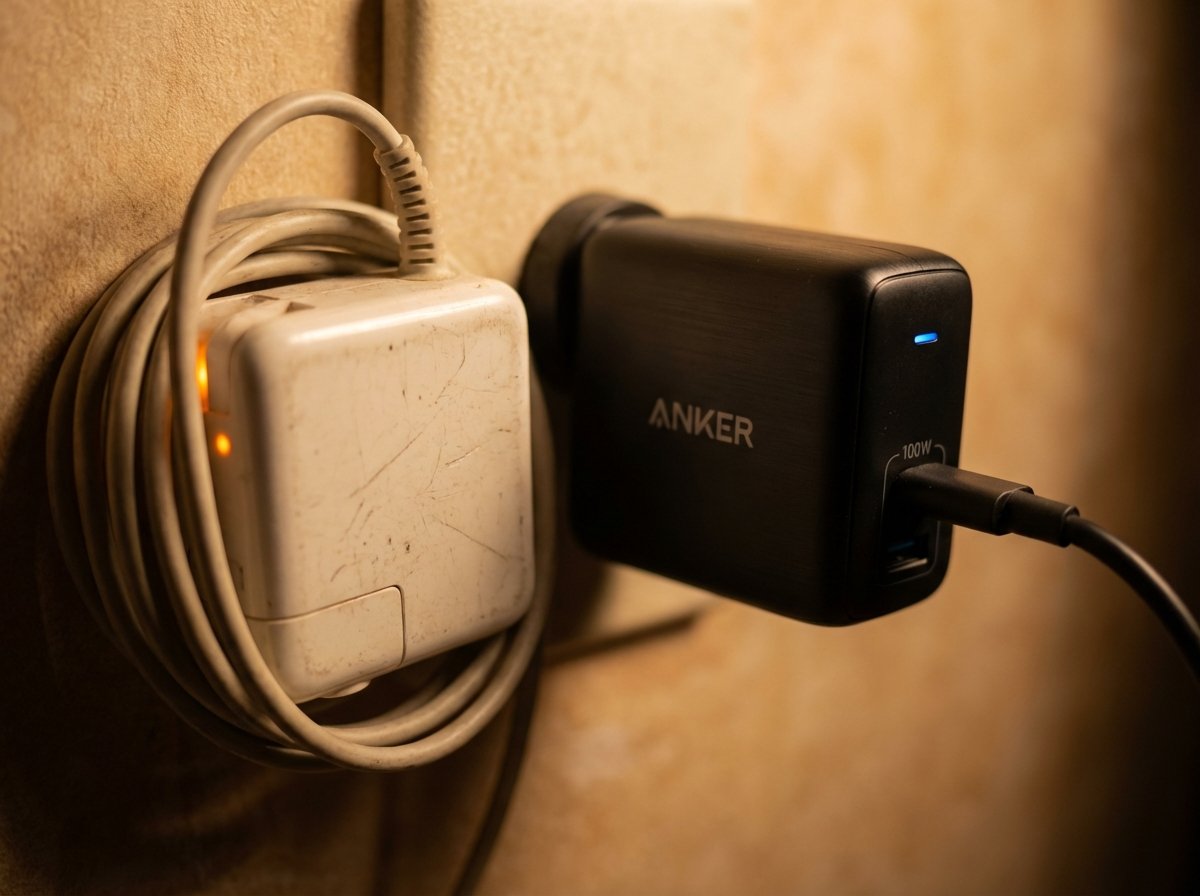
If you are still carrying the white power brick that came with your laptop, you are failing.
Those bricks are huge, heavy, and only charge one thing.
The solution is GaN (Gallium Nitride) technology. It allows chargers to be smaller, cooler, and more powerful.
I use the Anker Prime 100W GaN Wall Charger.
Why this wins:
- Size: It is 45% smaller than the Apple charger.
- Ports: It has 2 USB-C ports and 1 USB-A port. You can charge your laptop, your phone, and your earbuds simultaneously from one outlet.
- Output: 100W is enough to fast-charge the MacBook Pro while running heavy tasks.
This consolidates three chargers into one block. That is weight savings. That is volume savings.
Estimated Price: $85 – $100
The Insurance: Anker 737 Power Bank (PowerCore 24K)
Outlets are not guaranteed.
You will be stuck on a tarmac. You will be in a conference room with no plugs. You will be in a taxi.
If your laptop dies, your income stops. That is unacceptable.
You need a battery bank that can revive your laptop. Most cheap battery banks only output 20W. That won’t even keep your laptop awake.
You need the Anker 737 Power Bank.
The Logic:
- Output: 140W bi-directional charging. It charges your laptop as fast as the wall outlet.
- Capacity: 24,000mAh. This is just under the FAA limit (100Wh) for carry-on batteries. It is the maximum legal amount of power you can bring on a plane.
- Intelligence: It has a digital screen showing exactly how many minutes of power you have left at current usage.
This is heavy (1.3 lbs). But it is non-negotiable. It is the difference between missing a deadline and getting paid.
Estimated Price: $100 – $150
The Input: Logitech MX Anywhere 3S
Trackpads are fine for browsing. They are trash for working.
If you edit video, design slides, or navigate complex dashboards, a mouse makes you 30% faster. Speed is the name of the game.
You don’t want a gaming mouse. They look childish and require dongles. You don’t want the big MX Master 3S. It takes up too much space in the bag.
Get the Logitech MX Anywhere 3S.
Why it works:
- Sensor: Darkfield sensor tracks on glass. This matters when working in hotels and airport lounges.
- Size: It is tiny but ergonomic enough for 4 hours of work.
- Silence: The “S” model has quiet clicks. Don’t be the guy annoying everyone in the quiet car.
Estimated Price: $70 – $80
The Storage: Samsung T9 Portable SSD (4TB)
Your internal drive will fill up. It happens.
Hard drives (HDDs) with spinning disks are obsolete. They break when you drop your bag. They are slow.
You need an NVMe SSD.
The Samsung T9 is the current king of portable storage.
- Speed: Read/Write speeds up to 2,000MB/s. You can edit 4K video directly off this drive without lag.
- Durability: It has a rubberized shell. Drop proof up to 3 meters.
- Size: The size of a credit card.
Get the 4TB version. Cost per terabyte is better, and running out of space in a foreign country is a logistical nightmare you don’t need.
Estimated Price: $350 – $450 (for 4TB)
The Silence: Sony WF-1000XM5 Earbuds
Over-ear headphones (like the Bose QC45 or AirPods Max) are comfortable. But they are huge. The case takes up 20% of your backpack’s main compartment.
You can get 90% of the noise cancellation with 5% of the size.
The Sony WF-1000XM5 earbuds are the move.
They have the best active noise cancellation (ANC) in the earbud market. They utilize bone conduction sensors for voice isolation, so you can take calls in a noisy cafe and sound professional.
Put the foam tips in. Turn on ANC. The world disappears. You focus. You execute.
Estimated Price: $248 – $300
The Ecosystem: Cables and Organization
Do not throw these expensive tools into the bottom of your bag.
1. The Tech Pouch
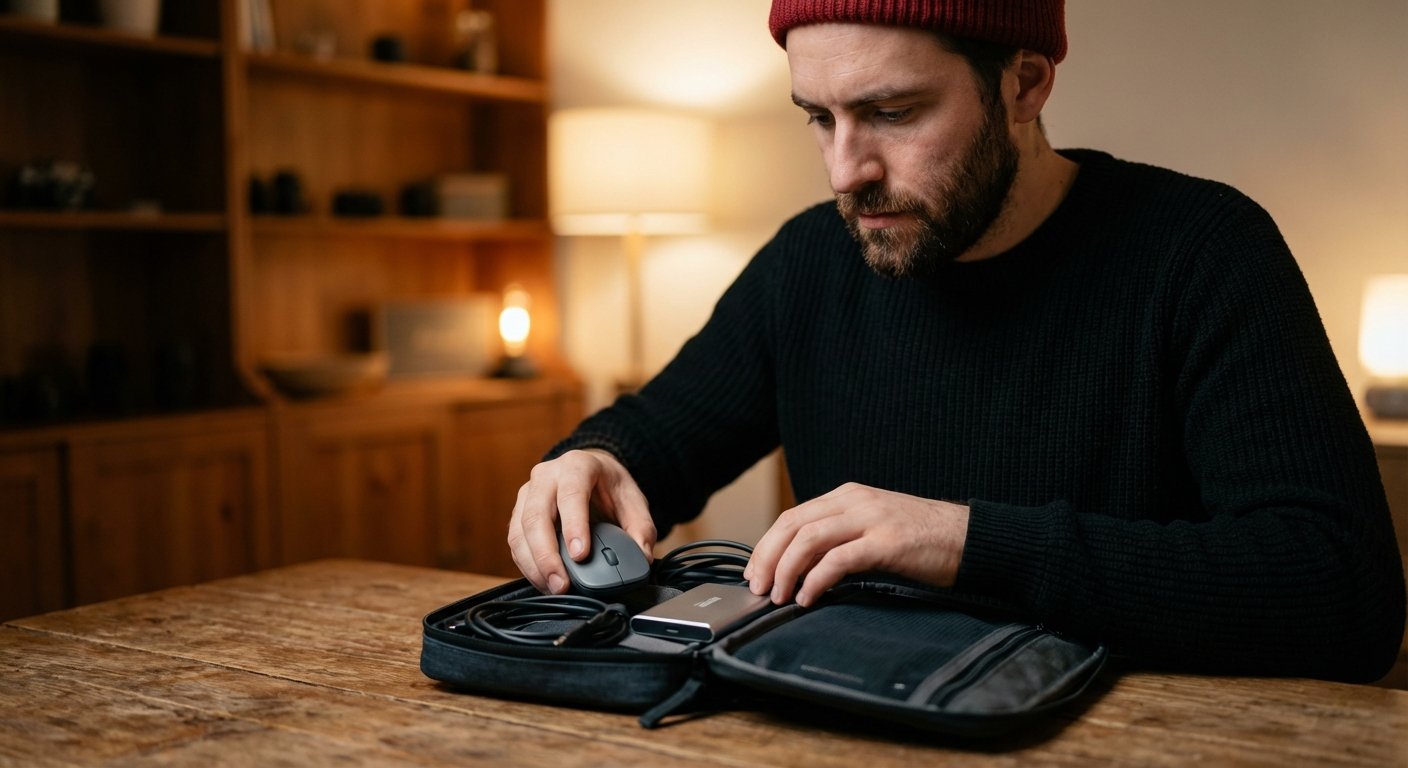
You need a dedicated container. The Peak Design Tech Pouch is the industry standard for a reason. It sits upright on the desk. It has origami-style pockets. It compresses when empty.
2. The Cables
Stop using the cheap cables that came with your devices. They fray. They charge slow.
You need Thunderbolt 4 cables.
One cable does it all: 240W charging, 40Gbps data transfer, and 8K video output. If you buy a Thunderbolt 4 cable from Cable Matters or Anker, you never have to guess “will this charge my laptop fast enough?” The answer is yes.
Bring two. One long (6ft), one short (2.5ft).
The Container: Aer Travel Pack 3 Small
We need a bag that fits the “One Bag” philosophy.
It must look professional. No hiking colors. No dangling straps.
It must be between 25L and 30L. Bigger than that, and you’ll overpack. Smaller, and you can’t fit a change of clothes.
The Aer Travel Pack 3 Small (28L) is the choice.
- Materials: 1680D Cordura ballistic nylon. Bombproof.
- Layout: Dedicated laptop compartment. Lay-flat main compartment for clothes. Admin panel for tech.
- Aesthetic: Clean, black, minimal. Fits in a boardroom. Fits in an overhead bin.
Estimated Price: $220 – $250
Summary: The Cost of Being Cheap
Let’s look at the math.
This setup costs roughly $4,500 to $5,000.
“That’s too much,” you say.
Is it?
If you are a professional, your laptop is your factory. Your cables are your supply lines.
If you buy a $500 laptop, a $20 charger, and a $30 backpack, you spent $550. You saved $4,000.
But that setup weighs twice as much. It runs half as fast. The battery dies in 2 hours. You spend 10 minutes untangling cables every time you set up.
Over 5 years, the “Cheap Setup” costs you hundreds of hours in lost productivity and frustration.
The “One Bag” Pro setup buys you:
- Mobility: You can go anywhere, instantly.
- Reliability: It works every time.
- Speed: You get more done in less time.
Money is a renewable resource. Time is not.
Buy the gear. Do the work. Get the ROI.