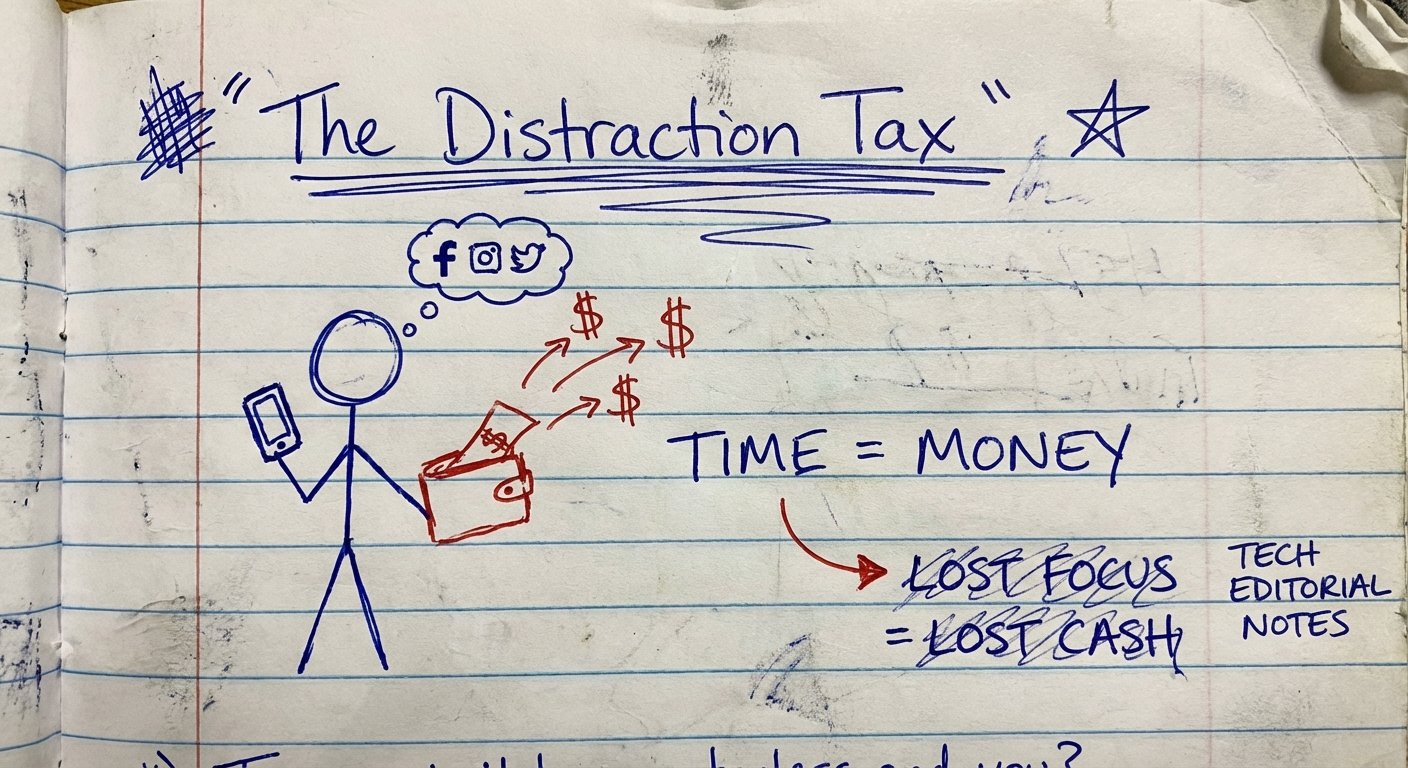
You are losing money every time you scroll.
You think you have a “focus” problem.
You don’t.
You have a math problem.
If you are a remote worker, your output is the only thing that matters. Nobody cares how many hours you sit in your chair. They care about what you produce.
If you produce twice as much, you have two options:
- Make twice as much money.
- Work half as many hours.
Most people do neither. They work 8 hours to do 2 hours of work. They donate 6 hours of their life to Mark Zuckerberg and TikTok algorithms. They trade their freedom for dopamine hits that don’t pay rent.
This is the “Digital Minimalism” Challenge.
I’m not going to tell you to delete Instagram for your mental health. I don’t care about your feelings. I care about your Return on Investment (ROI).
Your attention is an asset. Right now, you are selling it for free. We are going to stop that today.
The Math of the Distraction Tax
Let’s look at the numbers.
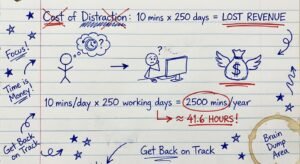
A study from the University of California, Irvine, shows that it takes 23 minutes and 15 seconds to get back on task after a distraction.
Let’s say you check your phone “real quick” 3 times per hour.
- That is a check every 20 minutes.
- The recovery time is 23 minutes.
The math implies you are literally never in a state of deep work.
You are constantly in a state of cognitive shallow-breathing. You are skimming the surface of your potential output.
If you bill $100 an hour, and you waste 4 hours a day on “context switching” (not even the scrolling itself, just the recovery time), you are burning $400 a day.
$400 x 5 days = $2,000 a week.
$2,000 x 50 weeks = $100,000 a year.
That is the cost of your notification badge. Is the meme worth $100,000? probably not.
Step 1: The “Phone Foyer” Method
Willpower is a depreciating asset. It is highest in the morning and hits zero by 4:00 PM.
If you rely on willpower to not check your phone, you will fail. You need a system that makes failure impossible.
I use a forcing function. It’s called physics.
If the phone is in the room, you will look at it. Even if it is off, your brain is using RAM to ignore it. This is proven data.
The Protocol:
- Walk into your house.
- Put your phone in a dedicated spot by the door (The Foyer).
- Plug it in.
- Leave it there.
If you work in a home office, the phone does not enter the office. Period.
If you lack the discipline to do this, buy a lockbox. I’m serious. You are fighting billion-dollar AI supercomputers designed to hijack your dopamine receptors. You need a weapon.
The Tool: kSafe Time Locking Container
This is a plastic box with a timer on the lid. You put your phone (or cookies, or controller) inside. You spin the dial. You lock it.
It will not open until the timer hits zero. There is no override code. You would have to smash it with a hammer to get your phone back.
Cost: $60 – $70
ROI: Infinite. If it saves you one hour of work, it pays for itself in day one.

Step 2: The Dumb Phone Protocol (Hardcore Mode)
Some of you are addicts. The “Foyer Method” isn’t enough because you’ll just go stand in the foyer and scroll.
If you want to dominate your industry, get a second phone.
This is the “Dumb Phone” strategy. You keep your iPhone or Android for content creation or specific apps, but it stays in a drawer during the work week. Your daily driver becomes a brick.
You need a phone that does two things:
- Calls/Texts (so your family doesn’t think you died).
- Hotspot (so you can work on your laptop).
That’s it. No browser. No App Store. No Email.
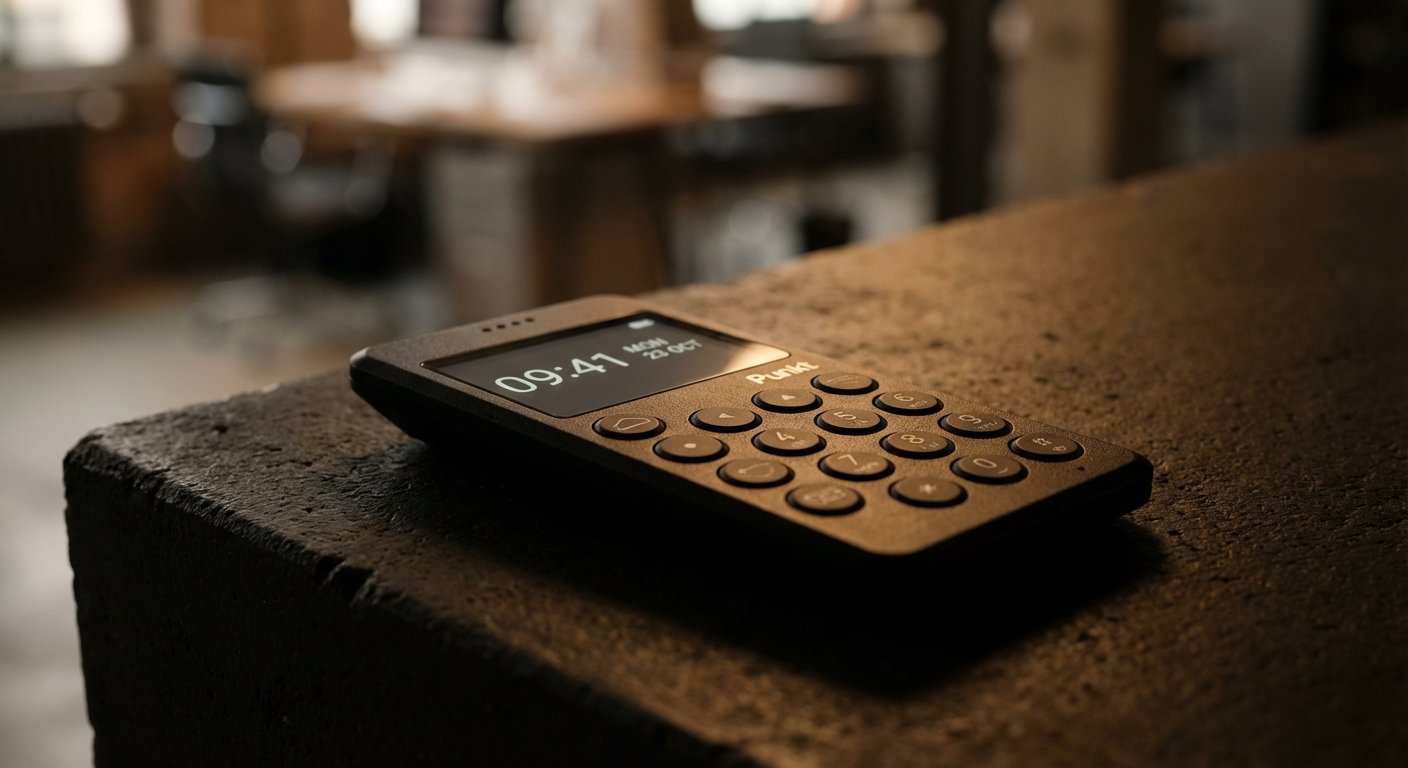
The Tool: Punkt MP02 New Generation
This is the best tool for high-net-worth individuals who want focus. It isn’t a cheap burner phone. It is high-end hardware designed by Jasper Morrison.
It has 4G LTE and a rock-solid hotspot. This is critical for remote workers. You can tether your laptop to it to send the email, but you can’t scroll Twitter on the device itself.
Specs:
- Network: 4G LTE (Works with Verizon, T-Mobile, AT&T)
- Display: Monochrome text-based.
- Security: BlackBerry Secure software.
- Distraction Level: Zero.
Cost: $350 – $400
Step 3: Visualizing Time Scarcity
Parkinson’s Law states: “Work expands to fill the time available for its completion.”
If you give yourself 8 hours to write a report, it will take 8 hours. If you give yourself 45 minutes, it will take 45 minutes.
Digital timers are garbage. You open your phone to set a timer, see a notification, and suddenly you are watching cat videos.
You need an analog visual interface. You need to see time disappearing.
The Tool: Time Timer MOD
This is a staple in my workflow. It is a simple clock face with a red disk. You twist the dial to 60 minutes. As time passes, the red disk disappears.
It creates a psychological sense of urgency. It anchors you in the present moment.
When the red is gone, you are done. No snoozing. No negotiating.
Cost: $20 – $30

Step 4: Analog Output, Digital Input
Here is where most remote workers get stuck. They try to “think” on a computer.
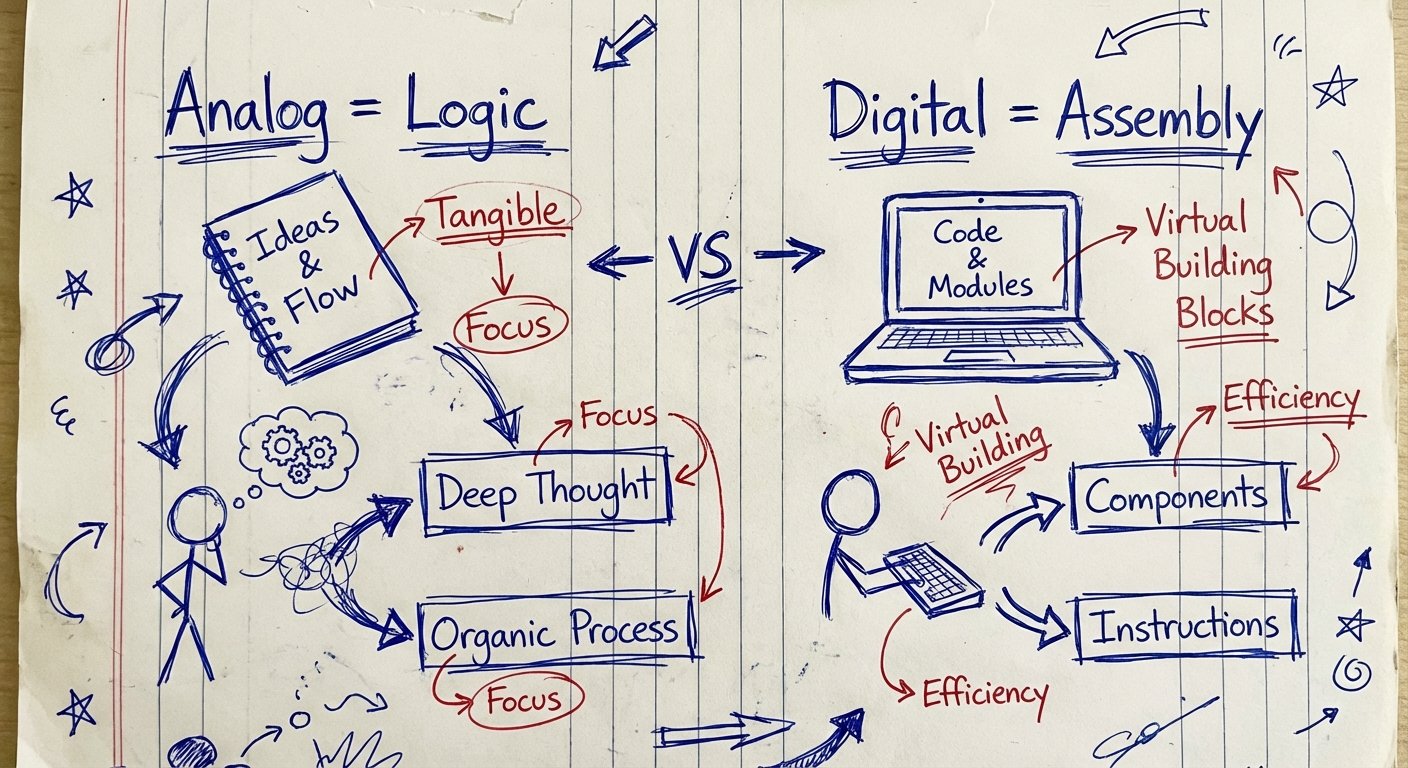
Computers are distraction machines. They are designed for input (consuming data) and assembly (typing the final draft). They are terrible for logic (structuring your thoughts).
If you try to structure a complex sales funnel or a coding architecture in a Google Doc, you will get distracted by the formatting toolbar.
The Rule: Think on paper. Build on screens.
You solve the problem on paper first. You draw the diagram. You write the bullet points. Only when the logic is solid do you touch the keyboard.
This cuts your screen time in half because you aren’t staring at a blinking cursor waiting for inspiration. You are just transcribing a solution you already created.
The Tool: Rocketbook Core (Smart Notebook)
I like this because it bridges the gap. It feels like a normal pen and paper. But when you are done, you scan it with the app and it sends your notes directly to Google Drive, Evernote, or Slack.
Then, you wipe the page clean with a wet cloth.
It’s infinite paper. It forces you to be analog, but keeps your workflow digital.
Cost: $25 – $35
Step 5: Protect Your Eyes (The Biological Hardware)
If you succeed in this challenge, you will be doing 4 to 6 hours of intense, focused screen work. No breaks. No scrolling.
This puts massive strain on your hardware. Not the computer—your eyes.
Digital Eye Strain leads to headaches, fatigue, and lower output. If your eyes hurt at 2:00 PM, you stop working. That costs you money.
Blue light blockers are often sold as magic. They aren’t magic. They are just filters. But they reduce the contrast strain that tires out your retina.
The Tool: GUNNAR Optiks Intercept
Don’t buy the cheap $10 gas station glasses. They distort color and scratch instantly.
GUNNAR is the industry standard for gamers and developers. They have a slight magnification option that reduces the effort your eye muscles need to focus on text.
Cost: $50 – $70
The 30-Day ROI Challenge
Here is the deal.
You don’t need to do this forever. Just try it for 30 days. Treat it like a sprint.
Week 1: Buy the K-Safe (or use a drawer). Phone goes away for 4 hours a day.
Week 2: Implement the Visual Timer. Work in 60-minute sprints.
Week 3: Analog Output. No “thinking” on the screen.
Week 4: Check your bank account.
If you reclaim 2 hours a day, that is 10 hours a week. That is 40 hours a month.
You just created an entire extra work week inside your month.
Use that week to learn a new skill. Use it to start a side hustle. Use it to go to the gym.
Or don’t.
Keep scrolling. Keep complaining that you don’t have enough time.
The choice is yours.
Now get to work.