The Cost of Bad Audio
You lose money when people can’t hear you.
It is that simple.
If you are closing a $10,000 deal over Zoom, and you sound like you are speaking from inside a bathroom stall, you lose authority. You lose trust. You look like an amateur.
High-quality audio is a leverage multiplier. It makes you sound smarter. It makes you sound closer. It keeps the prospect’s attention on your offer, not your background echo.
Most people try to solve this with a $5,000 laptop and use the built-in microphone. That is a mistake. Physics dictates that a tiny microphone hole next to a noisy keyboard will always sound bad.
You need a dedicated device. But you are traveling. You cannot carry a studio arm and a heavy XLR interface in a carry-on.
You need compact. You need durable. You need plug-and-play.
I have tested the gear. I have done the calls from hotel rooms, airports, and Ubers. Here is the list of the best compact microphones for professional Zoom calls right now.
The Criteria: What Matters on the Road
Do not look at “studio” specs. They do not apply here. When you are traveling, the environment is your enemy. You cannot control the room. You can only control the mic.
Here are the three variables that matter:
- Directionality (Noise Rejection): The mic must ignore the air conditioner and the crying baby in the hallway. It must only hear you.
- Portability vs. Durability: If it breaks in your backpack, it is worth zero. It needs to be metal or high-density plastic. It needs to fit in a side pocket.
- Interface (No Dongle Hell): It must use USB-C. If you need a separate power brick or an audio interface box, it is too complicated. Plug in. Work. Done.
1. The Wireless King: DJI Mic 2
This is currently the highest-leverage tool on the market.
The DJI Mic 2 is not just a microphone. It is a complete audio system that fits in your pocket. It uses a charging case, similar to AirPods. You open the case, take out the transmitter, and magnet it to your shirt.
Why it wins:
Most wireless mics require you to plug a receiver into your computer. The DJI Mic 2 can do that, but it also has direct Bluetooth connection. You can pair it directly to your laptop or phone without the receiver if you want to travel ultra-light.
It also features 32-bit float recording. This is a technical term that means “un-clippable audio.” If you scream, it doesn’t distort. If you whisper, it captures the detail. It records a backup file internally on the device, so even if Zoom disconnects, you have the recording.
The Specs:
- Type: Wireless Wearable
- Battery Life: 6 hours (18 hours with case)
- Connection: USB-C / Lightning / Bluetooth
- Noise Canceling: Intelligent AI Noise Canceling built-in
The Price: $349 (Full Kit) or ~$99 (Single Transmitter)
If you move around while you talk—if you pace the room to keep your energy high—this is the only choice.
2. The Desk Anchor: Shure MV5C
Sometimes you do not want to wear a microphone. You want something that sits on the desk and looks professional.
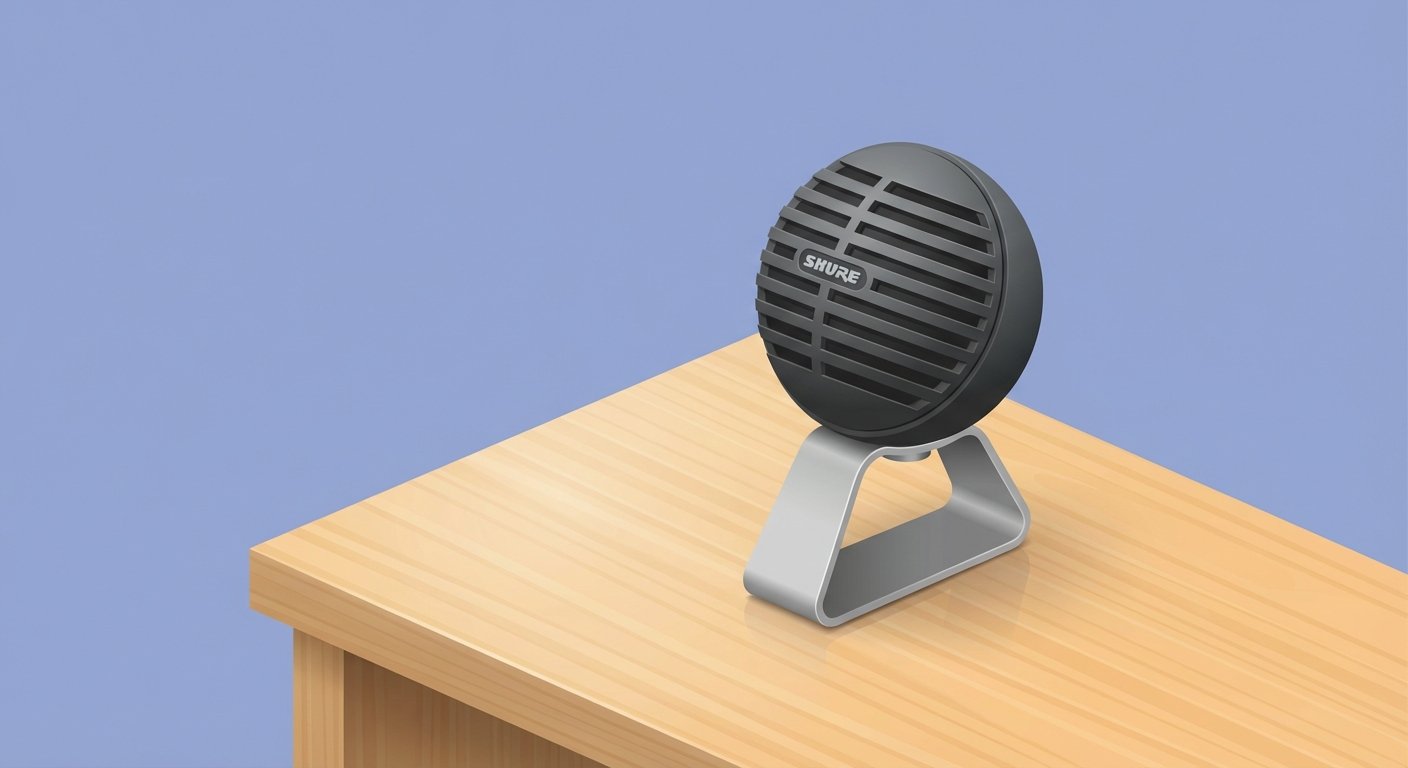
Shure is the industry standard. They make the mics for the President of the United States. The MV5C is their answer to the digital nomad problem.
It looks like a vintage studio mic, but it is the size of a tennis ball. It comes with a detachable stand.
Why it works:
It is built for speech. Many microphones try to be good for music and guitars. The “C” in MV5C stands for “Conferencing.” It has a Speech Enhancement Mode that boosts the frequencies of the human voice and cuts out the low rumble of HVAC systems.
It connects via USB-A or USB-C. No drivers needed. It just works.
The Specs:
- Type: Condenser (Cardioid)
- Weight: 160g (very light)
- DSP Modes: Voice / Flat
- Headphone Jack: Yes (for zero-latency monitoring)
The Price: $99 – $120
This is the “safe bet.” It is affordable. It sounds great. It is impossible to break.
3. The Professional Standard: Rode Wireless PRO
If you are creating content while you travel—recording YouTube videos, courses, or high-stakes podcasts—you get the Rode Wireless PRO.
This is similar to the DJI, but it is more robust for creators. It comes with two transmitters. This is useful if you are doing an in-person interview while traveling. You clip one on yourself, and one on your guest. You are now a mobile podcast studio.
The Killer Feature: GainAssist.
Rode uses an algorithm that automatically adjusts your volume levels. If you lean back, it boosts you. If you laugh loud, it turns you down. It does this faster than a human engineer could.
For Zoom calls, you plug the receiver into your laptop via USB-C. It shows up as a standard microphone input. The audio quality is broadcast grade.
The Specs:
- Range: 260m (Line of Sight)
- Internal Recording: 32-bit Float
- Accessories: Comes with Lavalier mics included (most don’t)
- Case: Charge case included
The Price: $399 (Complete Set)
It costs more. It delivers more. If you take your production value seriously, this is the asset to buy.
4. The All-in-One: Sennheiser Profile USB
Sennheiser is German engineering. They value function over flashy features.
The Profile USB is a stick mic. It feels heavy. It feels expensive. It has three knobs on the front.
- Gain (Volume)
- Mix (Hear yourself vs. hear computer)
- Headphone Volume
Why do physical knobs matter? Because when you are on a sales call, you do not want to open a software menu to mute yourself. You want to hit a button. The Profile has a dedicated mute button with a light ring. Green means go. Red means muted.
This prevents the “Can you hear me?” dance. You know you are live. You know you are muted.
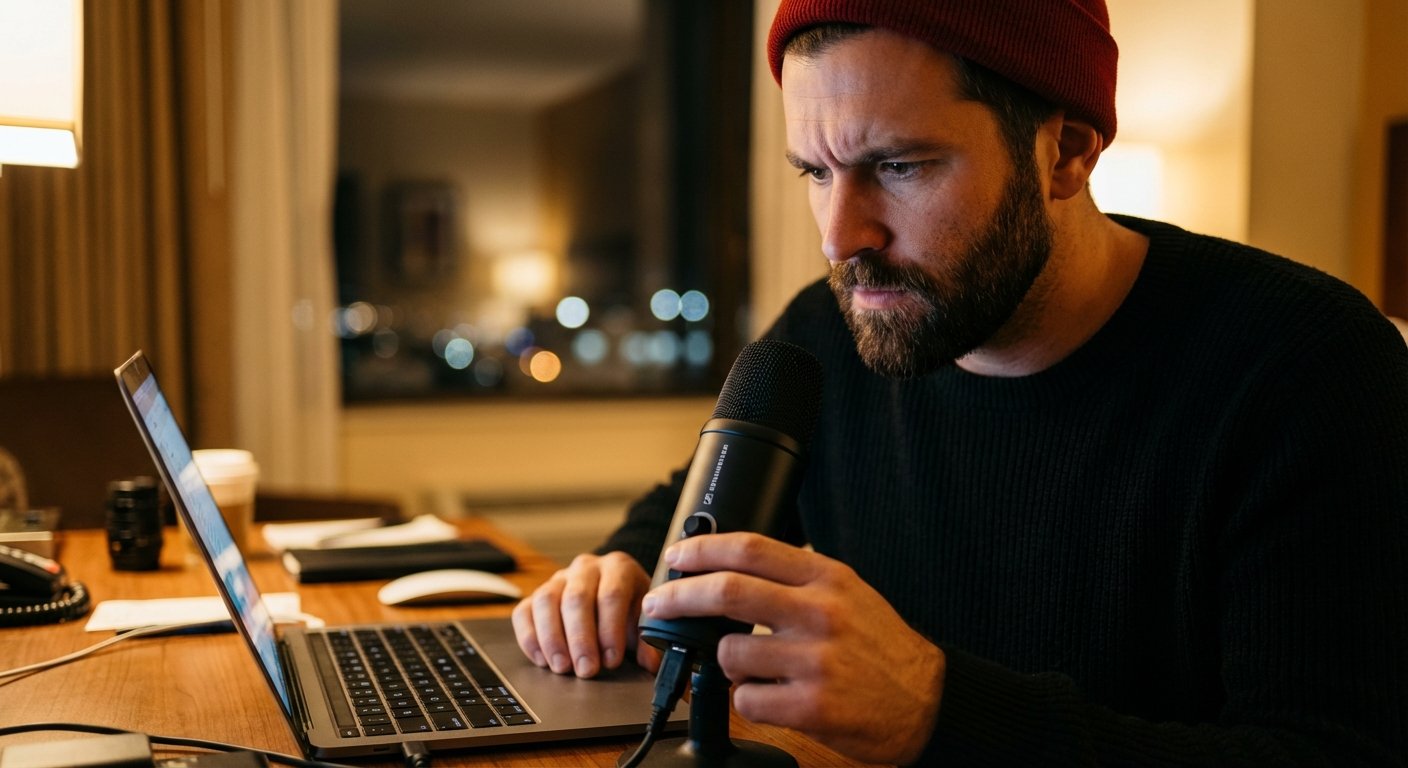
It captures rich, deep vocals. It gives you that “radio voice” sound (the proximity effect) if you get close to it.
The Price: $129 (Base) – $199 (Streaming Set with arm)
For travel, get the base version with the table stand.
5. The Dark Horse: AnkerWork M650
Anker is known for batteries, but they disrupted the audio space with this device.
The M650 is designed specifically for people who don’t know audio. It has a touchscreen on the receiver. You can adjust settings with your finger without installing software.
But the reason it is on this list is the VoiceShield Noise Cancellation.
Most mics use software on your computer to remove noise. The M650 does it in the hardware. If you are in a coffee shop, you can turn the noise reduction to “High.” It aggressively cuts out background chatter. It makes your voice sound a bit more processed, but it guarantees you are heard clearly.
It also comes with different colored covers to match your outfit. That sounds vanity-based, but appearance matters.
The Price: $249
The Physics of Placement (The “Fist” Rule)
You can buy a $1,000 microphone and sound terrible. You can use a $50 microphone and sound amazing.
The difference is placement.
Sound energy dissipates over distance. This is the Inverse Square Law. Every time you double the distance from the mic, you lose 6dB of volume, and you increase the ratio of room noise.
The Solution:
Get the microphone as close to your mouth as possible without popping your “P” sounds. The ideal distance is “one fist.”
Make a fist. Put your thumb on your lips. Extend your pinky. The microphone should be touching your pinky.
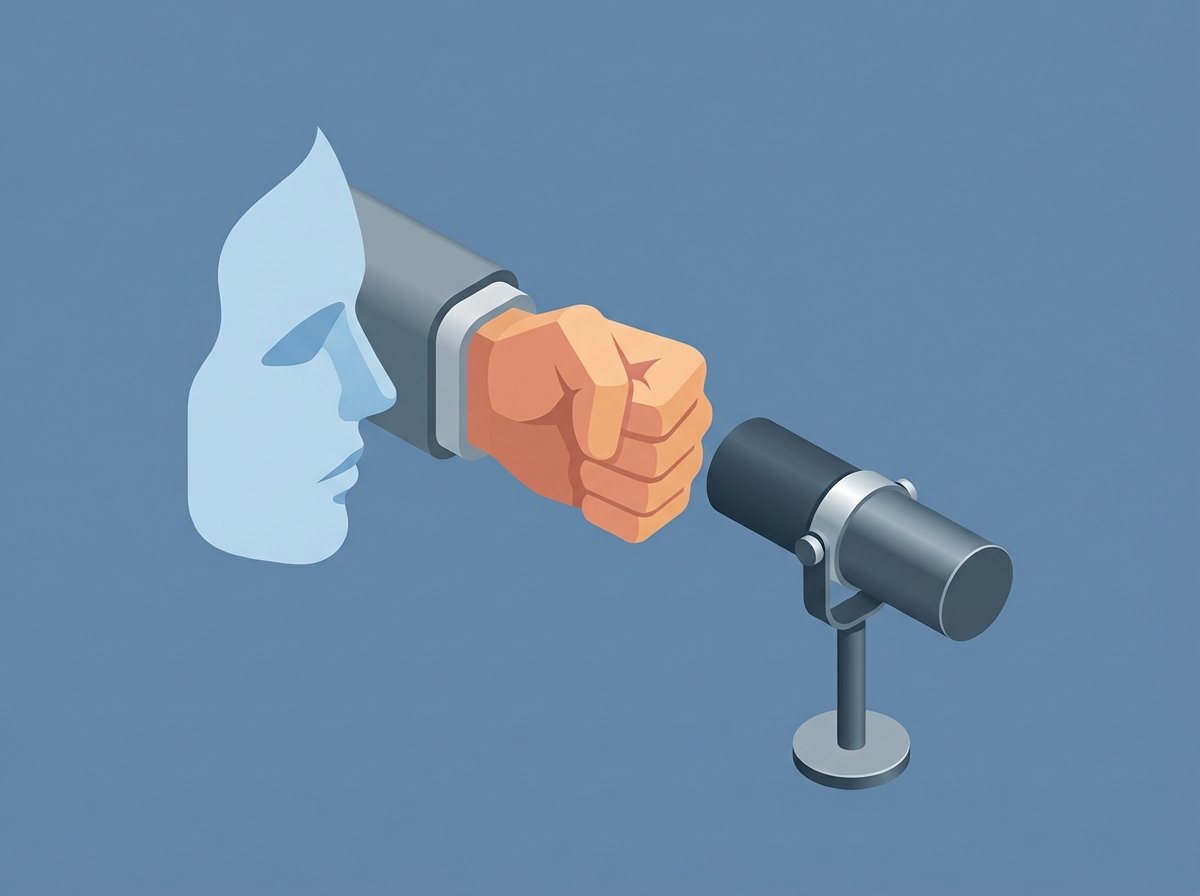
At this distance, your voice is overpowering the room echo. The microphone doesn’t have to work hard. The gain can be lower. The background noise disappears.
If you are using a table mic like the Shure MV5C, stack it on some books. Get it up to mouth level. Do not talk down to it.
Hotel Room Acoustics: The Pillow Strategy
Hotels are echo chambers. Glass windows, hard desks, drywall. Sound bounces everywhere.
Software can only do so much. You need to dampen the physics.
When I have a critical call, I re-engineer the room. I take the pillows from the bed. I place them behind the laptop, and to the sides of the laptop.
I am building a semi-circle of soft material around the microphone. This stops my voice from bouncing off the wall behind the computer and slapping back into the mic.
It looks ridiculous. But nobody on the Zoom call sees the pillows. They only hear a crisp, studio-quality voice. They perceive value.
Effectiveness over aesthetics. Always.
Comparison Table: Which One for You?
Do not over-analyze. Pick the one that fits your workflow.
- For the Pacer: You walk around. You use a whiteboard. Buy the DJI Mic 2.
- For the Content Creator: You need backups. You need 2 channels. Buy the Rode Wireless PRO.
- For the Executive: You sit at the desk. You want simplicity. Buy the Sennheiser Profile.
- For the Ultra-Compact Packer: You have zero space. Buy the Shure MV5C.
Final Thoughts
Your equipment communicates your value before you even speak.
If you are traveling for business, you are already investing time and money to be there. Do not sabotage the output by skimping on the input.
$200 is a negligible expense compared to the lifetime value of a customer you might lose because they couldn’t understand your value proposition.
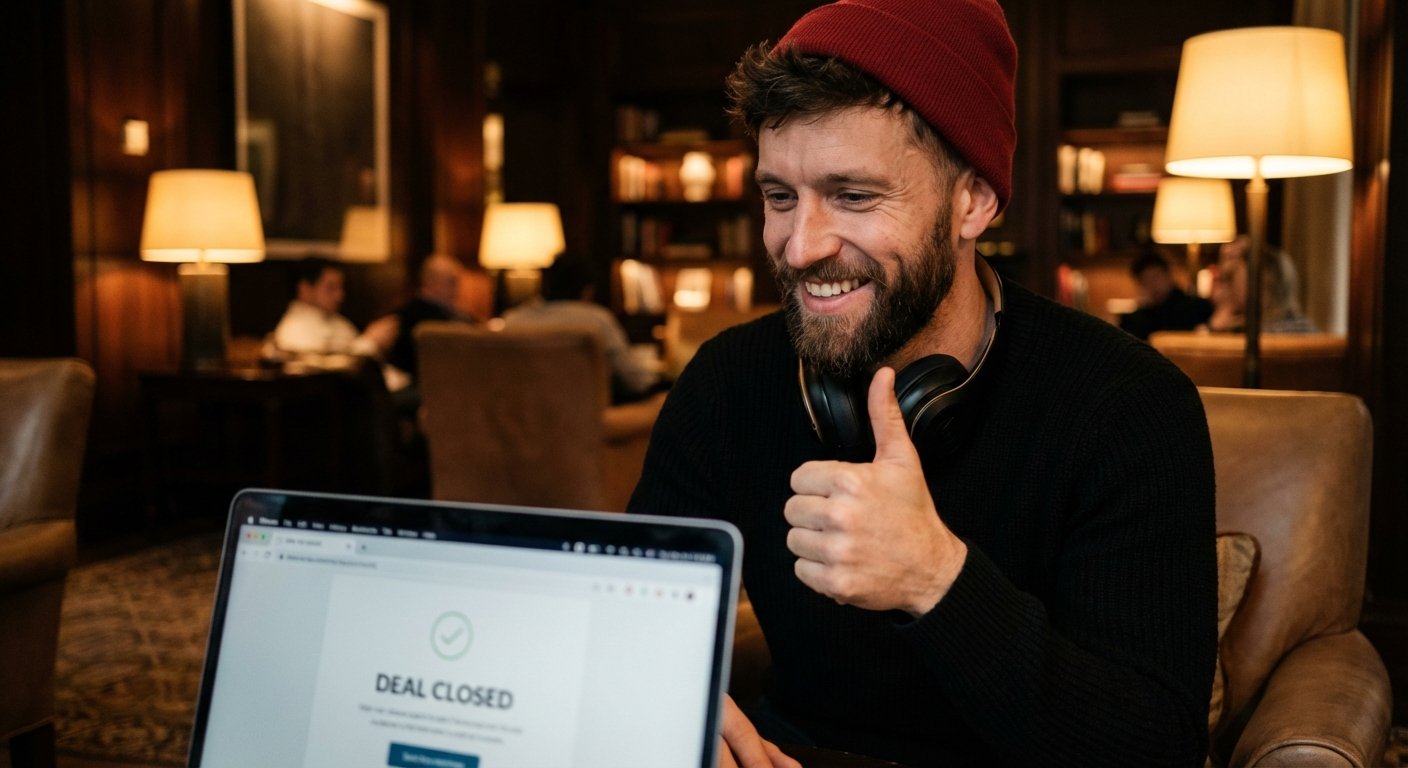
Buy the mic. Test the settings. Close the deal.