The Cost of Being Disconnected
You land in a new country. You have work to do. You have a team to manage.
You open your laptop to log into your company portal. Access Denied.
You try to unwind with Netflix. Content Blocked.
Most people panic. They scramble. They download a free VPN. They get hacked. They lose data. They lose time.
If you bill $500 an hour, and you spend three hours fighting with IT permissions because you were too cheap to buy a proper setup, you didn’t save $10. You lost $1,500.
That is bad math.
I don’t care about “privacy” in the abstract sense. I care about leverage. If I cannot access my banking, my CRM, or my entertainment, I have zero leverage. I am stuck.
You need a pipeline. A secure tunnel. You need to look like you are sitting in your living room in Austin, Texas, even if you are in a coffee shop in Bali.
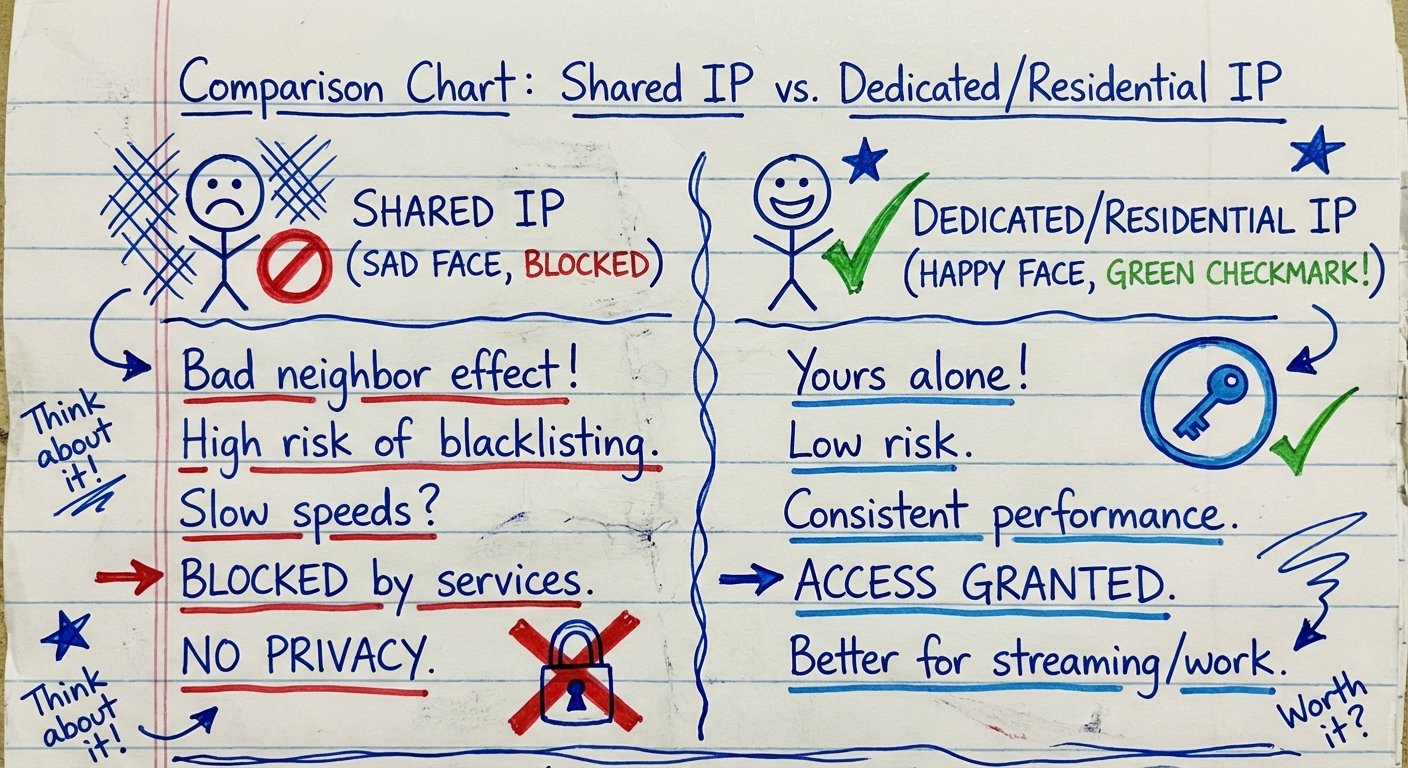
Here is the truth: Most VPNs are garbage. They use shared IP addresses that Netflix and Corporate IT departments flagged five years ago. They are selling you a broken key.
We are going to look at the few tools that actually work. The ones that provide a positive ROI.

The Two Types of Problems
Before you buy anything, understand the enemy.
You have two obstacles.
1. Geo-Blocking (Netflix/Hulu/BBC)
Streaming services check your IP address. If 5,000 people are using the same IP address (which happens with cheap VPNs), Netflix knows it’s a server. They block it.
2. Deep Packet Inspection (Work Portals)
This is harder. Corporate firewalls don’t just look at where you are. They look at what you are sending. If they see OpenVPN protocol headers, they block you. They know you are hiding.
To beat this, you need Obfuscation. You need to make your encrypted traffic look like normal HTTPS web traffic.
Cheap solutions fail at both. The solutions below solve both.
The Hardware Solution: GL.iNet GL-AXT1800 (Slate AX)
Most people install an app on their laptop. That is a mistake.
If you install software, your company IT department can see the software. They can see the network adapter change.
The superior method is a Travel Router.
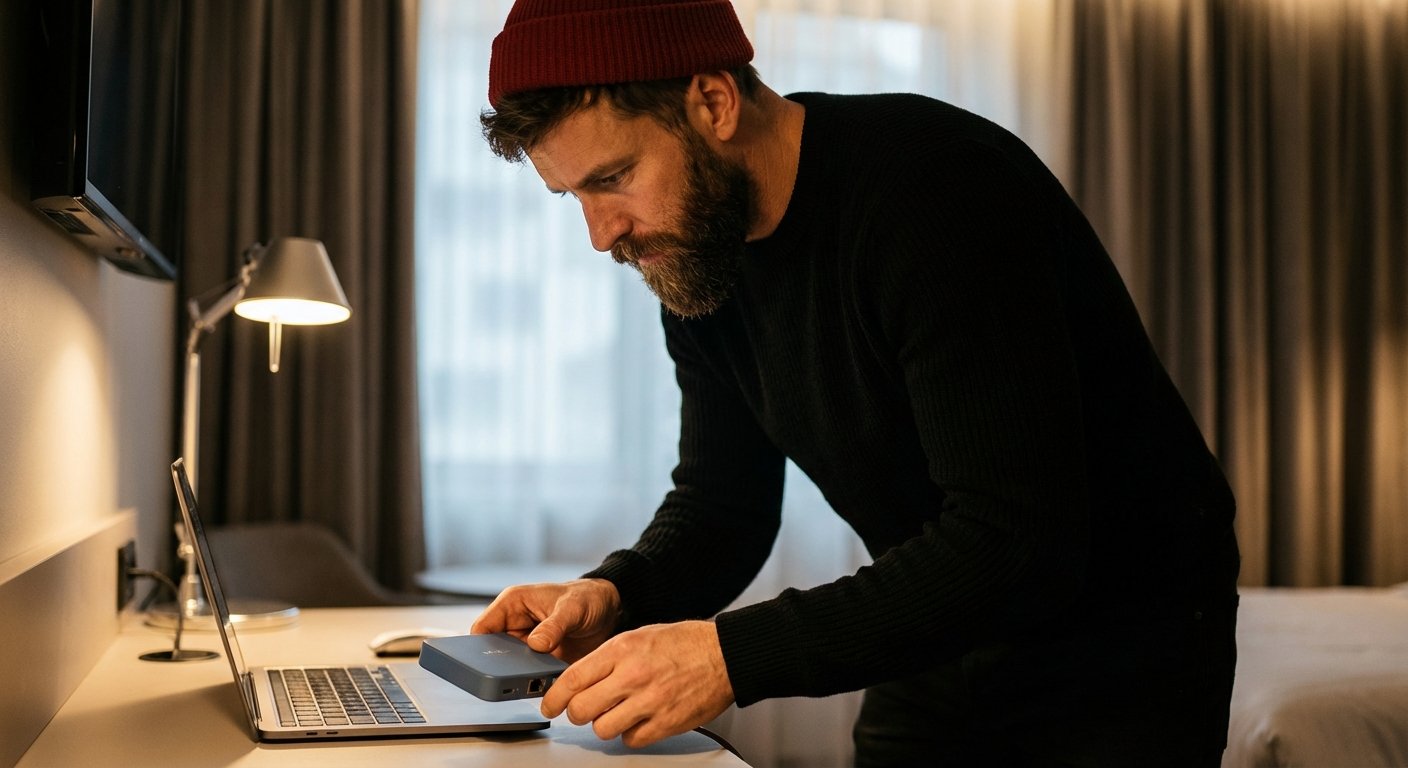
You connect the router to the hotel Wi-Fi. The router runs the VPN client. Your laptop connects to the router.
To your laptop, it looks like a normal wired or Wi-Fi connection. To the hotel, it looks like a phone. To your work, it looks like you are home.
The GL.iNet Slate AX is the best unit on the market right now for size vs. power.
- Throughput: It handles WireGuard VPN speeds up to 550 Mbps. This is insane. Most routers choke at 50 Mbps.
- Wi-Fi 6: It creates a fast local network for all your devices (Phone, Laptop, Tablet).
- Repeater Mode: It can take a weak hotel signal and boost it.
This is hardware leverage. You buy it once. It works forever.
Price Range: $110 – $140
The Best Software VPNs (The Engine)
The router is the car. The VPN service is the gas. You need a provider that refreshes their IP addresses constantly so Netflix doesn’t catch on.
1. NordVPN Standard
This is the Toyota Camry of VPNs. It isn’t exotic. But it starts every time.
They have over 5,000 servers. This matters because of the Law of Large Numbers. If one server gets blocked by Amazon Prime Video, you have 4,999 others to try. You are playing the probability game, and you are winning.
Key Feature: NordLynx
This is their proprietary version of WireGuard. It is fast. You won’t see the “Buffering” circle of death. Time waiting for a video to load is time wasted.
Key Feature: Meshnet
This is a killer feature for work. You can route your traffic through your actual home computer. This gives you a residential IP address. It is almost impossible to detect.
Price Range: $30 – $90 (Depending on subscription length)
2. ExpressVPN
This is the premium option. It costs more. Is it worth it?
Maybe.
ExpressVPN invests heavily in “Lightway” protocol. It connects instantly. The user interface is foolproof. If you are non-technical and you just want to push one button and have it work, you pay the premium for ExpressVPN.
They are aggressive about replacing blocked IPs. If Netflix blocks a range, ExpressVPN spins up new ones faster than anyone else.
Price Range: $99 – $120 (1 Year)
3. Surfshark
This is the volume play.
Most VPNs limit you to 5 or 6 devices. Surfshark allows unlimited devices.
If you run a team, or you have a family with 15 iPads and phones, the cost per device with Surfshark drops to near zero.
They also have a feature called “Camouflage Mode” (Obfuscation) which turns on automatically when it detects a restrictive network. You don’t have to fiddle with settings. It just bypasses the blocks.
Price Range: $40 – $60 (Starter kits)
The “Home Base” Strategy (Enterprise Level)
If you have high-security clearance or extremely strict banking portals, commercial VPNs (Nord, Express) might still get flagged. Banks know the IP addresses of NordVPN data centers.
The solution? Be your own VPN provider.
You need a Ubiquiti UniFi Dream Machine (UDM).
You put this in your house in the USA. It acts as your primary router. It has a built-in VPN server (Teleport or WireGuard).
When you are abroad, you use the “WiFiman” app or a client to tunnel back to this device.
The Math:
- Your Traffic Origin: Your physical living room.
- IP Address: Your actual residential ISP (Comcast, Verizon, AT&T).
- Detection Probability: 0%.
It is expensive upfront. But the monthly cost is $0. The churn is $0. The security is 100%.
Price Range: $299 – $379

The Implementation Plan
Reading this does nothing. Buying the tool does nothing. Setting it up gives you the result.
Step 1: The Stack
Buy the GL.iNet Slate AX router. Buy a subscription to NordVPN or ExpressVPN.
Step 2: The Config
Download the “WireGuard Config” file from your VPN provider dashboard. Upload it to the GL.iNet router admin panel.
Step 3: The Kill Switch
Enable the “Internet Kill Switch” on the router. If the VPN drops, the internet cuts. This ensures you never leak your real location for even a second.
Step 4: The Test
Go to a site like ipleak.net. If it shows your location is “Tokyo” but you are in “New York,” you win.
Common Failures (How to Lose Money)
I see smart people make stupid mistakes.
Using Free Proxies: These are honey pots. Hackers set them up to steal your credit card info. You save $5/month to lose $5,000 in fraud. Dumb.
Ignoring DNS Leaks: Sometimes your traffic is hidden, but your “DNS requests” (the phone book of the internet) go through the local hotel network. This tells the hotel exactly what sites you are visiting. Ensure your VPN forces “Custom DNS.”
Double NAT Issues: If you use a travel router, sometimes the hotel network fights it. The GL.iNet handles this better than generic routers, but be aware you might need to toggle “IP Passthrough” if connection fails.

Conclusion
Access is binary. You either have it, or you don’t.
If you don’t have access, you can’t work. You can’t relax. You are inefficient.
The market rewards efficiency. The market punishes friction.
Spend the $150 on the router. Spend the $100 on the subscription. Set it up once. Never worry about it again.
That is how you get ROI on your freedom.
Now go do the work.