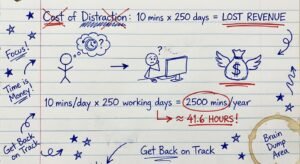
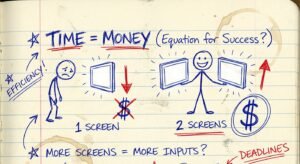
Most people stay broke because they move too slow.
They have an idea. They get excited. Then they wait.
They wait for “inspiration.” They wait for the “perfect time.” They wait until they “feel ready.”
Here is the truth: The market does not care how you feel. The market only cares about what you ship.
If you want to make money with Amazon KDP (Kindle Direct Publishing), you do not need 6 months. You need 7 days. If you take longer than a week to write your first eBook, you are procrastinating. You are hiding behind “perfectionism.”
Perfectionism is just fear in a tuxedo.
I am going to show you exactly how to go from zero to published in 168 hours. No fluff. No theory. Just the execution steps that actually put cash in your bank account.

The Math: Why Speed is Your Only Asset
Let’s look at the ROI.
If you spend 6 months writing a book and it makes $100 a month, your hourly wage is effectively zero. You lost money. You paid to work.
If you spend 7 days writing a book and it makes $100 a month, you have created a recurring income stream that pays you for the rest of your life. Then you do it again next week. And the week after.
Volume negates luck. You need more shots on goal.
Here is the 7-day sprint.
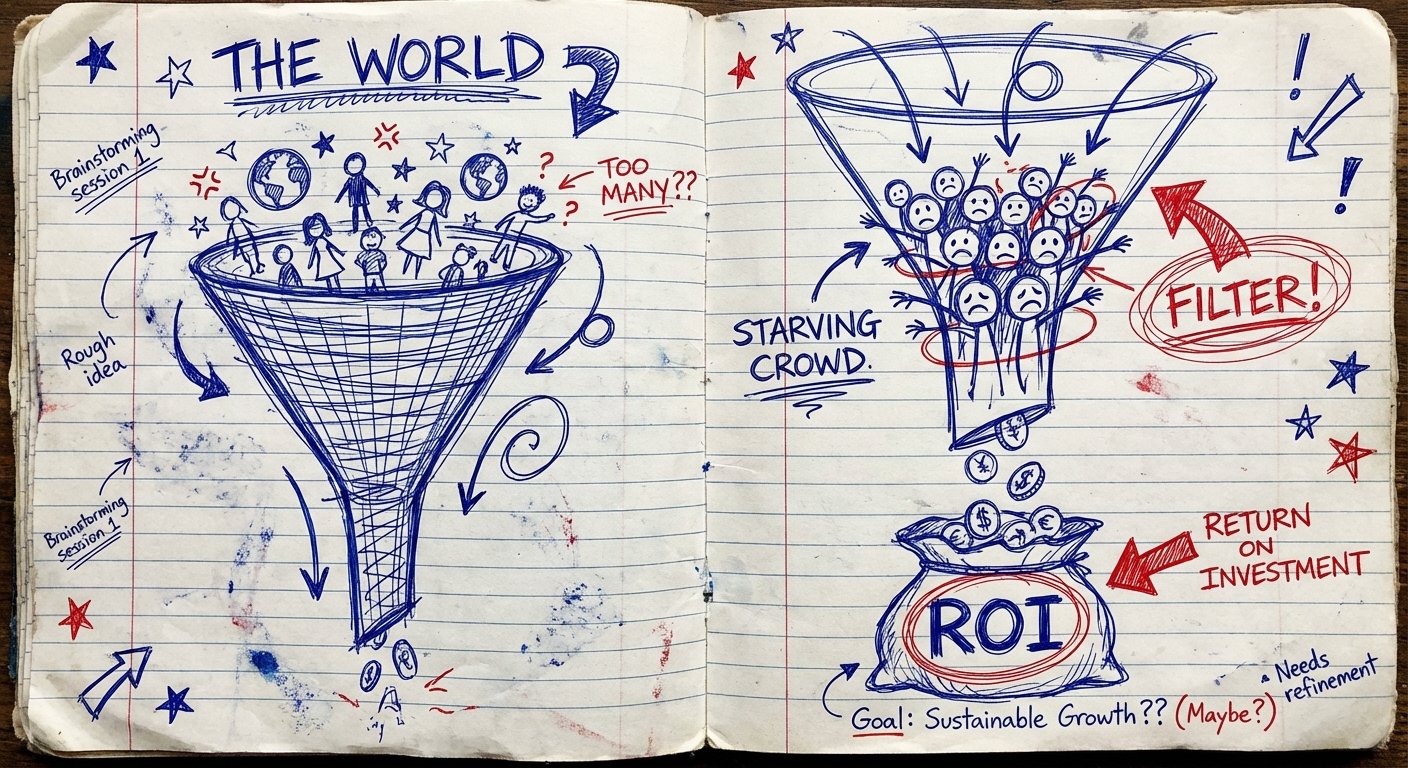
Day 1: Find the Starving Crowd (Product Research)
Most authors fail before they write the first word. Why? Because they write what they want to read.
Nobody cares about your poetry. Nobody cares about your memoir (unless you are famous). People care about their own problems.
You are not an “artist.” You are a problem solver.
The Strategy:
- Go to Amazon Best Sellers list.
- Look at “Kindle Store” -> “Non-Fiction.”
- Find books with a Sales Rank between 5,000 and 30,000.
- This is the “Goldilocks Zone.” Enough volume to make money, but low enough competition for you to enter.
Look for titles that solve specific pain points:
- “How to cure back pain.”
- “Excel for beginners.”
- “Potty training in 3 days.”
If people are already paying money to solve a problem, you don’t need to create demand. You just need to channel it.
Day 2: The Skeleton (Outlining)
Do not start writing. If you start writing without a map, you will get lost. You will get “writer’s block.”
Writer’s block is fake. It just means you don’t know what comes next. An outline solves that.
The 10-Chapter Framework:
You need 10 chapters. Each chapter needs to be about 1,500 to 2,000 words. That gives you a 15,000 to 20,000-word book. That is enough to sell for $2.99 or $4.99.
- Chapter 1: The Hook. Tell them why they are here and what they will get.
- Chapters 2-9: The Steps. Break the solution down into logical pieces.
- Chapter 10: The Conclusion. Summarize and upsell your backend (consulting, course, email list).
Spend Day 2 writing the bullet points for every chapter. Do not write sentences. Write concepts.
Day 3: Equip Yourself for Speed
You cannot build a house with a plastic hammer. If you are typing on a broken laptop or a sticky keyboard, you are slowing yourself down.
Efficiency is about removing friction. If your equipment fights you, you will quit.
You need a machine that handles multiple tabs, research, and word processing without lagging. Don’t be cheap with the tools that make you money.
Recommended Tool: Apple MacBook Air 13-inch (M3 Chip)
This is the best ROI laptop on the market right now. It is silent (no fans), the battery lasts 18 hours (so you can work anywhere), and the M3 chip destroys almost anything else in this price bracket.
Current Specs:
- Processor: Apple M3 Chip (8-core CPU, 10-core GPU)
- RAM: 8GB or 16GB Unified Memory
- Storage: 256GB or 512GB SSD
- Battery Life: Up to 18 hours
Estimated Price: $999 – $1,299
Recommended Tool: Logitech MX Keys S Wireless Keyboard
If you are going to type 20,000 words in a week, do not use a laptop keyboard. It ruins your posture and slows your WPM (Words Per Minute). You want a low-profile, high-performance keyboard.
The MX Keys S is the standard. It has spherically dished keys that match the shape of your fingertips. It connects to 3 devices. It minimizes typo friction.
Current Specs:
- Type: Wireless, Illuminated
- Battery: USB-C Rechargeable (up to 5 months with backlighting off)
- Connectivity: Bluetooth Low Energy + Logi Bolt Receiver
Estimated Price: $100 – $120

Day 3 & 4: The Vomit Draft (Writing)
This is where most people quit. They write a sentence, then they delete it. Then they write it again.
Stop editing. You are in creation mode, not critique mode. They are different parts of the brain.
Your goal for Day 3 and Day 4 is to get the words out. It doesn’t have to be good. It just has to be done. You can’t fix a blank page.
The “Talk to Text” Hack:
Humans speak 150 words per minute. Humans type 40 words per minute. Writing is slow. Speaking is fast.
Use Google Docs Voice Typing or Otter.ai. Dictate your book based on your outline. You can “write” a chapter in 15 minutes by talking.
If you prefer typing, do 4 sprints per day. 45 minutes on, 15 minutes off. Phone in the other room. No notifications.
Day 5: The Butcher (Editing)
Now you have a pile of words. It’s messy. It’s ugly. That’s good.
Now you switch hats. You are the editor.
The 3-Pass Edit:
- The Structure Pass: Does the logic flow? Move paragraphs around. Delete sections that are boring.
- The AI Pass: Run your text through Grammarly or ChatGPT. Ask it to “Fix grammar and improve flow, but keep the tone simple.”
- The Human Pass: Read it out loud. If you stumble over a sentence, rewrite it. If it sounds like a robot wrote it, rewrite it.
Day 6: The Packaging (Design & Formatting)
People judge books by their covers. That is a fact. Accept it.
If your cover looks like you made it in MS Paint, nobody will buy it. Even if the content is gold, the packaging says “trash.”
Cover Rules:
- Big Title: Must be readable as a small thumbnail on a phone screen.
- Contrast: Yellow on black. White on red. High contrast wins.
- One Image: Don’t clutter it. One central focal point.
You can use Canva if you have a good eye. If not, go to Fiverr and pay someone $20. It is a small investment for a better click-through rate (CTR).
Formatting:
Use “Kindle Create” (free software from Amazon). It formats your Word doc into a KDP-ready file. It adds the Table of Contents automatically. Do not struggle with margins in Word. Use the tool.
Day 7: Launch and Monetize
It is time to ship.
Go to kdp.amazon.com. Create an account. Upload your manuscript and your cover.
The Pricing Strategy:
Amazon gives you two royalty options:
- 35% Royalty: For books priced below $2.99 or above $9.99.
- 70% Royalty: For books priced between $2.99 and $9.99.
Price your book at $2.99 to start. This maximizes impulse buys. Once you get 20+ reviews, you can raise the price to $4.99 or higher.
KDP Select (Kindle Unlimited):
Check the box for KDP Select. This makes your book exclusive to Amazon for 90 days. In exchange, you get paid when people read your book for free via Kindle Unlimited. This accounts for about 50% of revenue for most non-fiction authors. Do it.
Conclusion: The Asset Stack
Once you hit “Publish,” you are done. But you aren’t finished.
The book is just the first domino.
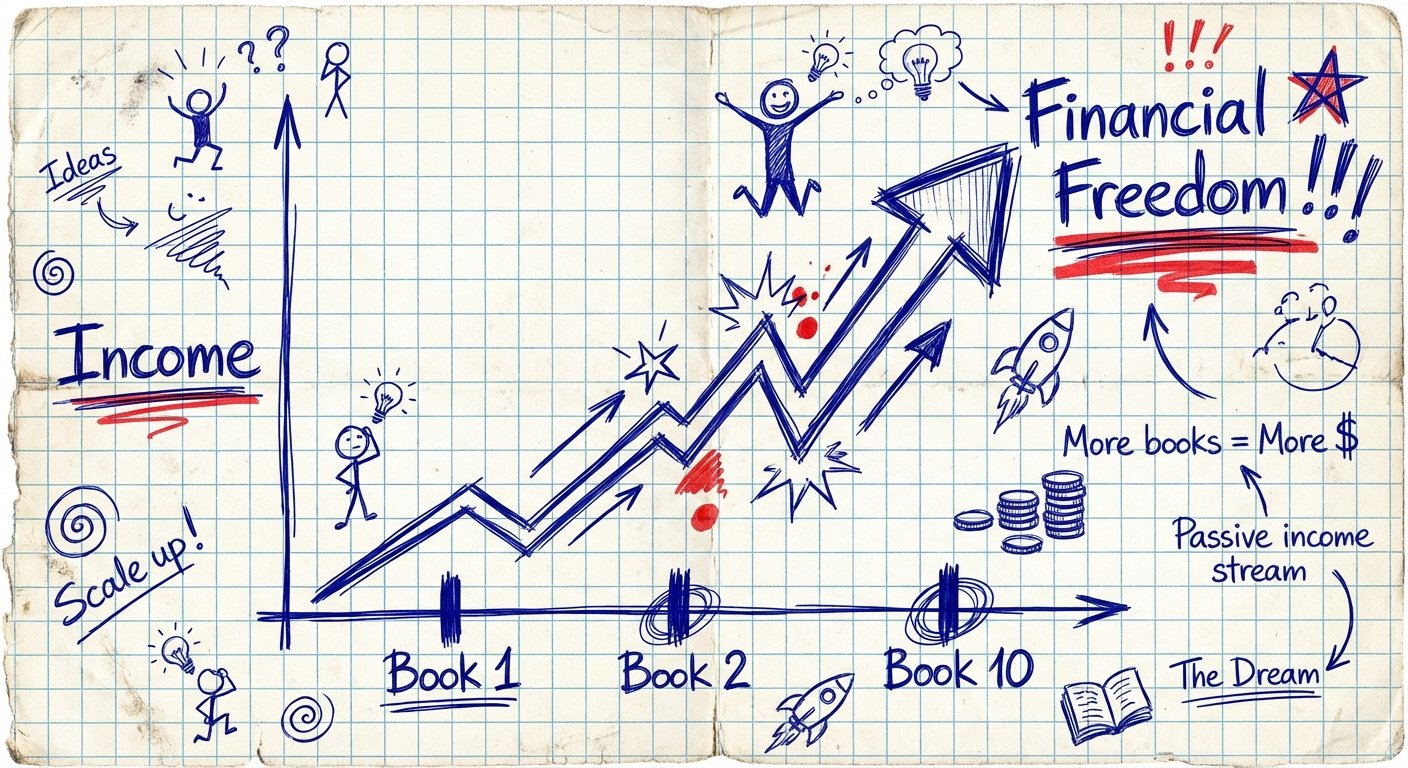
1 book = $100/month.
10 books = $1,000/month.
100 books = $10,000/month.
The skill you learned this week isn’t “writing.” It’s shipping assets. Once you know how to build one asset, you can build a thousand.
The only thing stopping you is the work. And the work is the shortcut.
Start Day 1 today.