Most people buy portable monitors wrong.
They go to Amazon. They sort by “Price: Low to High.” They buy the $89 plastic slab with a weird brand name you can’t pronounce.
I did this.
I took a generic budget monitor on a 10,000-mile trip across three continents. I wanted to prove you didn’t need expensive gear to get work done.
I was wrong.
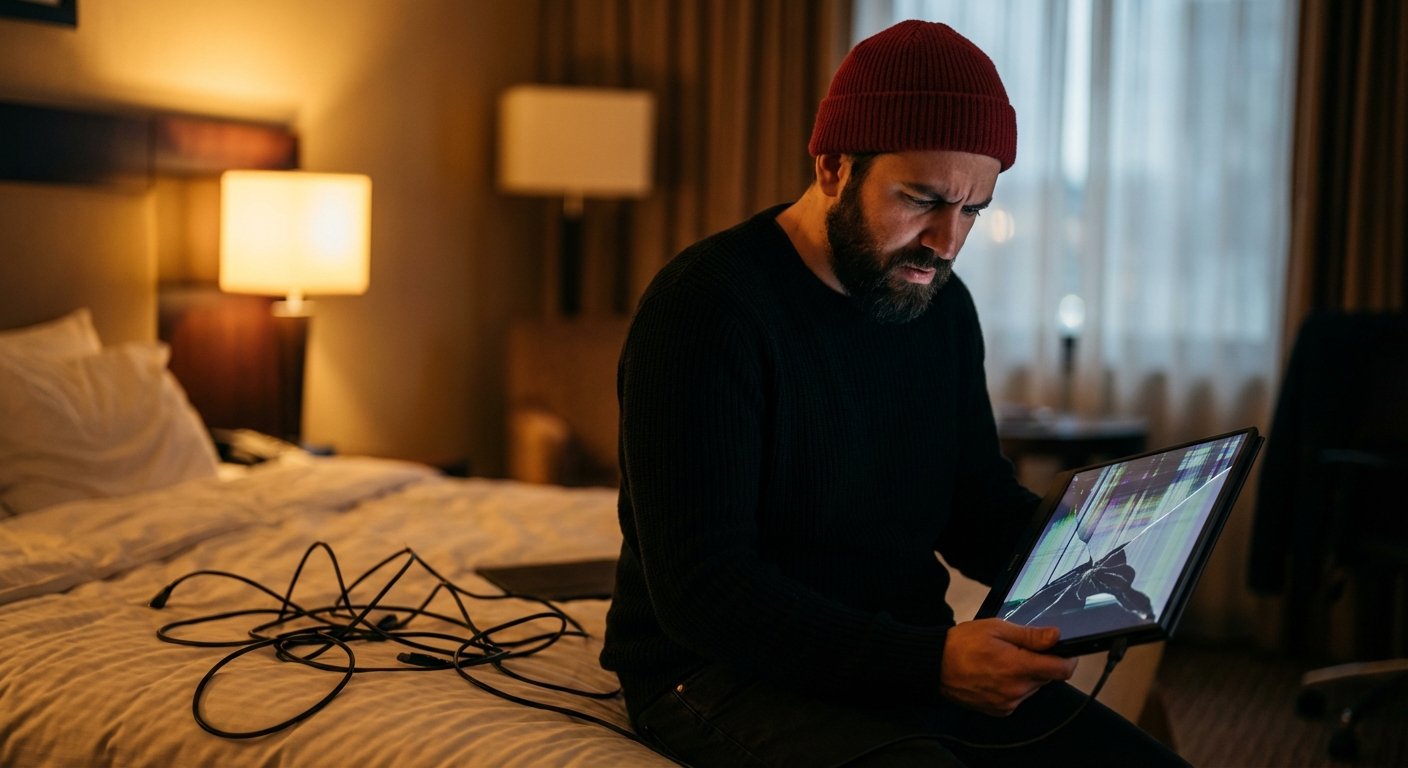
By mile 4,000, the USB-C port was loose. By mile 6,000, the screen flickered every time a truck drove past my hotel. By mile 10,000, it was e-waste.
But the hardware cost wasn’t the problem. The problem was the Opportunity Cost.
I lost hours fiddling with cables. I lost focus dealing with glare. I lost money.
Here is the breakdown of what actually breaks on cheap monitors, the math on why you should spend more, and the only three screens I trust right now.
The Math: Why “Cheap” is Expensive
Let’s look at the numbers.
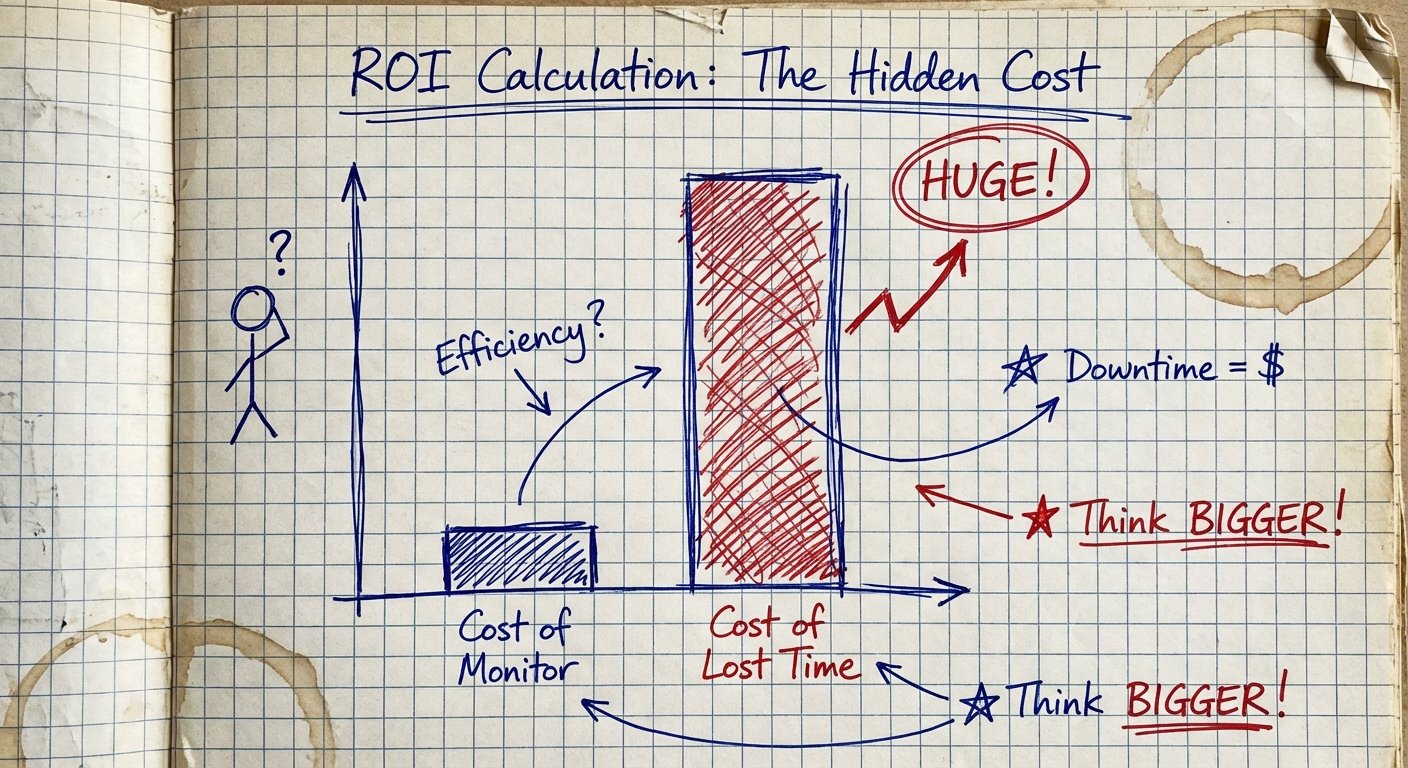
You buy a $100 monitor. It feels like a win. You saved $200 compared to the “pro” model.
But that monitor has a maximum brightness of 220 nits. That means you can’t work near a window. You can’t work in a bright coffee shop. You are stuck in dark hotel rooms.
Then the port fails. It disconnects randomly. Every time it disconnects, you lose your train of thought. It takes you 15 minutes to get back into “flow state.”
If that happens twice a day, you lose 30 minutes of deep work daily.
The Calculation:
- Your Value: Let’s say your time is worth $100/hour.
- Time Lost: 30 minutes/day x 5 days = 2.5 hours/week.
- Cost: That’s $250 a week in lost productivity.
In one month, that $100 monitor cost you $1,000 in lost output.
This isn’t motivational fluff. This is logistics. You are buying a tool to produce revenue. If the tool slows you down, it is a liability.
What Actually Broke (The Failure Points)
When you travel, gear gets abused. It doesn’t matter how careful you are. TSA agents don’t care about your side hustle. Backpacks get dropped.
Here is what failed on the budget unit I tested.
1. The Chassis Flex
Cheap monitors use thin plastic. When you pack your bag tight, the screen bends. This causes “pressure spots”—white blotches on the LCD. Once they appear, they never leave. It looks unprofessional. It makes you hate looking at your work.
2. The Ports
This is the killer. Budget manufacturers solder USB-C ports directly to the mainboard with weak reinforcement. After plugging and unplugging 100 times, the solder cracks. The connection becomes positional. You have to hold the cable at a 45-degree angle just to get a signal. You can’t work like that.
3. The “Smart” Cover
Most portable monitors come with a magnetic origami cover that doubles as a stand. On sub-$150 monitors, the magnets are weak. The monitor collapses. I had a monitor fall face-first onto a glass table because the magnet gave up. The screen cracked. Game over.
The Criteria for ROI
If you want a monitor that makes you money, you ignore the price tag (mostly) and look at these three metrics:
- Nits (Brightness): You need at least 400 nits. Anything less is useless outside a cave.
- Aspect Ratio: Get 16:10. 16:9 is for watching Netflix. 16:10 gives you vertical space for code, spreadsheets, and writing.
- Pass-Through Charging: The monitor must charge your laptop while the laptop powers the monitor. One wall plug. Two devices.
I tested the market. Most are garbage. These are the three that survived.
1. The Budget Pick: ASUS ZenScreen MB166C
If you absolutely cannot spend more than $150, this is the floor. Do not go lower than this.
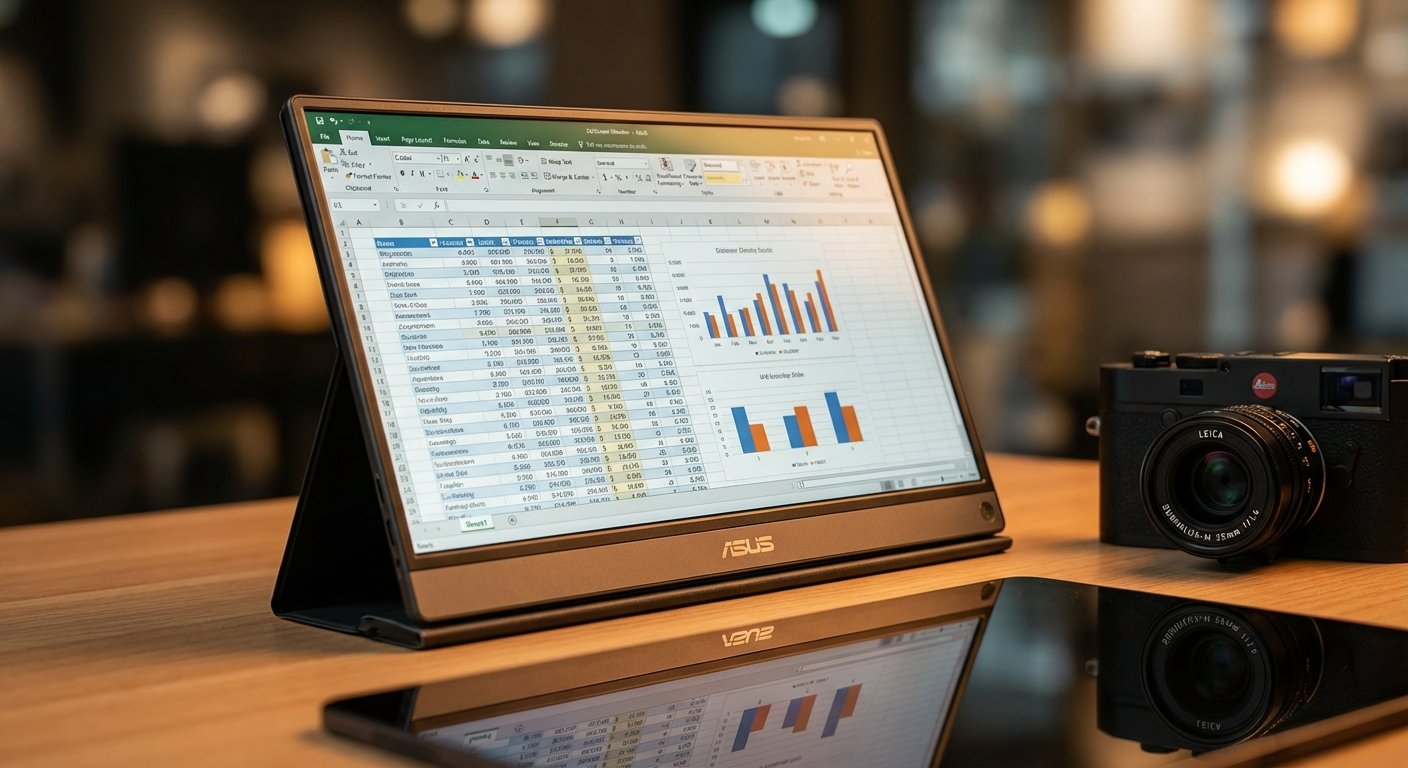
ASUS has better quality control than the random alphabet-soup brands (like “KYY” or “ZSCMALLS”). The ZenScreen is basic, but the ports are reinforced.
Specs: 15.6 inch | 1080p | IPS Panel
The Win: reliable connectivity. It uses a single USB-C cable for power and video. It works every time you plug it in. It weighs almost nothing (1.7 lbs). It fits in any standard laptop sleeve.
The Trade-off: The brightness is mediocre (250 nits). It is fine for office lighting, but bad for outdoors. The colors are “okay”—good for spreadsheets, bad for color grading video.
Price: ~$140 – $160
2. The ROI King: LG Gram +view 16MR70
This is the monitor I currently use. It sits in the sweet spot. It isn’t cheap, but it isn’t overpriced luxury.
It was built to pair with the LG Gram laptops, but it works with MacBooks and Dell XPS machines perfectly. It is shockingly light.
Specs: 16 inch | 2560 x 1600 (2K) | 16:10 Ratio
The Win: The screen real estate. The 16:10 aspect ratio and 2K resolution mean you can fit two full windows side-by-side legibly. You are carrying a dual-monitor setup that fits in a backpack. The text is crisp. It reduces eye strain.
The Trade-off: The glossy screen. It looks premium, but it reflects light. You need to angle it away from windows. Also, the included cover is flimsy—buy a separate tablet stand.
Price: ~$250 – $300

3. The Professional: ViewSonic VP16-OLED
If your work involves color—designers, video editors, photographers—this is the only choice.
Typical portable monitors wash out colors. If you edit a video on a cheap screen, it looks green on an iPhone. That is a liability. The VP16 is factory calibrated.
Specs: 15.6 inch | 1080p | OLED Panel | 100% DCI-P3
The Win: It’s OLED. The blacks are perfect. The contrast is infinite. But the real win is the stand. It has a built-in, rigid, adjustable stand that lifts the monitor up to match your laptop’s height. No more hunching over.
The Trade-off: It’s expensive. It’s also thicker and heavier than the LG or ASUS because of the integrated stand. You need a bigger bag.
Price: ~$300 – $400
The Accessories You Actually Need
Buying the monitor is step one. Step two is ensuring it doesn’t break in transit.
Don’t rely on the box it came in.
The Sleeve
Get a rigid laptop sleeve. Even if your backpack has a laptop compartment, put the monitor in its own sleeve inside that compartment. This prevents your laptop charger from crushing the screen.
The Cable
The cable that comes in the box is usually too short or too stiff. Buy a 100W USB-C cable with a 90-degree connector. The 90-degree angle reduces torque on the port. This saves your monitor from the #1 cause of death: port failure.

Final Thoughts
I traveled 10,000 miles to learn a simple lesson: Redundancy requires quality.
If you rely on a second screen to hit your revenue targets, that screen is not an accessory. It is a critical component of your business.
You can buy the $90 screen. You will feel smart for about two weeks. Then you will be in a hotel room in Tokyo, staring at a black screen, wishing you had spent the extra $150.
Don’t be cheap. Be efficient.
Quick Recap:
- Tight Budget? ASUS ZenScreen.
- Productivity Focus? LG Gram +view.
- Creative Professional? ViewSonic VP16-OLED.
Make the investment. Get back to work.