The Laptop Trackpad Is Costing You Money
You are sitting in a coffee shop. You have a latte. You have your laptop. You have exactly 14 inches of table space.
You are trying to resize a column in Excel using a trackpad. You miss. You try again. You miss again. You get frustrated.
Every time you miss a click, you lose micro-seconds. You lose momentum. You lose focus.
Most people think a mouse is a preference. They are wrong. A mouse is an efficiency multiplier. It is leverage.
If you work on a laptop for more than four hours a day, using a trackpad is a tax on your income. It is friction. Friction slows down the machine.
I don’t care about RGB lighting. I don’t care about how “cool” it looks. I care about ROI. I care about input speed.
The problem with most mice is that they are designed for big desks. They need mousepads. They are bulky. They don’t work on the glass tables you find in every hotel lobby and hipster cafe.
You need a tool that works everywhere. You need the Logitech MX Anywhere 3S.

The Math of the Mouse
Let’s look at the numbers. Because feelings lie. Math doesn’t.
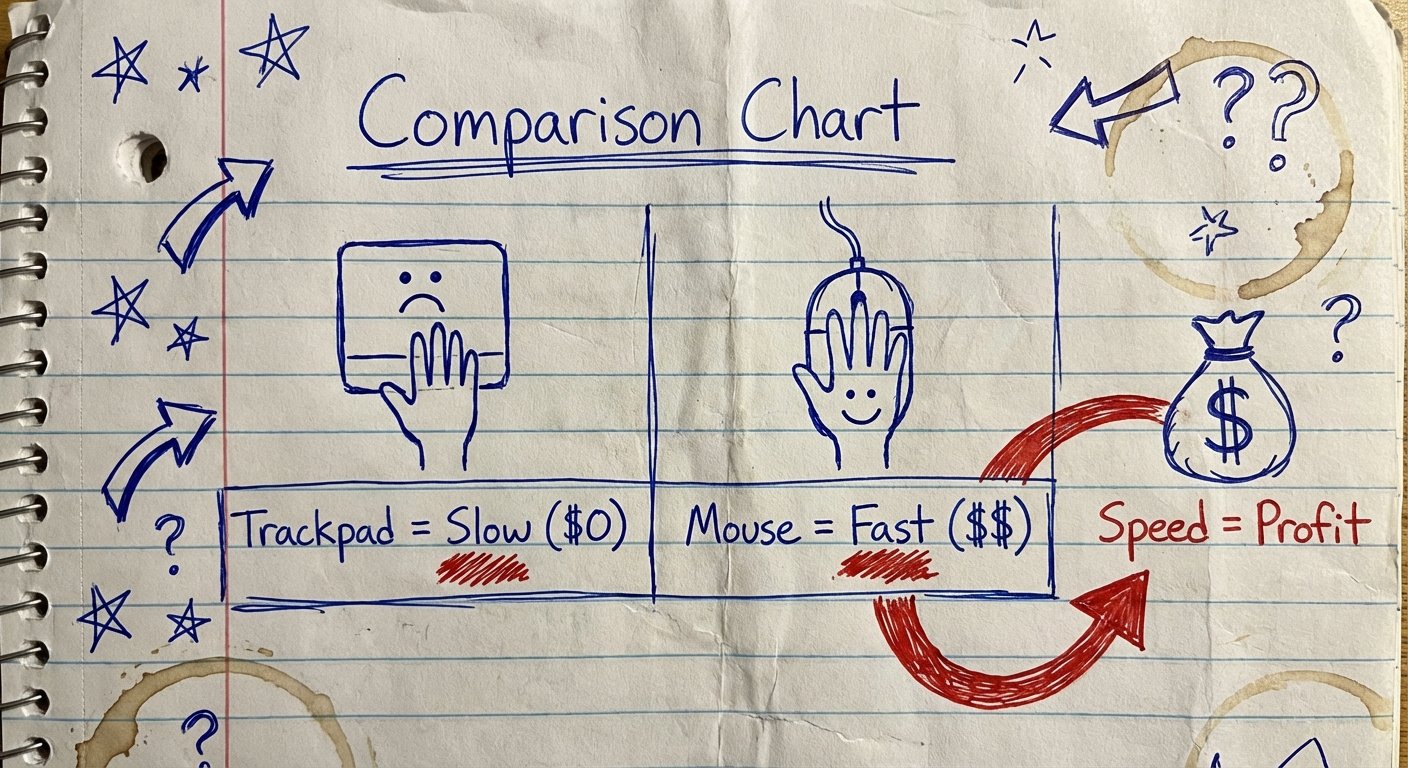
Studies show that using a mouse is roughly 50% faster than using a trackpad for task completion. Not 5%. 50%.
Let’s say you bill your time at $100 an hour. You work 2,000 hours a year.
If you spend 20% of that time navigating interfaces (clicking, dragging, highlighting), that is 400 hours a year.
If you are 50% slower because you refuse to buy a mouse, you are wasting 200 hours a year.
200 hours x $100 = $20,000.
You are losing $20,000 a year because you don’t want to spend $80 on a mouse.
That is bad business. That is a bad investment strategy.
Even if you only make $20 an hour, you are losing $4,000 a year. The mouse costs less than a nice dinner. The ROI is infinite.
The Logitech MX Anywhere 3S is the only viable option for the mobile operator. Here is why.
The Product: Logitech MX Anywhere 3S
This is not a toy. It is a piece of professional hardware.
Logitech released the “S” version recently. It looks like the old one. But the insides are different. They fixed the biggest complaints.
Current Price Estimate: $70 – $80
The Win (Why You Buy It)
- Darkfield 8K Sensor: It tracks on glass. This is the killer feature. Most cafe tables are glass or polished lacquer. Regular mice stop working. This one doesn’t care. It tracks on mirrors.
- Quiet Clicks: The old version sounded like a staple gun. The 3S is silent. You can work in a library or a quiet meeting without people hating you.
- MagSpeed Scroll Wheel: You can scroll 1,000 lines per second. If you are reviewing long contracts or code, this saves minutes every hour.
- Size: It fits in the small pocket of your backpack. It takes up zero space.
The Trade-off (The Ugly Truth)
- Ergonomics: It is small. If you have massive hands, you will have to claw-grip it. It is not comfortable for 10 hours of straight editing. It is for mobility, not comfort.
- Price: It is expensive for a portable mouse. You can buy a cheap knockoff for $20. But the knockoff won’t track on glass.
- No Dongle in Box: It relies on Bluetooth or the Bolt receiver (sold separately). If your Bluetooth is flaky, you have to buy the dongle extra.
Feature 1: The Sensor That Prints Money
Most digital nomads carry a mousepad. This is stupid.
Carrying a mousepad is friction. It is one more thing to pack. One more thing to clean. One more thing to lose.
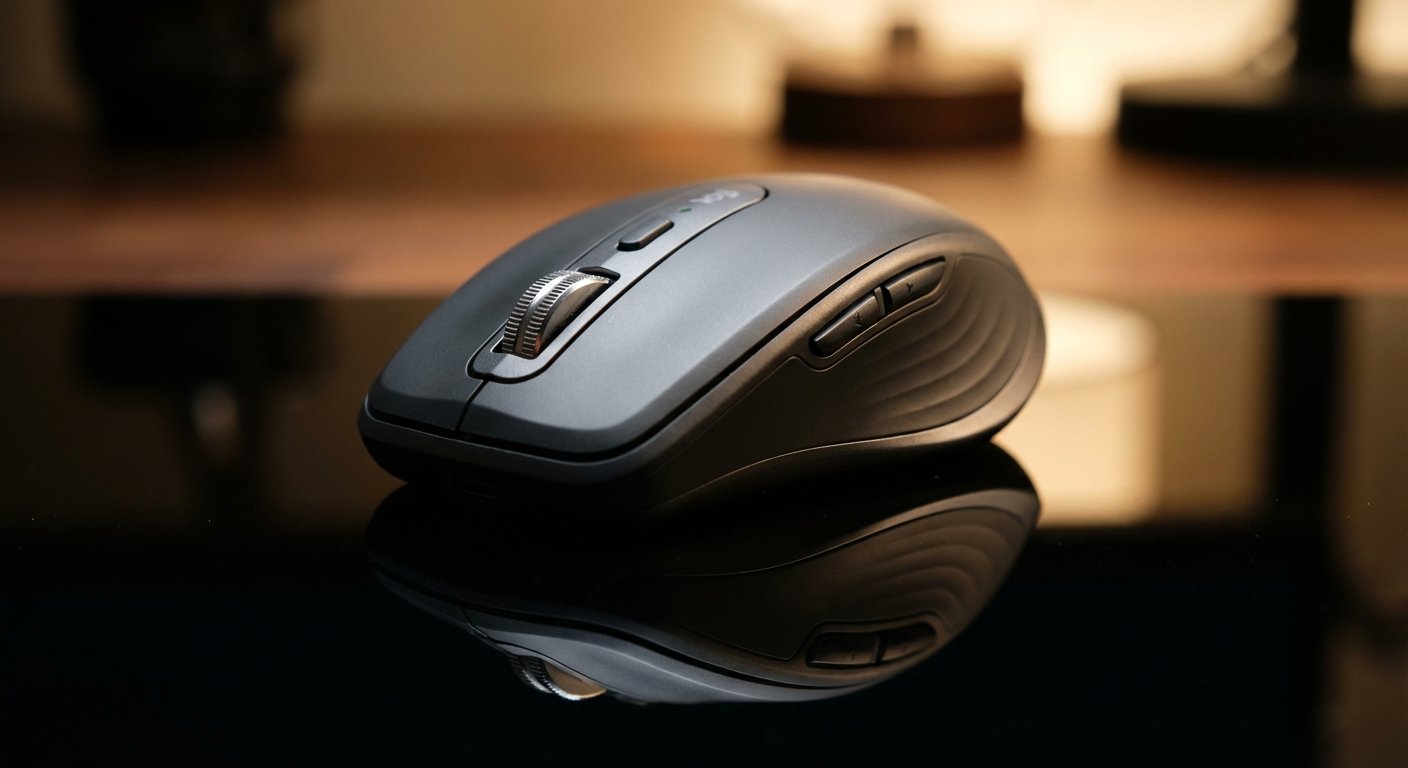
The MX Anywhere 3S uses an 8,000 DPI “Darkfield” sensor. I don’t care about the tech jargon. I care about the result.
The result is that I can walk into a hotel lobby with a glass coffee table, sit down, and start working immediately.
No setup. No shuffling papers to create a surface. I put the mouse on the glass. The cursor moves. I make money.
The 8,000 DPI update is significant. The previous version was 4,000 DPI. Higher DPI means you can move the cursor across a 4K screen with a tiny movement of your wrist.
On a small cafe table, you don’t have room to sweep your arm. You have three inches of space next to your coffee. With 8K DPI, three inches is enough to cover two monitors.
This is density. You get more output from less physical space.
Feature 2: MagSpeed Scrolling
Time is inventory. If it takes you 10 seconds to scroll to the bottom of a spreadsheet, you are burning inventory.
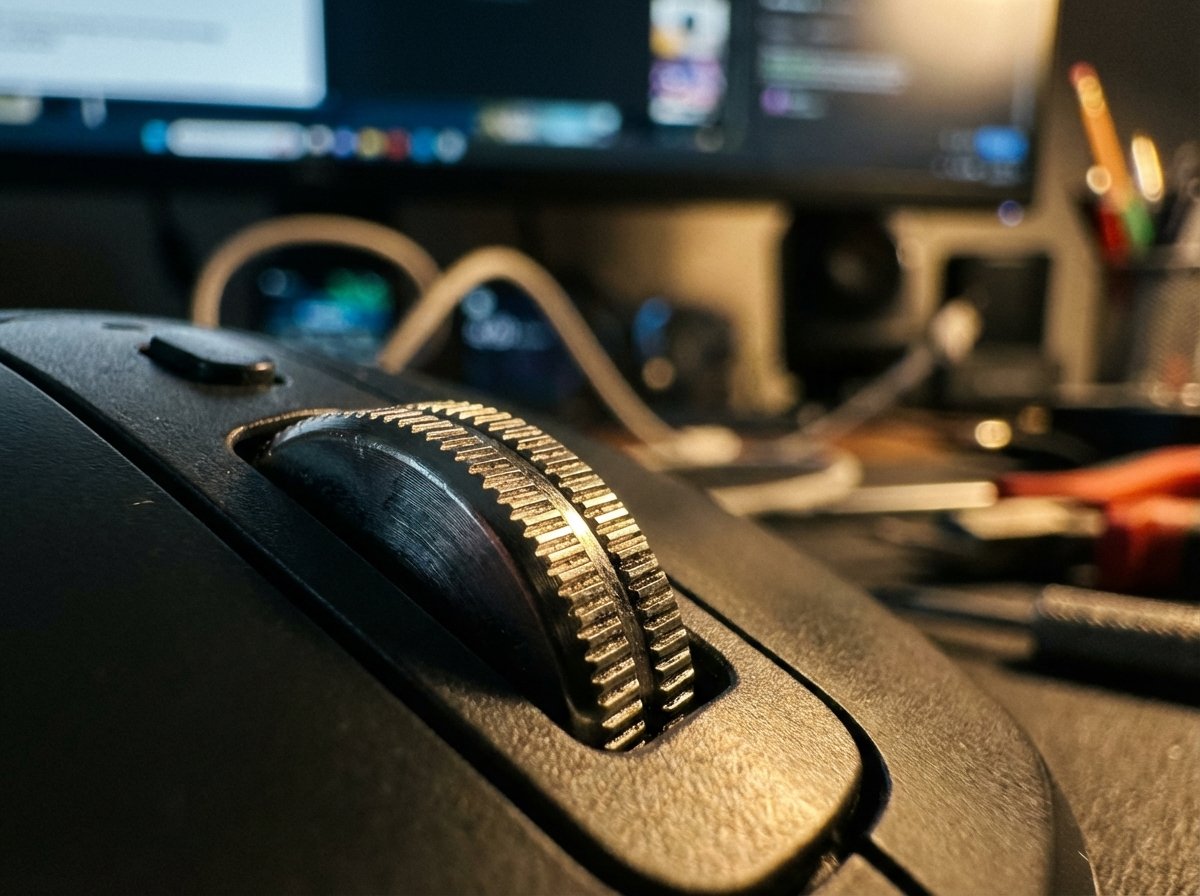
The scroll wheel on this mouse is made of machined steel. It uses magnets. It has two modes.
Ratchet Mode: You feel every click. Good for selecting weapons in a game or selecting cells in Excel.
Free Spin Mode: You flick the wheel, and it spins silently for 10 seconds. You fly through thousands of rows of data.
The “Win” here is cognitive load. You don’t have to repeatedly swipe your finger on a trackpad. One flick. Done. You get to the data faster. You make the decision faster.
Feature 3: Silence is Leverage
The previous model, the MX Anywhere 3, had a loud click. It was satisfying, but it was loud.
If you are on a Zoom call and you are multitasking (we all do it), the person on the other end can hear you clicking. It sounds unprofessional. It signals you aren’t listening.
The 3S uses “Quiet Click” switches. They feel the same—you get the tactile bump—but the sound is dampened by 80%.
You can click furiously while on a call. Nobody hears it. You maintain the illusion of total focus while you clear your inbox.
Also, if you work in high-end environments—lounges, clubs, libraries—loud clicking is low status. Silence is high status.
Software: The Secret Weapon
Hardware is only half the equation. The other half is software.
This mouse uses Logi Options+. This is where you program the buttons.
Most people leave their mouse buttons on default. Most people are broke. Do not be most people.
The mouse has side buttons. You can map them to macros. Logitech calls them “Smart Actions.”
Here is my setup for maximum ROI:
- Side Button 1: Mute/Unmute Microphone. (Speed on calls).
- Side Button 2: Screenshot tool. (Documentation speed).
- Middle Click: Task View (Switching apps instantly).
You can also set app-specific profiles. In Excel, the side button can be “Undo.” In Chrome, the side button can be “Next Tab.”
It changes automatically based on what app is open. You don’t have to think. The tool adapts to the job.
Battery Life: The Freedom Metric
Nothing kills productivity like a dead battery. Wired mice are reliable, but wires are messy. Wires catch on your coffee cup. Wires get tangled in your bag.
The MX Anywhere 3S lasts 70 days on a full charge.
Let’s be real. You will forget to charge it. That is human nature.
Here is the safety net: Fast Charging.
If the mouse dies, you plug it in for one minute. You get three hours of use. You can charge it while you use it.
It uses USB-C. The same cable as your laptop. The same cable as your iPad. You do not need to carry a special cable. One cable rules them all.
Comparison: MX Master 3S vs. Anywhere 3S
People always ask: “Alex, why not get the big one? The MX Master 3S?”
The MX Master 3S is the best mouse in the world. If you have a desk.
I have an MX Master 3S at my home office. It is ergonomic. It supports the thumb. It is huge.
But you cannot throw the Master 3S in a slim laptop bag. It creates a bulge. It gets crushed. It is heavy.
The Logic:
- Home/Office: Buy the MX Master 3S. Comfort wins.
- Cafe/Plane/Travel: Buy the MX Anywhere 3S. Portability wins.
Do not bring a Master 3S to a cafe. You look ridiculous pulling a brick out of your bag. It takes up half the table.
The Anywhere 3S is discreet. It is surgical.
Who Should NOT Buy This?
I am cynical about products that claim to be for everyone. Nothing is for everyone.
Do not buy this if:
- You are a gamer: The latency is fine for work, bad for competitive shooters. The polling rate isn’t high enough. Get a Logitech G Pro.
- You have hand pain: This mouse is low profile. Your hand sits flat. If you have carpal tunnel, this might aggravate it over long periods. You trade ergonomics for size.
- You are on a budget of zero: If you literally cannot afford food, use the trackpad. But as soon as you have $80, buy the mouse to earn money faster.

The “Cheap Mouse” Trap
You see a mouse on Amazon for $15. It says “Ergonomic Wireless Mouse.”
You buy it. You think you saved $65.
Here is what happens next:
- It uses AA batteries. They die when you don’t have spares.
- The wireless connection drops every 20 minutes. You have to shake it.
- The sensor uses red optical light. It doesn’t work on the granite countertop at the WeWork.
- The scroll wheel feels like gravel.
- It breaks in 6 months.
You buy three cheap mice in two years. You spent $45. You dealt with frustration every day.
Or, you buy the MX Anywhere 3S once. It works perfectly for 5 years.
Rich people buy quality once. Poor people buy garbage twice. Don’t be poor.
Conclusion: The ROI Verdict
The goal is not to own gadgets. The goal is to produce output.
The Logitech MX Anywhere 3S removes the physical limitations of your environment. It turns a tiny, glass, messy cafe table into a high-performance workstation.
It costs about $80. It saves you hundreds of hours of frustration.
If you value your time at more than $0.50 an hour, the math says buy the mouse.
Stop struggling with the trackpad. Stop making excuses. Get the gear. Do the work.