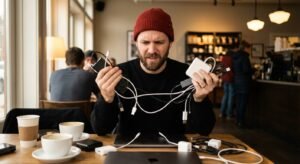
You look like a hostage.
You book an Airbnb. The photos looked great. “Cozy,” they said. “Atmospheric,” they said.
You arrive. It’s 10 PM. You have a pitch meeting at 8 AM.
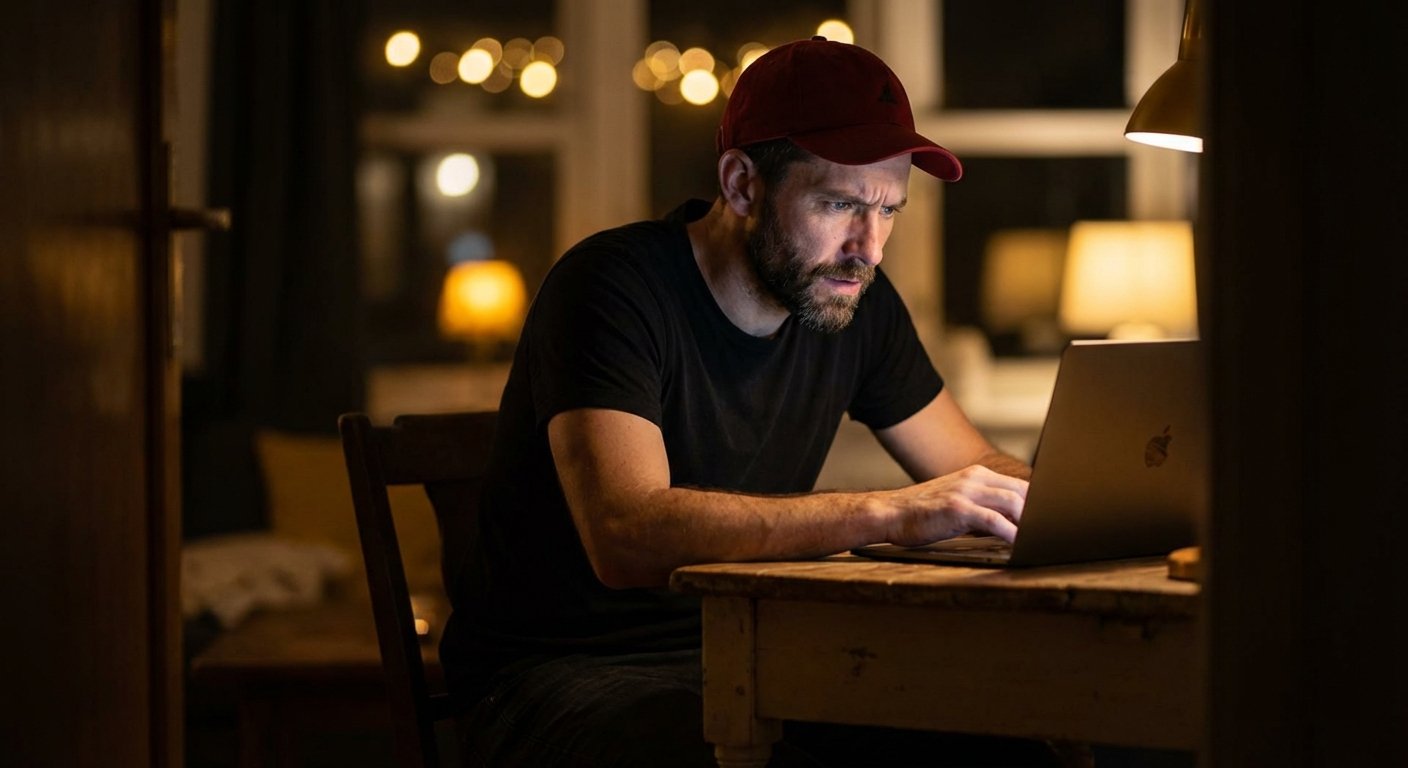
You open your laptop. You turn on the webcam. And you see the problem.
The room is a cave. The overhead light is yellow. It casts shadows under your eyes. You look tired. You look unprofessional. You look like you are broadcasting from a bunker.
This is a friction point. Friction kills deals.
When you are on a sales call, or a team update, or a podcast interview, your image is your authority. If the video is grainy and dark, your perceived value drops. If your value drops, your leverage drops.
People judge you in 7 seconds. If you look low-resolution, they assume your work is low-resolution.
The solution is not renting a studio. The solution is not carrying a 50lb equipment case.
The solution is a clip-on video light. It fits in your pocket. It costs less than a nice dinner. And it has a 100x ROI on the first deal you close because you looked competent.
The Math of Good Lighting
Most people think cameras make the video look good. They are wrong.
Light makes video look good. A $2,000 camera looks like trash in the dark. A $50 webcam looks professional with great light.
You need to understand three numbers. Ignore everything else.
1. CRI (Color Rendering Index)
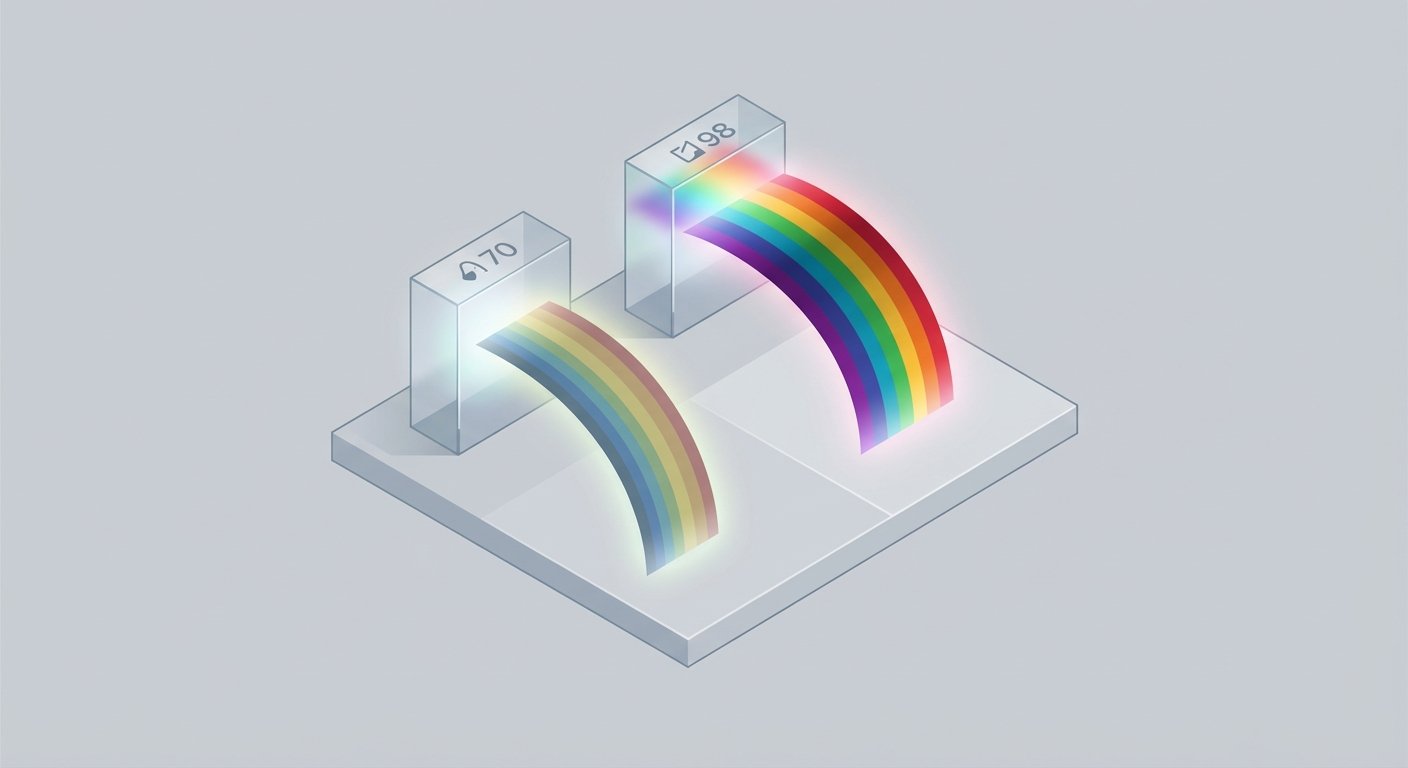
This measures how “real” colors look. The sun is 100. A cheap gas station LED is 70.
If you buy a light with a CRI under 90, your skin will look green or grey. You will look sick. Sick people don’t close deals.
You want CRI 95+. This is non-negotiable.
2. Kelvin (Color Temperature)
This is the “warmth” of the light.
- 2700K: Orange/Warm (Sunset).
- 5600K: White/Blue (Mid-day sun).
You need a Bi-Color light. Why? Because you can’t control the Airbnb. If the room has warm lamps, you match them. If you sit by a window with blue daylight, you match that. If you mix colors, you look weird. Being able to adjust Kelvin allows you to adapt to any environment.
3. Lux (Brightness)
You don’t need a searchlight. You need soft output. But you need enough power to override the bad lighting in the room.
I have tested the market. I threw away the garbage. Here are the 4 lights that actually work.
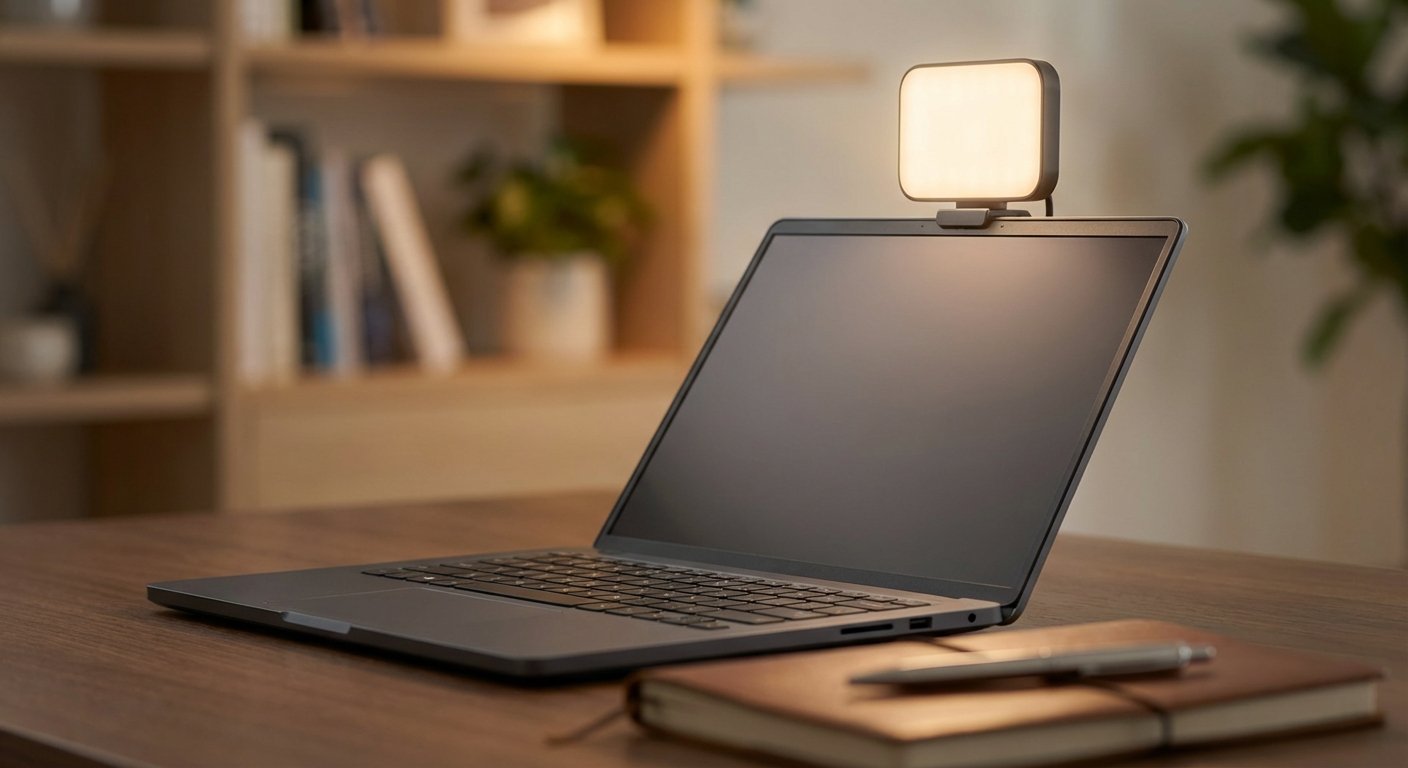
1. The Reliable Standard: Lume Cube Video Conference Lighting Kit
This is the one you see everywhere. There is a reason for that. It works.
It is a credit-card-sized panel. It has a silicone softener (diffuser) on the front. This is critical. Without diffusion, the light hurts your eyes and makes your forehead shiny. With diffusion, the light wraps around your face.
The Specs:
- Size: Tiny. Fits in a jeans pocket.
- Battery: Internal. Lasts about 1.5 hours at 100%. If you run it at 50% (which is usually enough), you get much more.
- Mount: Suction cup or clip. The clip is better. It sits on top of your laptop screen.
- Adjustability: You can dial in brightness and temperature (warm to cool) via buttons on the side.
The Verdict: It’s durable. I have dropped mine on concrete. It still works. It holds a charge.
Price: $70 – $90
2. The Software Powerhouse: Logitech G Litra Glow
Logitech entered the game and fixed the biggest problem with battery-powered lights: The battery.
The Litra Glow is USB-C powered. You plug it into your laptop. It stays on forever. You never have to worry about the light dying in the middle of a 2-hour negotiation.
The TrueSoft Tech:
Logitech built the diffusion into the hardware. It is frameless. It casts a very wide, soft net of light. It is arguably the most flattering light on this list for people with glasses, because the source is wider.
The Software Leverage:
You can control this light from your desktop using G HUB. You don’t have to reach up and fumble with buttons while on a call. You click a mouse, the light changes. That is efficiency.
The Downside: It has a cable. It is not wireless. If you are on a phone, this doesn’t work. If you are on a laptop, it is the best option.
Price: $50 – $60
3. The Pro Choice: Elgato Key Light Mini
If you want to look like a YouTuber with 1M subs, you get this.
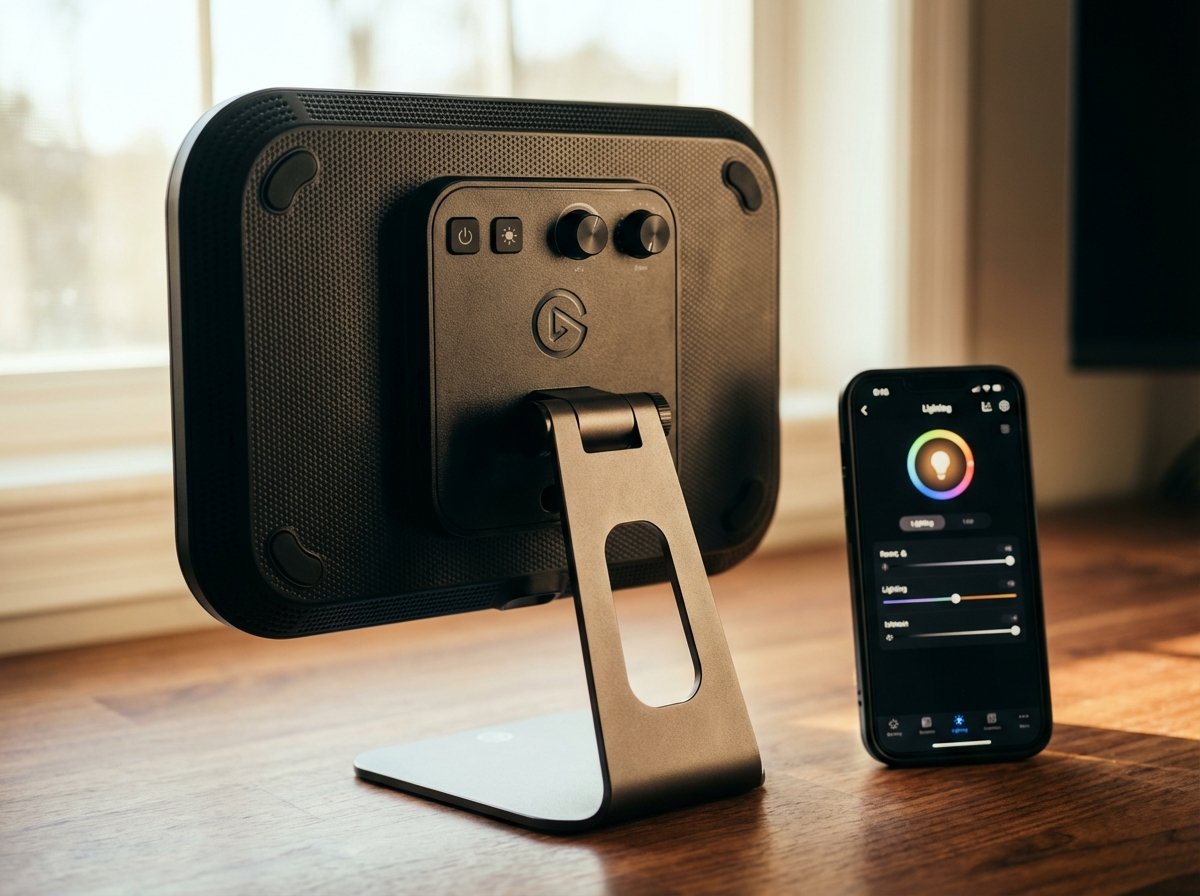
Elgato dominates the streaming space. This is the portable version of their famous Key Light. It is larger than the Lume Cube. Surface area is king in lighting. The larger the surface, the softer the shadows.
Why it wins:
- Output: 800 Lumens. It is bright. You can use this as a main light in a pitch black room.
- Battery: massive 4000 mAh battery. It lasts.
- Control: It connects to Wi-Fi. You control it from your phone or computer.
It is heavier. It is more expensive. But the build quality is metal. It feels like a tool, not a toy.
Price: $80 – $100
4. The Budget Play: Newmowa (or Newer) 60 LED Clip
Maybe you don’t want to spend $80. You just want to not look like a shadow.
This is the commodity option. It is plastic. The battery is okay, not great. The controls are simple.
But here is the truth: The audience cannot tell the difference between this and the $80 light if you set it up right. The CRI is decent (95+). It has 3 light modes (white, warm, mix).
It comes with a front and back clip. You can clip it to your phone for content creation or your laptop for Zoom.
If you lose it, you don’t care. You buy another one. That is a valid strategy for travel gear.
Price: $25 – $35
How to Setup for Maximum Authority
Buying the light is step one. Using it correctly is step two. Most people mess this up.
The Amateur Mistake:
They put the light directly in front of their face, at eye level. This flattens your features. You look 2D. You look like a mugshot.
The Pro Setup (The 45-Degree Rule):
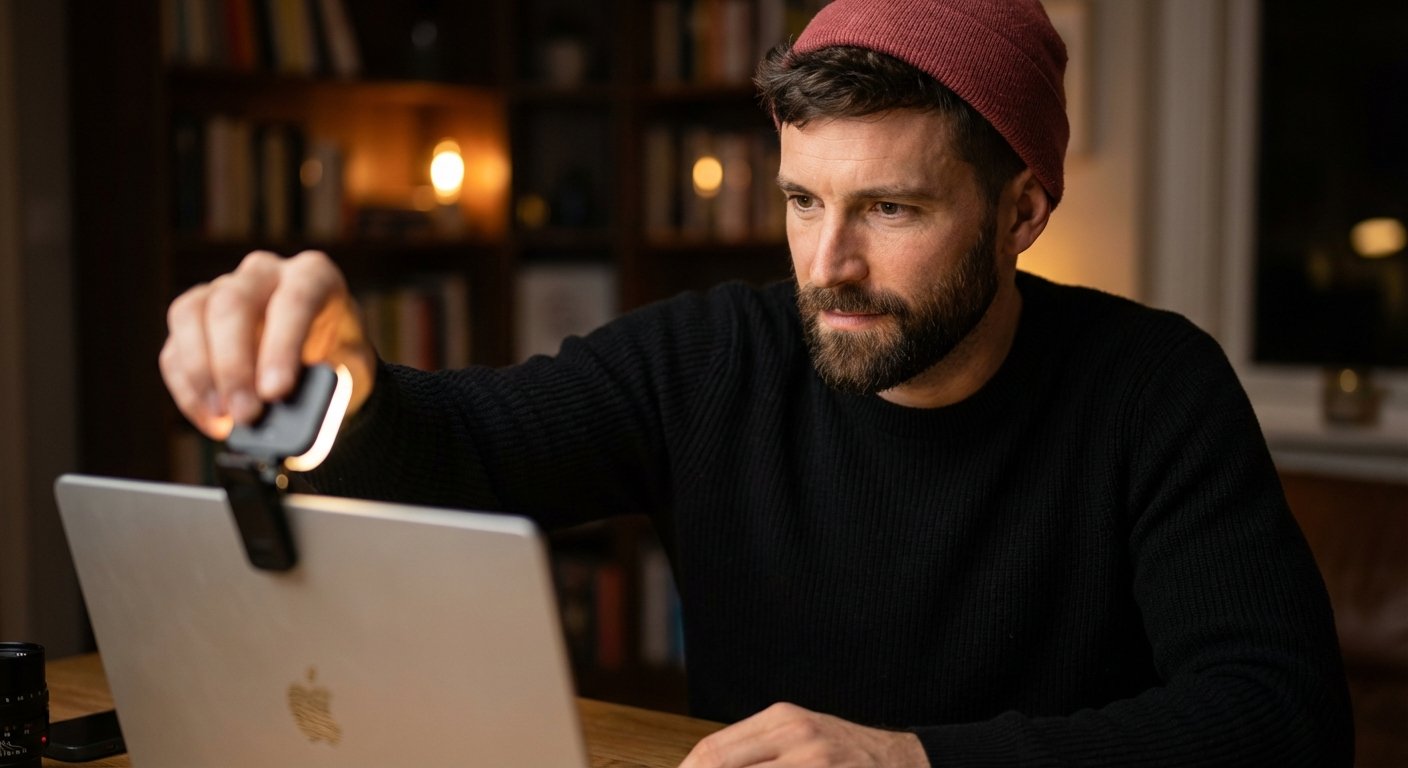
- Clip the light slightly to the left or right of the webcam. Not center.
- Raise the light slightly above eye level. Shadows should fall down, not up. (Upward shadows make you look like a horror movie villain).
- Dim the screen brightness. Your laptop screen is blue light. It clashes with your video light. Turn the screen down.
The Background Check:
Turn off the overhead lights in the Airbnb. They are usually ugly. Turn on a lamp behind you. This creates “depth.”
Light on your face + Dark room + Lamp in background = Cinematic Look.
Cinematic look = High Production Value.
High Production Value = High Trust.
The Opportunity Cost
Let’s do the math on not buying one of these.
You fly to a destination. Flight: $400. Airbnb: $600. Food: $200. Total cost: $1,200.
You are there to work. You take a call with a prospect worth $5,000.
You look grainy. The connection is weird because the video bitrate is struggling in the dark. The prospect is distracted by the dirty laundry in the background that you didn’t light properly.
They don’t buy.
You saved $60 on a light. You lost $5,000. That is a bad trade.
High performers remove variables. Lighting is a variable. You can control it. Put a light in your bag. It weighs 4 ounces. It pays for itself in 5 minutes.
Don’t be the guy in the dark.
Summary of Recommendations:
- Best Overall: Check Lume Cube Price
- Best for Desk/Laptop: Check Logitech Litra Price
- Best High-End: Check Elgato Price
Get one. Pack it. Look the part.