You bought the portable monitor. You saw the ads. You imagined yourself sipping espresso in a sidewalk cafe, crushing work, and living the “digital nomad” dream.
Then you actually went outside.
And you realized something the ads didn’t show you: The Sun.
The sun is brighter than your $200 screen. A lot brighter. If you didn’t plan for this, your portable monitor is currently serving as a very expensive mirror. You aren’t coding or writing copy. You’re staring at your own frustrated reflection.
This kills your ROI. If you can’t see the screen, you can’t work. If you can’t work, you lose money.
The solution isn’t a brighter monitor. That drains your battery and costs $500+. The solution is a $20 piece of plastic. A screen protector.
But most people buy the wrong one. They buy for “protection” instead of “projection.”
We are going to fix that. Today we break down Matte vs. Glossy. We look at the physics, the cost, and the result.

The Physics of Being Useless
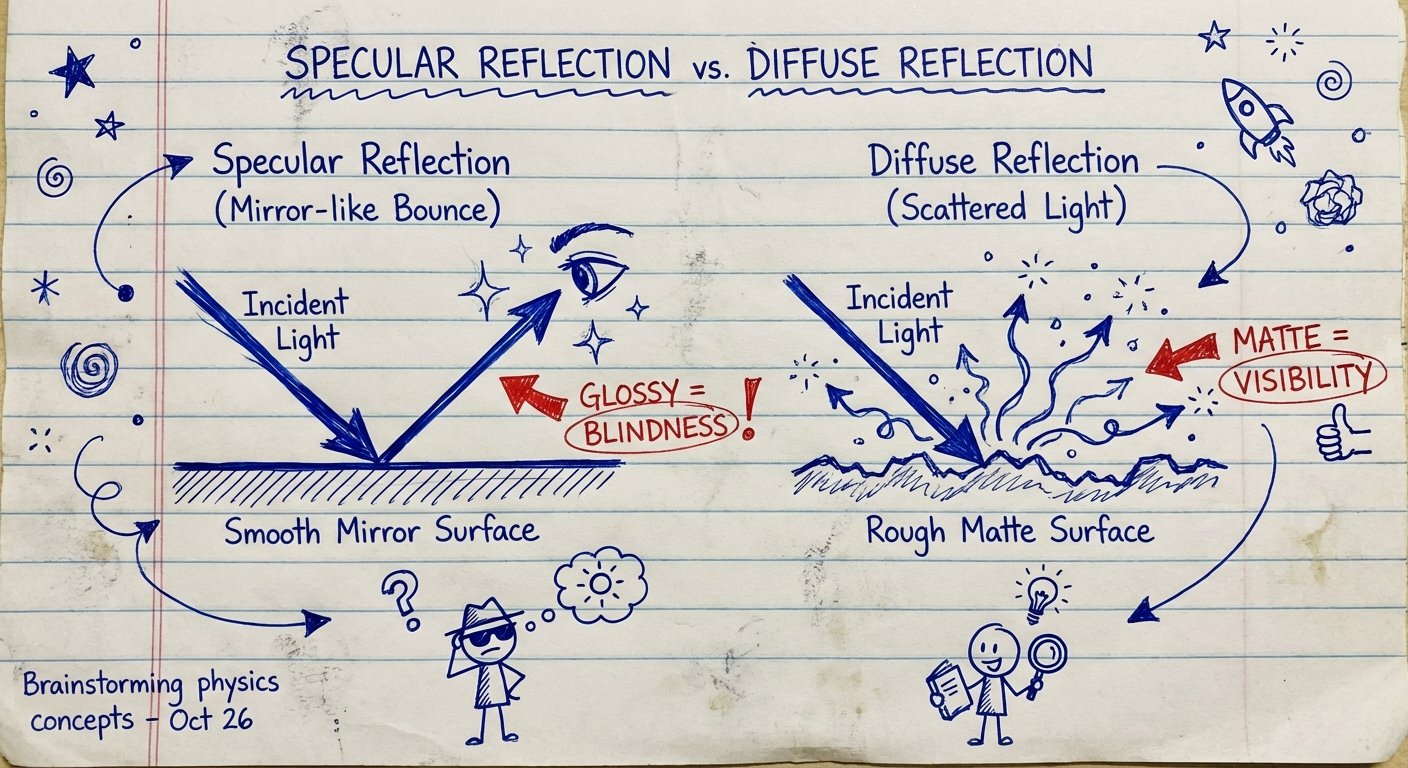
Let’s keep this simple. Light behaves in two ways when it hits your screen.
1. Specular Reflection (Glossy)
Think of a mirror. Light hits the surface and bounces back at the exact same angle. This preserves the image perfectly. It also preserves the image of the sun perfectly. If the light source is brighter than your screen’s backlight, the reflection wins. Your eyes focus on the reflection, not the pixels.
2. Diffuse Reflection (Matte)
Think of a piece of paper. The surface is rough at a microscopic level. When light hits it, it scatters in a hundred different directions. It breaks the beam.
Why does this matter?
Most portable monitors come with glossy screens. Manufacturers do this because glossy screens pop on the shelf at Best Buy. They have higher perceived contrast and saturation in a dark room. It’s a vanity metric.
But you don’t use portable monitors in dark rooms. You use them in airports, coffee shops, and coworking spaces. Places with uncontrollable lighting.
If you take a glossy screen outside, you are fighting a losing battle. The sun puts out 1.6 billion nits of brightness. Your generic portable monitor puts out 250 nits.
You do the math. You lose.
The Trade-Off: Clarity vs. Visibility
There is no free lunch. Physics always demands a trade.
When you apply a matte film to fix the glare, you are putting a textured layer between your eyes and the pixels. This does two things:
- It kills the glare (Good). The sharp reflection of the window behind you turns into a soft, ignored blob of light.
- It adds “grain” (Bad). Because the surface is rough, it scatters the light coming out of the monitor too. This can make white backgrounds look slightly “sandy” or noisy.
People whine about the grain. They say it ruins the “retina” experience.
Here is my take: I don’t care if the text is 5% less sharp if the alternative is not seeing the text at all.
If you are a color-grading professional working on 4K video, stay inside. Use a hood. For everyone else—coders, writers, day traders—the grain is irrelevant. The ability to work for 4 hours next to a window without a headache is the only metric that counts.
The ROI Calculation
Let’s look at the cost of being cheap.
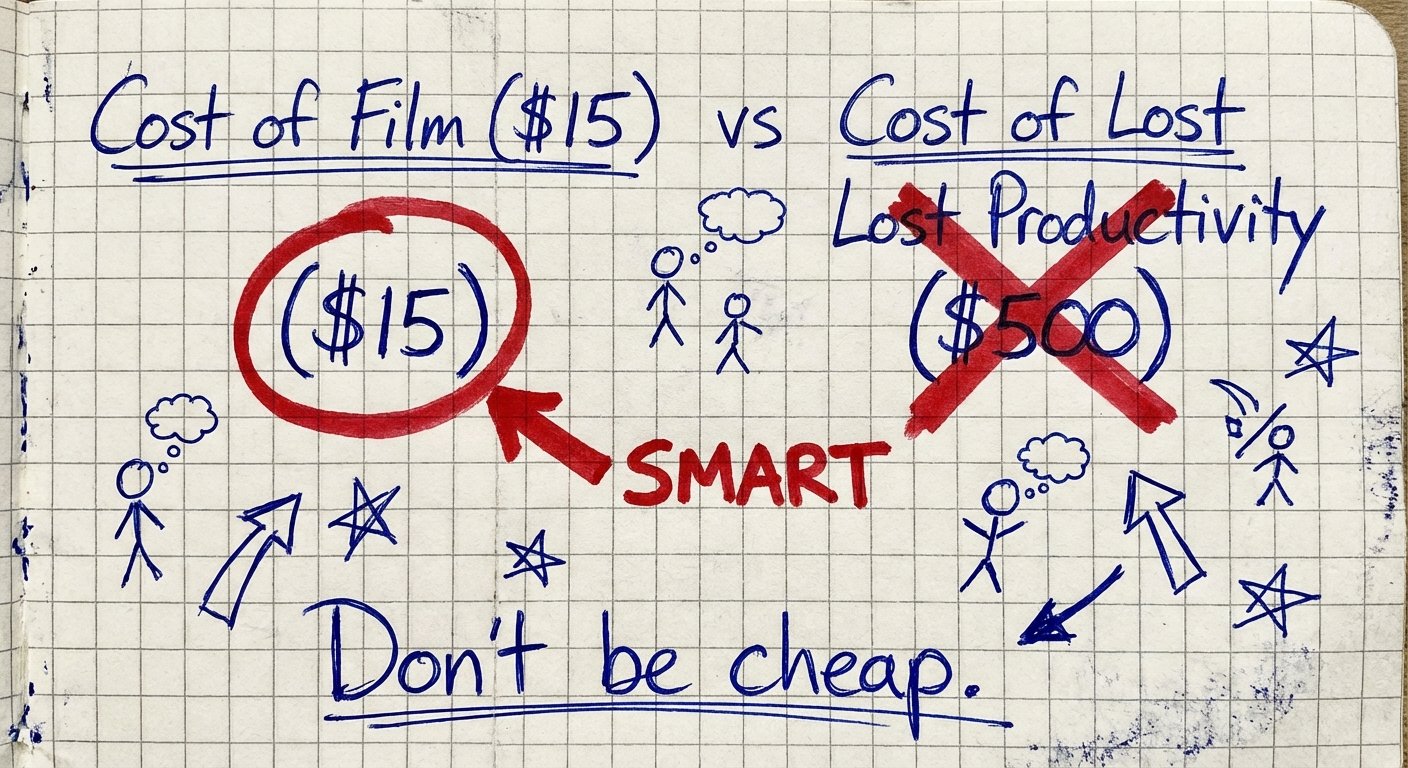
You decide not to buy the film. You save $15.
You go to a workspace. The only open seat is near a window. You sit down. The glare is hitting the top right quadrant of your screen. You spend the next three hours craning your neck, squinting, and tilting the monitor. Your productivity drops by 30% because of the friction. You get a tension headache.
If your time is worth $50 an hour, you just lost $45 in productivity in one afternoon. You paid $45 to save $15. That is a stupidity tax.
Buy the film.
Product Breakdown
Here is the reality of the market. There are thousands of “brands” on Amazon. They are all the same white-label plastic from the same three factories in Shenzhen.
Do not overthink the brand. Look for the material specs.
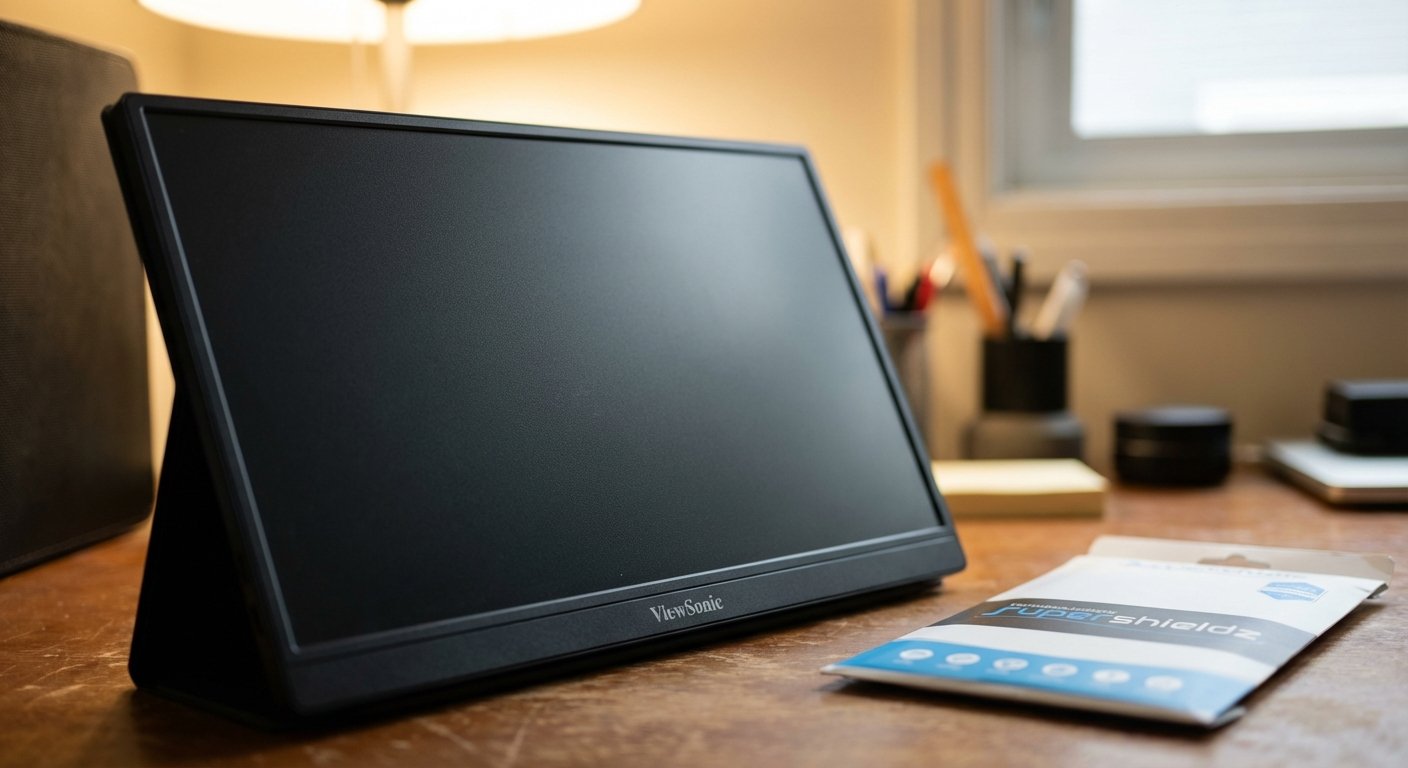
1. The Baseline: Supershieldz Anti-Glare (Matte)
This is the Toyota Corolla of screen films. It works. It’s cheap. It comes in packs of two or three because they know you are going to mess up the installation on the first try (more on that later).
It cuts glare significantly. It feels like paper. It resists fingerprints.
Estimated Price: $12 – $18
2. The Hardware Fix: ViewSonic VA1655
Maybe you haven’t bought the monitor yet. If you are still in the research phase, stop looking for films and just buy the right monitor.
Most portable monitors (like the generic Arzopa or KYY brands) are glossy glass. ViewSonic makes models that are native matte. The plastic screen is textured out of the box. No bubbles. No installation anxiety. No dust.
The VA1655 is a workhorse. It’s light, it uses USB-C, and you can use it under office lights without going blind.
Estimated Price: $130 – $160
3. The High-End: Magnetic Privacy Screens
Some of you want it all. You want glossy when you’re watching Netflix in bed, and matte when you’re working at Starbucks. Plus you don’t want people reading your emails.
A magnetic privacy screen is the hybrid solution. It snaps on. It has a matte finish to cut glare. It limits viewing angles so the guy next to you can’t see your charts.
The downside? It cuts brightness. You lose about 15-20% of your monitor’s luminance. If your monitor is dim to begin with, this might make it too dark for direct sunlight. But for indoors/cafes? It’s gold.
Estimated Price: $30 – $50
The “Paper-Like” Myth
You will see products marketed as “Paper-Like” or for “Drawing.”
These are just matte screen protectors with higher friction. They are designed for the Apple Pencil. They wear down the nib of your stylus to give you tactile feedback.
Do you need this for a portable monitor? No.
Unless you are using a touch-screen portable monitor for digital art, don’t pay the premium for “paper-feel.” You aren’t touching it. You are looking at it. Stick to standard Anti-Glare.
Installation: Don’t Be an Amateur
I read the 1-star reviews on these products. They all say the same thing: “Bubbles everywhere. Terrible product.”
The product is fine. Your environment is dirty.
Dust is the enemy. A single speck of dust under the film creates a bubble that you cannot remove. If you try to apply a screen protector at your dusty desk, you will fail. You will waste the money.
Here is the protocol I use. It has a 100% success rate.
The Bathroom Method:
- Go to your bathroom.
- Turn on the shower. Hot.
- Let it run for 5 minutes until the room is steamy.
- The steam binds to dust particles in the air and pulls them to the floor. The air is now scrubbed.
- Turn off the water. Wait for the heavy steam to settle.
- Clean your monitor with alcohol. Then use the dust sticker (use it aggressively).
- Apply the film in the humid room.
This sounds obsessive. It is. But it works. A bubble-free screen is worth 10 minutes of prep.
Glossy is for Toys. Matte is for Tools.
If you use your portable monitor to watch Avengers on a plane, keep it glossy. Enjoy the colors.
If you use it to build a business, analyze data, or write code, you need reliability. You need to know that when you open your bag, you can work regardless of where the sun is.
Glare is friction. Friction kills momentum. Kill the friction.
Get the matte film. Apply it correctly. Get back to work.

Summary Checklist
Before you close this tab, here is the action plan:
- Check your nits: If your monitor is under 200 nits, a film might make it too dark. Upgrade the monitor first.
- Buy the multi-pack: You will likely mess up the first installation. Having a backup prevents a rage-quit.
- Clean the air, not just the screen: Use the bathroom steam method.
- Accept the grain: Your eyes will adjust to the matte texture in 10 minutes. The lack of glare will pay dividends forever.
The market rewards those who can focus. You can’t focus if you’re blinded by the sun.
Fix your gear.