The Sound of Money Burning
You know the sound.
It’s a crunch.
You put your backpack down. Maybe a little too hard. Maybe someone bumps into you on the subway. You don’t think anything of it.
Later, you sit down to work. You pull out your $400 portable monitor. You plug it in. And you see it.
Spiderwebs. Dead pixels. Black bleeding ink across the glass.
Game over.
Most people think they lost $400. They are wrong.
If you are a high performer, you didn’t just lose the cost of the hardware. You lost the ability to work at capacity. You lost the three hours it takes to find a replacement. You lost the mental energy you are now spending being angry instead of making money.
I don’t like losing money. And I hate losing time.
If you travel with a monitor—whether it’s a portable USB-C screen or you’re hauling a 24-inch display to a location shoot—throwing it in a soft sleeve is negligent. It’s a bad bet. The upside is you save $50. The downside is you lose thousands in productivity.
Stop using soft sleeves. Neoprene is for wetsuits. Hard plastic is for protecting assets.
Here is the math on why you need a hard case, and the only ones worth buying.
The Math of the Mistake
Let’s break down the ROI of a hard case. I like simple math.
Scenario A: The Cheap Route
- You buy a $300 portable monitor.
- You use the free “smart cover” or a $15 felt sleeve.
- Probability of breakage over 1 year of travel: High (let’s say 20%).
- Cost of replacement: $300.
- Cost of downtime (4 hours @ $100/hr value): $400.
- Total Risk Cost: $700.
Scenario B: The Hard Case Route
- You buy the same $300 monitor.
- You buy a $50 hard shell EVA case.
- Probability of breakage: Near Zero.
- Total Cost: $350.
You spend $50 to insure against a $700 loss. That is a 14x return on investment. If I told you I could give you $14 for every $1 you gave me, you would do it all day.
This isn’t about luggage. It’s about risk management.
The Criteria: Hard Shell vs. “Protective” Sleeves
Marketing lies to you. They use words like “shock absorbent” or “impact resistant” on soft fabric bags.
Fabric does not stop torque. Torque is what kills screens.
When your bag is stuffed, pressure builds up against the center of the screen. If the case is soft, that pressure transfers directly to the glass. Snap.
A hard case does one thing: Redistribution.
It takes the impact at a single point and spreads it across the entire rigid surface. It creates an air gap or a foam gap between the danger and the asset.
I only recommend cases that pass the “Knock Test.” If you knock on it and it sounds like a table, buy it. If it sounds like a pillow, burn it.

Top Recommendations for Portable Monitors (15.6″ – 17″)
Most of you are digital nomads or remote workers using screens like the ASUS ZenScreen, Lenovo ThinkVision, or Arzopa. These are thin. They are fragile. They need armor.
1. The Khanka Hard Travel Case (Universal 15.6)
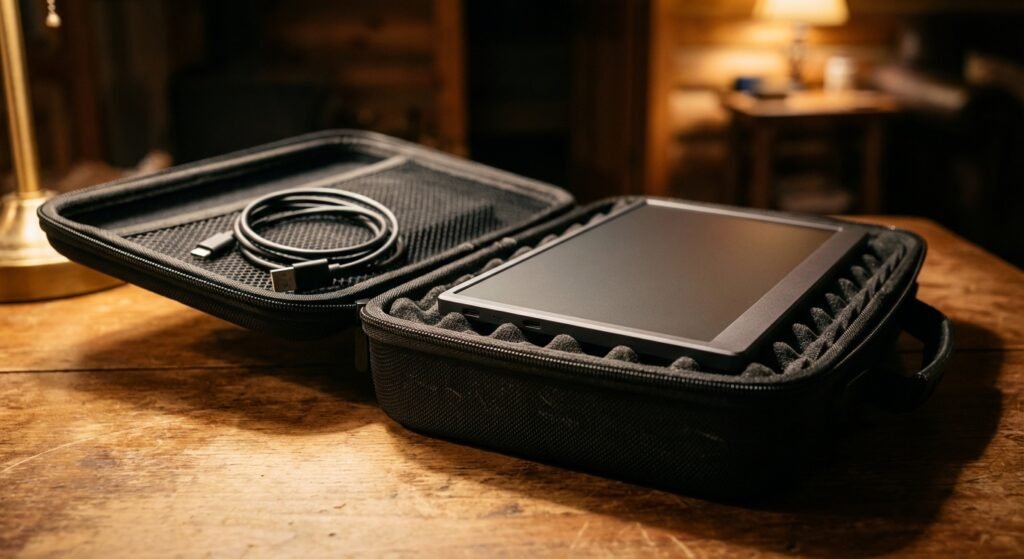
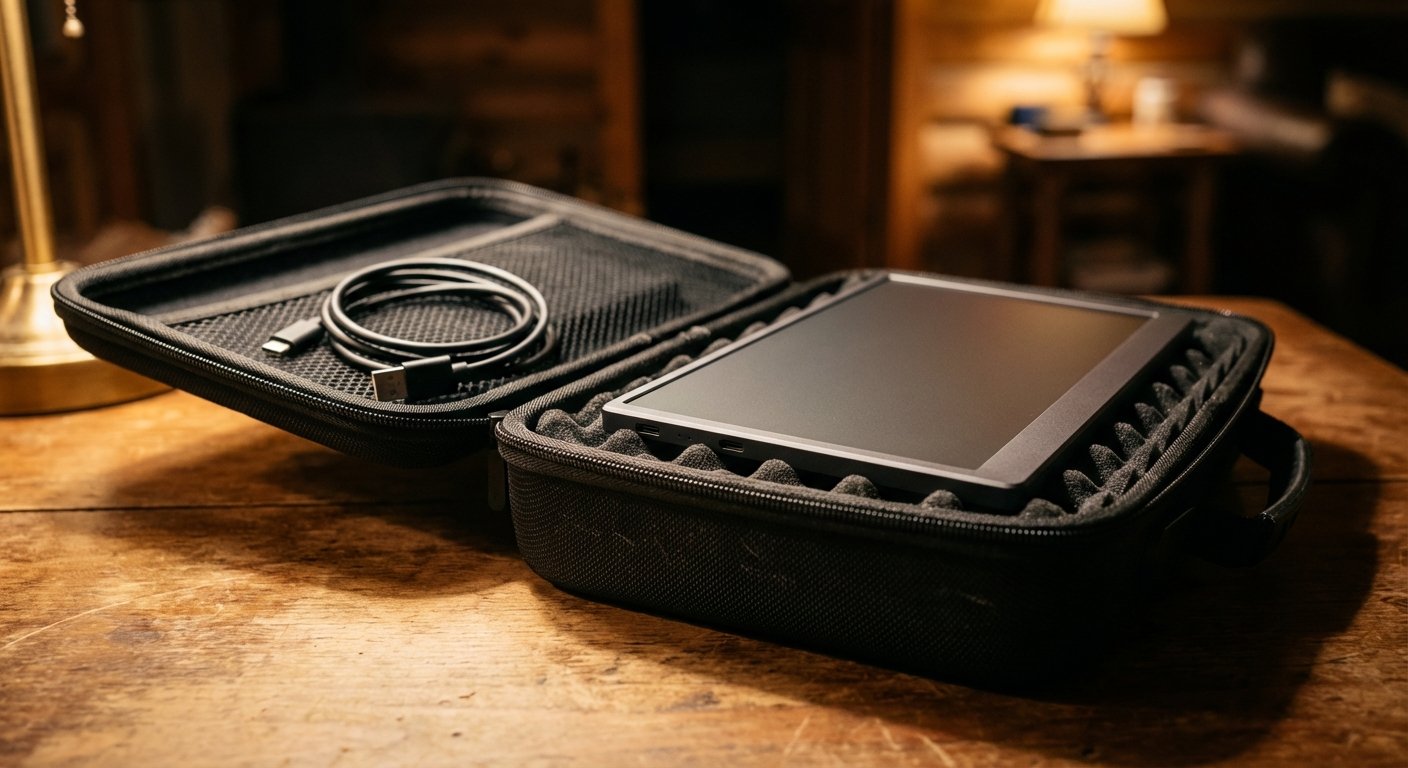
This is the workhorse. It isn’t fancy. It isn’t a fashion statement. It is a brick of Hard EVA (Ethylene Vinyl Acetate).
The Specs:
- Material: Hard EVA Shell
- Interior: Soft foam padding with velcro strap
- Fit: Fits most 15.6 portable monitors (ASUS, AOC, Dell)
The Win:
It’s rigid. You can throw this inside a larger duffel bag, stack heavy books on top of it, and the monitor won’t feel a thing. The egg-crate foam inside applies even pressure to keep the screen from sliding.
The Trade-off:
It adds bulk. It will take up significant space in your backpack. Also, the zippers are mediocre. If you overstuff it with cables, the zipper will fail before the case does.
Price: $25 – $35
2. Caseling Hard Case for Portable Monitors
Similar to the Khanka, but often deeper. This is for people who carry more cables or a thicker monitor stand.
The Specs:
- Water-resistant hard exterior
- Mesh pocket for cables
- Dual zipper design
The Win:
Storage capacity. You can fit the monitor, the USB-C cable, and a small folding stand inside the mesh pocket without it crushing the screen. It keeps your entire “desk setup” in one grab-and-go box.
The Trade-off:
The smell. These EVA cases often come from the factory smelling like chemical waste. You need to air it out for 48 hours before using it, or your whole bag will smell like a tire fire.
Price: $30 – $40
Top Recommendations for Desktop Monitors (24″ – 27″)
Sometimes you need the big guns. Maybe you are a videographer, a competitive gamer, or you just refuse to work on a laptop screen. Moving a 27-inch monitor is a logistical nightmare. Unless you have the right gear.
3. Gator Cases G-LCD-TOTE Series
Gator makes cases for touring musicians. They protect $5,000 guitars thrown into vans by drunk roadies. They can protect your monitor.
The Specs:
- Heavy-duty nylon with polyethylene reinforcement (Hard plastic core)
- Screen shield insert
- Fits 19″ to 32″ screens (depending on model)
The Win:
It is built for this exact purpose. It has a dedicated polyethylene screen shield that acts as a hard barrier in front of the glass. It has handles and a shoulder strap. You don’t put this in a bag; this is the bag.
The Trade-off:
It is not a hard flight case. If you drop it down a flight of stairs, the monitor might survive, but the plastic bezel might crack. It provides crush protection, not drop protection.
Price: $90 – $130
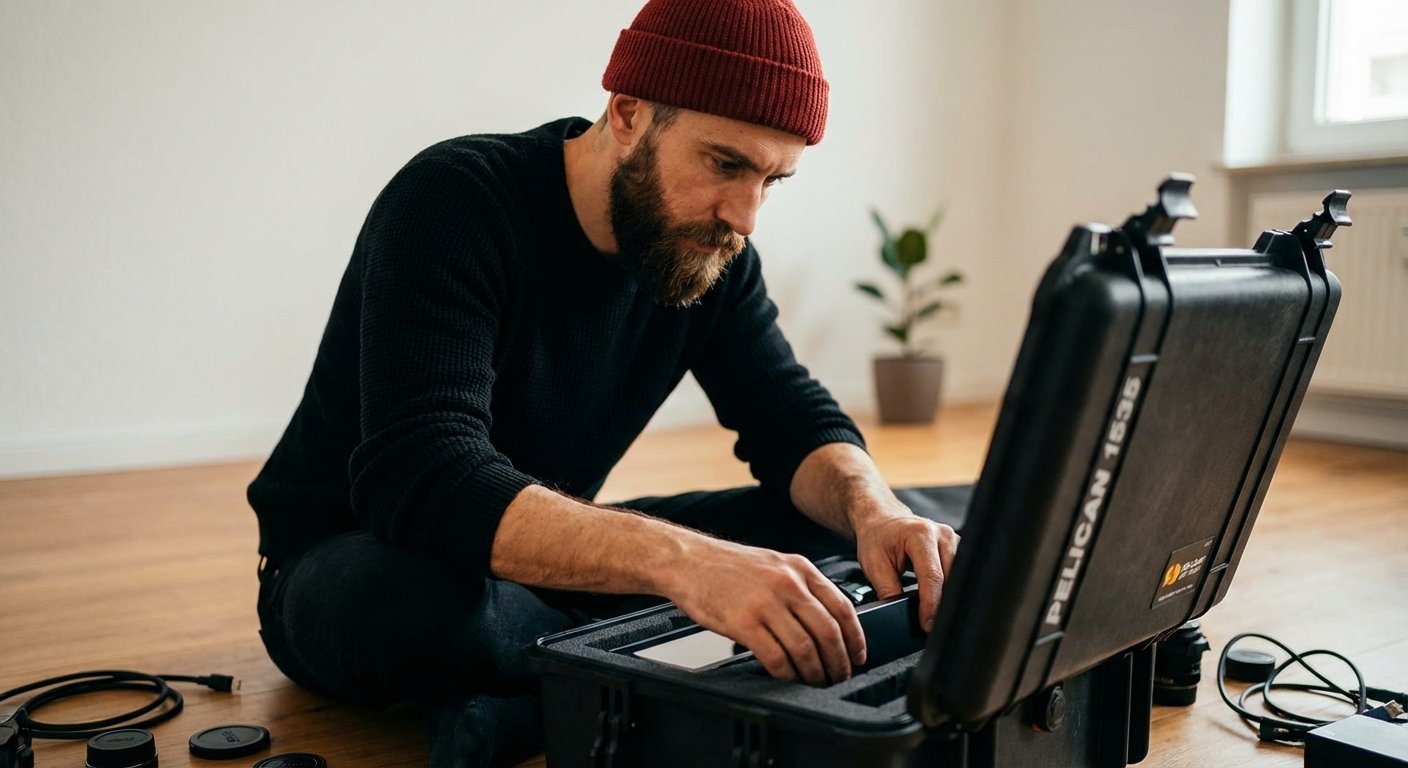
4. Pelican 1535 Air Case (The Nuclear Option)
If your monitor makes you money—and I mean real money—get a Pelican.
This is what photographers use to carry $50,000 RED cameras. It is waterproof, crushproof, and dustproof. You can drive a truck over it.
The Specs:
- Super-light proprietary HPX² Polymer
- Pick N Pluck Foam (Customizable)
- Automatic Purge Valve (For air pressure on planes)
- Wheels and retractable handle
The Win:
Zero anxiety. You could check this as luggage on a budget airline, and your monitor would be fine. You customize the foam to fit your specific monitor stand and panel perfectly. Nothing moves.
The Trade-off:
Price and Size. It’s expensive. It’s also overkill for a $100 monitor. Only buy this if the data on the screen or the gig you are traveling to is worth 10x the cost of the case.
Price: $200 – $250
The “DIY” Hack for Odd Sizes
Sometimes you have weird gear. A curved monitor. A dual-screen setup. The standard cases don’t fit.
Don’t just wrap it in a towel. That’s lazy. Lazy is expensive.
The Solution: Condition 1 Hard Case + Pluck Foam.
Condition 1 is a cheaper alternative to Pelican. They are 90% as good for 50% of the price.
- Buy a Condition 1 case that is 2 inches wider than your monitor on all sides.
- Lay your monitor on the “Pick N Pluck” foam.
- Trace it with toothpicks.
- Pull out the foam cubes to create a perfect negative mold of your screen.
- Spray the remaining foam with Plasti Dip (spray rubber) to harden it so it doesn’t degrade over time.
Now you have a custom military-grade case for a fraction of the cost.
Price: $80 – $120
Summary: The Cost of Inaction
You can read this, nod your head, and then go back to putting your monitor in your backpack next to your metal water bottle.
That is a gamble. The house always wins.
Or, you can spend the $40 right now.
If you buy the case, you solve the problem forever. You turn a variable outcome (maybe it breaks) into a fixed outcome (it won’t break).
Business is about removing variables. Life is stressful enough. Don’t let a cracked screen be the reason you miss a deadline or lose a client.
Buy the case. Protect the asset. Get to work.