The Laptop Keyboard Tax: Why You Are Losing Money
Most people think a keyboard is just a tool. It isn’t. It’s a lever.
If you are a digital worker, your output is limited by two things:
- The speed of your brain.
- The speed of your fingers.
You can’t upgrade your brain overnight. But you can upgrade your fingers instantly. If you rely on the built-in keyboard of a MacBook or a Dell XPS while traveling, you are paying a tax. I call it the “Mush Tax.”
Laptop keyboards have zero travel. No feedback. They cause fatigue. Fatigue slows you down. If you type 10% slower because your fingers hurt or you keep hitting the wrong keys, you are losing 10% of your production capacity.

If you make $100,000 a year, a 10% efficiency loss costs you $10,000. You are burning ten grand a year because you refuse to buy a $150 keyboard. That is bad math.
The solution is a low-profile mechanical keyboard. It fits in your bag. It feels like a real desktop setup. It turns your hotel room into a productivity machine.
Here is the ROI breakdown and the only specific models you should care about.
The Math of The Mechanical Switch
Why mechanical? Because membrane keyboards (what you have on your laptop) are binary. You have to bottom out the key to register the press. That is jarring on your joints.
Mechanical switches actuate halfway down. You don’t have to smash the plastic. You glide. This reduces “micro-fatigue.”
The ROI Calculation:
- Cost of Keyboard: $150 (one time).
- Time saved per day: 15 minutes (due to higher WPM and less fatigue breaks).
- Time saved per year: 91 hours.
- Value of your hour: Let’s say $50.
- Total Return: $4,550.
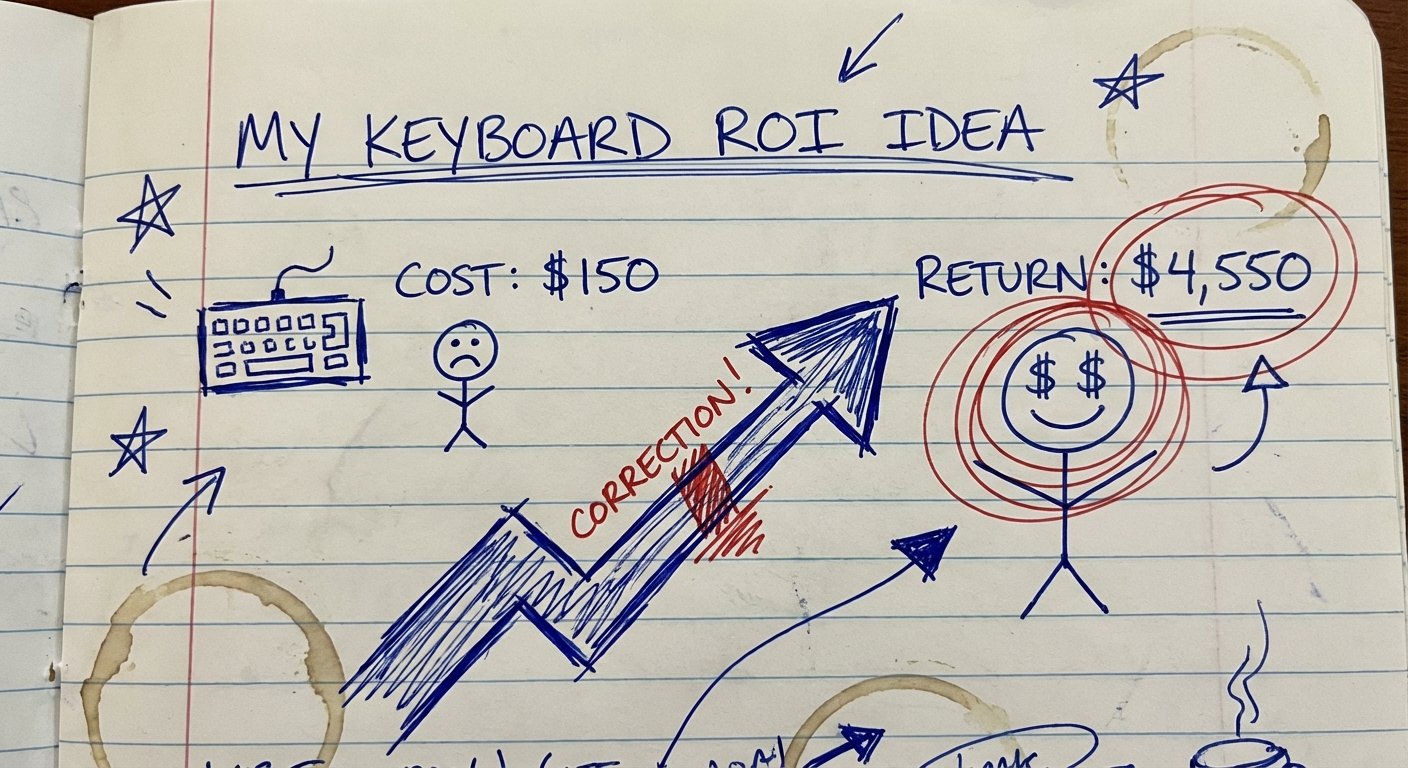
You spend $150 to make $4,550. That is a 30x return. If I offered you a stock with a guaranteed 30x return, you would sell your house to buy it. Yet you hesitate to buy a keyboard.
Stop hesitating. Here are the winners.
1. NuPhy Air75 V2: The Current King
If you want the short answer, this is usually it. NuPhy came out of nowhere and embarrassed the big legacy brands. The Air75 V2 is the sweet spot for travelers. It uses a 75% layout. You keep your arrow keys and function row, but cut the numpad bloat.
It supports QMK/VIA. That means you can reprogram every key. If you are a coder and want your Caps Lock to be a Control key, you change it in the firmware. It stays changed on any computer you plug into.
Specs:
- Polling Rate: 1000Hz (2.4G mode).
- Battery: 4000mAh.
- Keycaps: Double-shot PBT (Doesn’t get oily).
- Price: $119 – $140.
The Win: The typing feel. They use Gateron low-profile switches that are pre-lubed. It feels “thocky” and premium, not scratchy. It fits directly on top of a MacBook keyboard without pressing the keys underneath.
The Trade-off: The wireless range can be spotty if you have a lot of interference. The software (VIA) is powerful but not user-friendly for beginners. It looks a bit “gamery” with the colors.
2. Logitech MX Mechanical Mini: The Corporate Workhorse
Logitech is the Toyota Camry of keyboards. It is not exciting. It will not make enthusiasts drool. But it starts every time and runs forever.
This is for the person who doesn’t care about “thock” or sound profiles. You just want to connect to your iPad, your laptop, and your phone instantly. The “Logi Bolt” receiver is rock solid.
Specs:
- Battery Life: Up to 10 months (backlight off).
- Connectivity: Bluetooth + Logi Bolt.
- Software: Logi Options+.
- Price: $130 – $150.
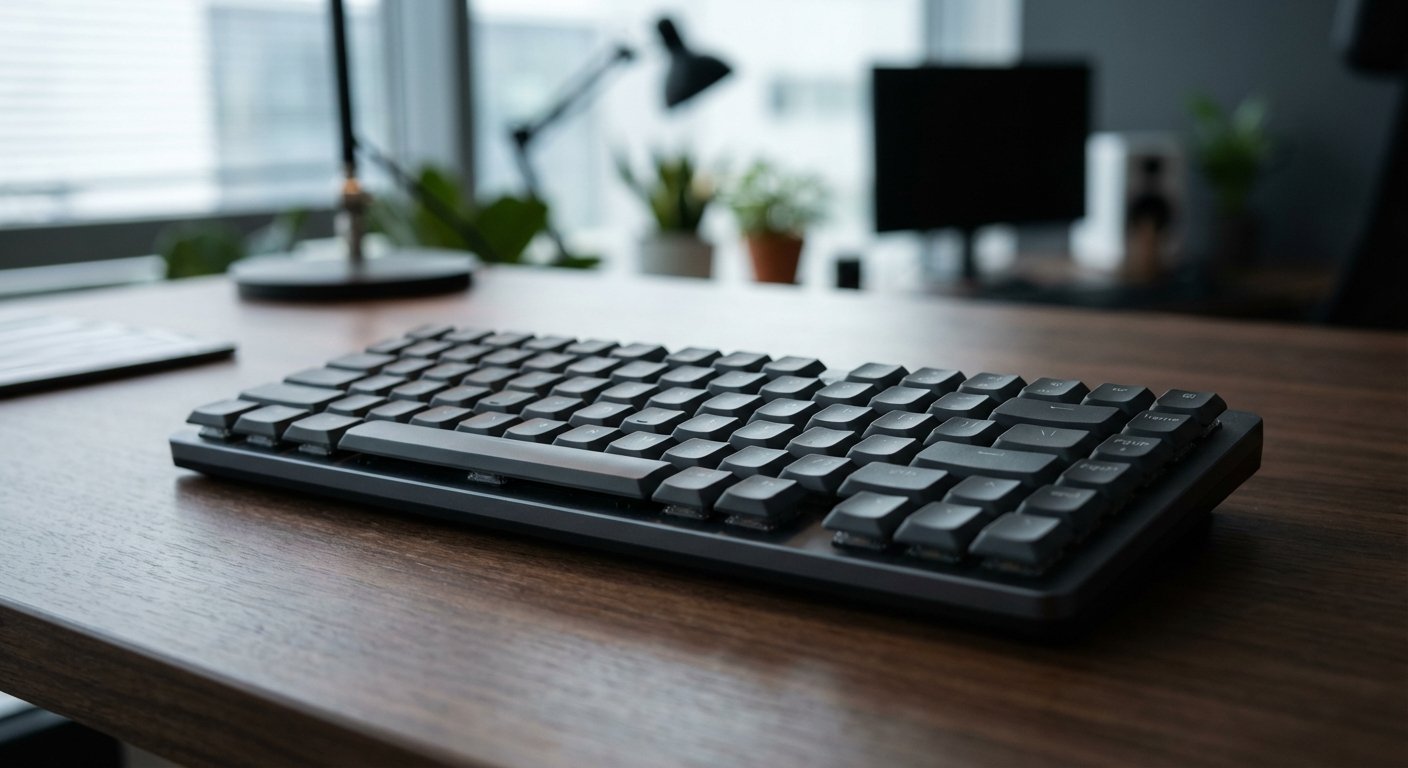
The Win: Battery life. You can charge this thing once and forget it exists for half a year. The “Smart Illumination” lights up when your hands approach. It creates zero friction in your workflow.
The Trade-off: The keycaps are cheap ABS plastic. After three months of heavy work, they will get shiny and greasy. You cannot easily replace them because Logitech uses non-standard stabilizers. You are stuck with the shine. Also, it’s not hot-swappable. If a switch breaks, the keyboard is trash.
3. Lofree Flow: The Premium Experience
Most low-profile keyboards feel like a compromise. The Lofree Flow does not. It is the first low-profile keyboard to use a “Gasket Mount.”
In simple terms: there is foam and cushioning inside. When you type, it feels soft. It sounds deep. It feels like a custom $500 desktop keyboard that went on a diet.
Specs:
- Materials: All-aluminum body.
- Switches: Kailh Full POM (Self-lubricating).
- Thickness: 10mm (Incredibly thin).
- Price: $160 – $180.
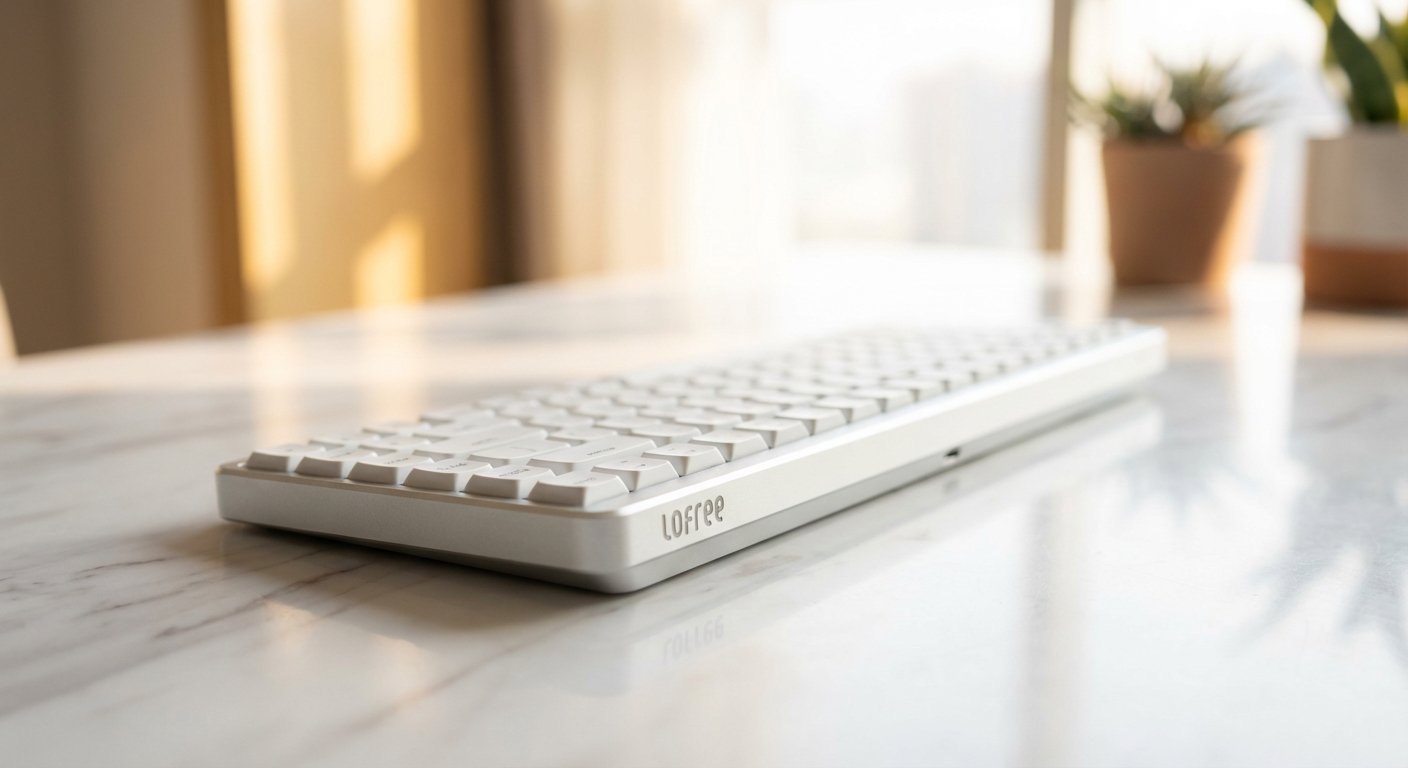
The Win: It is the best typing experience you can get in a backpack-sized form factor. Period. The switches are made of POM material, which means they get smoother the more you use them. It looks sleek and professional.
The Trade-off: The battery life is garbage compared to Logitech. You will be charging this weekly if you use the lights. It has zero adjustability—no feet to change the angle. You have to like the flat angle, or you are out of luck.
4. Keychron K3 Pro: The Value Play
Keychron dominates the market for a reason. They give you 90% of the features for 70% of the price. The K3 Pro is the successor to the massively popular K3.
It fixes the main issue of the old version: lack of programmability. The Pro version has QMK/VIA support, PBT keycaps, and decent stabilizers.
Specs:
- Layout: 75% Compact.
- Connectivity: Bluetooth 5.1 / Wired.
- Weight: 525g (Very light).
- Price: $90 – $110.
The Win: The price-to-value ratio. For around $100, you get a solid, reprogrammable mechanical keyboard that fits in any bag. It’s the lowest barrier to entry for a serious setup.
The Trade-off: The battery life is weak. The “floating key” design allows dust and crumbs to get in easily. It feels lighter and cheaper than the Lofree or the NuPhy because it uses more plastic in the frame construction.
Stop Researching, Start Typing
Analysis paralysis is poor people behavior. You spend 10 hours researching to save $20. Your time is worth more than that.
The logic is simple:
- If you want the best typing feel regardless of battery: Get the Lofree Flow.
- If you want the best all-arounder and customization: Get the NuPhy Air75 V2.
- If you work in a corporate environment and hate charging things: Get the Logitech MX Mechanical Mini.
Pick one. Buy it. Put it in your bag.
The next time you open your laptop at an airport gate or a hotel desk, you won’t be fighting your equipment. You will be executing.

The market rewards output. Increase yours.