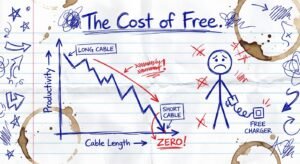
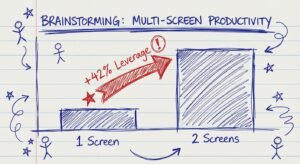
Why You Are Losing Money on $30 Dongles
You are trading your focus for twenty dollars. That is a bad trade.
I see entrepreneurs running six-figure, seven-figure, even eight-figure businesses. They have optimized their sales scripts. They have optimized their funnels. They have optimized their hiring.
Then I look at their desk.
It is a mess of plastic spaghetti. They have a $3,000 MacBook Pro connected to a $500 4K monitor using a $25 plastic USB-C hub they bought on sale. Every time they bump the table, the screen flickers. Every time they plug in a hard drive, the mouse disconnects.
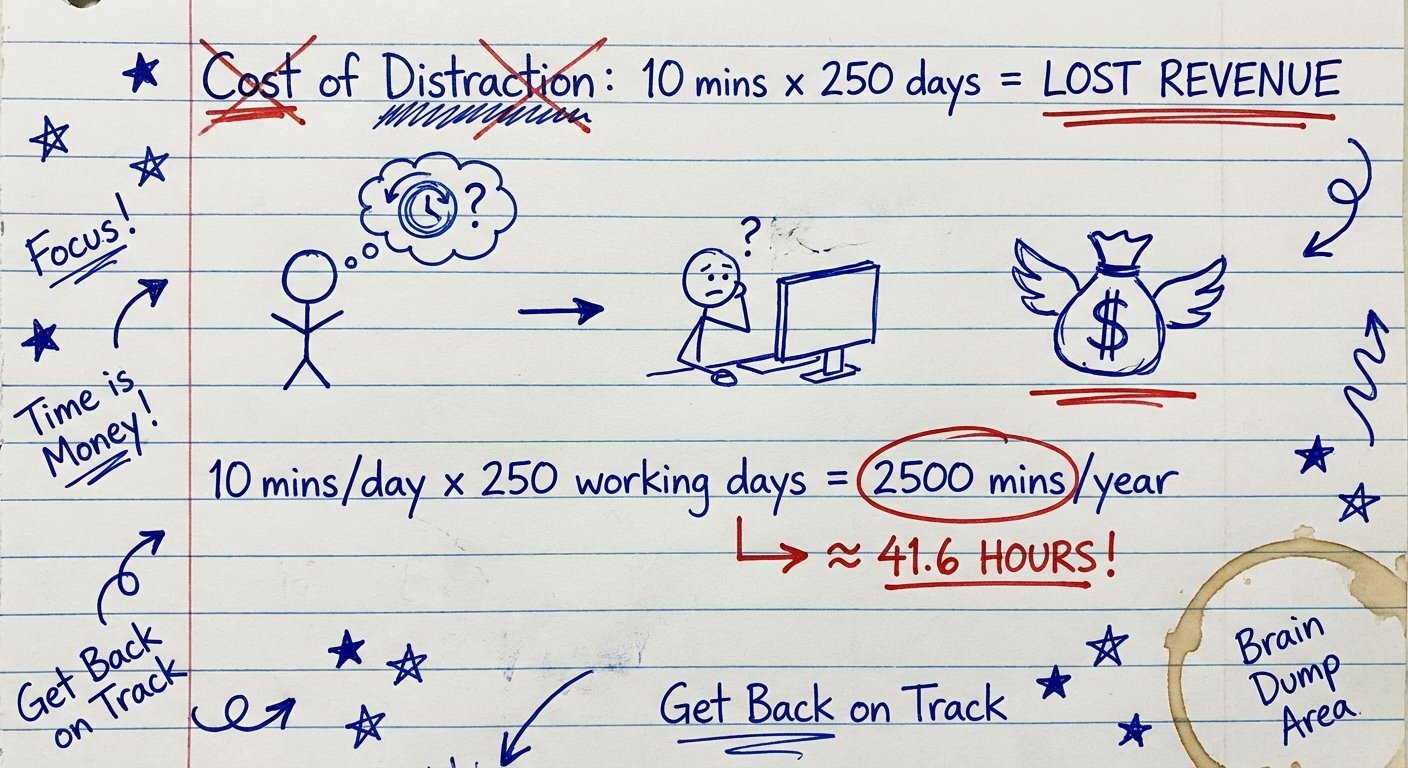
They lose 4 seconds of focus. They lose momentum.
If you lose focus 10 times a day, that is not just 40 seconds. That is 15 minutes of “refocusing time” per interruption. That is 150 minutes a day. That is 12 hours a week.
You are losing a full work day every week because you wanted to save $150 on a dock.
This article is not about tech specs. I do not care about the chipsets. I care about the ROI of your workstation.
You need a device that does two things simultaneously without failure:
- 1. Power the Monitor: Send a clean 4K (or 6K) signal at 60Hz.
- 2. Power the Laptop: Charge your machine at maximum speed so the battery never drains during a call.
Most hubs cannot do this. They overheat. They throttle. They fail. Here is the math on why, and the only three devices you should actually buy.
The Math of Power Delivery (PD)
Most people fail here because they do not understand the numbers. They see “100W Power Delivery” on the box of a cheap hub and think they are safe. They are wrong.
Here is how the energy budget works on a cheap hub:
- Input: 100W from your wall charger.
- Tax: The hub itself consumes 15W to 20W just to stay alive.
- Output: Your laptop only gets 80W.
If you are running a MacBook Pro 16″ and rendering video or running a complex CRM, you need 96W or more. If you feed it 80W, the battery drains while you are plugged in. The performance throttles. Your computer slows down to match the low power. You work slower. You make less money.
The solution is not a “Hub.” The solution is a Powered Dock.
A Powered Dock comes with its own massive power brick. It does not steal power from your laptop. It gives power to your laptop. It handles the video signal and the charging independently.
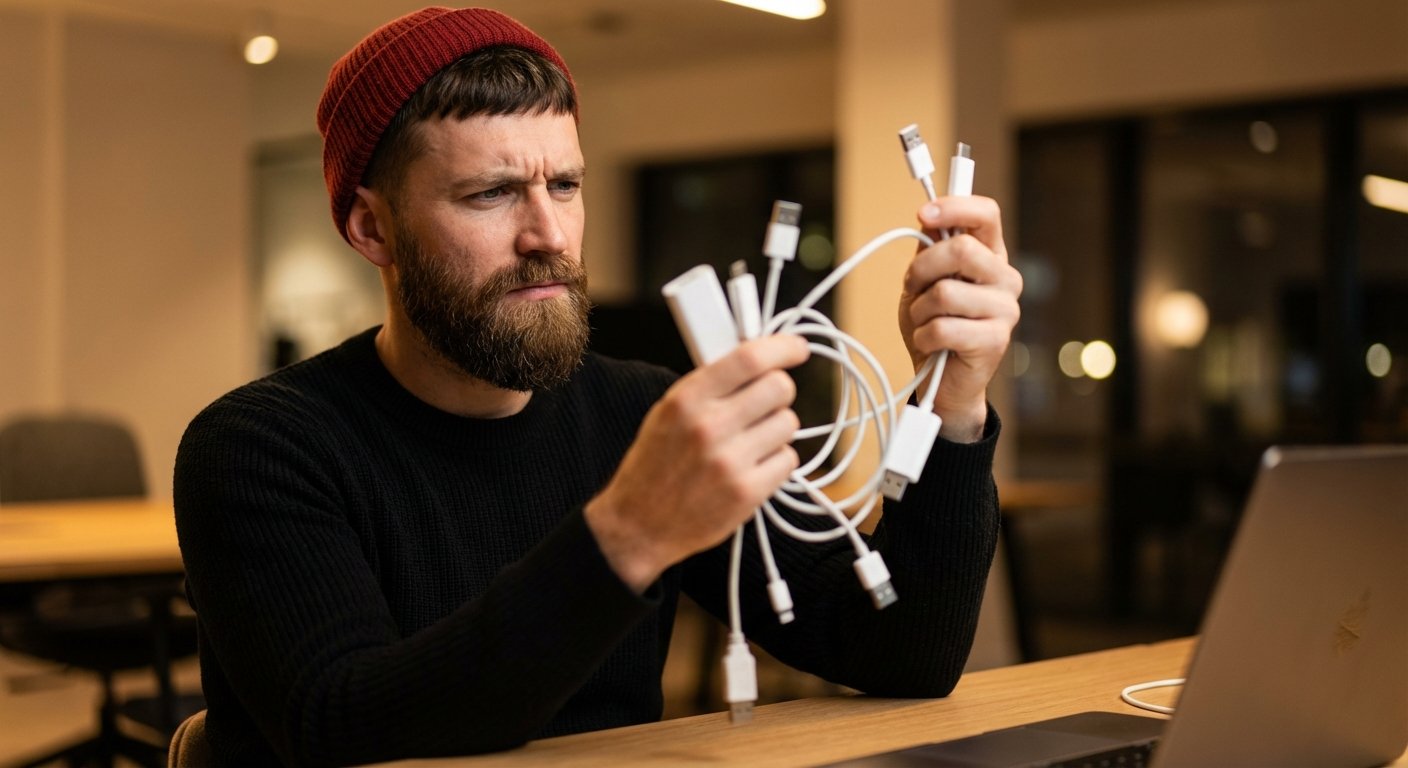
I have tested dozens. Most are garbage. These are the only three worth your capital.
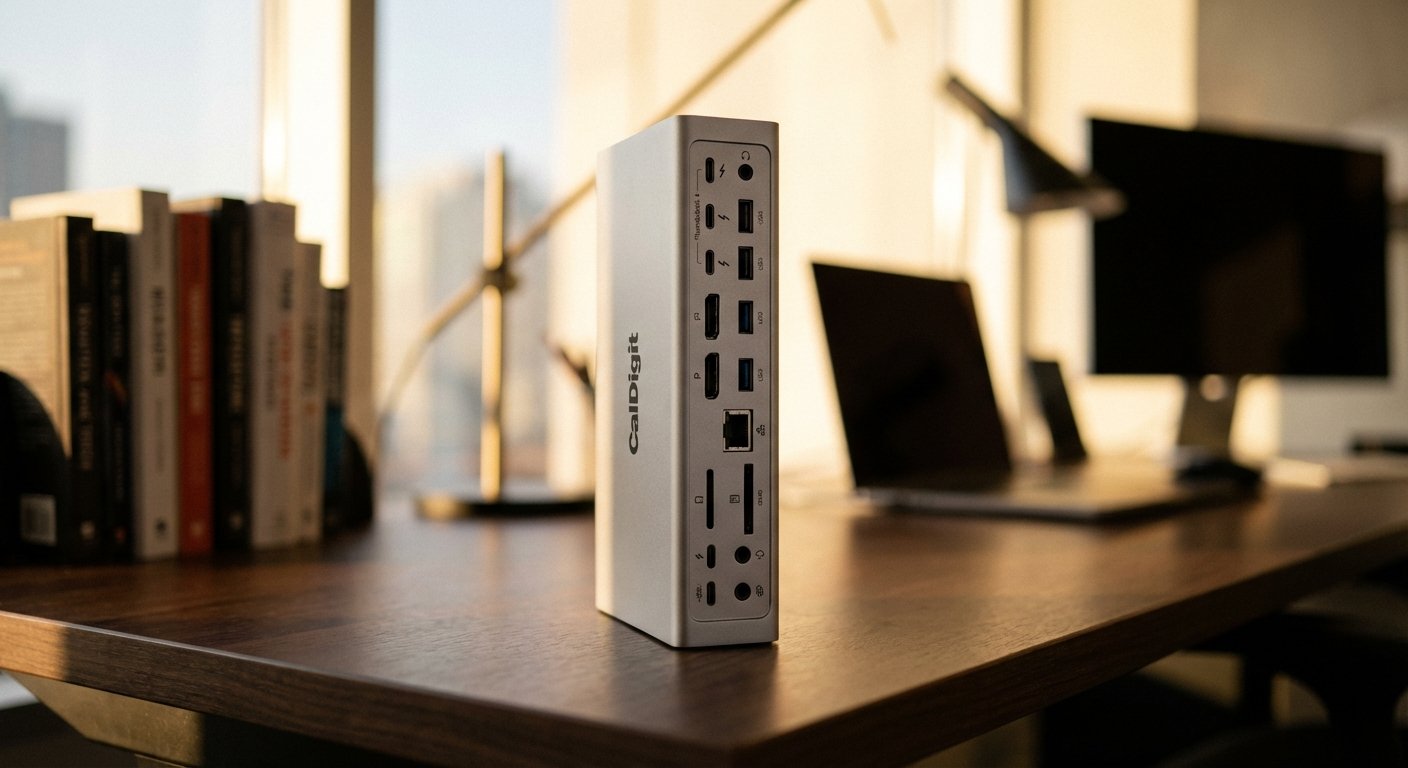
1. The King: CalDigit TS4 Thunderbolt 4 Dock
If you value your time at more than $50 an hour, you buy this one. Period. It is the gold standard.
This is not a plastic toy. This is a heavy metal brick that sits on your desk and manages your entire digital life. It uses Thunderbolt 4 technology, which gives you 40Gbps of bandwidth. That is enough to run an 8K monitor and transfer terabytes of data simultaneously without a single stutter.
The Win (Why You Buy It)
Power Consistency. The TS4 provides 98W of continuous power to your laptop. This is the highest in the class. It will charge a 16-inch MacBook Pro at full speed while running two 4K monitors at 60Hz.
Port Density. It has 18 ports. You will never need a dongle again. You plug one single cable into your laptop, and you instantly connect to:
- Your Monitor (DisplayPort or USB-C)
- Ethernet (2.5 Gigabit – faster than your wifi)
- SD Card Reader (UHS-II)
- Headphones
- Hard Drives
The Trade-off (What Sucks)
The Price. It is expensive. It costs more than a Chromebook. But again, amortize that cost over 3 years of daily use. It costs you pennies a day to never have a technical glitch.
The Size. It comes with a massive power brick. You cannot throw this in your backpack easily. This is for your primary workstation where you make your money.
Estimated Price: $350 – $400
2. The Value Play: Anker 577 Thunderbolt Docking Station (13-in-1)
Maybe you don’t need the absolute bleeding edge. Maybe you don’t need 18 ports. You just want something that works and costs less than the CalDigit. Anker is the only “consumer” brand I trust with power.
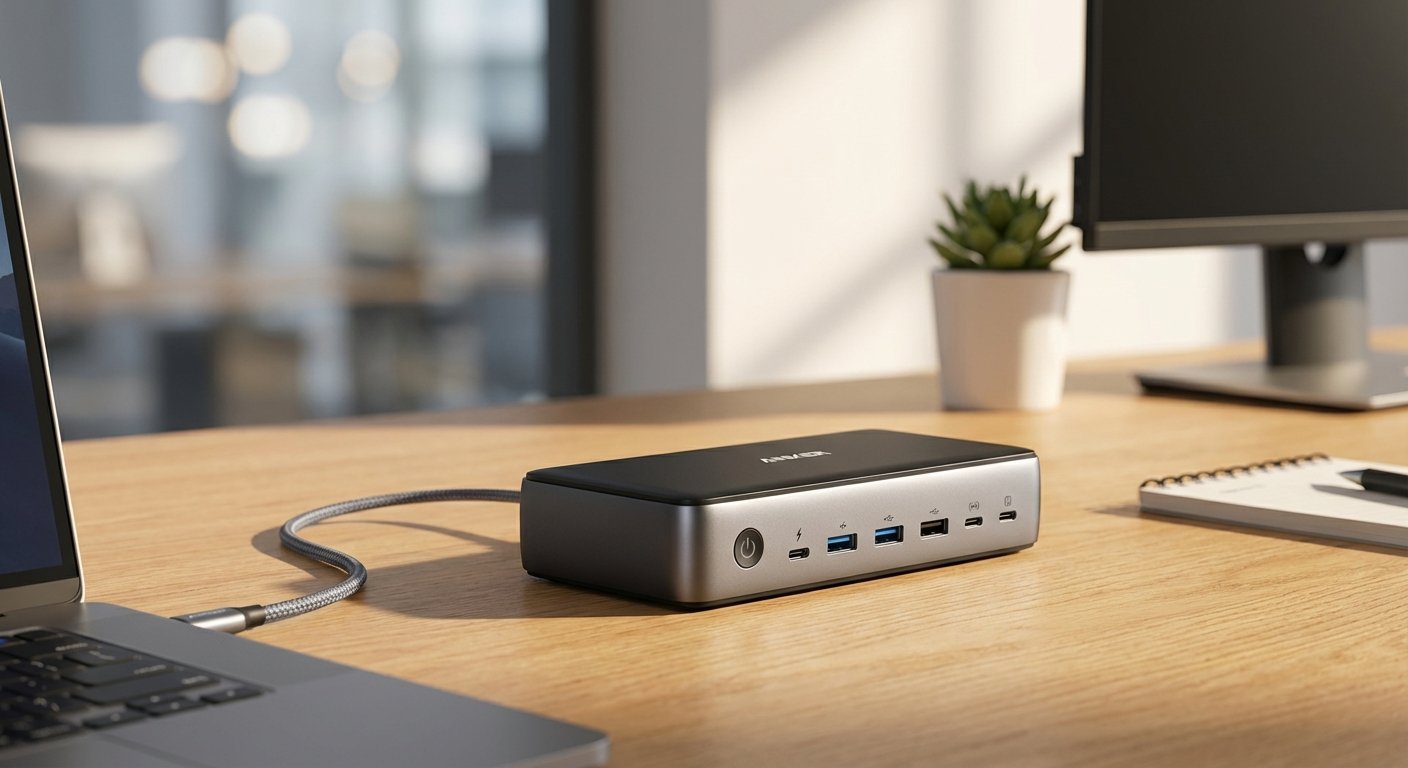
The Anker 577 is a Thunderbolt 3 dock. Thunderbolt 3 is the previous generation, but for 99% of business owners, the math is exactly the same as Thunderbolt 4. The bandwidth is the same (40Gbps).
The Win (Why You Buy It)
Dual Display Value. This dock shines if you run two monitors. It has dedicated HDMI ports and Thunderbolt downstream ports that make setting up dual 4K @ 60Hz easier than almost any other dock in this price range.
85W Charging. It delivers a solid 85W to the laptop. For MacBook Air users or 13/14-inch MacBook Pro users, this is maximum speed. You hit 100% battery in no time.
The Trade-off (What Sucks)
Heat. Anker units run warm. It’s physics. They pack a lot of electronics into a smaller chassis than CalDigit. It won’t burn you, but do not stack papers on top of it.
Front Port Placement. The design is a bit messy. Some crucial ports are on the front, which means you have cables sticking out towards you. It looks less clean than the TS4.
Estimated Price: $200 – $240
3. The Traveler: Satechi Thunderbolt 4 Slim Hub
The first two options are bricks. They stay on your desk. But some of you are nomads. You work from WeWork, hotels, and Airbnbs. You need power and monitors, but you cannot carry a 2lb power supply.
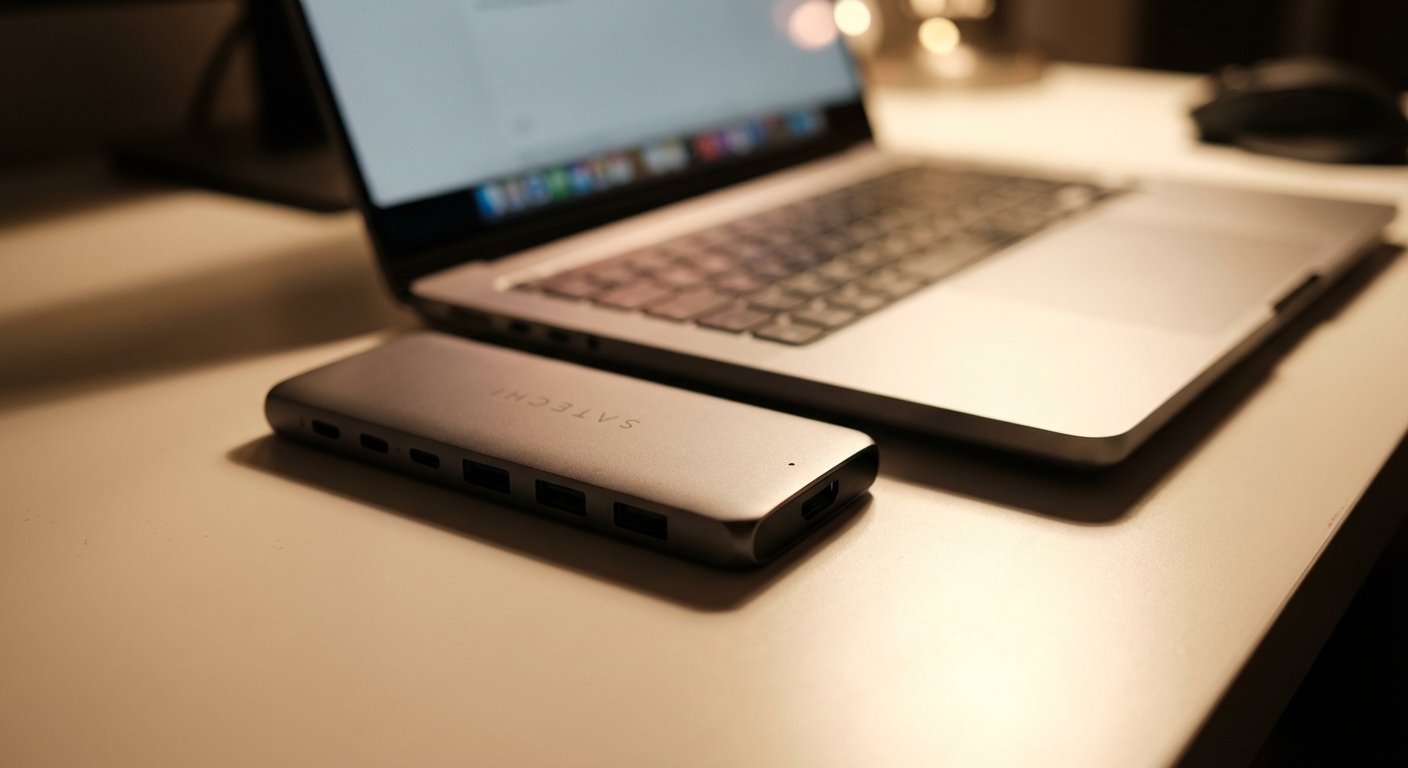
The Satechi Slim Hub is the compromise. It is sleek, looks exactly like an Apple product, and fits in a tech pouch.
The Win (Why You Buy It)
Aesthetics and Size. It is tiny. It disappears on the desk. If you care about a minimal setup, this is the one.
Thunderbolt 4 Speed. Despite the size, it is a full Thunderbolt 4 device. You still get the 40Gbps speeds. You can still drive two 4K screens (if you have the cables). It is efficient.
The Trade-off (What Sucks)
60W Power Delivery. This is the constraint. It only pushes 60W to the host laptop.
- If you have a MacBook Air: Perfect.
- If you have a 16″ Pro and you are rendering 4K video: It might drain slowly.
Fewer Ports. You get 4 Thunderbolt ports and one USB-A port. No SD card reader. No Ethernet. You are trading utility for portability. If you need Ethernet, you have to buy another dongle to plug into this hub. That introduces friction.
Estimated Price: $190 – $200
The Final Verdict
Decision making is about removing options, not adding them. Here is your decision tree:
- If you want the best ROI and never want to think about it again: Buy the CalDigit TS4.
- If you want to save $150 and are okay with slightly older tech: Buy the Anker 577.
- If you work out of a backpack: Buy the Satechi Slim Hub.
Stop buying cheap cables. Buy the solution that works. Get back to work.