The Cost of Being Cheap
You are a digital nomad.
Your laptop is your factory. Your data is your inventory.
If you lose your data, you are out of business. It is that simple.
Most people ignore this. They think nothing will happen to them. They trust the cloud. They trust their cheap hard drives.
Then they drop their bag. Or the internet goes out. Or the drive fails.
And they lose everything.
They lose the client project. They lose the raw footage. They lose the crypto keys. They lose years of work.
The cost of a good drive is $200. The cost of losing your data is tens of thousands of dollars.
Do the math.
If you want to play at a high level, you need professional gear. You need a rugged external SSD.
Today I am going to tell you why you need one, why the cloud is a trap, and exactly which three drives you should buy.
The “Cloud” is a Lie (For Nomads)
People tell me, “Alex, I don’t need a hard drive. I use Google Drive. I use Dropbox.”
That works if you sit in an office in San Francisco with fiber internet.
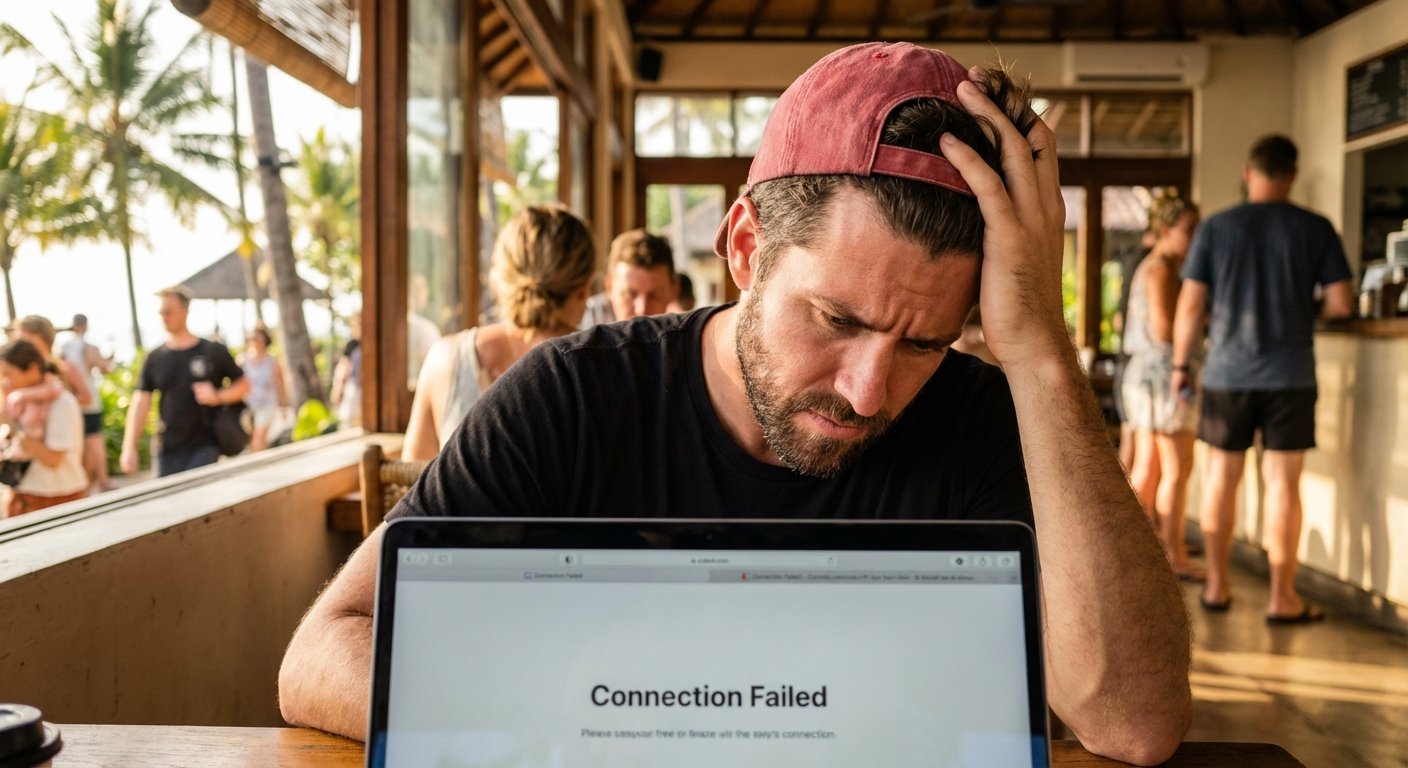
It does not work if you are in a coffee shop in Bali or an Airbnb in Mexico City.
Here is the reality of the nomad life:
- Upload speeds are trash. You might get good download speeds. But upload is usually 10% of that. Uploading a 50GB video file takes days.
- Connection is unstable. Power cuts happen. Routers crash. If your upload fails at 99%, you start over.
- Data caps exist. Many countries have limits on how much data you can push.
If you rely on the cloud, you are bottlenecked. You cannot work as fast as you think. You are waiting on a progress bar.
Speed is money.
If you wait an hour for a file to upload, that is an hour you are not billing. That is an hour you are not selling.
With a local SSD, the transfer is instant. You plug it in. You move the file. You are done.
You control the asset. You are not renting storage space from a tech giant. You own it.
Why “Rugged” Matters
You move. Your gear moves.
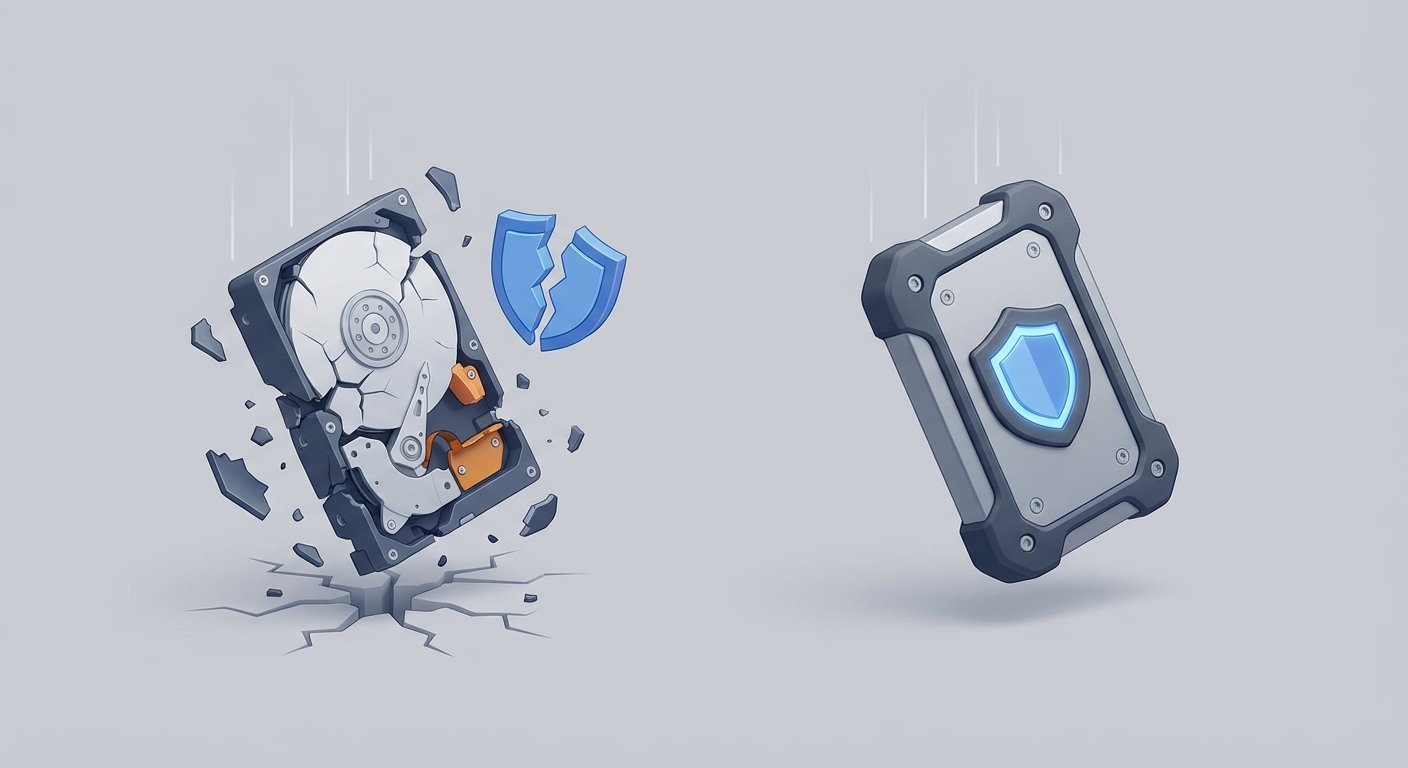
Regular hard drives (HDDs) have spinning platters inside. They are like record players. If you shake a record player while it is playing, it scratches. If you drop a regular hard drive, the head crashes. The data is gone.
Standard SSDs are better. They have no moving parts. But they are often made of cheap plastic.
If you throw your bag in the overhead bin, or it falls off a scooter, plastic cracks. Connectors snap.
You need Rugged.
Rugged drives are built for the field. They have rubber bumpers. They have water resistance. They can take a beating.
I view my gear as an insurance policy.
If I buy a fragile drive for $100, I save $50 today. But I risk a $10,000 contract if it breaks.
If I buy a rugged drive for $150, I spend an extra $50. But I guarantee I can deliver the work.
The $50 premium is the cost of sleeping well at night.
The Specs That Actually Matter
Ignore the fancy marketing on the box. You only care about three numbers.
1. Read/Write Speed (NVMe)
Old drives use SATA. They max out at 550 MB/s.
New drives use NVMe. They hit 1050 MB/s or even 2000 MB/s.
Here is the logic:
If you move 100GB of footage:
- SATA drive: 3 minutes.
- NVMe drive: 45 seconds.
You save 2 minutes. Multiply that by 10 transfers a day. That is 20 minutes a day. That is 100 hours a year.
If your time is worth $100 an hour, a slow drive costs you $10,000 a year in wasted time.
Get NVMe.
2. IP Rating (Ingress Protection)
This tells you if the drive can handle dust and water.
You want at least IP55.
- The first 5 means it is dust protected. Sand won’t kill it.
- The second 5 means it can handle low-pressure water jets. Rain won’t kill it.
If you are really extreme, look for IP67. That means you can drop it in a pool and it survives.
3. Connection Type
USB-C. Do not buy anything else.
It needs to be USB 3.2 Gen 2. That supports the 10GB/s speed.
If you buy an old USB-A drive, you are buying obsolete tech.
The Top 3 Drives to Buy Right Now
I have looked at the data. I have looked at the failure rates. These are the three I recommend.
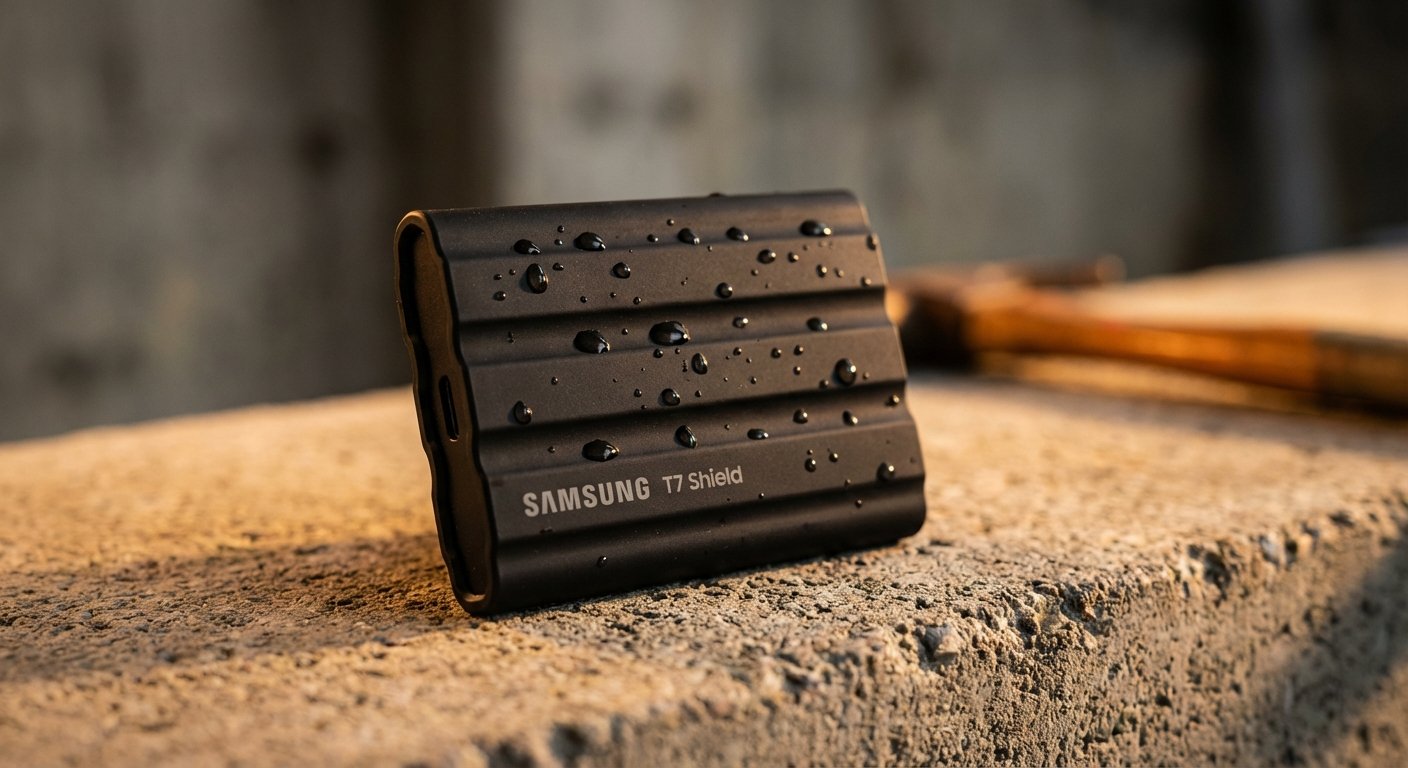
Option 1: The Reliable Standard (Samsung T7 Shield)
This is the drive I see most pros using. It is the successor to the T5.
It is fast. It is tough. It is priced right.
The Specs:
- Speed: Up to 1,050 MB/s
- Rating: IP65 (Dust tight + water resistant)
- Build: Rubberized exterior. Survives 3-meter drops.
- Price: $100 – $160 (depending on size)
Why this one? Consistency. Samsung makes their own memory chips. They control the quality. The thermal guard keeps it from overheating when you are editing 4K video directly off the drive.
If you don’t know what to buy, buy this.
Option 2: The Speed Demon (Crucial X10 Pro)
Crucial stepped up their game. This thing is tiny. It is smaller than a credit card. But it is twice as fast as the Samsung.
The Specs:
- Speed: Up to 2,100 MB/s (Read/Write)
- Rating: IP55
- Build: Anodized aluminum with soft-touch base.
- Price: $110 – $180
Note: To get the full 2,100 MB/s speed, your computer needs a USB 3.2 Gen 2×2 port. Even if you don’t have that yet, this drive is “future-proof.” You buy it once, it lasts you 5 years.
This is for the videographer who needs to edit 8K footage on the fly.
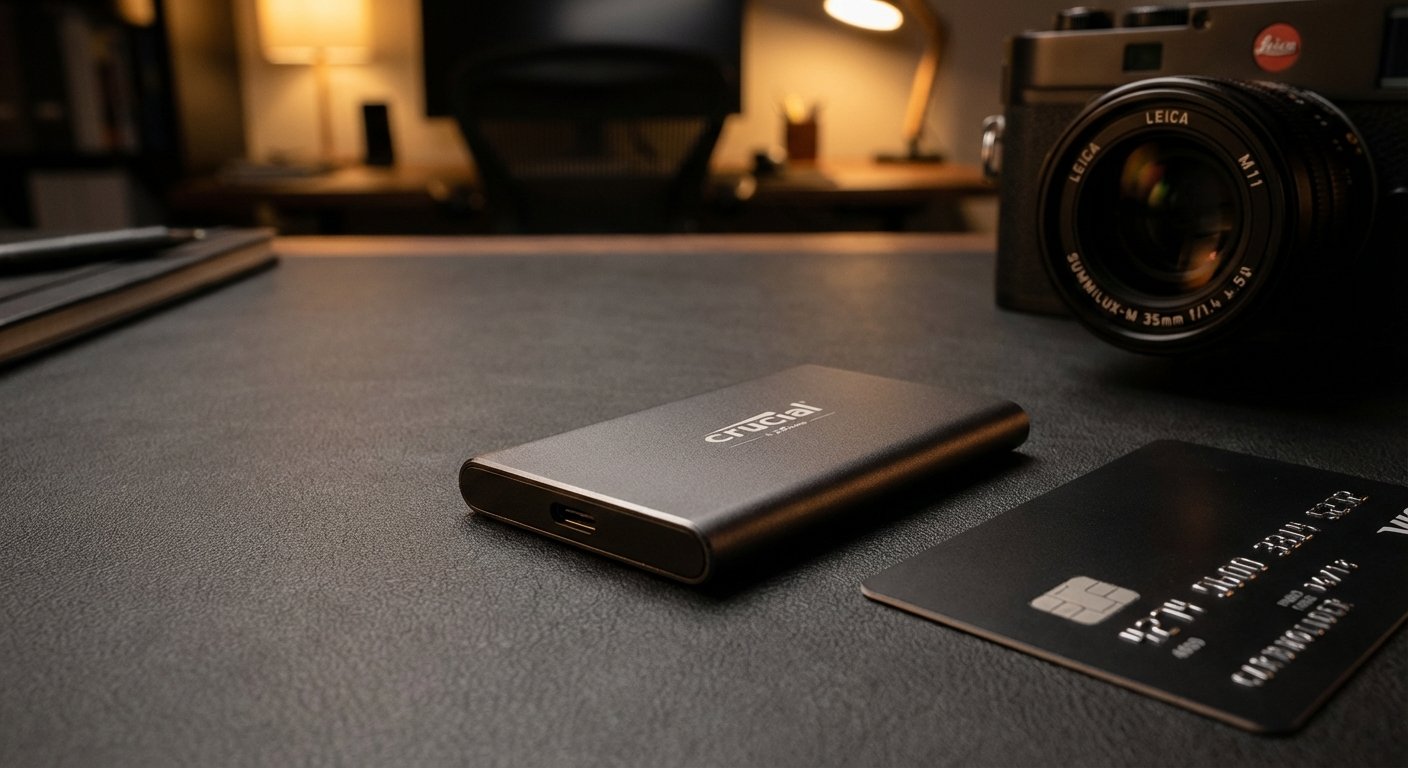
Option 3: The Tank (OWC Envoy Pro FX)
This is for the person who destroys everything. This is military grade.
It is milled from a solid block of aluminum. It looks like a part of a spaceship.
The Specs:
- Speed: Up to 2,800 MB/s (Thunderbolt 3)
- Rating: IP67 (Fully waterproof)
- Build: Certified MIL-STD-810G drop test.
- Price: $200 – $300
It is expensive. It is heavy. But it is indestructible. If you are trekking through the Amazon rainforest or working on an oil rig, this is the one.
The 3-2-1 Rule (How Not to be Stupid)
Buying the drive is step one. Using it correctly is step two.
One drive is not a backup. One drive is a point of failure.
If you have your data on your laptop and you move it to the external SSD, and then delete it from your laptop… you have zero backups. You just moved the problem.
Use the 3-2-1 Rule:
- 3 Copies of your data.
- 2 Different media types (Laptop + External SSD).
- 1 Offsite (Cloud backup for critical files only).
Here is my workflow:
I work on the laptop. Time Machine backs up to the Samsung T7 Shield automatically every hour.
When a project is done, I copy it to a second SSD (Archive). Then I upload the final zip file to the cloud when I have fast wifi.
This creates redundancy.
Redundancy creates reliability. Reliability creates trust. Trust creates income.
The ROI of Redundancy
Let’s look at the numbers again.
Scenario A: You buy a cheap $50 HDD. It fails. You lose a week of work.
Cost of drive: $50.
Cost of lost work (40 hours @ $50/hr): $2,000.
Total Cost: $2,050.
Scenario B: You buy a rugged $150 SSD. You drop it. It works. You lose zero work.
Cost of drive: $150.
Cost of lost work: $0.
Total Cost: $150.
The cheap option is 13 times more expensive than the expensive option.
Smart people look at the total cost of ownership, not the sticker price.
Poor people look at the sticker price.
Don’t be poor.

Conclusion
You have two choices.
You can keep gambling with your data. You can hope your laptop doesn’t break. You can pray the hotel wifi is fast enough to download your backup.
Or you can take control.
Get a rugged SSD. Get the Samsung T7 Shield or the Crucial X10 Pro. Put it in your bag.
It is the best $150 insurance policy you will ever buy.
Secure your assets. Do the work.