The Million Dollar Mistake You Make at the Coffee Shop
You are grinding. You are building. You are sitting in an airport lounge or a high-end coffee shop.
You open your laptop. You plug in your portable monitor to double your screen real estate. You pull up the P&L statement. You pull up the pitch deck for the new acquisition. You pull up the sensitive client data.
You feel productive.
But you are actually being reckless.
Because the guy sitting 3 feet away from you isn’t looking at his phone. He is looking at your screen. He sees your margins. He sees your client list. He sees your strategy.
This is called “Visual Hacking.”
It accounts for a massive chunk of low-tech data breaches. And you are handing it to them on a silver platter because you didn’t want to spend $40 on a piece of plastic.
If you are working on projects worth zero dollars, ignore this article. Go back to browsing social media.
But if you are working on projects that generate real revenue, your data is an asset. Protecting that asset is not optional. It is basic ROI logic.
Today I am breaking down the best privacy screens for portable monitors. I am going to tell you the math behind why you need them, and exactly which ones to buy so you don’t waste time on garbage that falls off your screen.

The Math: The Cost of Exposure vs. The Cost of Plastic
I like simple math. It removes emotion from decision-making.
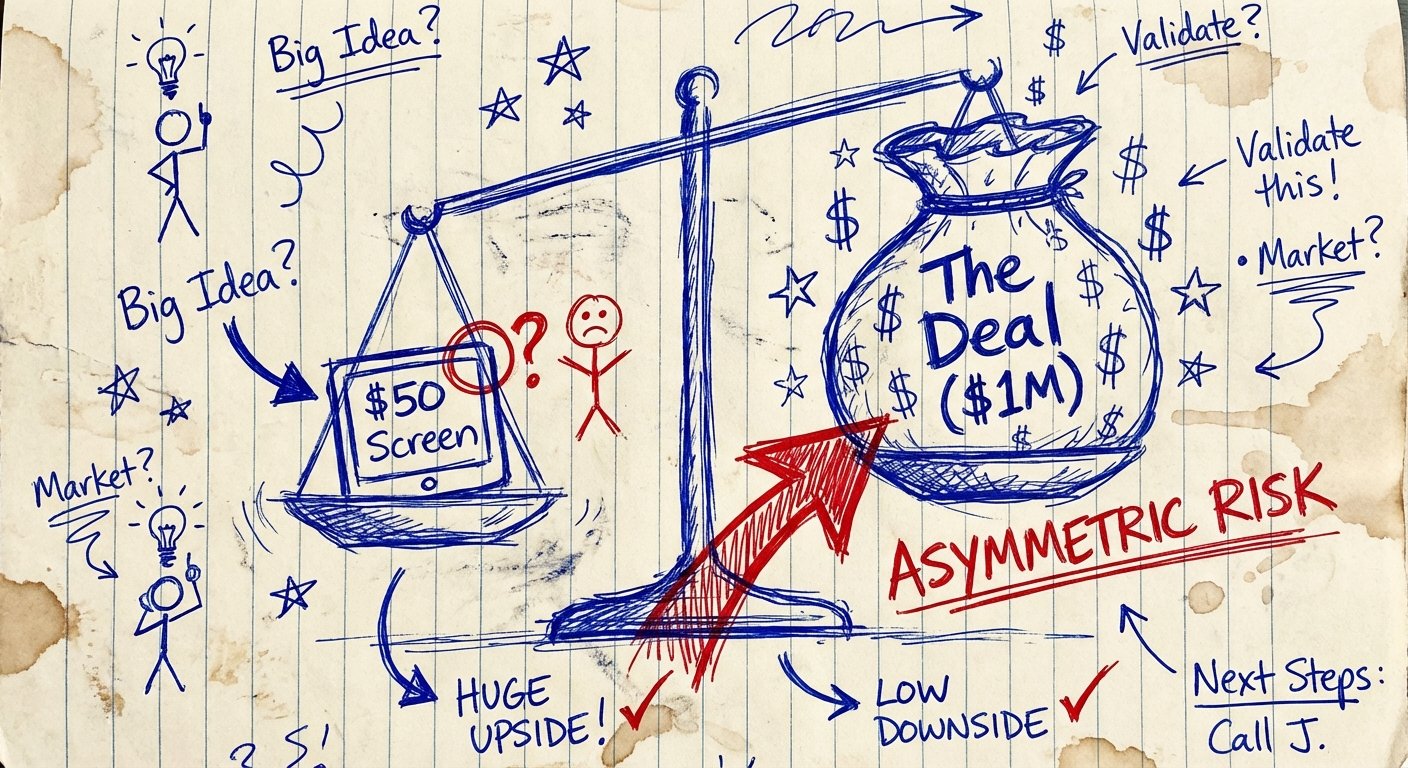
Let’s look at the Asymmetric Risk here.
Option A: You do nothing.
- Cost: $0.
- Risk: Massive. If a competitor, a journalist, or a bad actor sees sensitive IP, the downside is uncapped. You could lose a deal. You could violate a massive NDA. You could get sued.
- Potential Cost: $10,000 to $1,000,000+.
Option B: You buy a privacy screen.
- Cost: $30 to $60.
- Risk: Zero. The guy next to you sees a black screen.
- Downside: Your screen is slightly dimmer.
You are risking a million dollars of upside to save $50. That is a bad trade. It is low IQ behavior.
If your portable monitor is an extension of your business, you need to armor it. Period.
The Physics: How Micro-Louvers Work
You don’t need a physics degree, but you need to know what you are buying so you don’t get scammed.
Privacy screens use “Micro-Louvers.” Think of them like tiny vertical blinds embedded in the plastic. Thousands of them.
When you look straight at the screen (0 degrees), the light passes between the blinds. You see the data.
When someone looks from the side (30 degrees or more), the blinds block the light. They see black.
The Trap: Cheap screens have bad louver angles. They don’t block the view until 60 degrees. That means the guy next to you can still see everything. Good screens block vision at 30 degrees.
We only care about the 30-degree blockers. Everything else is a toy.
The 3 Big Problems with Portable Monitors
Putting a filter on a MacBook is easy. Putting one on a portable monitor (like an ASUS ZenScreen, Arzopa, or Lepow) is a nightmare if you pick the wrong one.
Here is why most people fail:
- Weird Sizes: Portable monitors are not standardized. A “15.6 inch” monitor from one brand might have a massive bezel. Another might be frameless glass. If you buy the wrong size, it hangs off the edge. It looks unprofessional.
- Touch Capacitance: Many of you use touchscreens. Cheap privacy filters kill touch sensitivity. You tap, nothing happens. You get frustrated. You rip the screen off. Waste of money.
- Attachment Methods: This is the biggest friction point.
- Tabs: Ugly plastic tabs you stick on the bezel. They look cheap.
- Adhesive Strips: Double-sided tape. It leaves residue. It’s messy.
- Magnetic: The holy grail, but hard to find for generic monitors.
I have tested the market. Here are the only ones worth your money.
Recommendation #1: The Premium Play (Kensington MagPro)
If you want the brand that has been doing this since the 90s, you buy Kensington. They practically invented the security slot on your laptop.
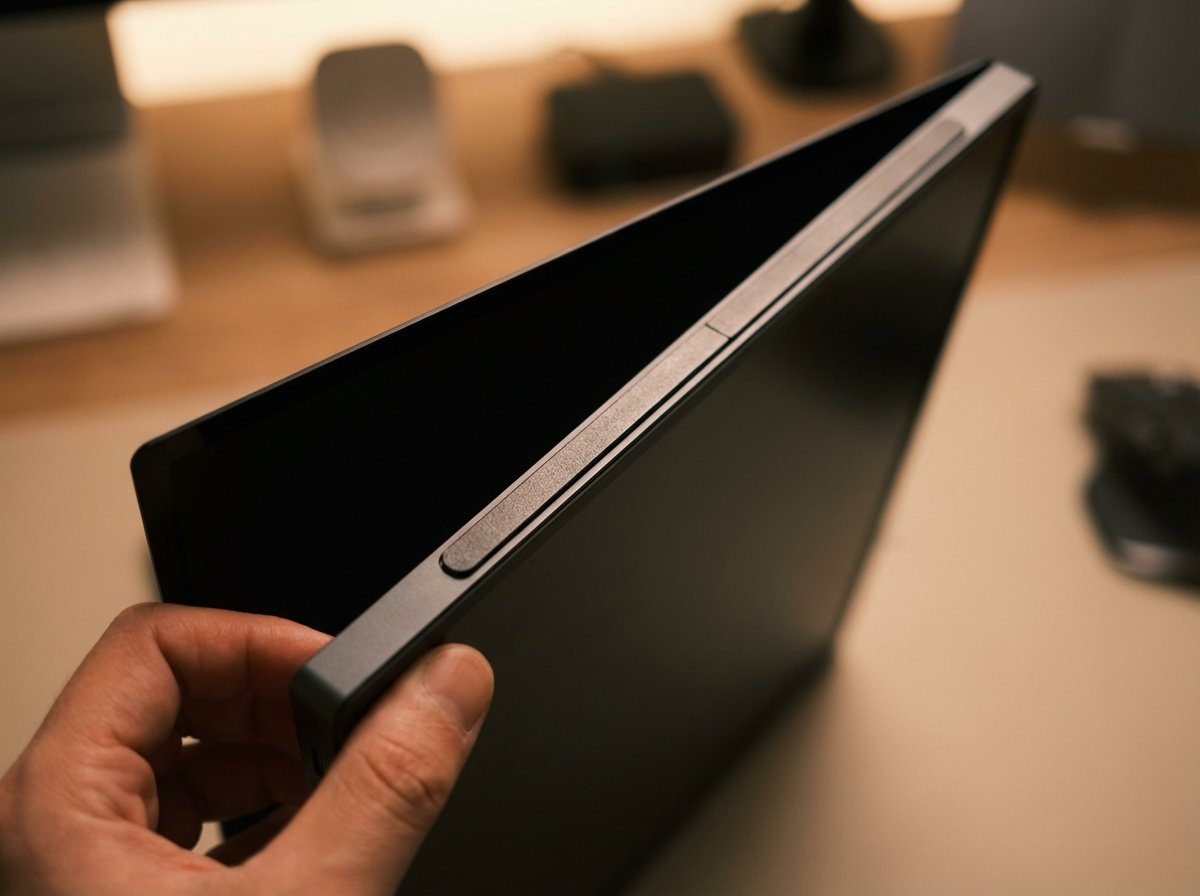
The MagPro line is designed for people who hate friction. It uses a magnetic strip. You attach the strip to your monitor bezel once. Then, the privacy screen snaps on and off magnetically.
This is crucial for client meetings. Sometimes you want to show them your screen. With adhesive filters, you are stuck. With MagPro, you snap it off, show the data, snap it back on.
The Win: Best-in-class clarity. It doesn’t look grainy. The magnetic attachment system is reusable and clean. It reduces blue light by 22%, which saves your eyes during late-night grinds.
The Trade-off: It is expensive. You are paying for the magnets and the brand name. Also, if your portable monitor has a “flush glass” front (no raised bezel), the magnetic strip adds a tiny bit of thickness that might annoy you when packing it away.
Estimated Price: $50 – $70
Recommendation #2: The Universal Workhorse (SightPro)
Maybe you don’t have a standard bezel. Maybe you have a weird off-brand monitor you bought on a deal. You need something that just works.
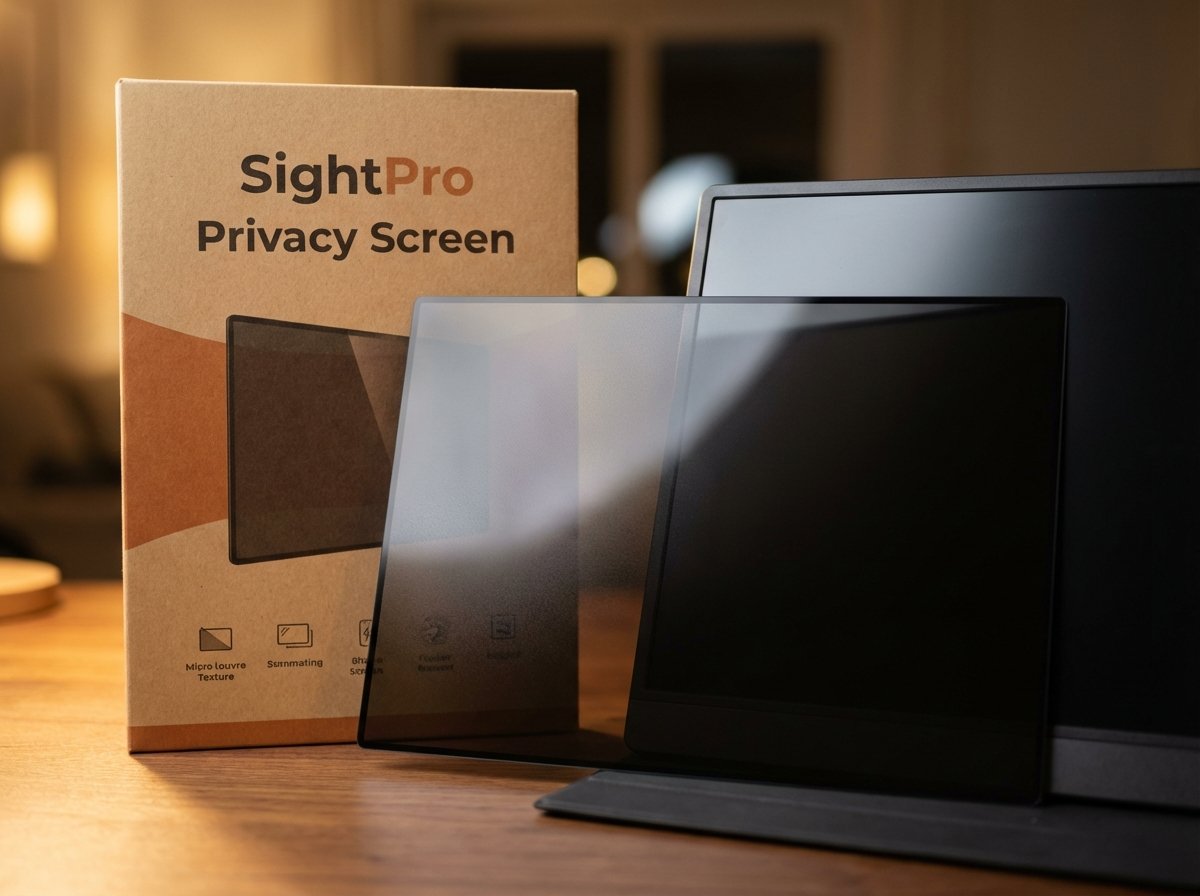
SightPro dominates the Amazon listings for a reason. They have massive volume. That means they have refined their manufacturing.
They offer two finishes in one package: Matte and Glossy. You can flip it.
- Matte side: Reduces glare. Good for working outside or under harsh fluorescent lights.
- Glossy side: Increases clarity. Good for dark rooms.
The Win: The viewing angle is tight. At 30 degrees, the screen goes black. It does exactly what it promises. The kit comes with both slide-mount tabs AND double-sided tape, so you can choose your installation method.
The Trade-off: Installation requires patience. If you rush the adhesive strips, you will get bubbles. It looks like a bad tint job on a Honda Civic. Take your time. Also, using the matte side reduces brightness significantly—you will burn more battery power cranking up your monitor brightness.
Estimated Price: $25 – $35
Recommendation #3: The Budget/Bulk Option (Vintez)
If you are outfitting a team, or you are prone to losing things, look at Vintez.
Vintez positions itself on value. The technology is similar to SightPro (LG and Samsung sourcing for the louver material), but the packaging and accessories are basic.
This is the “good enough” solution. It blocks the view. It fits the screen. It costs less than a round of drinks.
The Win: High clarity retention. Some filters make text look fuzzy; Vintez is surprisingly sharp. They have a massive range of aspect ratios (16:9, 16:10). Make sure you measure your screen diagonally before ordering.
The Trade-off: The adhesive strips provided are weak. You might need to buy your own double-sided tape eventually if you take it on and off a lot. It’s a “install once and never touch it” product.
Estimated Price: $20 – $30
The Hidden Cost: Battery Life
I need to be honest about the physics of light blocking.
When you put a filter over your screen, you are blocking light. To read the text, you have to increase the brightness of the monitor.
Portable monitors run off your laptop’s power (usually via USB-C).
Higher Brightness = Higher Power Draw.
If you use a privacy screen, expect your laptop battery to drain 15% to 20% faster.
Is that a problem? No. It’s the cost of doing business. Carry a power bank. Plug into the wall. Don’t complain about physics. Just prepare for it.
How To Measure So You Don’t Look Stupid
Do not just guess “15 inches.”
Monitor sizing is strict. A 15.6-inch screen is different from a 16-inch screen (common on newer laptops and portable displays). The aspect ratio matters.
- Measure the viewable display area only (do not measure the plastic frame).
- Measure the diagonal.
- Measure the width and height.
If you buy a 16:9 filter for a 16:10 monitor, you will have a gap at the bottom. It looks amateur. It leaks data. Measure twice. Buy once.
Conclusion: The ROl is Infinite
Let’s wrap this up.
You spend thousands on your laptop. You spend thousands on travel. You spend hours on your work.
Leaving your screen exposed is a leak in your bucket. It is an unforced error.
You don’t get bonus points for risking your IP. You get bonus points for closing deals and keeping your mouth (and your screen) shut until the money is in the bank.
Get the Kensington if you want the best magnetic system. Get the SightPro if you want a reliable adhesive fit.
Just get one.
Stop broadcasting your strategy to the world. Get back to work.